
You hit record, speak for forty seconds, and play it back, only to hear a message that sounds like three half-finished thoughts stitched together with "um" and "like." That disjointed feeling is the core reason people re-record voice messages five, six, even ten times before sending. You don't need to speak more carefully to repair broken sentence syntax; you need a post-recording workflow that fixes the structure without flattening your voice.
You're right that spoken messages fall apart in predictable ways, false starts, mid-thought pivots, and additive run-ons, and you're right to be frustrated that typing rules don't help. By the end of this guide, you'll know exactly how to identify each break pattern, restructure fragments into complete statements, and clean up run-ons without re-recording a single take. We'll walk through what makes spoken syntax different from written grammar, a step-by-step repair method for fragments, and a workflow for run-ons that preserves your natural cadence.
One thing most advice gets wrong: the fix isn't editing your speech in real time. It's repairing after you record, and there's a specific reason why that approach works better than any amount of pre-recording rehearsal, which we'll get to shortly.
What Breaks Spoken Syntax (and Why It's Different from Writing)
Spoken syntax is the grammatical structure of speech as it happens in real time, unplanned, unedited, and shaped by working memory rather than revision. Unlike written syntax, which you can backspace and restructure, spoken syntax breaks in three predictable ways: false starts, mid-thought pivots, and additive run-ons.
Think of spoken syntax like driving without a map. When you write, you're planning the route before you leave, you can see the whole sentence and adjust it. When you speak, you're navigating turn by turn, and every "um" or "actually" is a small correction at the wheel. The sentence still gets where it's going, but the path is messier.
The gap between spoken and written syntax matters because most grammar advice assumes you're working with text. A written fragment like "About the launch" is easy to spot and fix on the page. But in audio, that same fragment arrives wrapped in intonation, pauses, and filler words that make it feel complete, until you play it back.
Here's how the three break patterns sound in practice:
- False starts: "So I was thinking, um, about the launch…", the speaker begins one sentence structure, abandons it, and starts again. The abandoned clause leaves a grammatical dead end.
- Mid-thought pivots: "If we move it to Tuesday, basically the team needs more time.", the sentence starts as a conditional ("If we move it…") but pivots mid-clause into a declarative statement, leaving the "if" unresolved.
- Additive run-ons: "And then we could also, like, maybe push the demo, and then the Q&A, and then…", the speaker chains clauses with "and" instead of ending the sentence, creating a structure that never resolves.
Written grammar rules don't map cleanly onto these patterns because writing assumes you can see the whole sentence before committing to it. Speech commits word by word. That's why fixing voice messages requires a different approach: you repair the structure after the take, not during it. Tools that remove filler words from audio handle the surface noise, but the underlying syntax, the false starts and pivots, needs structural repair that preserves your original vocal delivery.
How to Fix Sentence Fragments in Voice Memos
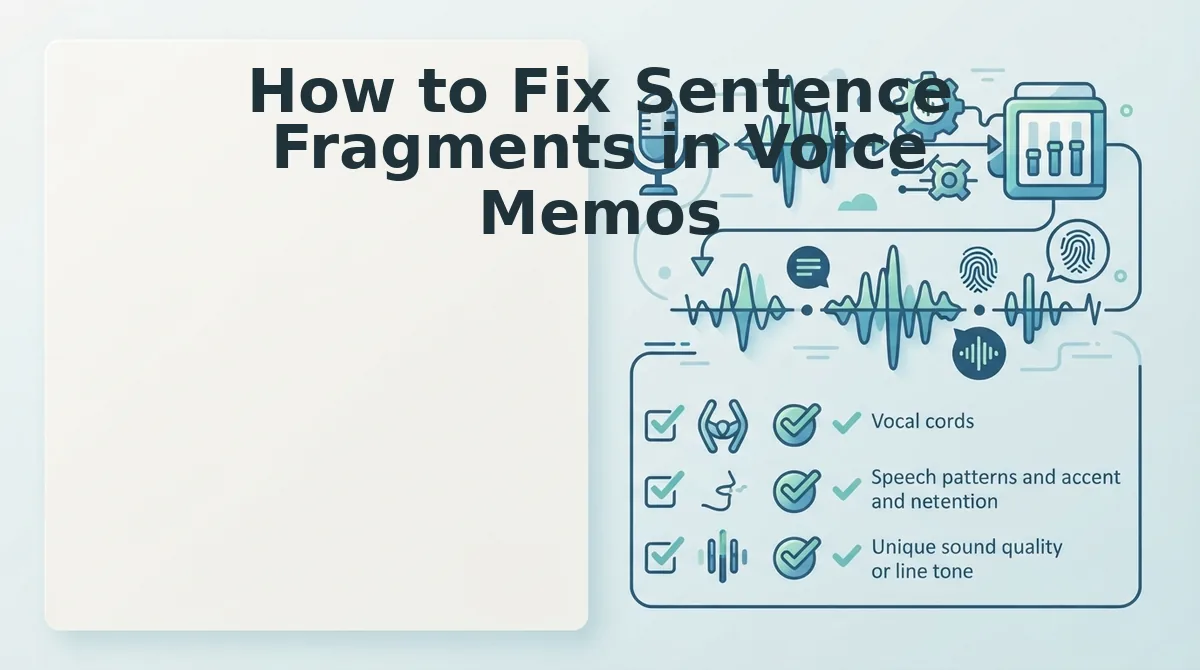
A sentence fragment in a voice memo is an incomplete clause that lacks a clear subject, verb, or complete thought, and the fastest fix is to identify the break, restructure the clause into a full subject-verb statement, and re-record only that segment in your original voice.
Before you start, you'll need your raw voice memo file and either a transcript view or a pair of headphones for close listening. The whole workflow takes about 3 - 5 minutes per message.
- Play back the memo and mark every point where the thought stalls. Listen for moments where you trail off, restart, or switch direction mid-sentence. Write down the exact words you hear at each stall. You should end up with a list of 2 - 4 break points for a typical 60-second message.
- Identify the fragment's missing piece. For each break, ask: does this clause have a subject and a verb that complete a thought? "About the launch" has no subject or verb, it's a fragment. "If we move it to Tuesday" has both but leaves the thought unresolved, it's a dependent clause posing as a sentence. You should be able to name what's missing for each break.
- Restructure the clause into a complete statement. Take the fragment and rewrite it as a subject-verb-object sentence. "About the launch" becomes "I think we should move the launch." "If we move it to Tuesday" becomes "We should move it to Tuesday because the team needs more time." You should now have a clean, complete sentence for each broken segment.
- Re-record only the repaired segment in your original voice. Don't re-record the whole message. Play the memo up to the break, then record the corrected clause in the same tone and pace as the rest of the message. You should hear a seamless transition where the fragment used to be.
- Run the full memo through a cleanup pass. Use a tool like VClar to remove filler words from audio and smooth out any remaining hesitations. You should hear a message that sounds like you on your best take, decisive, complete, and still unmistakably your voice.
Here's what a full repair sounds like in practice. Before: "So I was thinking, um, about the launch, like, if we move it to Tuesday, basically the team needs more time." After: "I think we should move the launch to Tuesday because the team needs more time." The meaning is identical, but the syntax now resolves cleanly, and the vocal delivery still sounds like the same speaker.
Fragments are only half the problem. The other half is the opposite failure mode: sentences that never end. Next, we'll tackle repairing run-ons and comma splices in spoken audio.
Repairing Run-Ons and Comma Splices in Spoken Audio
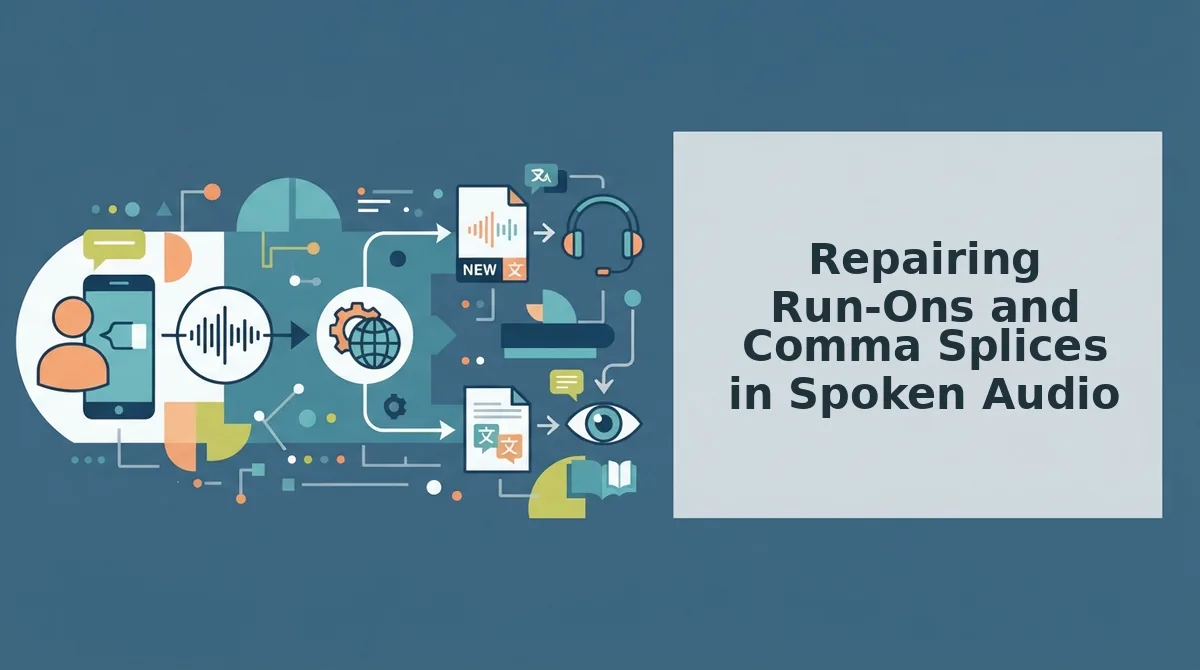
Run-ons and comma splices are the two most common spoken syntax breaks, and both can be repaired after recording without re-recording the message. You need a raw voice memo or live recording, plus a syntax-aware audio editor such as VClar's fix grammar in voice messages tool.
- Upload your raw voice memo. Open VClar, click Upload Audio, and select the file from your device. Wait for the processing indicator to finish, you should see a waveform preview appear within 10 - 15 seconds.
- Locate the run-on or comma splice in the transcript. Click Transcript to view the auto-generated text. Look for two independent clauses jammed together, such as "I called the client he didn't answer so I left a message and then I emailed him." You should see the clauses highlighted in the editor.
- Select the split point. Click between the two clauses where the break belongs, after "client" in the example above. VClar's syntax engine detects the clause boundary and suggests a split. You should see a suggested punctuation marker appear at the cursor.
- Choose how to connect the clauses. Click Syntax Options and pick one of three repairs: Split into two sentences, Add conjunction (inserts "but," "so," or "and"), or Add semicolon pause. Each option previews the repaired audio timeline in under 5 seconds.
- Apply the repair to the audio, not just the text. Click Apply to Audio. VClar inserts a natural pause or connective word into the original recording, preserving your voice, cadence, and accent. You should hear the repaired sentence play back with no robotic artifacts.
- Export the corrected message. Click Export and choose audio, transcript, or both. For a spoken comma splice like "I was late to the meeting, I missed the first five minutes," the same workflow splits it into two clean sentences or joins them with "so", in roughly 30 seconds total.
Each repair takes 20 - 40 seconds from upload to export, and you never need to re-record the original take.
How Spoken Grammar Cleaners Work Without Sounding Robotic
A spoken grammar cleaner is software that detects and repairs syntax errors in recorded speech, run-ons, fragments, comma splices, and filler words, while preserving the speaker's original vocal identity. The repair happens after recording, so you never have to self-correct mid-speech.
At the simplest level, the tool transcribes your voice memo and flags clause boundaries that break standard syntax rules. Think of it like a proofreader who reads your spoken words and marks where a period or conjunction should go, except the proofreader can also edit the audio itself, not just the text.
At an intermediate level, the cleaner separates the linguistic layer (words, clauses, grammar) from the acoustic layer (tone, pitch, cadence, accent). It repairs the linguistic layer, inserting a pause, adding a connective word, trimming a false start, then re-syncs the acoustic layer so the edit sounds like a natural breath, not a cut. The analogy: it is like editing a film by removing a few frames and splicing the reel so seamlessly the audience never notices the join.
At the advanced level, VClar repairs syntax without synthetic voice cloning. The original vocal identity survives because the engine never replaces your voice with a text-to-speech model. It edits the existing waveform, your actual recorded voice, by adjusting timing and inserting only the smallest necessary acoustic elements. The result is a grammatically clean message that still sounds exactly like you, delivered in one take.
If you send voice notes that come out tangled, the workflow is simple: record once, upload, and let the cleaner fix grammar in voice messages before you hit send.
Frequently Asked Questions About Repairing Voice Message Syntax
Why do my voice messages sound broken when my writing is fine?
Spoken syntax differs from written syntax because speech is produced in real time with no backspace key. You cannot revise a sentence you have already said, so false starts, run-ons, and fragments accumulate naturally. Writing gives you time to plan and edit; speaking does not.
What is the difference between a run-on and a comma splice?
A run-on joins two independent clauses without any punctuation or conjunction, such as "I called the client he didn't answer." A comma splice joins them with only a comma, such as "I was late to the meeting, I missed the first five minutes." Both are syntax errors in standard written English.
How do I fix grammar in an already recorded voice note?
Upload the recording to a spoken grammar cleaner like VClar, which transcribes the audio, flags syntax breaks, and repairs the audio timeline directly. You can split run-ons, add conjunctions, or insert pauses without re-recording the message.
Will fixing my voice message grammar make me sound robotic?
No. VClar edits your original waveform, your actual recorded voice, rather than replacing it with synthetic speech. The repair preserves your tone, cadence, and accent, so the corrected message still sounds exactly like you.
Stop Chasing Perfect Sentences. Repair Them After the Take.
The syntax errors in your voice messages were never the problem. The re-recording loop was. Every time you stopped mid-sentence to fix a fragment or untangle a run-on, you traded momentum for polish, and the message got worse, not better.
The workflow that actually works is simple: detect, restructure, preserve. Record naturally. Let the fragments happen. Let the run-ons run. Then repair the syntax afterward with a tool that cleans the structure without flattening your voice into something scripted.
VClar does exactly that. It removes false starts, restructures broken clauses, and corrects spoken grammar, while keeping your cadence, accent, and intent intact. You don't sound edited. You sound like you, on your best take.
Next step: record one message without stopping to self-correct, then run it through VClar's syntax repair. Compare it to your usual three-take version. The repaired one-take will sound more confident because it was more confident.
For a deeper look at how grammar cleaning preserves natural speech patterns, read our guide to the spoken English grammar cleaner.
Perfect syntax is a repair job, not a performance requirement.