
You re-recorded a 45-second voice note six times because "I seen" slipped out on take four. The problem isn't your grammar, it's that speech is planned in real time in 1 - 2 second chunks, while writing lets you revise before anyone hears you. If you've ever abandoned a voice update for a typed message out of embarrassment, you already know the cost: lost momentum, lost tone, lost time.
Here's the agreement: your spoken grammar isn't broken, it's just unedited. And here's the promise: by the end of this article, you'll have a triage system for deciding which spoken errors to fix, which to ignore, and a 3-pass method to fix conversational grammar in voice notes without losing your natural delivery. We'll cover why spoken grammar breaks even when your writing is clean, which errors actually damage clarity or credibility, and how to repair a voice note in under two minutes.
Along the way, you'll discover the rule most grammar guides get wrong about spoken English, one that changes how you judge your own voice notes for founders and everyday updates. And if you'd rather skip the manual pass, VClar's filler-word removal and grammar correction can clean a message in one take.
Why Spoken Grammar Breaks (Even When Your Writing Is Clean)
Spoken grammar breaks because speech is planned in real time in 1 - 2 second chunks, while writing allows revision before anyone sees the result. Your brain commits to a sentence structure before it knows how the sentence ends, and that's not a flaw, it's how spoken language works.
Think of spoken grammar like driving without a rearview mirror. When you write, you can glance back, edit, and restructure before hitting send. When you speak, you're navigating forward at full speed, making turns based on what you can see two seconds ahead. If the road curves unexpectedly, you correct mid-turn, and that correction sounds like a false start or a run-on.
Three speech-specific error patterns emerge from this constraint:
- Fragments: You start a thought, abandon it, and start a new one, "So the Q3 numbers, I mean, the retention data shows…" The first clause never resolves.
- Run-ons: You chain clauses with "and" or "so" because pausing feels riskier than continuing, "We shipped the feature and then the bug came in and support got flooded and…"
- False starts: You begin a sentence, realize the structure won't work, and restart, "What I meant was, the thing is, we need to…"
These aren't signs of weak grammar knowledge. They're the byproduct of a cognitive system optimized for speed over polish. Your writing is clean because you get a second pass; your speech is messy because you don't.
Here's the passage-indexed answer to "why does my spoken grammar sound worse than my writing?": Speech production operates on a tight time budget. The brain's language planning window holds roughly one to two seconds of upcoming speech, which means grammatical decisions, subject-verb agreement, pronoun choice, clause structure, are made under pressure with incomplete information. Writing removes that time pressure entirely, allowing recursive editing. The gap between your spoken and written grammar is not a knowledge gap; it's a processing constraint. When you understand this, you stop blaming yourself and start treating spoken errors as artifacts of real-time production, artifacts that can be cleaned up after the fact without changing how you speak.
The Triage: Which Spoken Grammar Errors Actually Matter
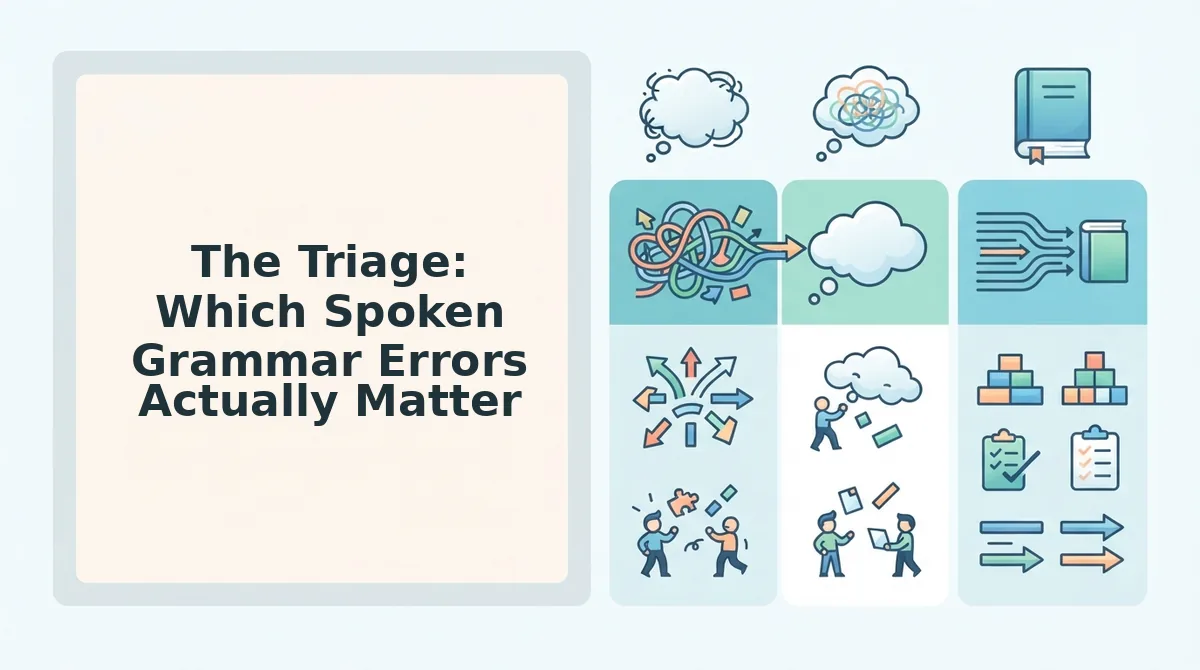
Not every spoken grammar slip deserves your attention. The triage below ranks errors by impact, clarity-damaging first, credibility-damaging second, and ignorable last, so you spend repair time where it counts.
- Fix first: fragments, run-ons, and subject-verb slips. These errors damage clarity because listeners can't follow your meaning. A fragment leaves a thought unresolved; a run-on buries the main point under clauses; a subject-verb slip ("the metrics shows") forces the listener to mentally correct you mid-sentence. Repair these before anything else.
- Fix if time: pronoun case and tense consistency. These errors don't usually obscure meaning, but they can dent credibility in professional updates. "Me and the team shipped it" or switching from past to present tense mid-update signals carelessness to detail-oriented listeners. Fix them when the message goes to clients, investors, or a large team.
- Ignore in speech: split infinitives, ending with prepositions, and who/whom. These "rules" were imported from Latin grammar and never reflected how English actually works. "To boldly go," "the person I spoke with," and "who should I send this to?" are all natural, clear, and acceptable in spoken English. Obsessing over them wastes time and makes you sound stiff.
With this triage in hand, you're ready to apply the 3-pass voice note repair method, a structured way to clean a message in under two minutes without re-recording.
The 3-Pass Voice Note Repair Method
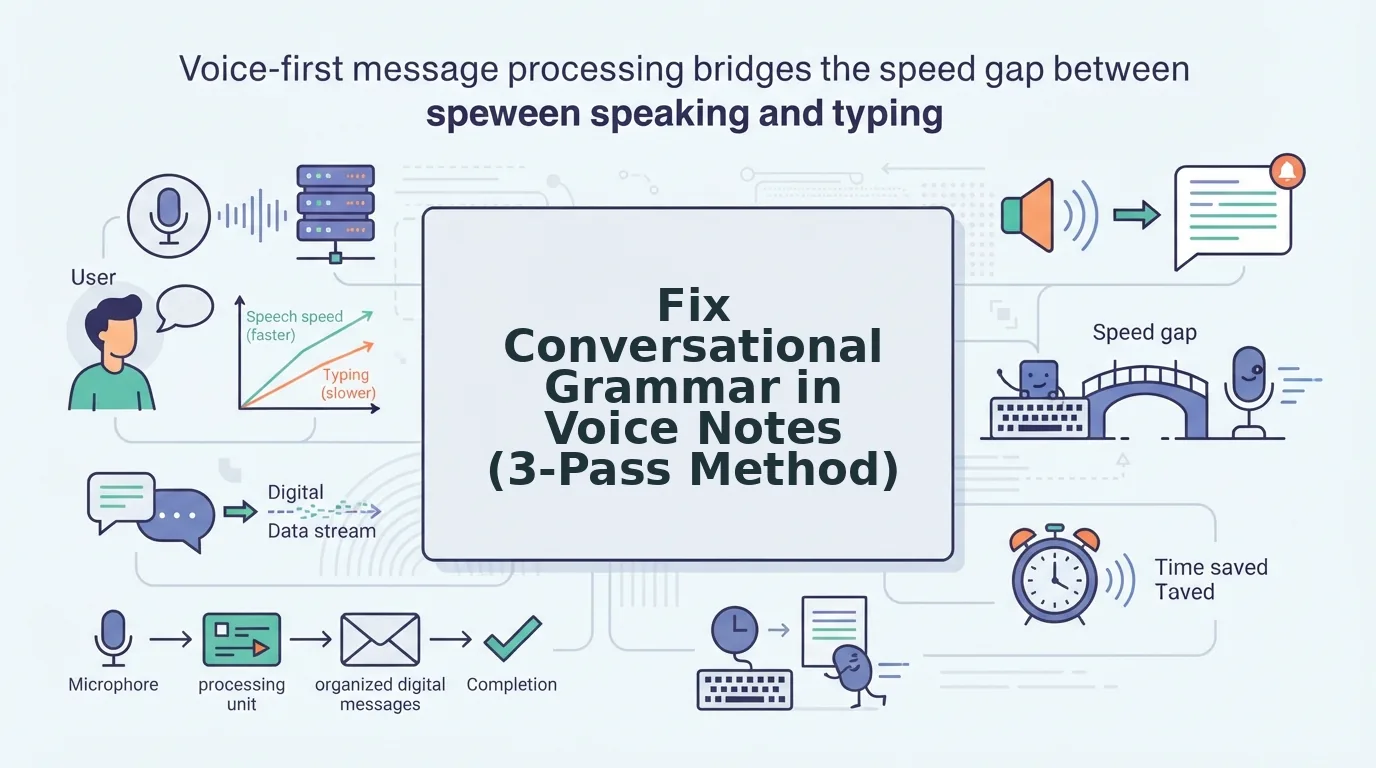
You can turn a rough voice note into a clear, authoritative update in under five minutes using a repeatable three-pass workflow. You'll need your raw recording, a quiet playback environment, and either a manual editing setup or a tool that removes fillers and false starts from audio automatically.
- Pass 1. Remove fillers and false starts. Play back your recording at 1.25x speed and mark every "um," "ah," "like," "basically," and abandoned sentence opening. If you're editing manually, cut each one at the waveform zero-crossing point to avoid clicks. If you're using VClar, upload the file and let the engine strip fillers and false starts from the audio timeline automatically. Success looks like a transcript with no orphaned "so, " or "I mean, " fragments.
- Pass 2. Repair fragments and run-ons. Listen for sentences that trail off without a verb ("The Q3 numbers, which by the way, ") or run past three clauses without a pause. Before: "The client meeting went well, we covered pricing, they had questions about the rollout, I said I'd follow up, also the contract." After: "The client meeting went well. We covered pricing and rollout questions. I'll follow up on the contract." Use VClar's grammar repair to fix grammar in a voice message automatically, or re-record only the broken sentences and splice them in. Success looks like every sentence having one clear subject and verb.
- Pass 3. Verify your voice survived. Ask one tone-check question: "Would the recipient know this is me speaking, not a script?" Listen for your natural cadence, accent, and sentence rhythm. If a repaired sentence sounds stiffer than the surrounding audio, loosen it back toward your original phrasing while keeping the grammar intact. Success looks like a message that sounds like you on your best day, not a different person.
This audio-first workflow works because each pass isolates one failure mode: noise, structure, then authenticity. Trying to fix all three at once is why most people abandon voice note editing after one frustrating attempt.
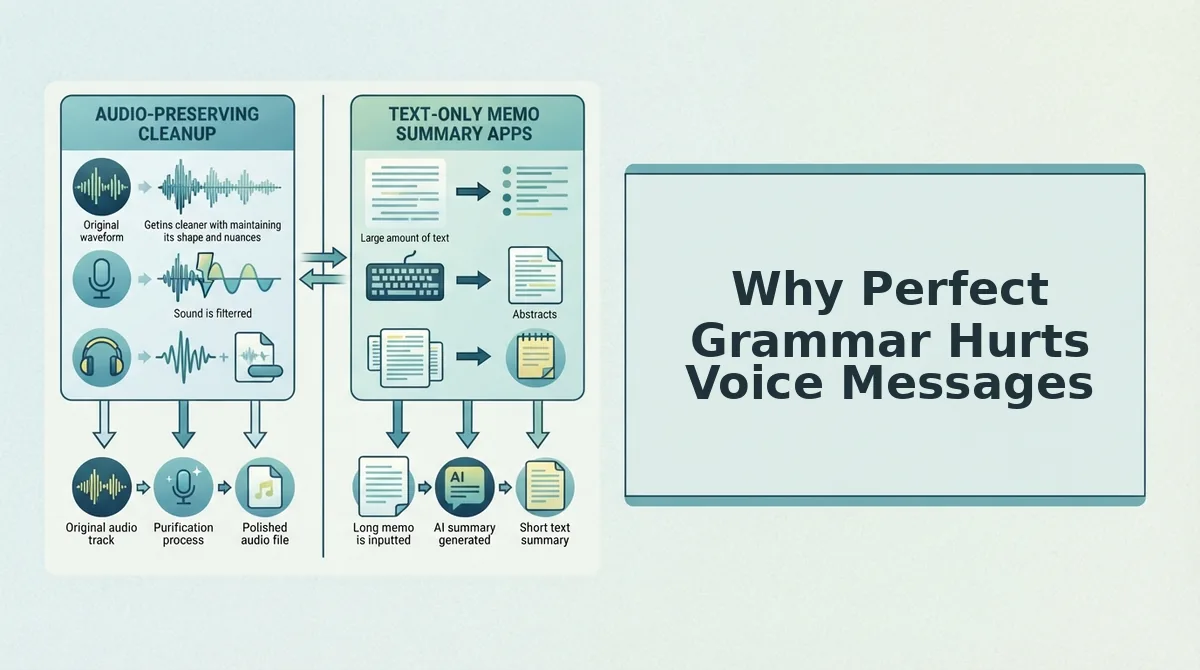
Why Perfect Grammar Hurts Voice Messages
Conversational grammar is the set of spoken-sentence patterns that signal natural, unscripted speech, and it deliberately tolerates imperfections that written grammar does not.
Start with the simple version: a voice message with zero grammatical errors sounds like a press release, not a person. Listeners use small imperfections, a trailing clause, a slightly informal connector, as authenticity markers that confirm a real human is speaking in real time.
Move to the intermediate layer: over-corrected speech removes those markers. Think of it like a photo filter that smooths every pore. The image is technically flawless, but it no longer looks like the person you know. The same applies to audio. When every sentence is perfectly parallel and every verb agrees, the message loses the cadence and warmth that make voice notes worth sending in the first place.
At the advanced level, the goal is clear, not flawless. Repair the errors that block comprehension, fragments, run-ons, filler clusters, and leave the rest alone. This is the rule most grammar guides get wrong: they optimize for correctness when voice communication optimizes for trust. A message that sounds like you, minus the friction, beats a message that sounds like an editor rewrote you.
From Rough Voice Note to Clear Update, Without Losing Your Voice
The triage and 3-pass method share one principle: fix what blocks understanding, keep what builds trust. Spoken grammar errors matter only when they force the listener to work harder than the message deserves.
Here's how to start, depending on where you are. Soft: practice the triage on your next three voice notes, identify which errors actually confuse, and ignore the rest. Medium: run the 3-pass method manually on one recording this week and compare the before and after. Strong: upload your next voice note to VClar and let the engine remove fillers, repair grammar, and preserve your vocal identity in one pass. When you're ready to send updates across borders, VClar translates voice notes across languages without flattening your tone.
Your voice is the asset. The grammar is just the polish, and now you know exactly how much to apply.