
Every time you hit record, delete, and re-record a voice note, you're burning through the exact hours you tried to save by speaking instead of typing. Founders, sales reps, and creators who think faster than they type know this loop intimately: the message that should take 30 seconds somehow eats 15 minutes. You're not bad at speaking, you're missing a system. This audit voice notes before sending checklist gives you a repeatable 3-pass framework that catches fillers, grammar slips, and acoustic noise in under two minutes total. By the end, you'll have a pre-send routine that makes one-take confidence the default, not the exception. Stick around for Pass 1, where a 1.5x-speed listening trick reveals fillers you've trained your brain to ignore, and where VClar's filler-word removal can do the heavy lifting for you.
What Is the 3-Pass Voice Note Audit Framework?
The 3-Pass Voice Note Audit Framework is a structured pre-send checklist that reviews a voice message in three sequential passes, fillers first, grammar second, and acoustic noise third, so each pass isolates one problem type before the next one begins.
Think of it like proofreading a document in layers: you don't hunt for typos, sentence fragments, and formatting errors all at once. You sweep for one category, then move to the next. The same logic applies to audio.
Pass order matters more than most people assume. Removing filler words, the ums, ahs, and false starts that pad your timeline, changes the rhythm of the message. Once those are stripped, grammar issues that were hidden behind hesitation become audible. A sentence that sounded fine with three "basically" pauses in it suddenly reveals a subject-verb mismatch. That's why fillers come first: they mask the next layer of problems.
Each pass takes under 30 seconds when done systematically. You're not transcribing the whole message or agonizing over every syllable. You're running a targeted scan for one specific failure mode, marking it, and moving on. The framework works for any voice note length, from a 20-second Slack update to a 3-minute client walkthrough.
For a complete filler-word sweep, VClar's filler word removal tool automates Pass 1 so you can focus your attention on grammar and delivery.

Pass 1 Checklist: Catch Every Filler Word and False Start
Pass 1 isolates verbal fillers, ums, ahs, "like," "basically," "you know", and false starts, where you begin a sentence, abandon it, and restart. You need your voice note audio and either a transcript or a playback speed control.
- Play the note at 1.5x speed. Open your voice note in any player with speed controls and set it to 1.5x. Accelerated playback makes fillers stand out because your brain can't smooth over them at unnatural speed. You should hear each "um" and "like" as a distinct interruption rather than background texture.
- Read the auto-transcript if one exists. Open the transcript view in your voice note app. Scan for the five most common fillers: um, ah, like, basically, you know. Circle or note every instance. Fillers you skip over when listening become obvious in text.
- Mark every false start. A false start is any sentence fragment you abandon mid-thought, "So I was thinking we could, actually, let me back up." Identify each one and note where the real sentence begins. You should have a list of cut points where the audio needs trimming.
- Count total fillers and false starts. Tally your list. If the count is under five for a 60-second note, you're in good shape. If it's over ten, the message needs cleanup before sending. You should see a clear number that tells you whether Pass 1 requires manual editing.
- Remove fillers manually or with a cleanup tool. Trim each filler and false start from the audio timeline, or upload the note to VClar's filler word remover to strip them automatically while preserving your voice, tone, and cadence. You should hear a tighter, more decisive message with no verbal padding.
Once your fillers are gone, listen again, the rhythm change will expose grammar problems that hesitations were hiding. That's exactly what Pass 2 is built to catch.
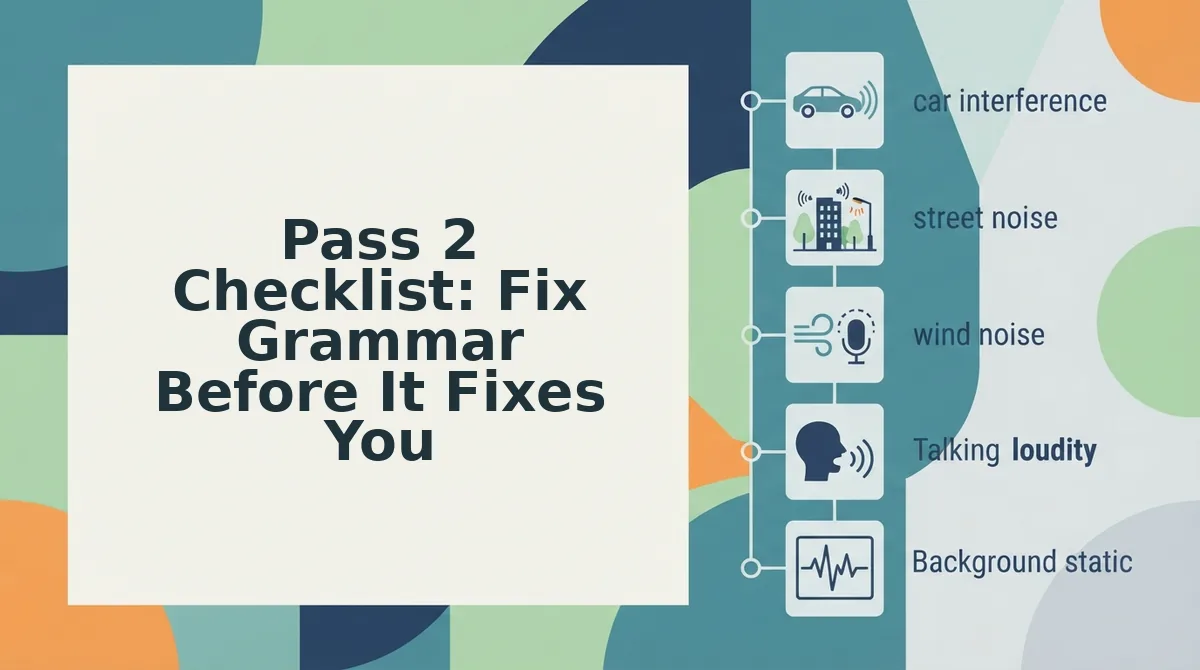
Pass 2 Checklist: Fix Grammar Before It Fixes You
Grammar errors in voice notes do more damage than most speakers realize. Listeners notice subject-verb mismatches and run-on sentences far more than minor article slips, and sentence fragments make you sound unsure even when your content is strong.
Prerequisites: Your raw voice note from Pass 1, headphones, and either a transcript view or the fix grammar in a voice message tool open in a second tab.
- Open your transcript and scan for sentence fragments. Look for any phrase that lacks a subject or a verb. A fragment like "The Q3 numbers. Up 12%." reads as hesitant. Rewrite it as "The Q3 numbers are up 12%." You should hear the difference immediately when you replay the cleaned audio.
- Select any run-on sentence and split it at the natural pause. If you find three or more ideas joined by "and" or "so," break them into separate sentences. Expect this to take about 30 seconds per run-on. The result should sound like two confident statements instead of one breathless ramble.
- Click each subject-verb pair and confirm they agree. Scan for mismatches like "the team were" or "everyone are." Fix each one manually or let the grammar tool flag them. You should see a green checkmark next to each corrected pair.
- Type or paste the corrected transcript into the grammar checker. Run a final pass for tense consistency and pronoun clarity. This step takes under a minute for a 90-second voice note. Success looks like zero flagged errors and a transcript you could send as a written message without embarrassment.
Sentence fragments make you sound unsure even when the content is strong. A complete sentence signals a complete thought, and listeners unconsciously equate grammatical completeness with confidence and authority. Run-ons, by contrast, make you sound rushed and disorganized. Subject-verb mismatches are the most jarring because they break a rule native speakers internalize by age five. The good news: these three error types account for the vast majority of credibility damage in spoken messages, and all three are fixable in under two minutes with a transcript and a grammar tool.
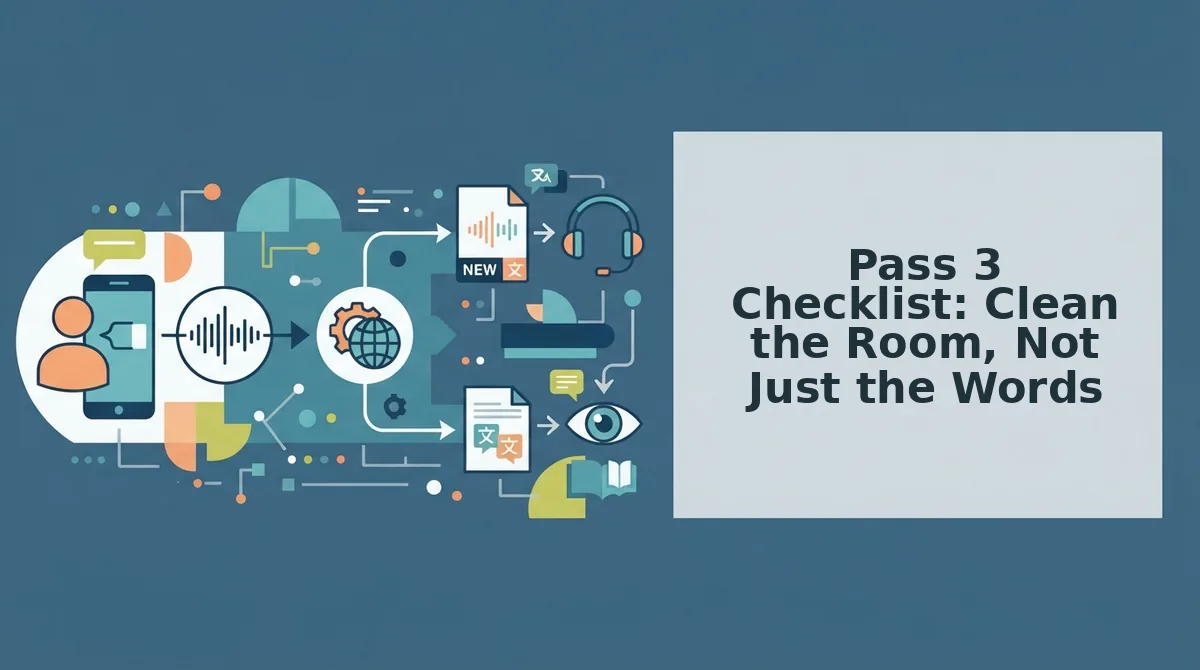
Pass 3 Checklist: Clean the Room, Not Just the Words
Acoustic problems undermine even grammatically perfect voice notes. Background noise categories include traffic, keyboard clatter, HVAC hum, and room echo, and each one chips away at how professional you sound.
- Traffic and street noise. Sirens, honking, and passing trucks are the most distracting because they spike unpredictably. Record away from windows or wait for a quiet gap, and use a cleaning tool to strip residual rumble from the track.
- Keyboard and mouse clicks. Typing while recording tells the listener you are multitasking, not focused on them. Mute your microphone when typing or move the mic away from your hands, then run the audio through a clean voice memos online pass to remove any remaining clicks.
- HVAC hum and appliance drone. Air conditioners, refrigerators, and fans create a constant low-frequency bed that fatigues listeners over time. Turn off the nearest appliance or step into a quieter room before recording, and let a noise-reduction pass handle what remains.
- Room echo and reverb. Hard surfaces like tile, glass, and bare walls bounce your voice back into the mic, making you sound distant. Record in a room with carpet, curtains, or soft furniture, or position yourself closer to the microphone to reduce reflected sound.
- Mouth clicks and lip smacks. Dry mouth creates small percussive sounds that become obvious on playback. Drink water before recording and keep a glass nearby, then use an audio cleaner to soften any clicks that survive.
Here is the test that settles it: if you can name the noise source within two seconds of playback, your listener will notice it too. If you cannot identify the sound quickly, it is probably not worth fixing. For everything else, a quick cleaning pass on VClar removes the distraction without forcing another take.
The 10-Second Rule: Re-Record or Clean the Audio?
The 10-second rule is a simple decision threshold: if a manual fix takes more than 10 seconds, use a cleaning tool instead of re-recording. If the problem is structural, like a wrong number or a missing key point, re-record the take.
| Problem Type | Fix Manually | Clean with a Tool | Re-Record |
|---|---|---|---|
| One filler word ("um") | Yes, under 10 seconds | Optional | No |
| Multiple fillers and false starts | No, too slow | Yes, automated removal | Only if audio is garbled |
| Grammar error in one sentence | Yes, quick edit | Yes, grammar tool | No |
| Background noise throughout | No, impractical | Yes, noise reduction | Only if noise drowns your voice |
| Wrong fact or missing detail | No | No | Yes, content must change |
Best for manual fixes: Speakers who catch one or two small issues and want full control over the final wording. Best for cleaning tools: Founders, sales reps, and creators who record in imperfect environments and need one-take confidence without re-recording loops. Best for re-recording: Anyone whose message contains a factual error or a missing key point that no audio cleanup can fix.
Manual editing works when the fix is isolated and fast. Cleaning tools win when the problem is distributed across the whole clip, like recurring fillers or constant background hum. Re-recording is the right call only when the content itself is wrong. The 10-second rule keeps you from wasting takes on problems a tool can solve in one pass. Next, the Voice Note Audit FAQ answers the most common questions about putting this checklist into practice.
Voice Note Audit FAQ
Auditing a voice note means checking it for filler words, grammar slips, background noise, and clarity issues before you hit send. The goal is to catch problems in under 90 seconds so you never re-record a message twice.
What should I audit in my voice notes before sending?
Check four things: filler words like "um" and "like," grammar errors that make you sound less credible, background noise that distracts from your message, and whether your core point lands in the first 10 seconds. If any of these fail, clean or re-record.
How do I remove filler words from a voice note?
You can manually edit the audio timeline to cut out "um," "ah," "like," and false starts, or use an automated tool that detects and removes them without leaving awkward gaps. Manual editing works but takes minutes per message; automated removal handles it in seconds.
Can I fix grammar in a voice message without re-recording?
Yes. Audio editing tools can splice out incorrect words and replace them with corrected speech, or you can use AI that regenerates the sentence while preserving your tone and cadence. The result sounds like you said it right the first time.
Why does my voice note sound unprofessional even when my words are fine?
Background noise, room echo, and inconsistent volume are usually the culprits. A voice memo recorded in a noisy room sounds rushed and low-effort even if the content is strong. Clean the audio environment or use noise reduction before sending.
How do I clean background noise from a voice memo?
Record in a quiet space with soft surfaces to absorb echo, or run the audio through a noise-reduction tool that removes hums, traffic, and room reverb. If you're sending voice notes in another language, a voice note translator can also clean and translate in one pass.
Send With One-Take Confidence
The 3-pass audit framework and the 10-second rule share one purpose: removing the friction between thinking a message and sending it. Once you internalize the checklist, a full audit takes under 90 seconds, and most of that time is spent listening, not fixing.
The real payoff isn't just cleaner voice notes. It's the confidence to record once, knowing you can catch and correct anything that slipped through without starting over. That confidence compounds across every message you send.
VClar removes the manual cleanup work without replacing your voice. Run your next voice note through clean voice memos online and send it the first time, not the fifth.