
You've just finished recording a 90-second voice memo for a client, and when you play it back, it sounds like one unbroken stream of consciousness, no pauses, no clear sentence boundaries, and a nagging feeling that you'll need to re-record it. That re-recording loop is exactly what VClar was built to eliminate. You're not alone: founders, sales reps, and consultants who think faster than they type constantly hit this wall when trying to fix run on sentences in voice memo recordings.
Here's the agreement: spoken language doesn't follow punctuation rules, so what sounds natural in your head often collapses into a single sprawling sentence when captured on audio. The promise: by the end of this article, you'll know exactly what a spoken run-on is, why your voice memos are full of them, and how to fix them in one take without losing your authentic delivery. We'll cover the mechanics of spoken run-ons, then walk through a concrete one-take workflow using VClar's audio and transcript repair. Stick around, there's a surprising reason your brain produces run-ons in speech that has nothing to do with poor grammar, and it changes how you should approach every voice memo you send.
VClar processes thousands of voice memos daily and has mapped the spoken syntax patterns that create run-ons: breath units, false starts, and clause chaining. Its engine can detect and repair fused clauses in both audio and transcript, so you record once and send a polished message.
What Is a Run-On Sentence? And Why Speaking Makes Them Worse
A run-on sentence is two or more independent clauses joined without proper punctuation or conjunctions, creating a grammatically fused or comma-spliced unit that should be separated into distinct sentences. In writing, the fix is mechanical; in speech, the problem is structural.
Think of a run-on sentence like a highway with no exit ramps. In writing, periods and semicolons are the exits that let a reader pause and process each clause. In speech, those exits are supposed to be breath pauses and tonal drops, but when you're thinking faster than you're speaking, your brain skips the exits and chains clauses together in one continuous stream. The listener gets no signal that one thought ended and another began.
There are two written forms of run-ons that matter here. A fused sentence joins two independent clauses with no punctuation at all: "I reviewed the deck it needs more data." A comma splice joins them with only a comma: "I reviewed the deck, it needs more data." Khan Academy and Sparkle English both teach these as writing errors, but VClar's engine observes something different in audio: spoken run-ons follow breath units, the chunks of speech a person produces between inhales, and thought streaming, where the speaker's next clause starts before the previous one has fully resolved. Punctuation rules don't apply because the speaker never intended to punctuate.
Here's the key difference between written and spoken run-ons:
| Aspect | Written Run-On | Spoken Run-On |
|---|---|---|
| Cause | Missing punctuation or conjunction | Thought streaming faster than breath control |
| Signal | Fused clauses or comma splice on the page | No tonal drop or pause between clauses |
| Detection | Grammar checker flags it | Listener feels "out of breath" following it |
| Fix | Add period, semicolon, or conjunction | Insert clause boundary in audio and transcript |
When you speak, your working memory holds roughly 15-30 seconds of unplanned speech. If you're a founder leaving a project update or a sales rep summarizing a call, your next thought arrives before your current sentence has landed. The result is a chain of clauses, "we shipped the feature it's live in production the client hasn't tested it yet", that your listener must mentally re-punctuate in real time. That cognitive load is why spoken run-ons feel exhausting to hear, even when the content is clear.
How to Fix Run-On Sentences in a Voice Memo: The One-Take Workflow
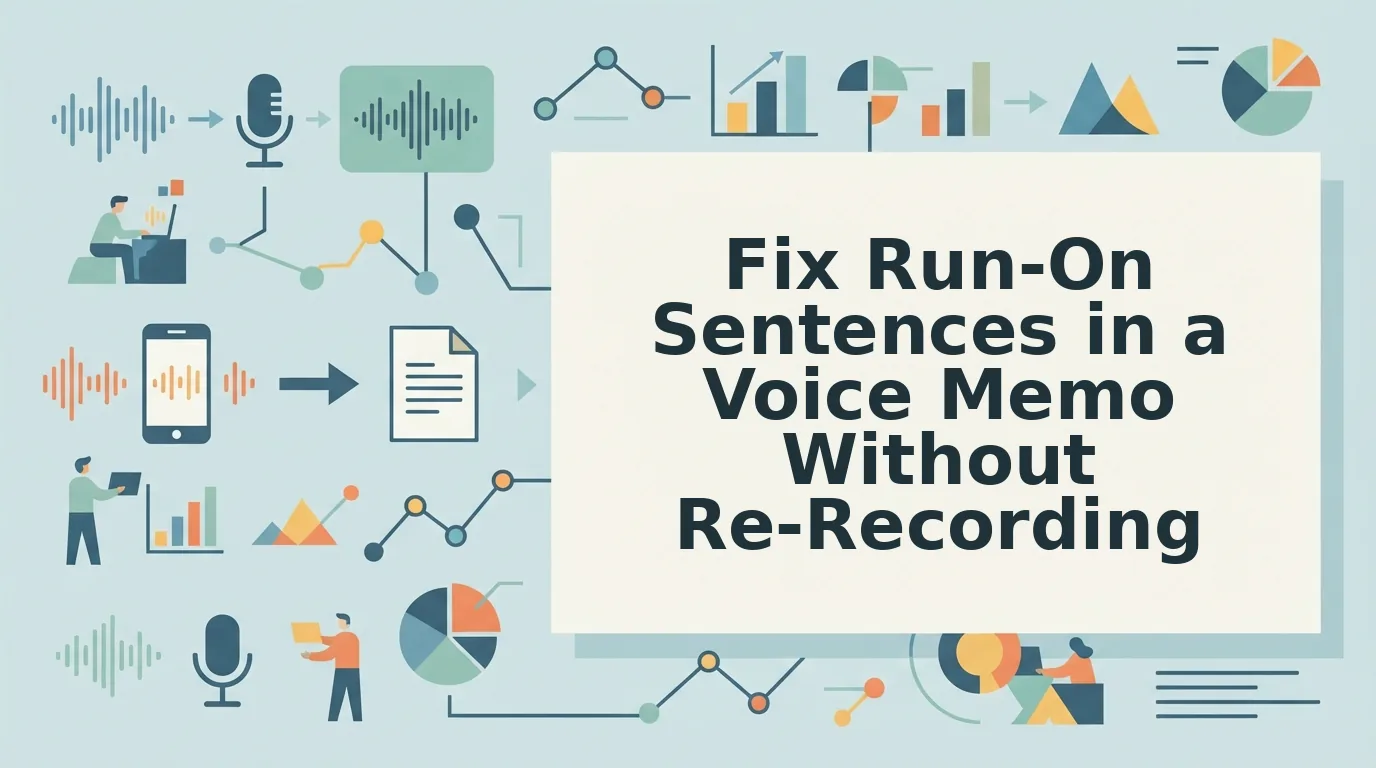
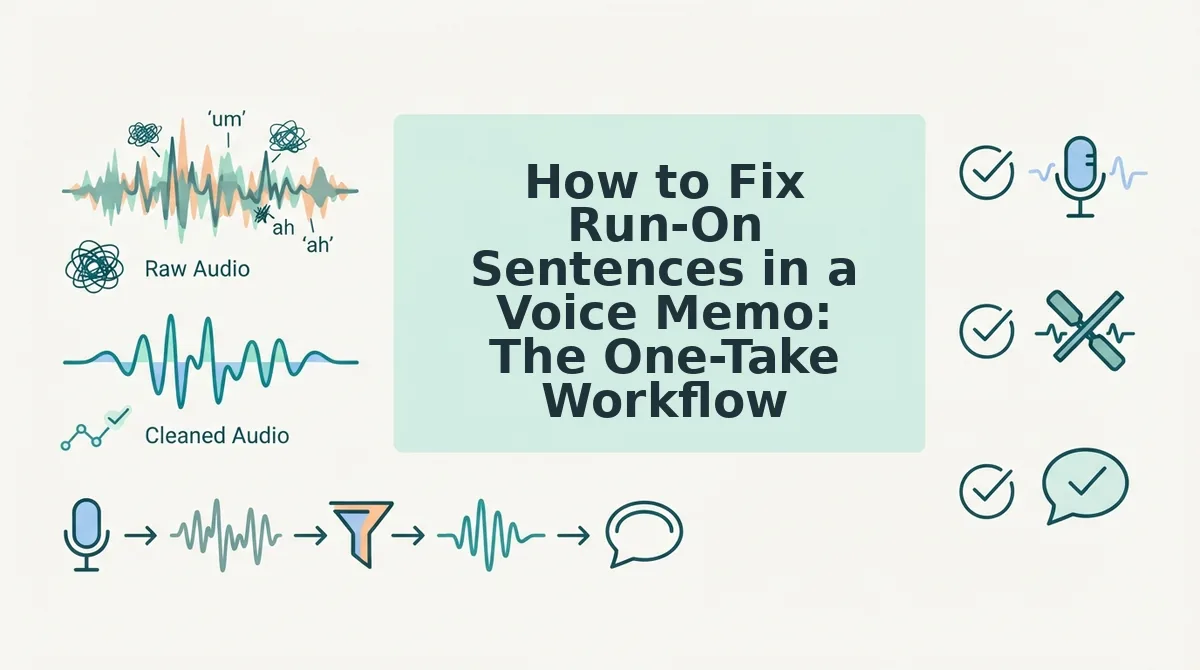
You can fix run-on sentences in a voice memo by recording naturally, uploading the audio to VClar, and letting its engine detect fused clauses and repair grammar in both the audio and transcript, no re-recording required. Here's the complete workflow.
Prerequisites: A smartphone or computer with a microphone, a VClar account, and 2-3 minutes total. You don't need to script anything or rehearse.
- Record your message naturally. Open your voice memo app or VClar's recorder and speak as you normally would. Don't try to self-correct mid-sentence, that creates false starts that compound the run-on problem. Expected outcome: a raw recording that captures your authentic tone, run-ons and all. This takes 30-60 seconds.
- Upload the audio to VClar. Open VClar, click Upload, and select your voice memo file. The engine begins processing immediately. Expected outcome: a processing indicator appears, and your audio is ready for review within seconds.
- Review the side-by-side transcript. VClar displays your original transcript next to the corrected version, with clause boundaries marked where run-ons were split. You'll see exactly where fused clauses were separated and where grammar was repaired. Expected outcome: you can read the corrected transcript and confirm it matches your intended meaning.
- Listen to the polished audio. Play the processed version. VClar repairs run-ons in the audio timeline itself, inserting natural clause boundaries without altering your vocal timbre, accent, or cadence. Expected outcome: the message sounds like you, but decisive and clear.
- Send the polished audio and transcript. Export both the cleaned audio and the corrected text. Send them together so your recipient can listen or read. Expected outcome: a one-take message that required zero re-recording.
Here's a worked example. A founder records this raw project update: "We shipped the dashboard update it's live in production the client hasn't tested it yet I think we should schedule a walkthrough for Thursday." VClar detects the fused clauses and produces: "We shipped the dashboard update. It's live in production. The client hasn't tested it yet. I think we should schedule a walkthrough for Thursday." The audio is repaired with the same clause boundaries, so the spoken version matches the corrected transcript.
If your voice memos also contain verbal hesitations, you can remove filler words from audio in the same pass. For broader grammar issues across your messages, VClar can fix grammar in voice messages without changing how you sound. Founders who rely on quick spoken updates should also explore voice notes for founders to see how the workflow fits a busy schedule.
Next, let's look at exactly what VClar repairs, and what it deliberately leaves untouched.
What VClar Fixes and What It Leaves Alone
VClar corrects the structural grammar problems that make voice memos sound scattered, while deliberately preserving the vocal identity that makes the message yours.
- Fused clauses get split into clean, complete sentences. When you chain three ideas together with "and" or "so" without pausing, VClar identifies where one thought ends and the next begins, then restructures the audio timeline so each sentence stands on its own. This matters because listeners retain information better when it arrives in discrete, digestible units rather than one uninterrupted stream.
- Comma splices are corrected without flattening your delivery. A comma splice happens when two independent clauses are joined by only a comma, common in speech because intonation does the work punctuation can't. VClar repairs the grammatical boundary while keeping your natural rhythm intact, so the fix is invisible to the listener.
- Circular phrasing and false starts are trimmed to the core point. When you begin a sentence, abandon it, and restart with a better version, VClar removes the abandoned fragment and keeps only the completed thought. This eliminates the "let me rephrase that" energy from your message without requiring a second take.
- Sentence fragments are completed or merged with the surrounding context. Spoken fragments like "Which is why I called" often make sense in conversation but read as errors in a transcript. VClar either attaches the fragment to its parent sentence or completes it grammatically, so the written version matches the spoken intent.
- Your voice, accent, cadence, and emotional intent are left untouched. VClar's timbre-preserving correction fixes grammar while keeping the speaker's authentic vocal identity, no synthetic text-to-speech clones or robotic voice avatars are used. This is the core difference from competitors: the message sounds like you, just clearer.
- Filler words are removed, but emphasis and pacing are preserved. While "um," "like," and "you know" disappear, the pauses and stress patterns that convey meaning stay in place. The result is a voice memo that sounds decisive without sounding scripted.
- Language translation preserves speaker intent across borders. When you need to fix grammar in voice messages destined for non-native listeners, VClar translates the corrected audio while maintaining your original tone and cadence in the target language.
If you've been re-recording the same voice memo three times to get the grammar right, stop. Run your next rough take through VClar once and send the cleaned version.
FAQ: Fixing Run-On Sentences in Voice Memos
Direct answers to the most common questions about run-on sentences, voice memo editing, and AI grammar correction.
Can AI fix grammar in a voice memo without changing my voice?
Yes. VClar uses timbre-preserving correction that fixes run-on sentences, comma splices, and fragments while keeping your authentic voice, accent, and cadence intact. No synthetic text-to-speech clone or robotic voice avatar is used, the corrected audio still sounds like you, just grammatically cleaner.
How do I fix a run-on sentence without re-recording the whole voice memo?
Upload the raw audio to VClar and let the engine split fused clauses into complete sentences automatically. The audio timeline is edited seamlessly, so you get a polished message from your original take, no re-recording loop required.
What's the difference between a run-on sentence and a sentence fragment?
A run-on sentence joins two or more independent clauses without proper separation, while a fragment is an incomplete thought missing a subject or verb. VClar handles both: it splits run-ons into discrete sentences and completes or merges fragments with surrounding context.
Does VClar work with WhatsApp voice notes?
Yes. You can export a WhatsApp voice note, upload it to VClar for grammar correction, and share the cleaned audio back to any chat. For cross-language conversations, VClar can also translate WhatsApp voice notes while preserving your original tone and cadence.
Why do I use more run-on sentences when speaking than when writing?
Speech is generated in real time without the visual feedback of punctuation, so your brain chains thoughts together using conjunctions and intonation instead of periods. VClar reconstructs those missing grammatical boundaries in the audio itself, giving spoken messages the same clarity as edited text.
Stop Re-Recording. Start Sending.
Run-on sentences are not a speaking flaw, they're a natural byproduct of thinking out loud. The problem was never your voice; it was the lack of a tool that could clean up grammar without flattening your delivery. VClar closes that gap: one rough take in, one polished message out, zero synthetic voice replacement.
Your next step is simple: take the voice memo you've been avoiding sending, run it through VClar once, and hear the difference for yourself. The message will still sound like you, just the version of you that doesn't ramble.
One take is enough. Send it.