
You've just finished recording a 90-second voice note, and instead of hitting send, you tap play, again. If you've ever replayed your own message three times before sending it, you're not alone. A Decoding Quirks video titled "Why do we replay our own voice notes before sending them?" has racked up over 1,100 views precisely because this behavior is so common. The habit isn't vanity; it's uncertainty about how you'll land.
You're right to care. A voice note full of "ums," awkward pauses, and background noise can undercut even the most confident message. But replaying endlessly isn't the fix, a checklist for cleaning voice notes before sending is. In this guide, you'll learn a five-point preflight framework covering content, clarity, acoustics, tone, and logistics, plus the psychology behind why you keep replaying. By the end, you'll send in one take, and one surprising finding about the replay loop may change how you record entirely. Tools like an AI voice message translator can automate much of this cleanup, but the checklist starts with you.
What Should I Check Before Sending a Voice Note? The 5-Point Preflight Checklist
A voice note preflight checklist is a five-category review. Content, Clarity, Acoustics, Tone, and Logistics, that you run in under 60 seconds before hitting send. It catches the structural problems that make you replay a message twice or more.
Before sending any voice note, check five things: Does the content get to the point without rambling? Is the wording clear and free of filler words like "um" and "basically"? Is the audio free of background noise, breath sounds, and mouth clicks? Does your tone match the recipient and context? And is the message going to the right person, in the right language, at the right length? If any of these fail, fix that issue before sending, or run the audio through a cleanup tool like VClar's filler word remover to handle it automatically.
The One-Take Preflight Framework
You'll need your recorded voice note and, optionally, an AI cleanup tool. Total time: 60-90 seconds.
- Open your recording app and listen once at normal speed. Focus only on content: Did you state the main point in the first 10 seconds? If the key ask or update appears after the 30-second mark, re-record with the point up front. You should be able to summarize the message in one sentence.
- Scan for filler words and false starts. Count every "um," "ah," "like," and repeated phrase. If you hear more than three in a 60-second note, the message will sound hesitant. Either re-record or run the audio through a filler word removal tool that strips them without changing your voice. Success looks like a clean timeline with no verbal stumbles.
- Check acoustics in a quiet playback environment. Listen for background noise, breath sounds, and mouth clicks. If you hear traffic, keyboard clatter, or a fan, the recipient will too. Re-record in a quieter space or use a noise-reduction pass. You should hear only your voice, clearly separated from the room.
- Assess tone against the recipient. Ask: Does this sound like me on a good day, or am I rushed, flat, or overly casual? If you wouldn't say it this way in person, adjust the delivery. The goal is your natural cadence and accent, not a scripted performance.
- Confirm logistics before sending. Verify the recipient, the language (translate if needed), and the length. A voice note over 90 seconds usually belongs in a written message or a call. You should see the correct contact name and a duration you'd be willing to sit through yourself.
Why We Replay Voice Notes Before Sending (and How to Stop)
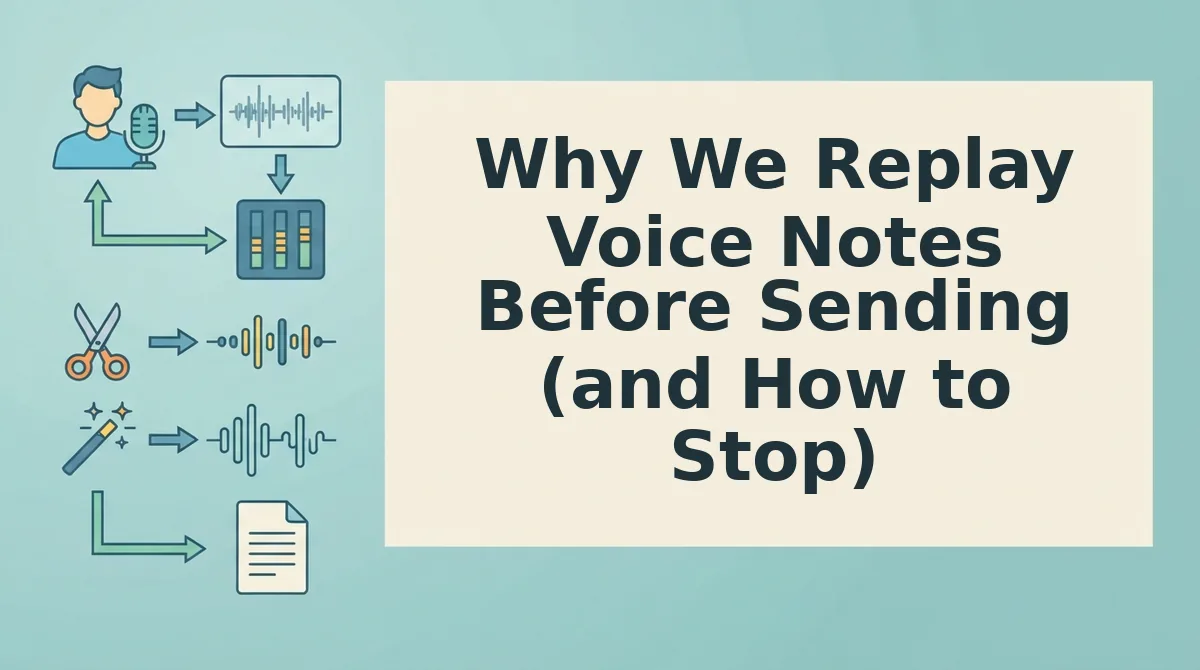
A voice note replay loop is the habit of listening to your own recorded message one or more times before sending it, driven by uncertainty about how the audio will be received. It's the vocal equivalent of rereading an email five times before hitting send.
The behavior starts simply: you record a message, hit play once to confirm the words are there, and send. But when you're unsure about pacing, filler words, or background noise, one replay becomes two, then three. Think of it like checking a locked door, the first check is rational, but repeated checks signal that you don't trust the lock, not that the lock is broken.
At the intermediate level, the replay loop reveals a structural problem: your recording process has no quality gate. You're using playback as a substitute for a preflight check. The advanced insight is diagnostic, if you replay a voice note more than twice, the issue is not cosmetic. The message structure, audio quality, or tone is genuinely off, and no amount of relistening will fix it. You need to change the input, not the review.
That's where the five-point checklist replaces the loop. When you verify content, clarity, acoustics, tone, and logistics before sending, the replay habit collapses because the uncertainty that fueled it is gone. Next, we'll break down the first two categories in detail: content and clarity checks that get you to the point and remove fillers.
Content and Clarity Checks: Get to the Point and Remove Fillers
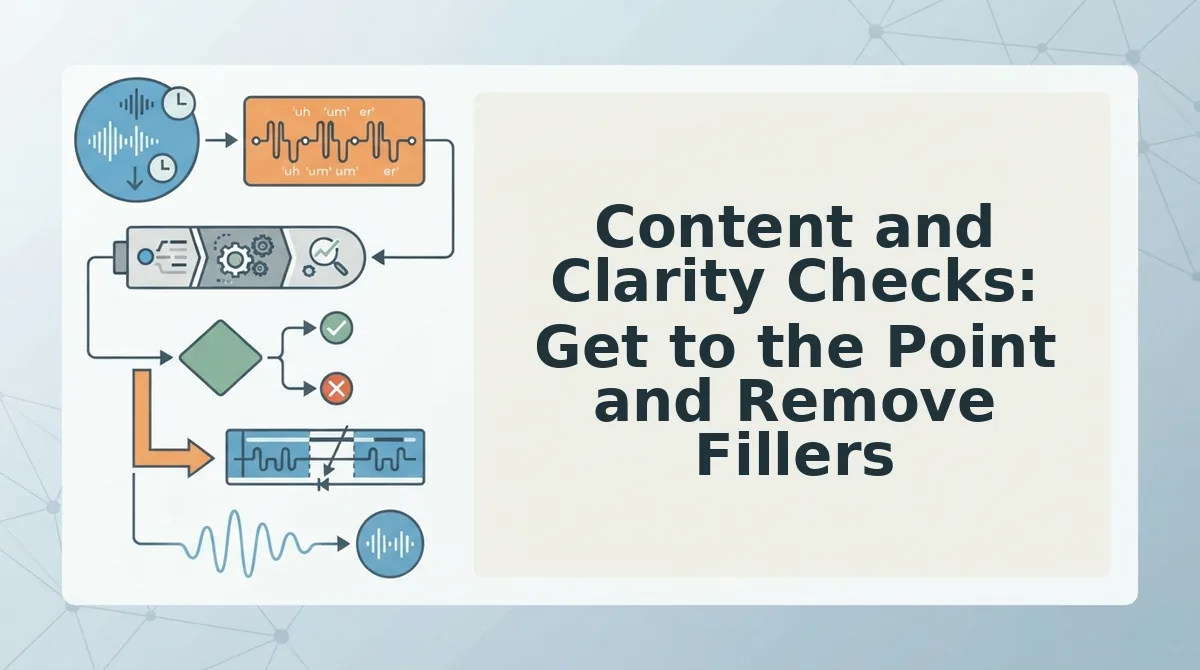
Before sending any voice note, run through these seven content checks in order. Each one targets a specific clarity killer that makes listeners replay, rewind, or tune out.
- Cut the first three seconds of throat-clearing. Most voice notes open with "Hey, so, um, I was just thinking...", dead air that buries your actual point. Start with a decision, a request, or a status update instead. Use opening-line formulas like "Quick update on...", "One thing I need from you...", or "Here's the decision I made..." to force yourself into substance immediately.
- Hunt down and remove filler words: um, uh, like, you know, sort of, kind of, basically, actually. These eight words are the most common verbal hesitations in spontaneous speech, and each one signals uncertainty to the listener. Re-record the sentence without them, or run the audio through VClar's filler word removal engine to strip them from the timeline without cutting your natural rhythm.
- State the ask or decision in the first 15 seconds. Listeners decide whether to keep listening within the opening moments. If your voice note is a request, name it early: "I need approval on the vendor quote by Thursday." If it's a decision, lead with the outcome, then explain. Burying the point forces the recipient to listen twice.
- Check for false starts and repeated sentence openings. "I think we should, actually, what I mean is, the thing is, we should..." False starts are the single biggest reason voice notes sound unpolished. Listen once for any sentence you restart, then delete the abandoned attempt. VClar's engine detects repeated false starts automatically and removes them from the audio timeline.
- Verify subject-verb agreement and tense consistency. Spoken grammar slips happen when you change direction mid-sentence. Listen for mismatches like "The numbers was" or tense jumps from past to present. If grammar is a recurring issue in your voice notes, use a tool to fix grammar in voice message recordings before sending.
- Remove redundant qualifiers that weaken your position. Phrases like "I sort of think," "maybe we could possibly," and "it's kind of important" undercut authority. Strip the qualifier and keep the verb: "I think," "we could," "it's important." One decisive sentence beats three hedged ones.
- End with a clear next step or deadline. A voice note without a closing action leaves the recipient guessing. Finish with "Reply by Friday," "Call me when you land," or "No action needed. FYI only." This single habit eliminates most follow-up messages.
If you send voice notes daily for work, the fastest cleanup path is to record once, then let VClar remove fillers, false starts, and grammar slips automatically while keeping your voice, accent, and cadence intact. You get one-take confidence without the replay loop.
Manual Cleanup vs Automated Voice Note Cleaning: Which Should You Use?
Both approaches work, but they serve different situations. Manual cleanup means re-recording until the take feels right; automated cleaning means recording once and letting software remove fillers, false starts, and noise from the audio timeline.
| Factor | Manual Cleanup (Re-record) | Automated Cleaning (VClar) |
|---|---|---|
| Time per voice note | 2-5 minutes of retakes for a 60-second message | One take, then seconds of processing |
| Filler word removal | Requires conscious effort and multiple attempts | Automatic detection and removal of um, uh, like, you know, and false starts |
| Grammar correction | Depends on your spoken grammar awareness | Automated grammar fixes without changing your tone |
| Translation | Not possible manually | 11 languages, 110 translation directions |
| Best for | One-off personal messages to friends or family | Recurring professional voice notes, client updates, and cross-border communication |
Manual re-recording has one honest advantage: full control over every word. If you're sending a single short message to someone you know well, a quick retake costs nothing. But for founders, sales reps, and freelancers who send multiple voice notes daily, especially to clients or across languages, the retake loop compounds into real lost time.
The decision matrix is simple: use manual cleanup for one-off short messages where a retake takes under 30 seconds. Use automated cleaning for recurring high-stakes or multilingual voice notes where consistency, speed, and polish matter. VClar's approach is to clean voice memos online in one pass, so you record once and send with confidence. If you want to see the workflow in action, watch the VClar AI YouTube video "How to clean up audio replies automatically?" for a step-by-step walkthrough.
Voice Note Cleaning FAQs
Quick answers to the most common questions about voice note length, etiquette, translation, and cleanup speed.
How long should a professional voice note be?
30 to 60 seconds is the sweet spot for most professional voice notes. Under 30 seconds often lacks enough context to be useful; over 60 seconds risks losing the listener's attention and forces them to replay sections. If your message runs longer, split it into two notes or switch to a written summary.
Is it unprofessional to send voice notes to clients?
No, voice notes are increasingly accepted in client communication when they are clear, concise, and free of fillers. The key is polish: a 45-second note with no ums, false starts, or background noise reads as efficient and personal. A rambling two-minute note with repeated hesitations reads as unprepared.
Can I translate a voice note into another language without re-recording?
Yes. VClar's voice note translator supports 11 languages and 110 translation directions, cleaning the original audio first and then translating while preserving your natural tone and cadence. You record once in your language, and the recipient hears a polished version in theirs.
What is the fastest way to clean up a voice note before sending?
The fastest method is automated cleaning: record once, upload the audio, and let the tool remove fillers, false starts, grammar slips, and background noise in seconds. Manual re-recording typically takes two to five minutes per message and still leaves subtle fillers you may not notice.
With these checks and tools in place, you're ready to send your next voice note with one-take confidence.
Send Your Next Voice Note with One-Take Confidence
The checklist works because it removes the replay loop entirely. You stop second-guessing. You stop re-recording. You send once, and it lands.
Run the five-point preflight manually on your next three voice notes. Time yourself. Most people cut their send time in half after two rounds of practice.
Then ask the honest question: Do I want to do this by hand every time?
If the answer is no, that's where an AI voice message translator earns its place. It runs the same checks, filler removal, grammar repair, noise reduction, in seconds, not minutes. Your checklist becomes a habit. The tool makes the habit effortless.
One-take confidence isn't a personality trait. It's a system. Build the system, and the hesitation disappears.
The voice note you send without replaying it is the one that sounds most like you.