
You've recorded the same voice note four times. Each take starts strong, then spirals into "um," "like," and a tangent about something you already decided wasn't relevant. You hit delete, exhale, and start again. If that loop sounds familiar, you're not alone, and the fix isn't another take. Learning how to clean up a rambling voice note is faster than re-recording it, and it doesn't require editing software or audio engineering skills.
You think faster than you type, which is exactly why you reach for voice messages in the first place. The problem isn't your thinking, it's that spoken language carries hesitations, false starts, and filler that written text naturally filters out. The good news: a rambling voice note is a rough draft, not a final product, and rough drafts are meant to be edited, not redone from scratch.
In this guide, you'll learn what actually makes a voice note sound rambling, a repeatable one-take cleanup method that preserves your natural tone, and a before-and-after breakdown that shows how much a 30-second edit can change. Along the way, you'll see how AI voice enhancement tools can strip filler words and tighten phrasing without flattening your accent or cadence.
One finding might surprise you: most "rambling" voice notes aren't too long, they're too unfiltered. The distinction matters more than you think, and it changes how you should approach cleanup entirely.
What Makes a Voice Note Sound Rambling?
A rambling voice note is any spoken message where the listener has to work to extract the point, not because the idea is complex, but because the delivery is cluttered with verbal debris, detours, and unfinished thoughts. It's the audio equivalent of a first draft with no paragraph breaks.
Think of a rambling voice note like a hiking trail that keeps doubling back on itself. The destination is clear to you, but the person following your path keeps hitting switchbacks, dead ends, and overgrown sections. A clean voice note is a straight trail: same destination, fewer steps, no backtracking.
Most rambling voice notes share four distinct patterns. Recognizing which ones you default to is the first step toward fixing them without scripting yourself into sounding robotic.
The Four Rambling Patterns
1. Filler words. These are the verbal placeholders, "um," "uh," "like," "basically," "you know", that buy your brain time while it catches up to your mouth. One or two are invisible. Fifteen in a 60-second note make you sound uncertain even when you're not.
2. False starts. A false start happens when you begin a sentence, abandon it, and restart: "So what I wanted to, actually, let me back up, the reason I'm calling is..." Each false start adds dead air and forces the listener to discard information they've already processed.
3. Circular phrasing. This is saying the same thing twice in slightly different words, often because you're not sure the first version landed. "I think we should move forward with this. Like, I believe it's the right call to proceed." The listener heard you the first time.
4. Run-on sentences. Spoken run-ons chain multiple ideas together with "and" or "so" until the original point disappears. By the time you finish, neither you nor the listener can remember where the sentence started.
Here's the key insight: none of these patterns mean you're a bad communicator. They mean you're composing in real time, which is exactly what voice notes are for. The fix isn't to stop thinking out loud, it's to clean the audio after the thinking is done. Tools that remove filler words from your voice notes handle patterns one and two automatically, while a quick transcript review catches patterns three and four before you hit send.
How to Clean Up a Rambling Voice Note in One Take
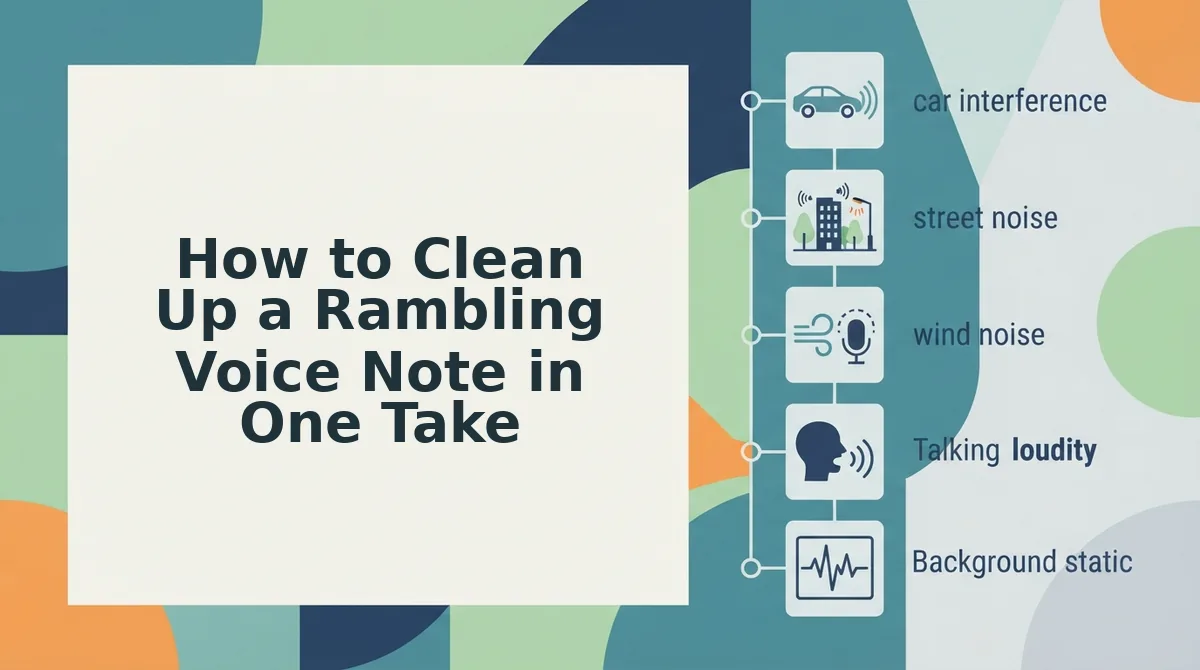
You can turn a rambling voice note into a clear, send-ready message in three steps: record once without self-editing, run the audio through a voice enhancement tool that removes fillers and fixes grammar, then review the cleaned transcript before sending. No re-recording, no manual audio editing.
The One-Take Cleanup Method works because it separates the two jobs you're currently doing simultaneously: thinking and polishing. When you try to do both at once, you get false starts and re-record loops. When you let the first take be messy and clean it afterward, you get a natural delivery with polished output. Here's the workflow.
Prerequisites: A voice recording app on your phone or computer, and access to an AI voice enhancement tool like VClar that can process audio and generate a cleaned transcript.
- Record the full message without stopping or restarting. Open your voice recorder, hit record, and say everything you need to say in one continuous take. Let the fillers happen. Let yourself restart a sentence if you need to. The goal is to capture your complete thought, not a perfect performance. Expected outcome: a raw audio file that contains your full message, hesitations included. This takes as long as it takes, usually 30 to 90 seconds for a typical voice note.
- Upload the audio to a voice enhancement tool. Open VClar or your chosen tool, select the audio file, and run it through the cleanup process. The tool detects and removes filler words, trims false starts, tightens run-on sentences, and can fix grammar in a voice message without changing your tone or accent. Expected outcome: a cleaned audio file and a transcript showing exactly what changed. Processing typically takes under a minute.
- Review the cleaned transcript, then send. Read through the transcript to confirm the message still sounds like you and nothing important was cut. If a sentence reads awkwardly, re-record just that one line, not the whole note. Expected outcome: a voice message you can send with confidence, knowing it's clear, grammatically sound, and still in your voice.
This method turns voice note cleanup from a frustrating editing session into a 2-minute routine. Next, see what the difference actually looks like in practice.
Before and After: A Rambling Voice Note, Cleaned
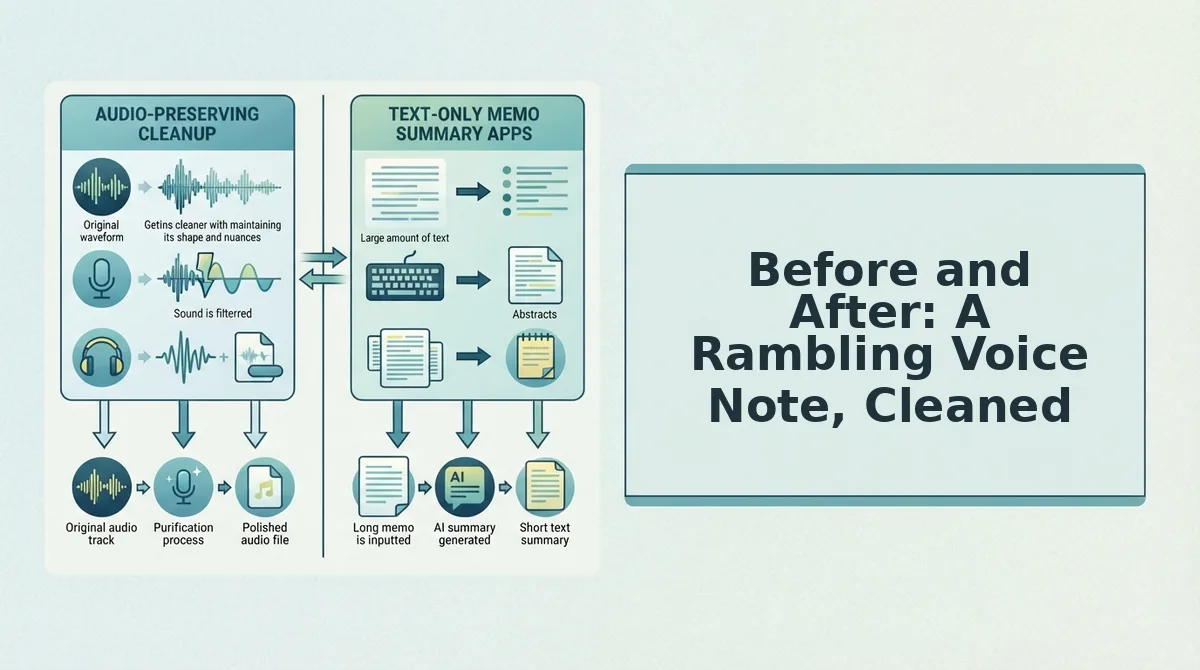
Cleaning a rambling voice note transforms a 90-second stream of consciousness into a 25-second decisive update without changing your voice. Here's a realistic founder-to-investor update, shown side-by-side, followed by an honest comparison of the main cleanup methods.
Realistic Before/After Transcript
Before (raw, 87 seconds): "Hey, um, so I just wanted to, like, give you a quick update on the, uh, the seed round. Basically we've been talking to, you know, a few funds and, ah, honestly the conversations are going pretty well. Like, we're seeing a lot of interest from, um, from two firms in particular. And, you know, I think we might be able to close, uh, close the round by end of quarter. Sorry, I'm rambling. But yeah, that's basically where we are."
After (cleaned, 22 seconds): "Quick update on the seed round. We're in active conversations with two funds and seeing strong interest. We're on track to close by end of quarter."
Same speaker, same cadence, same accent. The difference is that every hesitation, false start, and filler word was removed from the audio timeline, not just the transcript. For founders who rely on voice notes for founders, this is the gap between sounding scattered and sounding ready.
Cleanup Methods Compared
| Method | What It Does | Time Cost | Preserves Natural Voice | Best For |
|---|---|---|---|---|
| Manual re-recording | You re-record until you get a clean take | 5-15 minutes per note | Yes, but delivery becomes stiff | Perfectionists with unlimited time |
| Transcript editing + TTS | Edit the text, then generate synthetic speech | 3-5 minutes per note | No, replaces your voice with a clone | Teams that prioritize speed over authenticity |
| AI cleanup (VClar) | Removes fillers, fixes grammar, tightens phrasing in the original audio | Under 60 seconds per note | Yes, keeps your tone, accent, and cadence | Founders, sales reps, and creators who need one-take confidence |
Manual re-recording is the most common approach and works fine for short, low-stakes messages. Transcript editing with text-to-speech is faster but sacrifices the speaker's vocal identity, which matters when trust is on the line. AI cleanup sits between the two: it's the fastest method that keeps your actual voice intact.
Why Re-Recording Makes Rambling Worse
Re-recording is the act of deleting and re-recording a voice note in pursuit of a cleaner take, and it often produces the opposite of the intended result. The more takes you attempt, the more self-conscious you become, and the more fillers creep back in.
Think of re-recording like trying to fix a wobbly table by hitting it harder. The first take is usually the most natural because you're focused on the message, not the delivery. By take three, you're monitoring every word, which is exactly when "um" and "you know" multiply.
At the intermediate level, the problem compounds: each failed take adds pressure, and pressure increases cognitive load. Your brain spends more energy on self-monitoring and less on what you actually want to say. The result is longer pauses, more false starts, and a delivery that sounds rehearsed rather than confident.
At the advanced level, re-recording erodes the very quality you're trying to protect: your natural vocal identity. A fifth take doesn't sound like you thinking out loud. It sounds like you performing. Listeners can hear the difference, and in contexts like investor updates or sales messages, that stiffness reads as uncertainty.
The contrarian move is to stop re-recording entirely. Record once, accept the imperfections, and let a cleanup tool remove the fillers and tighten the phrasing while preserving your original tone and cadence. One-take confidence isn't about being flawless on the first try. It's about trusting that the rough edges can be cleaned without erasing the person behind the voice.
Frequently Asked Questions About Cleaning Up Voice Notes
Can I clean up a voice note without re-recording?
Yes. AI voice cleanup tools remove filler words, false starts, and background noise from the original audio file, so you don't need to re-record. The cleaned audio keeps your natural voice, tone, and cadence intact while sounding more direct and polished.
What's the fastest way to remove filler words from a voice note?
Upload the audio to an AI filler word remover. The tool detects and removes "um," "ah," "like," and similar hesitations from the audio timeline in under a minute, producing a clean take without any manual editing or re-recording.
How do I sound more professional in voice messages?
Record in one take without overthinking, then clean the audio with an AI tool that removes fillers and tightens phrasing. Speaking naturally and letting cleanup handle the rough edges produces a more confident, professional result than rehearsing multiple takes.
Does cleaning a voice note change how I sound?
No. AI cleanup removes hesitations and distractions but preserves your authentic voice, accent, and speaking rhythm. The goal is to make you sound like a clearer version of yourself, not a synthetic voice clone.
Can I translate a cleaned voice note into another language?
Yes. After cleaning, you can run the audio through voice note translation to convert it into one of 11 supported languages while keeping the speaker's natural vocal characteristics in the translated output.
One Take Is the Whole Point
Rambling isn't a character flaw. It's a recording habit, and habits change faster when you stop fighting them and start cleaning them.
The one-take method works because it separates thinking from editing. You capture the thought while it's alive, then let cleanup handle the rest. The four rambling patterns, filler chains, false starts, tangent spirals, and trailing qualifiers, all collapse under the same simple rule: record once, clean once, send once.
Here's the sequence that closes the loop:
- Record your voice note without stopping to self-correct.
- Run it through VClar to strip fillers, tighten phrasing, and reduce noise.
- Send the cleaned version, no re-recording, no second-guessing.
Re-recording feeds the rambling loop. Cleaning breaks it. The voice note you almost deleted becomes the one that lands clearly, in your voice, on the first send.
Rambling isn't fixed by trying harder to speak perfectly, it's fixed by recording once and cleaning intelligently.