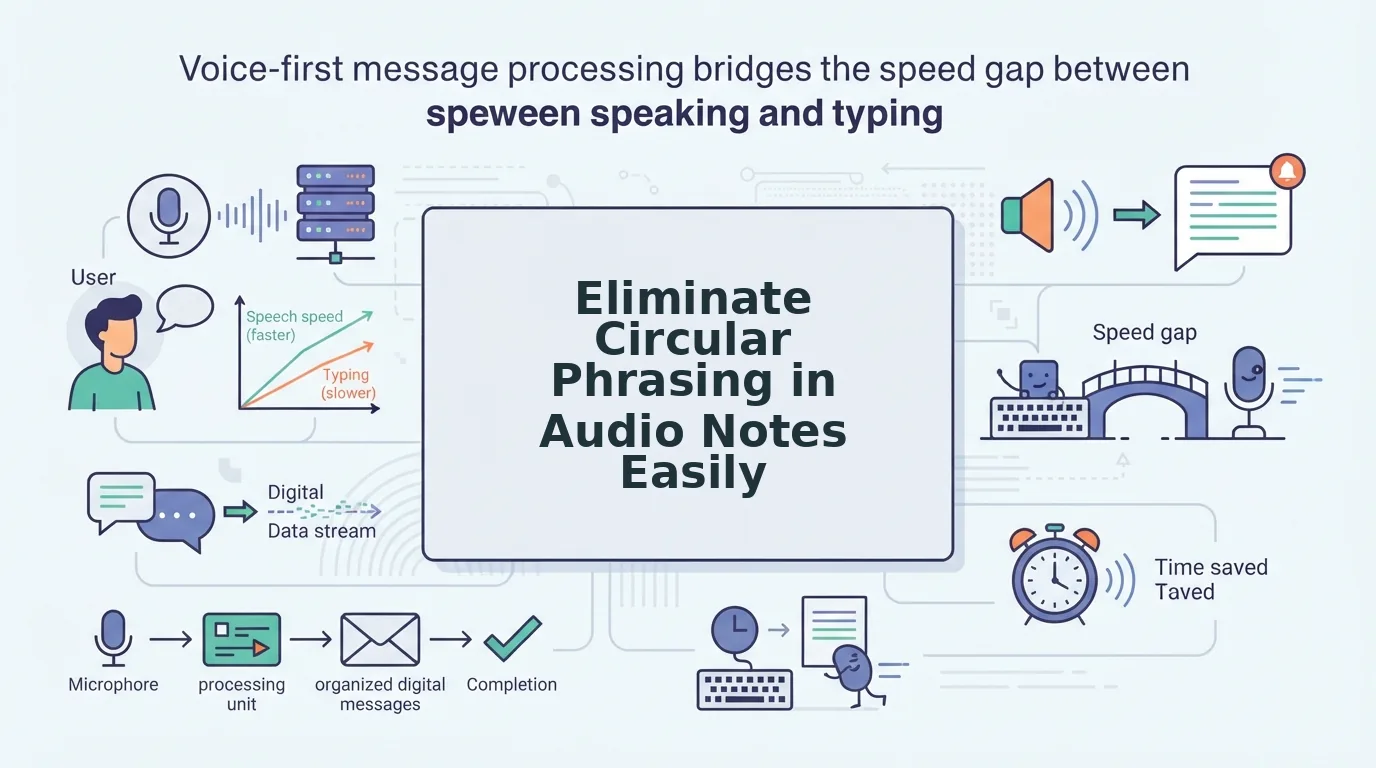

You hit record, speak for 90 seconds, and then listen back, only to realize you said the same thing three different ways before landing on the point. That moment of cringing at your own voice note is exactly why so many people abandon audio messaging altogether. The good news: you don't need to re-record, and you don't need to become a more polished speaker overnight. The real fix for how to eliminate circular phrasing in audio notes is restructuring how you think about the note before you ever hit record.
You're not alone in this. Most people loop back, restate, and hedge because they're composing in real time with no visual anchor. This article will walk you through what circular phrasing actually is, how to spot it in your own recordings, and a simple pre-recording framework that stops the loop before it starts. You'll also learn how tools like VClar can clean up the audio you've already recorded, removing filler, tightening sentences, and preserving your natural voice, so one take is genuinely enough. Stick around: the detection method in Section 3 reveals a pattern most people never notice until they see it in text.
What Is Circular Phrasing in Audio Notes?
Circular phrasing is a speech pattern where you loop back to restate an idea instead of moving forward, often triggered by uncertainty or the absence of a visual script. In audio notes, it sounds like saying the same point twice with slightly different wording, or starting a sentence, abandoning it, and circling back to the beginning.
Think of circular phrasing like walking around the same block three times because you're not sure which street leads to your destination. You're still moving, but you're not getting anywhere. In a voice note, that means your listener hears the same idea repeated in different clothes: "I think we should move the deadline, what I mean is, the deadline should probably shift, basically, we need more time."
Circular phrasing is not the same as circular breathing, a technique wind instrumentalists use to maintain continuous sound by inhaling through the nose while pushing air out of the mouth. It's also distinct from circular reasoning, a logical fallacy where the conclusion is used to prove itself. Circular phrasing is a delivery problem, not a breathing technique or an argument flaw, and it's fixable without changing who you are as a speaker.
At a deeper level, circular phrasing happens because spoken language lacks the backspace key. When you type, you can delete a half-formed sentence before anyone sees it. When you speak into a voice note, every false start and restatement is captured in real time. The loop is your brain's way of self-correcting out loud, but to the listener, it reads as hesitation and weakens the message.
The pattern typically follows a recognizable structure: you state an idea, sense it wasn't clear enough, then restate it with a loop-back phrase like "what I mean is" or "to go back to." Each restatement adds seconds to the recording without adding new information. Recognizing that structure is the first step toward eliminating it.
How to Detect Circular Phrasing in Your Own Voice Notes
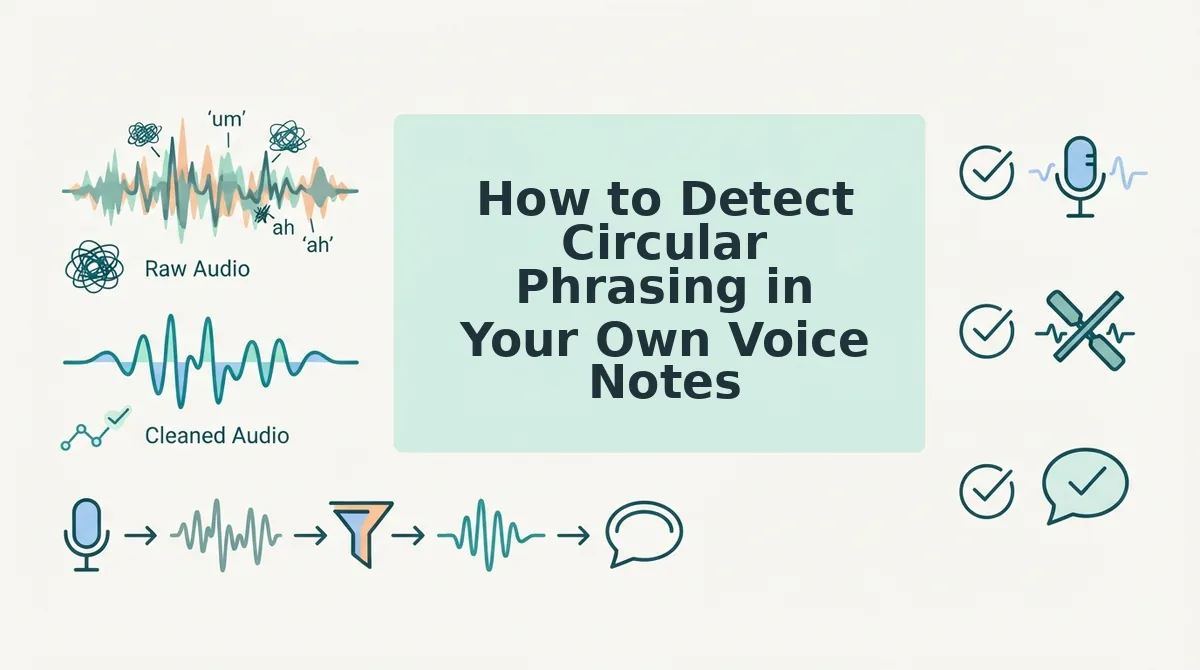
You can detect circular phrasing in under five minutes by transcribing a 30-second voice note and scanning the text for repeated clause structures and loop-back phrases. No special equipment is required, just your phone, a transcription tool, and a willingness to read your own words on the page.
Before you start, record a voice note of at least 30 seconds on any topic, ideally one you care about, since emotional investment tends to trigger more looping. Have a transcription method ready, whether that's a built-in phone feature, a third-party app, or VClar's audio-to-text capability.
- Transcribe the recording. Upload your 30-second voice note to a transcription tool or play it back and type what you hear word for word. Do not clean it up as you go, the goal is to capture every "um," every restart, and every repeated phrase exactly as spoken. You should end up with a raw, messy block of text that mirrors your speech.
- Highlight every loop-back phrase. Scan the transcript and mark phrases like "what I mean is," "to go back to," "basically," "in other words," and "so yeah." Each one signals a moment where you circled back instead of advancing. If you find three or more in a 30-second clip, circular phrasing is a dominant pattern in your delivery.
- Count how many times the same idea restarts. Read the transcript and identify the core point of the note. Now count how many separate sentences attempt to state that same point. If the answer is two or more, you've confirmed the loop. A clean voice note states the idea once, supports it, and stops, it doesn't revisit the thesis three times.
The reason this works is that circular phrasing is nearly invisible when you're listening, but glaringly obvious in text. When you hear yourself speak, your brain auto-corrects and smooths over the repetitions. When you read the transcript, the loops sit there on the page, impossible to ignore. This is the same reason voice notes for founders often fail to land: the speaker never sees the pattern, so they never fix it.
Once you've completed the three-step check, you'll know exactly which phrases trigger your loops and how often you restart an idea. That awareness is the raw material for the next step: a pre-recording framework that stops the loop before it starts.
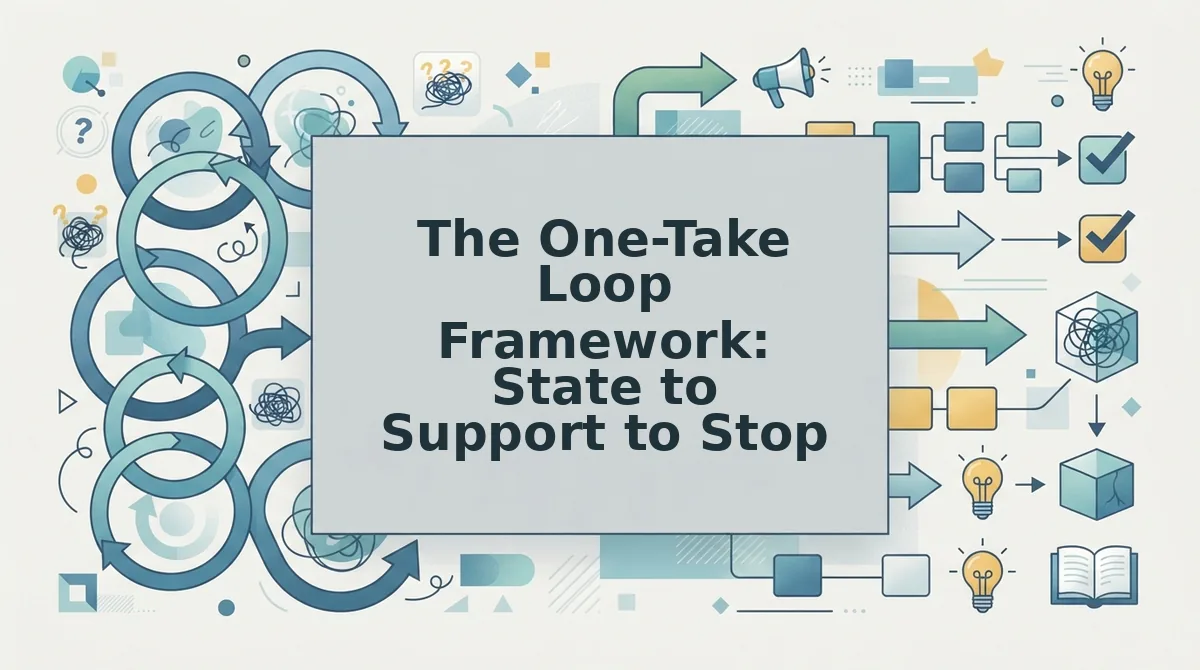
The One-Take Loop Framework: State to Support to Stop
The One-Take Loop Framework is a three-step speaking structure that keeps short audio notes linear by forcing you to make one point, back it with one reason, and end without restating it.
Traditional advice tells you to "tell them what you're going to tell them, tell them, then tell them what you told them." That structure works for a 20-minute presentation, but in a 45-second voice note it creates exactly the circular phrasing you're trying to eliminate. You end up saying the same thing three times before the listener gets any new information.
Think of the One-Take Loop like a single lap around a track: you start at the starting line, run the course once, and cross the finish line. You don't loop back to the starting line to run it again.
Here's how the framework progresses in complexity:
Simple: One point, one reason, full stop
State your decision or request in one sentence. Support it with one concrete reason. Stop talking. Example: "I'm pushing the launch to Thursday. The payment gateway integration failed QA this morning." That's the entire note. No recap, no "so yeah, basically what I'm saying is."
Intermediate: One point, two supports, one implication
When the decision affects someone else's next action, add a single forward-looking implication. State the point, give two supporting details, then name what happens next. Example: "We're switching to the new supplier. Their lead time is three days shorter and their defect rate is half of what we're seeing now. I'll send the contract over this afternoon." The implication replaces the summary, it moves the listener forward instead of backward.
Advanced: One point, one support, one open question
For collaborative decisions, end with a single scoped question instead of a restatement. State your position, support it with one piece of evidence, then ask one question that invites a specific response. Example: "I think we should cut the onboarding tour from five steps to three. Support tickets show users drop off after step three. Do you want me to draft the shortened flow before Thursday's sync?" The question closes the loop by handing the baton to the listener, not by repeating what you already said.
The framework's name reflects its purpose: you complete one full loop of communication, state, support, stop, and you're done. Each additional restatement is a second lap nobody asked for.
How to Fix Circular Phrasing Without Re-Recording
You can fix circular phrasing in an existing voice note by either manually cutting redundant audio segments or using an AI audio cleanup tool that removes repeated phrasing while preserving your natural voice. Manual editing works but is slow; AI cleanup is faster and keeps your cadence intact.
Prerequisites: a copy of the audio file (MP3, M4A, or WAV), and either audio editing software or access to an AI voice cleanup tool.
- Upload your audio file. Open your chosen tool and drag the voice note into the upload area. You should see a waveform or transcription appear within a few seconds.
- Locate the circular segments. If using a transcription view, scan for repeated phrases like "so what I'm saying is" or "basically, to summarize." If using a waveform editor, look for near-identical audio patterns that repeat within a 10 - 15 second window.
- Remove the redundant loop. In a manual editor, select the repeated segment and delete it, then splice the remaining audio together, expect this to take 5 - 10 minutes per note. In an AI cleanup tool, select the redundant phrase and let the engine remove it automatically, which typically takes under 30 seconds.
- Check the transition. Play the edited section. The sentence before and after the cut should flow naturally without a jarring pause or clipped word. If the splice sounds abrupt, adjust the cut point by a few milliseconds.
- Export and send. Save the cleaned file and listen once from start to finish. The note should now sound decisive, with no repeated points and your original tone intact.
Manual editing requires cutting and splicing audio, which is time-consuming and risks making your voice sound choppy. AI audio cleanup tools can remove circular phrasing while preserving natural voice, and many also fix grammar in voice messages in the same pass, so you get a cleaner note without rebuilding it from scratch.
Break the Loop Before It Starts
Circular phrasing isn't a recording problem, it's a thinking problem that shows up in audio. The One-Take Loop Framework solves it at the source: when you commit to State to Support to Stop, there's nothing left to repeat. Prevention beats cleanup every time.
For notes you've already recorded, you have two paths. If you want to remove filler words from audio and strip out redundant loops in one pass, an AI cleanup tool handles it without re-recording. If you want to fix the root habit, record your next three voice notes using the framework and compare them to your old ones, the difference in length and clarity will be immediate.
Your next step: record one voice note today using State to Support to Stop, then run it through VClar to clean up whatever hesitation remains. One take, one loop, one clear message, that's the whole system.