
You hit record, speak for forty seconds, and realize halfway through that your third thought has collided with your first. Now you're on take four, and the update that should have taken one minute has eaten fifteen. If you've ever wished you could fix tangled spoken clauses without re-recording, you're not alone, and the problem isn't your speaking ability.
You think at roughly 150 words per minute but speak at about 125, which means your brain is constantly racing ahead of your mouth. That gap is where tangles are born. Most grammar advice ignores this entirely: it teaches you how to fix clauses on paper, where you can backspace, reorder, and revise. Speech doesn't work that way.
In this article, you'll learn why spoken sentences tangle in real time, how to prevent the three most common tangle types before you hit record, and what to do with a voice message you've already recorded. VClar's speech engine removes filler words and cleans audio timelines without changing your voice, but first, let's understand the mechanism. One finding about working memory will change how you record every async update from now on.
Why Do Sentences Tangle When You Speak but Not When You Write?
A tangled clause is a spoken sentence where multiple subordinate ideas collide before the main point lands, leaving the listener unsure which thread to follow. Writing lets you revise; speech is linear and irreversible, so every planning error becomes audible.
Start with the simplest explanation: when you write, you can hold an entire sentence in view and restructure it before anyone sees it. When you speak, each word commits you to a path you can't retract. If you begin with "The launch, which we delayed because the integration partner missed their deadline, and also the pricing page wasn't ready..." you've stacked two subordinate ideas before stating what actually happened.
Think of working memory like a kitchen counter. You have limited surface area, roughly four chunks of information at a time. When you're speaking, that counter is doing three jobs simultaneously: planning what to say next, monitoring what you just said, and producing the current words. Written grammar rules assume you have unlimited counter space and time to rearrange ingredients. Spontaneous speech gives you neither.
The intermediate layer is what researchers call the "planning while producing" problem. Your mouth is articulating clause one while your brain is still assembling clause three. When clause three turns out to be more complex than expected, your brain either abandons the original subject or inserts a parenthetical detour, both of which create tangles.
At the advanced level, this explains why grammar study rarely transfers to speech. English with Lucy's clause video has over 1.16 million views, yet viewers who master written clause rules still tangle when speaking spontaneously. The bottleneck isn't knowledge, it's that speech production and speech planning compete for the same limited cognitive resources. You can't apply a rule you don't have the working memory left to retrieve.
Here's the self-contained answer to the core question: spoken sentences tangle because speech is produced linearly under working memory constraints, while writing allows recursive revision. When planning outpaces production, speakers stack subordinate clauses, insert parentheticals, or abandon subjects mid-sentence, none of which happen on paper because writing removes the time pressure and the irreversibility.
The One Idea Per Breath Framework
The One Idea Per Breath Framework is a prevention method: if you can't say a complete thought in a single exhale, you're stacking clauses and need to split the sentence. It works because breath length naturally maps to working memory capacity, roughly four to seven seconds of speech.
You'll need a voice recorder (your phone's built-in app works) and a 10-second timer. No other tools required. Here's how to apply it before your next async update.
- Outline your update in single-breath chunks. Before recording, write down each idea as a short phrase you can say in one exhale. For a delayed launch update, your chunks might be: "Launch moved to November 3rd." "Integration partner missed their deadline." "Pricing page needs two more days." Each chunk is one idea, one breath. If a chunk takes two breaths to say aloud, split it further.
- Record a 10-second test take. Hit record and speak your first chunk. Count the ideas you expressed. If you said more than one distinct idea in those 10 seconds, you're stacking. You should hear one clean, complete thought with a natural pause at the end, like a period, not a comma.
- Identify which tangle type you're prone to. There are three: stacked relatives (multiple "which" or "who" clauses before the main verb), parenthetical detours (side notes that interrupt the main thread), and abandoned subjects (starting with one noun, switching to another mid-sentence). Each has the same fix: end the sentence at the first complete idea, then start a new one.
- Record the full update, one breath per sentence. Speak each chunk as its own sentence with a deliberate pause between chunks. Here's the before-and-after for a founder recording a team update about a delayed launch. Tangled: "The launch, which we pushed because the integration partner, who was supposed to deliver last Tuesday, missed their deadline, and also the pricing page isn't done, is now November 3rd." One-idea-per-breath: "Launch moved to November 3rd. The integration partner missed their deadline. The pricing page needs two more days." The second version takes the same total time but lands every point.
If you're a founder sending regular async updates, this framework pairs naturally with voice notes for founders, the habit of recording daily updates becomes faster when each sentence survives the first take. And when a tangle still slips through, VClar's engine can remove filler words and clean the audio timeline without changing your voice, so you don't have to re-record.
But what if the tangled message is already sitting in your outbox? Here's how to untangle a voice message you've already recorded.
How to Untangle a Voice Message You've Already Recorded
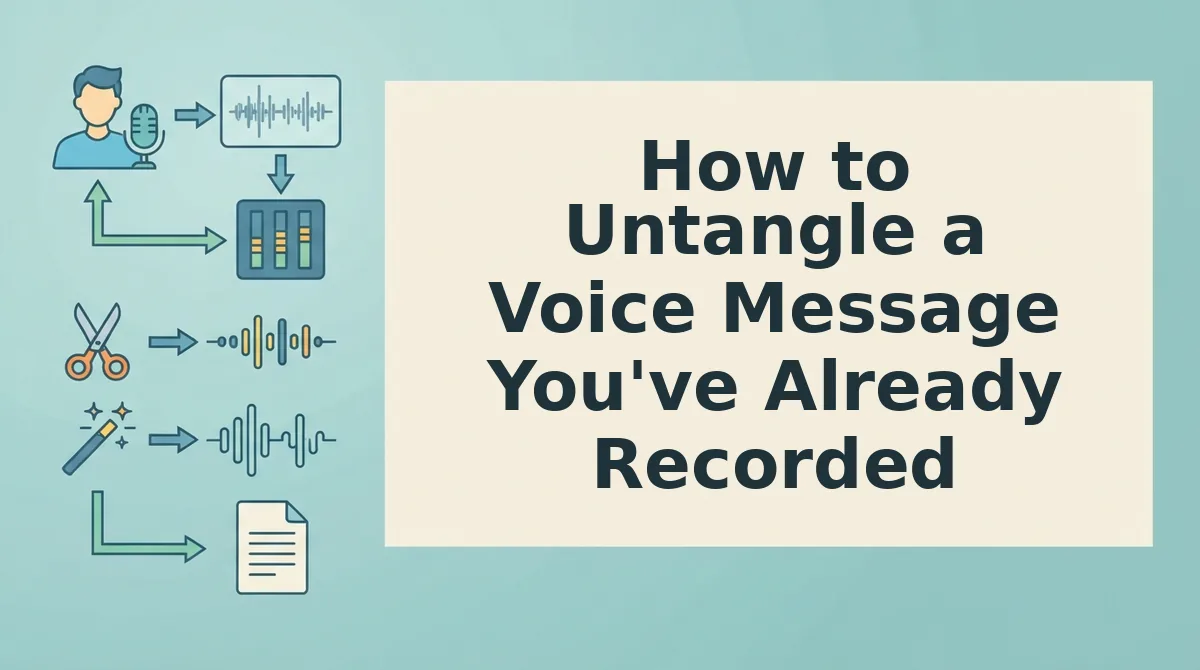
A tangled voice message is fixable without re-recording from scratch. This 4-step rescue workflow takes under 5 minutes and works whether you clean it manually or use VClar to clean up grammar in a voice message while preserving your voice.
Prerequisites: the original audio file, a quiet space if you plan to re-record segments, and either a text editor for manual restructuring or a VClar account for AI cleanup.
- Play back and mark the collapse points. Open your voice note and listen once through without stopping. Note the timestamps where your sentence structure breaks down, usually after a false start or a mid-clause pivot. You should end with a short list of 2-4 trouble spots, not a full transcript.
- Isolate each tangled segment. Use your audio player's trim or selection tool to cut the broken clause out of the timeline. If you are working in VClar, upload the full file and let the engine flag filler words and grammatical breaks automatically. You should see the problem segments highlighted or removed without touching the rest of the message.
- Restructure the clause on paper first. Type the intended meaning as one short sentence with a single subject and verb. Read it aloud once. If it takes more than one breath to say, split it into two sentences. You should have a replacement line that sounds natural in your own voice, not a polished script.
- Re-record only the fixed segment or let AI clean it. Record the restructured clause in the same tone and pace as the original, then splice it in. Alternatively, run the full message through VClar to remove tangles automatically while keeping your authentic voice, tone, and cadence intact. You should hear a message that sounds like you on a clear day, not a different speaker.
AI fixes syntax, not logic. If the underlying idea is unclear or the facts are wrong, no tool can repair that. But when the thought is solid and only the sentence collapsed, AI cleanup is the fastest path to a send-ready message. VClar can also translate voice notes across languages after cleanup, so the same rescue workflow applies to cross-border updates.
FAQ: Tangled Spoken Clauses in Voice Notes
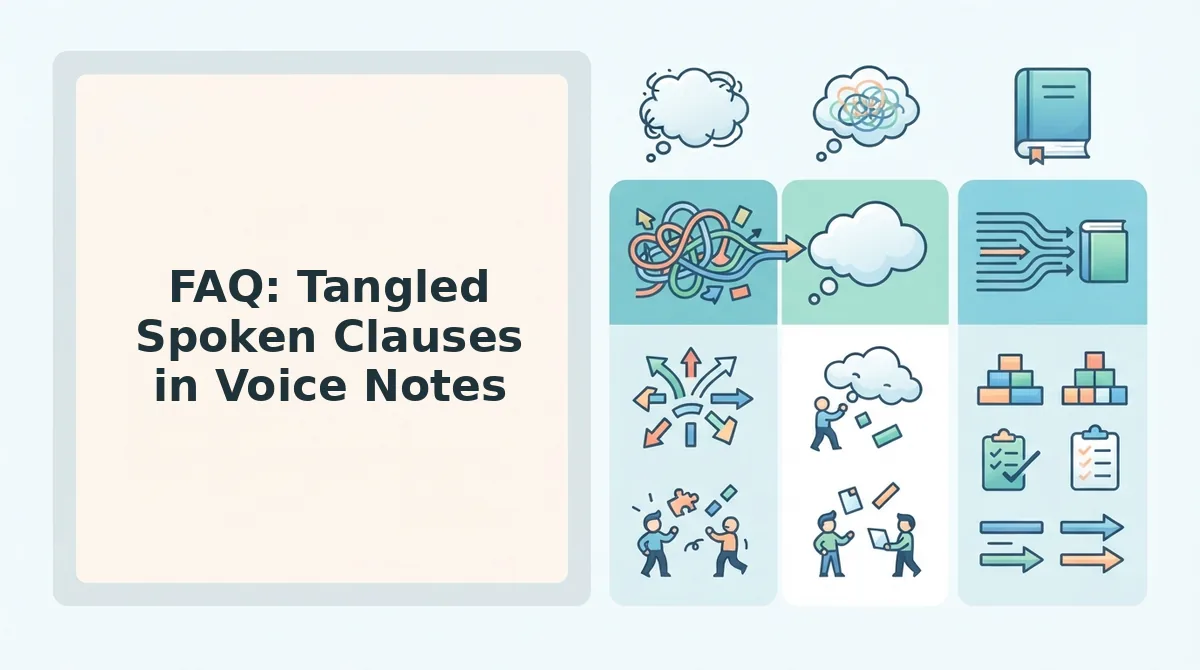
Tangled clauses are structural collapses in a sentence, not the same as filler words. Filler words like "um" and "like" are hesitation markers you can strip without changing meaning; a tangled clause is a sentence that lost its grammatical path mid-thought and needs restructuring to make sense.
Why do my sentences get tangled when I record voice notes but not when I type?
Speaking happens in real time with no backspace key, so your working memory holds the sentence structure while you also plan the next idea. When that load exceeds capacity, the clause collapses. Typing gives you visual feedback and revision time, which masks the same planning limits.
Can AI fix grammar in a voice message without making me sound robotic?
Yes, when the tool preserves your original voice, tone, and cadence rather than resynthesizing speech. VClar removes grammatical breaks and filler words from the audio timeline while keeping your vocal identity intact, so the result sounds like you speaking clearly, not a text-to-speech clone.
What is the difference between filler words and tangled clauses?
Filler words are hesitation markers, "um," "ah," "like", that pad silence while you think. Tangled clauses are structural failures where the sentence loses its subject or verb path. You can remove filler words from audio without changing meaning; tangled clauses require restructuring the sentence itself.
Why do I tangle my words more when I am nervous or recording for someone important?
Nervous tangling is a working memory overload, not a knowledge gap. Anxiety consumes cognitive resources that would normally hold your sentence structure together, so clauses collapse even when you know the material well. Reducing pressure and using a one-idea-per-breath structure lowers that load.
Do grammar exercises help with spoken clarity in voice notes?
Grammar study helps written accuracy but does little for real-time spoken structure, because tangling is a planning and memory problem, not a rules problem. Practicing short, single-clause spoken sentences and using AI cleanup as a safety net improves voice note clarity faster than grammar drills.
Tangled Clauses Are a Structure Problem, Not a Talent Problem
Every tangled voice note traces back to one of three collapse types: the false start, the mid-clause pivot, or the overstuffed sentence. The breath test catches all three, if you cannot say it in one exhale, split it. That single habit resolves most tangles before they reach the recording.
AI cleanup is a safety net, not a crutch. Use it to rescue messages when a tangle slips through, but pair it with the One Idea Per Breath framework so you need the net less often. The goal is one-take confidence, not endless post-production.
Your next step: record one voice note today using one idea per breath, then run it through VClar to hear the difference between your raw take and the cleaned version. For more on structuring clear async updates, read the voice communication guides. You already think in complete sentences, now your voice notes will too.