
You record a voice note for a prospect, listen back, hear yourself say "um" three times, delete it, and start over. Five takes later, you send nothing, and the follow-up never happens. That re-recording loop is where deals quietly die, and it's exactly what sales voice note follow up software is built to eliminate.
You're not alone in this. Reps want to follow up, the friction isn't motivation, it's mechanics. YouTube research on sales workflows shows reps skip CRM logging because it takes too long, not because they don't care about the data. The same friction applies to voice notes: one awkward take and the whole message gets scrapped.
Here's what you'll learn: the exact four-step pipeline that turns a rough spoken note into a polished, send-ready follow-up in one take. You'll see how software removes filler words, fixes grammar, and generates clean transcripts for CRM logging, all without re-recording. Then we'll break down why reps skip follow-ups in the first place and how voice notes close that gap.
By the end, you'll have a decision framework for choosing voice notes over email or calls, and one surprising finding about what actually kills follow-up consistency that most sales leaders overlook.
How a Sales Voice Note Follow Up Software Works
Sales voice note follow up software works in four steps: you record a spoken message, the software cleans it by removing filler words and fixing grammar, you confirm the polished result, and you send it, all in one take. The One-Take Voice Note Framework is Record to Clean to Confirm to Send.
Here's the full pipeline. Before you start, you'll need a smartphone or computer with a microphone, a voice note app or the software's recorder, and a prospect's contact channel (email, SMS, LinkedIn, or CRM). Most tools take under 60 seconds from record to send.
- Record your follow-up in one take. Open the voice note recorder in your software and speak naturally, don't script it. Say what you'd say on a call: reference the last conversation, state the next step, and ask one clear question. Expect 20-40 seconds of audio. You should see a waveform or timer confirming the recording is captured.
- Let the software clean the audio. The engine detects and removes verbal fillers, "um," "ah," "like," "basically," "you know", and cuts false starts. It also fixes grammar in the voice message so spoken sentences read as polished text. If you want a transcript for your CRM, the software generates it automatically from the cleaned audio. You should see a cleaned timeline with no audible hesitations and a transcript that matches the spoken intent.
- Confirm the result before sending. Play back the cleaned audio or review the transcript. Check that your tone, accent, and cadence are preserved, the software should not make you sound synthetic. If anything reads wrong, adjust the text or re-record only that segment. You should see a green checkmark or "ready to send" status when the message passes review.
- Send and log the follow-up. Choose your channel, email, SMS, LinkedIn voice message, or CRM activity. The software attaches the cleaned audio and transcript. If your tool integrates with your CRM, the activity logs automatically, so the follow-up is tracked without manual data entry. You should see a sent confirmation and a CRM entry with the timestamp and transcript.
For teams that struggle with filler-heavy recordings, a dedicated filler word remover handles the cleanup step automatically, so reps never have to edit audio manually. The entire framework is built for one-take confidence: no re-recording loops, no abandoned drafts, no missed follow-ups.
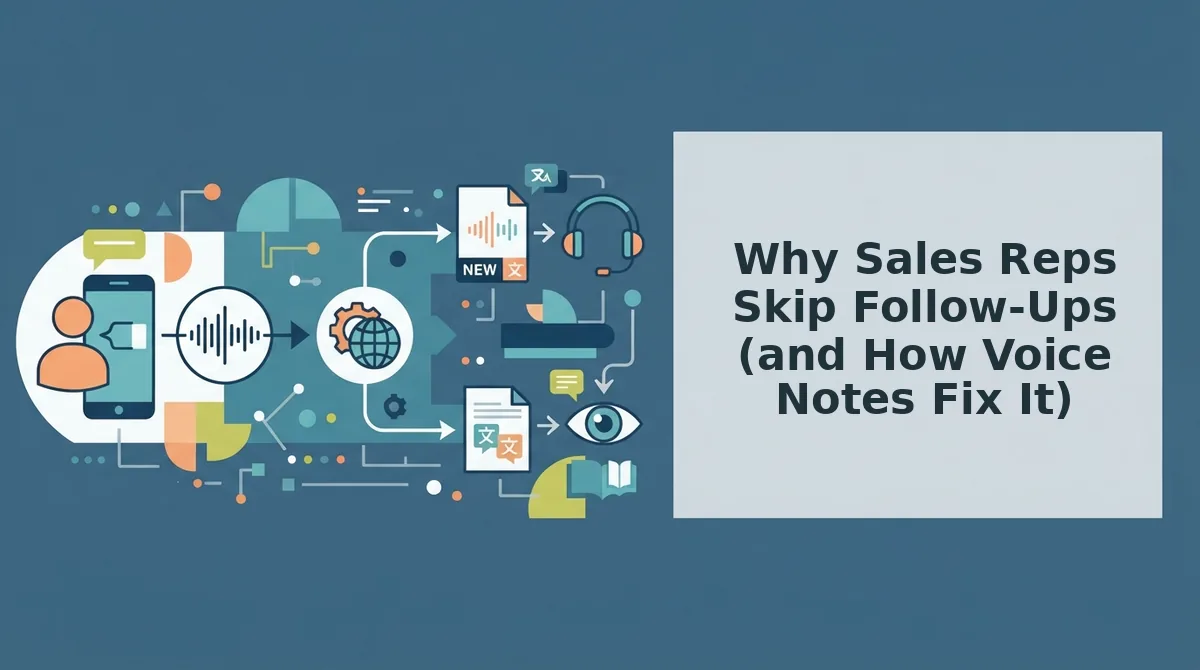
Why Sales Reps Skip Follow-Ups (and How Voice Notes Fix It)
A sales follow-up is any post-conversation message that moves a deal forward, a recap, a next-step confirmation, or a check-in. Reps skip them not because they're lazy, but because the mechanics of writing and logging them feel heavier than the message itself.
Think of a follow-up like a thank-you note after a dinner party. You want to send it, but the effort of finding a card, writing it neatly, and mailing it makes you put it off, until it never happens. Sales follow-ups fail the same way: the friction isn't the message, it's the medium.
Pavel Konan's YouTube research on sales workflows puts it bluntly: "Logging activities in Salesforce is painful. Most sales reps don't do it, not because they don't want to, but because it takes too long." The same logic applies to follow-up messages. Typing a polished email takes minutes. Recording a voice note takes seconds, but only if the first take is usable. When a rep records, hears "um" twice, deletes, and re-records, the voice note becomes as heavy as the email.
Voice note software removes that friction at both ends. The recording side handles filler removal and grammar correction automatically, so one take is enough. The logging side auto-generates a CRM activity from the spoken summary, no manual data entry, no forgotten entries. That's the CRM Logging Gap in action: the gap between what reps intend to log and what actually gets logged, closed by turning speech into structured data.
For teams evaluating voice note CRM integration, the payoff is immediate: follow-ups that actually go out, and activity logs that actually exist. Next, we'll look at when a voice note beats an email or a call, and when it doesn't.
Voice Note vs. Email vs. Call: A Decision Framework for Sales Follow-Up
Voice notes, emails, and calls each win in different follow-up scenarios, the right choice depends on urgency, relationship stage, and message complexity. No single channel dominates; the skill is matching the medium to the moment.
Before you choose, run every follow-up through three questions: How urgent is the message? If the prospect needs an answer before a meeting in two hours, a call or voice note beats an email that may sit unread. What stage is the relationship? Cold outreach favors email for its low-pressure entry point, while warm prospects respond well to the personal signal of a voice note. How complex is the content? A pricing breakdown with three tiers belongs in writing; a quick clarification or nudge fits naturally in 30 seconds of audio.
Email remains the strongest channel for documentation and asynchronous detail. A well-structured email gives the prospect a searchable record of terms, timelines, and next steps, something voice cannot match. Calls excel at real-time negotiation and reading emotional cues, but they demand calendar coordination and often trigger prospect anxiety about being put on the spot.
Voice notes occupy the middle ground: faster to produce than an email, less intrusive than a call, and far more personal than either. A voice note follow up sales message lets the prospect hear your tone, enthusiasm, and authenticity, signals that plain text strips away.
| Channel | Speed to Produce | Personalization | Documentation | Reply Rate Signal | Best For |
|---|---|---|---|---|---|
| Voice Note | Fastest, speak in one take | High, tone, cadence, and emphasis carry through | Low, audio is not searchable or scannable | Strong on warm leads; mixed on cold | Reps following up with prospects who already know them |
| Moderate, drafting and editing take time | Low, text flattens emotional nuance | High, searchable, forwardable, quotable | Reliable for cold outreach and formal proposals | SDRs sending structured, referenceable information | |
| Call | Slowest, requires scheduling and availability | Highest, live back-and-forth adapts in real time | Low unless recorded and transcribed | Highest when the prospect actually answers | Account executives closing deals or handling objections |
Here is the decision logic in plain terms: if the message is urgent and the relationship is warm, send a voice note. If the message contains details the prospect will need to reference later, send an email. If the conversation requires negotiation or emotional calibration, schedule a call. Most follow-up sequences mix all three, the framework tells you which one to lead with.

What Makes a Sales Voice Note Sound Professional (Without Losing Your Voice)
A professional sales voice note is clean, not perfect, one take, lightly polished, and unmistakably you. Re-recording five times to chase a flawless delivery is slower and less authentic than cleaning a single honest take.
- Remove filler words before sending. Ums, ahs, and "like" creep into spontaneous speech and dilute authority. Use a tool to remove filler words from audio so your message sounds decisive without requiring a scripted re-read.
- Fix spoken grammar errors automatically. Spoken English often produces phrases like "should of" instead of "should have" or tangled subject-verb agreement. A spoken grammar cleaner corrects these without changing your word choices or delivery style.
- Clean up background noise. Coffee shop chatter, keyboard clatter, or road noise undercuts professionalism faster than any verbal stumble. Acoustic cleanup removes distractions so the prospect hears your voice, not your environment.
- Lead with the prospect's context, not your pitch. Open with a reference to their last message, their timeline, or a specific pain point they mentioned. This signals you listened and keeps the note relevant from the first second.
- Keep it under 60 seconds. A voice note is a nudge, not a meeting. If you need more than a minute, you need a call or an email with structure. Short notes respect the prospect's attention and get replied to faster.
- End with one clear next step. Close with a single, specific ask: "Can you confirm Tuesday at 2?" or "Reply with a yes and I'll send the proposal." Ambiguous endings create follow-up friction.
- Preserve your natural cadence and accent. Do not perform a "radio voice" or flatten your regional accent. Prospects trust authenticity, and voice enhancement tools are designed to clean the signal, not replace your identity.
Your voice note does not need to be perfect, it needs to be clean. One take, lightly polished, sent within minutes of the trigger event beats a rehearsed recording that took twenty minutes to produce.
Voice Notes for Cross-Border Sales Teams
A voice note translator is a tool that converts spoken sales messages from one language to another while preserving the speaker's tone, cadence, and accent. Cross-border sales teams use it to send the same follow-up in multiple languages without re-recording a single take.
Think of voice note translation like a skilled interpreter standing beside you at a trade show: the words change language, but the enthusiasm, pacing, and personality stay intact. That distinction matters because prospects buy from people they trust, and trust travels on tone, not just vocabulary.
The workflow starts simply. A rep in Berlin records a follow-up in German. The software transcribes, translates, and regenerates the audio in Spanish for a prospect in Madrid, same voice, same cadence, different language. Intermediate teams extend this by maintaining a library of translated templates for common follow-up moments: post-demo check-ins, proposal nudges, and meeting confirmations.
Advanced cross-border teams use voice note translation languages to run parallel pipelines: one rep handles the DACH region, another covers LATAM, and both send voice notes that sound like they were recorded natively in each prospect's language. No re-recording loops, no scheduling translator calls, no losing the human signal to text-only email translation.
If your pipeline crosses language borders, the bottleneck is not the message, it is the medium. Voice notes with built-in translation remove that bottleneck. Here are the questions sales teams ask most often about making this workflow stick.
Frequently Asked Questions About Sales Voice Note Follow Up Software
Sales voice note follow up software records, cleans, and delivers short spoken follow-ups that sound polished without losing your natural delivery. Here are the questions sales teams ask most before adopting the workflow.
How long should a sales voice note be?
A sales voice note should run 30 to 60 seconds. Anything longer signals you have not prioritized your message, and prospects stop listening after the first minute. Lead with the one action you need, add one piece of context, and close with a clear next step.
Can I use voice notes for cold outreach?
Yes, but only after a prospect has engaged with you once, a downloaded resource, a LinkedIn reply, or a website visit. Cold voice notes to complete strangers convert poorly. Use sales voice note follow up software to clean the audio before sending so the first impression is decisive, not rambling.
Do voice notes work better than emails for follow-up?
Voice notes outperform email on reply rates when the relationship is warm and the ask is simple. Email wins for documentation, pricing tables, and multi-step instructions. The highest-performing reps pair both: a 45-second voice note that references the email you just sent.
What if my prospect doesn't listen to voice notes?
Send a two-line text or email summary alongside the audio. The summary carries the ask, the voice note carries the tone and urgency. If a prospect consistently ignores voice notes, switch that contact to email-only and reserve voice for prospects who respond to it.
How do I log a voice note in my CRM?
Most sales voice note tools generate a transcript automatically, which you paste into the CRM activity log along with the audio link. Log the note immediately after sending, the same minute, so pipeline data stays current and your next follow-up date is scheduled before you move to the next prospect.
Teams that adopt a 30-to-60-second voice note standard, pair audio with a written summary, and log every send in the CRM report two measurable changes within the first month: follow-up tasks stop slipping past due dates, and reply rates on warm leads climb because prospects hear a human voice instead of another templated email. The workflow is not about replacing email, it is about using voice where tone and speed actually move a deal forward.
Send Your Next Follow-Up in One Take
The entire case for voice note follow-ups reduces to one workflow: Record to Clean to Confirm to Send. You record the message in one take, the software removes fillers and tightens grammar, you confirm the cleaned audio still sounds like you, and you send it with a written summary logged in your CRM. No re-recording loops, no typing anxiety, no follow-up slipping to next week.
That workflow is what separates voice notes that close deals from voice notes that get ignored. The decision framework from earlier, voice for warmth and urgency, email for documentation, calls for negotiation, only works when the voice note itself sounds like a person who knows what they want. Sales voice note follow up software handles the cleanup so you can focus on the message.
Your next step is concrete: take the next follow-up on your list, record it as a voice note instead of typing it, run it through the one-take workflow, and send it before you open your inbox again. The payoff compounds, faster follow-ups, higher reply rates on warm leads, and a CRM that actually reflects what you did today. You already know what to say. Now you can say it once and send it.