
You just spent four minutes recording a follow-up for a warm lead, played it back, and heard yourself trail off mid-thought three times. So you deleted it and started over, again. That re-record loop is the quiet tax on every sales team that relies on voice notes, and learning to fix sentence fragments in a sales voice note is the fastest way to stop paying it.
You're not alone if your spoken messages sound less polished than your emails. Speaking is improvisational; fragments happen. The good news: you can repair them without scripting every word or losing your natural delivery. This guide walks you through what fragments actually sound like in a voice note, a three-step audit you can run in under two minutes, and a before-and-after example that shows the fix in action.
Here's the part most reps miss: the repair itself takes less time than one re-record, and there's a tool that does the heavy lifting for you. VClar removes filler words and tightens phrasing while keeping your voice intact, so the one-take message you send already sounds decisive.
What a Sentence Fragment Sounds Like in a Voice Note
A sentence fragment is an incomplete thought missing a subject, verb, or both, in voice notes, it sounds like a trailing thought that never lands. Think of it like a handshake where you let go halfway through: the other person is left guessing whether the interaction is over or you just fumbled.
Three fragment types show up most often in sales voice notes:
- Missing subject: "Wanted to check in about the proposal." Who wanted to? The listener can infer it, but the sentence never names the actor.
- Missing verb: "The pricing page, the one with the annual toggle." This points at something but never says what it does or why it matters.
- Dependent clause left hanging: "Because we closed Q3 early and the team is moving fast." This sets up a reason but never delivers the conclusion.
Fragments hurt more in voice than in email because buyers can't scroll back to re-read. An enterprise buyer listening to a 45-second note hears three incomplete thoughts and quietly downgrades their trust in your precision. Email fragments can hide behind casual formatting; spoken fragments sound like you lost your train of thought mid-pitch. The authority cost compounds when the buyer forwards your note to a procurement team that has never met you.
One self-contained way to think about it: a voice note with fragments is like a slide deck where every third slide has no title and no takeaway. The audience fills in the gaps themselves, and they usually fill them with doubt.
The Fragment Audit: Spot, Repair, Rehearse
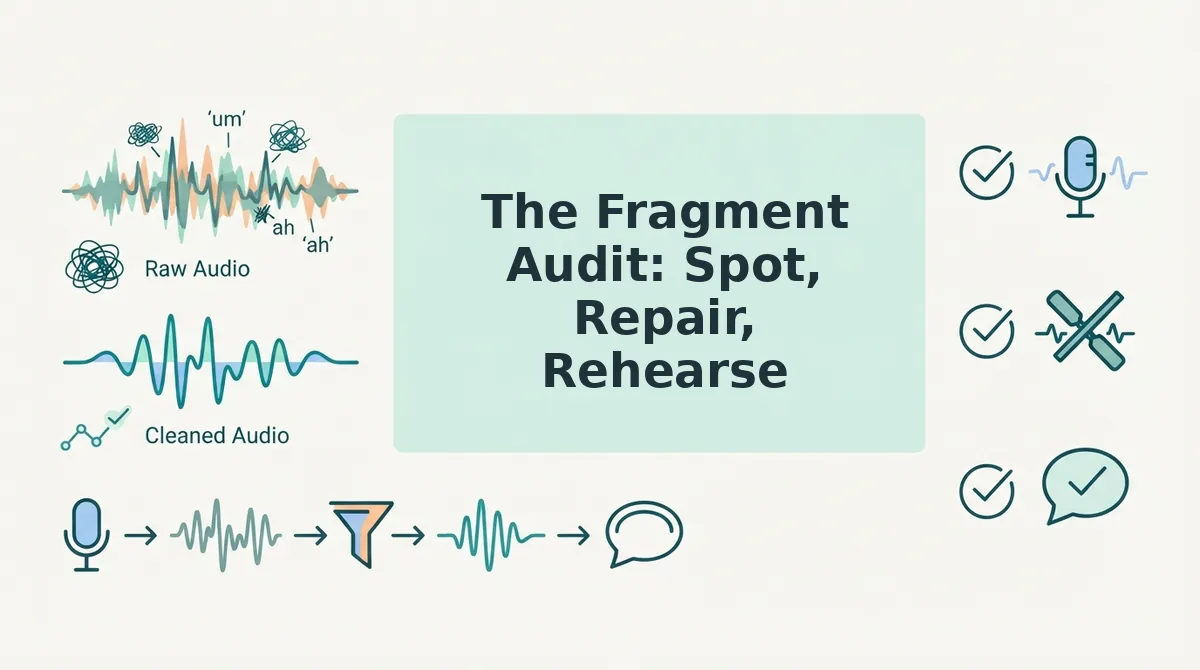
The Fragment Audit is a three-step method for catching and fixing incomplete thoughts in a sales voice note before you hit send. You need only your recorded note and two minutes of playback time.
- Spot, listen for the three fragment types. Play back your note once at normal speed and mark every place where a thought trails off without a subject, a verb, or a completed clause. You should end with a short list of timestamps, not a full transcript rewrite. This pass takes about 60 seconds for a typical 45-second note.
- Repair, complete the thought by adding the missing piece or merging with the next sentence. For a missing subject, say who: "I wanted to check in about the proposal." For a missing verb, state the action: "The pricing page with the annual toggle shows the discount clearly." For a hanging dependent clause, attach it to the conclusion: "Because we closed Q3 early, we can fast-track your onboarding." Each repair should take one spoken sentence, not a paragraph.
- Rehearse, deliver the repaired note in one take without scripting. Don't write out the full message. Say the repaired sentences aloud once, then record the final version. You should sound natural, not recited, and the note should land under 60 seconds.
If you want to skip the manual pass, VClar can fix grammar in a voice message automatically, it detects incomplete phrasing, removes filler words, and tightens the audio while preserving your tone and cadence. Run your raw note through it once and compare the side-by-side playback to hear exactly what changed.
Here's what that repair looks like on a real note.

Before and After: A Real Sales Voice Note, Repaired
Seeing a fragment-heavy sales voice note side by side with its repaired version makes the problem concrete. The table below shows a raw transcript, the cleaned version, and exactly what changed and why.
| Raw Transcript (Fragments Marked) | Repaired Transcript (Changes Highlighted) | What Changed and Why |
|---|---|---|
| "Hey Sarah. So. Um. The Q3 numbers. Basically we closed 14 accounts. Which is. You know. Up from nine." | "Hey Sarah, the Q3 numbers are in. We closed 14 accounts, up from nine." | Merged two fragments ("The Q3 numbers." / "Which is.") into one complete sentence. Removed "um," "basically," and "you know." The message now leads with the result instead of stalling. |
| "The demo went well. Like. Really well. They asked about pricing. And the API docs. Both of those." | "The demo went really well. They asked about pricing and the API docs." | Combined the trailing fragment "Both of those." into the preceding sentence. Removed "Like." as a filler. The buyer's two questions now read as one clear follow-up item. |
| "If we can get the contract signed. By Friday. Then we hit quota. For the month." | "If we can get the contract signed by Friday, we hit quota for the month." | Joined three fragments into a single conditional sentence. The if-then logic is now explicit, which matters when a buyer is deciding whether to act. |
Best for a founder or AE who records on the go: VClar's fragment repair works on the audio itself, so you keep your voice and pacing while the grammar gets fixed. Best for a sales manager reviewing team messages: a manual transcript review like the table above helps you coach reps on where their spoken sentences break down. Manual editing gives you full control but costs time; automated cleaning is faster but works best when you review the output once before sending.
Sentence fragments in a sales voice note are incomplete spoken thoughts that lack a subject, a verb, or both, such as "The Q3 numbers." or "By Friday." They happen when a speaker thinks faster than they talk and starts a new idea before finishing the previous one. Fragments differ from pauses because a pause is silence between complete thoughts, while a fragment is an unfinished thought that gets abandoned. In sales messages, fragments make you sound unsure and force the buyer to guess what you meant.
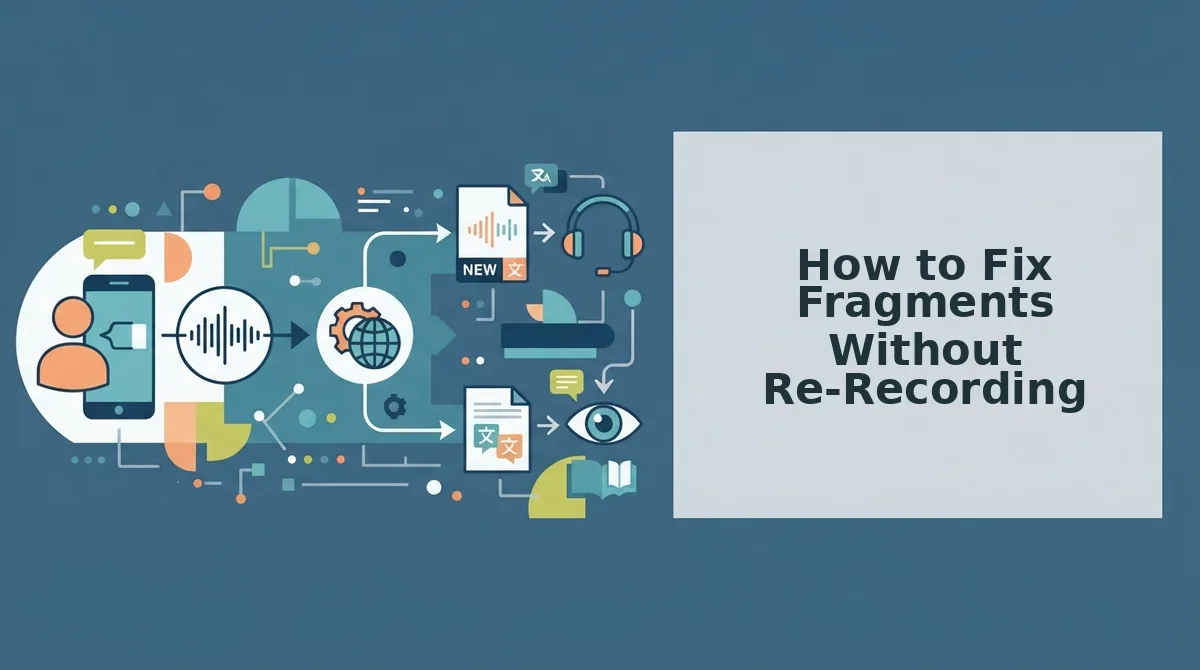
How to Fix Fragments Without Re-Recording
You can repair sentence fragments in a voice note without recording a second take. VClar's spoken grammar correction cleans the audio in one pass, so you keep your natural delivery and skip the re-record loop.
Pre-scripting a sales voice note kills authenticity because buyers can hear the difference between a read script and a spontaneous pitch. The hesitation, the natural rhythm, the genuine reaction to a question, those disappear when you read. The in-flow fix is simpler: record once, clean once. VClar's spoken grammar correction acts as the one-take tool that merges fragments, removes fillers, and tightens phrasing while preserving your voice, accent, and cadence.
Prerequisites: A recorded voice note or the ability to record directly in VClar. No script, no second take, no audio editing experience required.
- Record your voice note as you normally would. Speak naturally and do not stop to correct yourself. Expect fragments and fillers, they are part of how you talk. You should see the audio waveform appear in VClar once recording stops.
- Upload or select the recording in VClar. Click the upload button or choose the file from your recent recordings. You should see the transcript generate automatically within a few seconds.
- Run the grammar and fragment repair. Open the Grammar panel and enable spoken grammar correction. VClar detects incomplete sentences, merges related fragments, and fixes subject-verb mismatches. You should see a cleaned transcript with changes highlighted.
- Review the repaired transcript. Read the highlighted changes to confirm the meaning matches your intent. Adjust any sentence VClar merged incorrectly by tapping it and selecting an alternative repair. You should see the audio timeline update to match the edited text.
- Export or send the cleaned voice note. Click Export to download the repaired audio and transcript, or send directly from VClar. You should hear your own voice, minus the fragments and fillers, with the same tone and pacing as the original take.
If your voice note also has ums, ahs, and false starts, run VClar's filler word removal in the same pass. For a deeper look at spoken grammar repair, see how to fix grammar in a voice message without losing your natural delivery.
To fix sentence fragments in a voice note without re-recording, upload the audio to VClar and run the spoken grammar correction tool. The tool detects incomplete sentences, merges related fragments into complete thoughts, and removes filler words in one pass. You keep your original voice, tone, and pacing while the grammar gets repaired. Review the highlighted changes, adjust any merge that changed your meaning, then export or send the cleaned audio. The whole process takes under a minute for a typical 60-second voice note.
FAQ
A sentence fragment in a voice message is an incomplete spoken thought that lacks a subject, a verb, or both, like "The Q3 numbers." or "By Friday." It happens when a speaker starts a new idea before finishing the previous one, leaving the listener to fill in the gap.
What is a sentence fragment in a voice message?
A sentence fragment in a voice message is an incomplete spoken thought that lacks a subject, a verb, or both, such as "The demo." or "By Friday." It happens when a speaker starts a new idea before finishing the previous one, forcing the listener to guess what was meant. Fragments are common in spontaneous speech but make sales messages sound uncertain.
Can I fix grammar in a voice note without re-recording?
Yes. Upload the voice note to VClar and run the spoken grammar correction tool. It detects fragments, merges related incomplete sentences, and fixes subject-verb mismatches in one pass while preserving your original voice, tone, and pacing. You review the changes, adjust anything that altered your meaning, then export or send the cleaned audio.
Do buyers notice sentence fragments in sales voice notes?
Yes, buyers notice fragments because they make a message harder to follow. An incomplete thought forces the listener to pause and reconstruct what you meant, which interrupts the flow of your pitch. Fragments also signal hesitation, which can read as uncertainty about your own product or offer.
What's the difference between a fragment and a pause?
A pause is silence between two complete thoughts, which can add emphasis or give the listener time to process. A fragment is an unfinished thought that gets abandoned before it becomes a complete sentence. Pauses are natural and often effective in sales; fragments are not, because they leave meaning incomplete.
How do I sound more polished on voice notes?
Record once without stopping to self-correct, then run the audio through VClar. The tool removes filler words, repairs sentence fragments, and tightens phrasing while keeping your natural voice and accent. You can also remove filler words from audio as a standalone step if grammar is not the main issue.
The Fix Takes One Pass, Not Ten
You started with a voice note full of fragments. You ran the Fragment Audit, spotted the incomplete thoughts, repaired them with a subject and verb, and rehearsed once. That's the entire workflow. One pass.
The open loop from the start, whether a sales voice note can sound polished without killing your momentum, closes here: yes, and it takes less time than re-recording a single take. The fragment problem isn't a talent gap. It's a cleanup step.
Here's what to do next:
- Run the Fragment Audit on your most recent follow-up voice note.
- Repair the fragments you find, add the missing subject, attach the dangling clause.
- Send the cleaned version through voice notes for founders to strip fillers and tighten phrasing in the same pass.
Try VClar on your next follow-up voice note. Record it rough, let the tool clean the fragments and fillers, and send it without a second take.
A fragment only costs you the deal if you let it stand.