
You've recorded the same 40-second voice note four times, and every version still sounds like you're thinking out loud instead of making a point. Founders, sales reps, and freelancers who think faster than they type know this loop intimately: record, cringe, delete, repeat, and the final take still carries ums, false starts, and a trailing thought that undercuts your authority. If you want to fix rambling voice notes without losing tone, the problem isn't your speaking ability. It's that you're editing audio like a typist instead of cleaning it like a communicator.
You're right to be frustrated. Raw voice memos contain verbal fillers, awkward pauses, and disjointed grammar that make even sharp ideas sound uncertain. Here's the promise: by the end of this article, you'll understand why you ramble in the first place, learn a three-step framework for recording clean voice notes in one take, and see exactly what AI cleaning removes, and what it deliberately preserves. One surprising finding ahead: the reason you hate your recorded voice is the same reason you over-explain in it. VClar's filler word removal and speech enhancement exist precisely to close that gap without flattening your natural cadence.
Why You Ramble in Voice Notes (And Why It's Not Your Fault)
Rambling in voice notes is a feedback gap, not a speaking flaw. When you talk to someone in person, you read their micro-reactions, a nod, a raised eyebrow, a glance at their watch, and adjust your pacing in real time. A voice note gives you none of that. You're speaking into a void, so your brain over-explains to compensate for the silence it can't read.
Think of it like driving without a speedometer. You don't suddenly forget how to drive; you just lack the live signal that tells you when you're going too fast or drifting. Voice notes remove your conversational speedometer, and the result is verbal drift: extra context, repeated points, and filler words that pad the silence while you search for the next thought.
There's a second layer. Most people dislike the sound of their recorded voice because they're hearing it without bone conduction, the internal resonance that makes your voice sound deeper and fuller to yourself than it does to a microphone. That unfamiliar, thinner playback triggers mild discomfort, which makes you tense up and overcompensate on the next take. You start adding qualifiers, restating the same idea three ways, and stretching a 20-second point into 90 seconds. The rambling isn't a character defect. It's a predictable response to recording without listener feedback and hearing yourself through an unfamiliar acoustic lens.
Here's the self-contained answer to the core question: you ramble in voice notes because the medium strips away the two signals that normally regulate speech, real-time listener reactions and the bone-conducted version of your own voice. Without them, you over-explain to fill the perceived void and overcorrect for a playback voice that sounds foreign to you. The fix is not to "speak better." It's to restore a feedback loop, either through structured recording habits or through tools that clean the output after the fact.
The One-Take Confidence Framework: Record, Clean, Compare
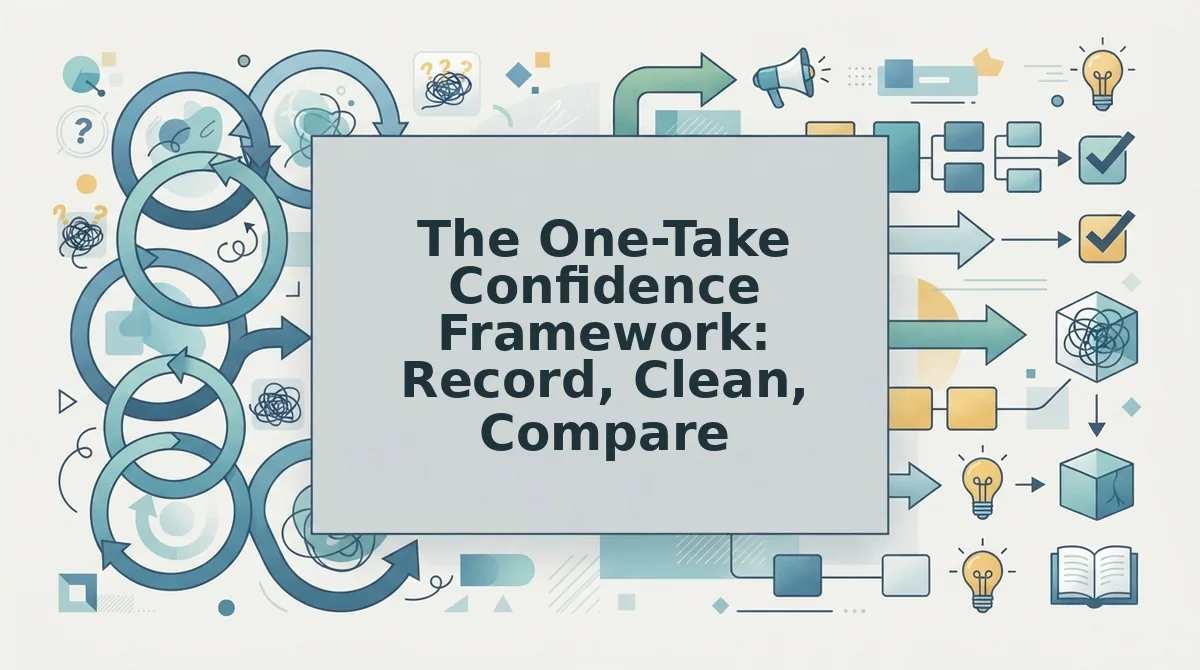
The One-Take Confidence Framework is a three-step method for producing polished voice notes without re-recording: record raw without self-editing, clean intelligently with AI, and compare side-by-side to build a feedback loop. You need a voice recorder app and access to a cleaning tool like VClar.
- Record raw without self-censoring. Open your voice recorder, state your point in one sentence, then speak until you're done. Do not stop to fix mistakes. Do not delete and restart. Give yourself a hard limit, 90 seconds for most updates, 3 minutes for detailed explanations. Expected outcome: a complete, unfiltered take that captures your full thought, fillers and all. Success looks like a single audio file, not five abandoned attempts.
- Clean intelligently instead of editing manually. Upload your raw recording to VClar. The engine detects and removes verbal fillers, ums, ahs, "like," "basically," "you know," and false starts, while correcting spoken grammar and tightening phrasing. You can also remove filler words from audio without touching your tone, accent, or pacing. Expected outcome: a cleaned audio file and transcript that sounds like a sharper, more deliberate version of you, not a different speaker. Success looks like a transcript where every sentence lands cleanly.
- Compare side-by-side to build your ear. Play the raw version, then the cleaned version. Read both transcripts. Note which fillers you use most, where you repeat yourself, and which sentences VClar tightened. This comparison is your feedback loop, the listener signal that voice notes normally lack. Expected outcome: within a few sessions, you start catching your own patterns and recording cleaner first takes.
Here's a worked example. A founder records a 90-second investor update on a Tuesday morning: traction numbers, a hiring ask, and a product milestone. The raw transcript is littered with "basically," two false starts, and a trailing sentence that undercuts the ask. They run it through VClar, and the cleaned version is 62 seconds: same voice, same cadence, zero fillers, and the ask lands as a direct sentence. The side-by-side transcript shows exactly what changed, and that's the learning loop. For founders who send stakeholder updates weekly, this framework turns voice notes for founders from a liability into a reliable communication channel.
Once you've compared a few recordings, you'll notice the cleaning engine is doing more than deleting words, it's making surgical decisions about what to preserve. That's where the next section comes in.
What Cleaning Actually Removes (And What It Preserves)
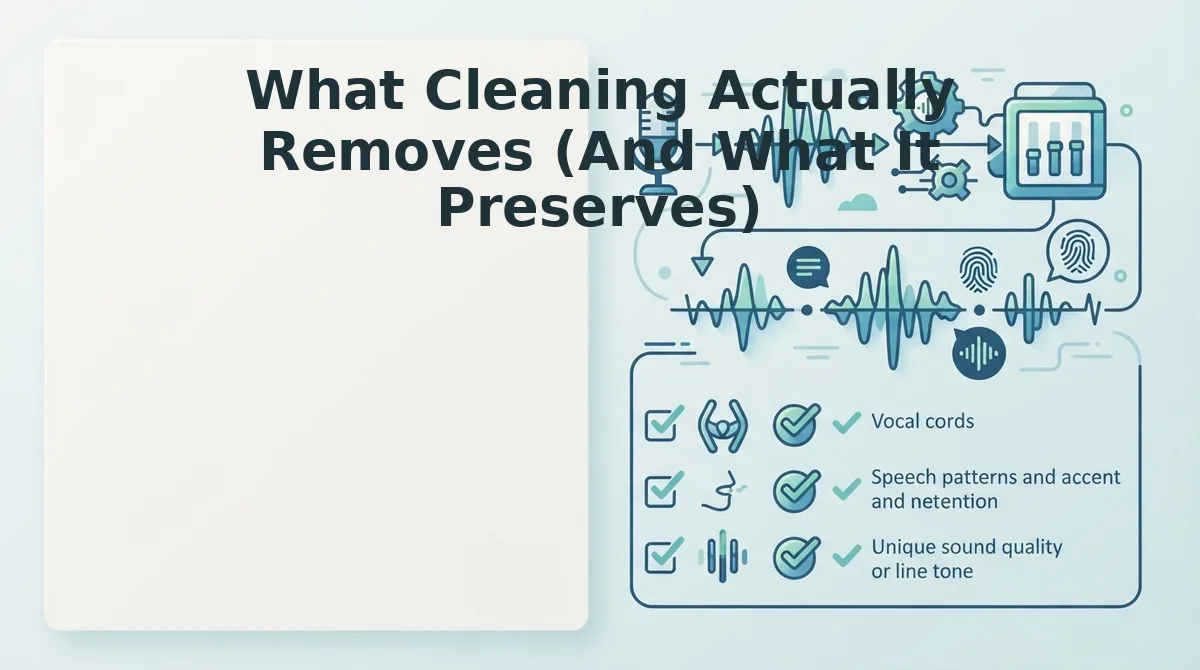
AI voice cleaning works by separating the linguistic content of your speech from the acoustic signature of your voice, then surgically removing only the first. The result is a message that sounds like you on your best day, not a robot reading your words.
The mechanism matters because it addresses the biggest fear people have about AI audio tools: that cleaning will flatten their personality. It doesn't. The engine analyzes your vocal timbre, pitch contour, accent patterns, and natural speaking rhythm, then removes only the disfluencies that sit on top of that signal, fillers, false starts, circular phrasing, background noise, breath sounds, and mouth clicks.
What gets preserved is everything that makes the message yours: your accent, your cadence, your emotional inflection, and the intent behind your words. What gets removed is everything that makes listeners work harder to understand you.
| What Cleaning Removes | What Cleaning Preserves |
|---|---|
| Filler words (um, ah, like, you know, basically) | Vocal timbre and tone |
| False starts and repeated phrases | Accent and regional pronunciation |
| Circular phrasing and verbal tangents | Natural speaking cadence and rhythm |
| Background noise and room echo | Emotional inflection and emphasis |
| Breath sounds and mouth clicks | Speaker intent and personality |
Competitor tools take different approaches, and each has a legitimate use case. Descript offers full transcript-based editing, which is best for podcasters and video editors who want granular control over every word. Krisp focuses on real-time noise suppression during live calls, which is best for remote workers in noisy environments. VClar's strength is one-take voice message cleanup: it removes fillers, tightens phrasing, and can fix grammar in voice message audio without requiring you to edit a transcript or re-record anything.
Best for podcasters and video editors: Descript, because transcript-based editing gives you frame-level control over the final cut. Best for live call participants: Krisp, because real-time noise suppression works during the conversation, not after it. Best for async voice messages and one-take communication: VClar, because it cleans the audio timeline automatically while preserving your vocal identity, no transcript editing required.
The 45-90 Second Rule for Voice Notes
The sweet spot for async voice messages is 45 to 90 seconds. Shorter than 45 seconds often means you haven't given enough context; longer than 90 seconds and listener retention drops sharply because attention spans for audio messages are shorter than for live conversation.
- Open with your ask in the first 10 seconds. State what you need or what decision you're requesting before any background context. Listeners decide whether to keep listening in the first few seconds, and a clear ask up front anchors everything that follows.
- Limit yourself to one main point per voice note. Multiple topics in a single message force the listener to hold several threads in memory while they listen. If you have three things to discuss, send three short notes, each one gets a cleaner response.
- Pause instead of using filler words. A half-second of silence sounds confident and gives your listener time to process. Fillers like "um" and "you know" signal uncertainty and eat into your 90-second budget without adding information.
- Check your pace before you send. Speaking too fast compresses your message and makes it harder to follow; speaking too slow wastes the listener's time. Use a speech speed test to confirm you're landing in a natural, conversational range.
- If you run over 90 seconds, clean it before you send it. Long messages are where rambling, repetition, and tangents accumulate. Running your audio through a cleanup tool removes the filler and tightens the phrasing so the message lands at its natural length, without you re-recording anything.
Your Voice, Minus the Noise
The One-Take Confidence Framework works because it removes the pressure to be perfect on the first try, not by making you rehearse more, but by making the cleanup automatic. You record the way you actually talk, the AI removes what doesn't serve the message, and you compare the result to hear exactly what changed. The open loop from the start, whether you can sound more decisive without sounding less like yourself, resolves to a clear yes.
Your next step is simple: record a voice note the way you normally would, run it through VClar, and listen to the cleaned version side by side with the original. The difference is measurable in seconds saved and audible in how much more direct you sound. Your tone stays yours, the rambling just stops getting in the way.