
You record a voice note, listen back, and cringe. The idea was solid, but the delivery wandered through three tangents, seven "ums," and a false start that made you sound unsure. Now you're staring at the delete button, dreading another take. Here's the truth: you don't need to re-record. You need to clean rambling voice note without losing tone, and the method is simpler than you think.
You're not alone. Founders, sales reps, and consultants think at roughly 150 words per minute but lose hours re-recording voice messages that should have taken 30 seconds. The frustration isn't the recording, it's the gap between what you meant and what the audio captured.
This guide walks you through a three-layer cleanup model that separates what to remove, what to fix, and what to leave untouched. You'll learn which fillers kill credibility, which grammar slips matter, and why your accent and cadence should never be "corrected." Along the way, you'll see how VClar applies this model automatically, record once, send clean.
One surprising finding: most people over-clean their voice notes and end up sounding robotic. The fix isn't more editing, it's knowing where to stop.
What Are the Three Layers of Voice Note Cleanup?
Voice note cleanup is the process of separating a rambling recording into three distinct layers, acoustic, linguistic, and vocal identity, so you can remove distractions without flattening the speaker's authentic delivery. Think of it like restoring a photograph: you remove dust and scratches, fix the color balance, but never repaint the subject's face.
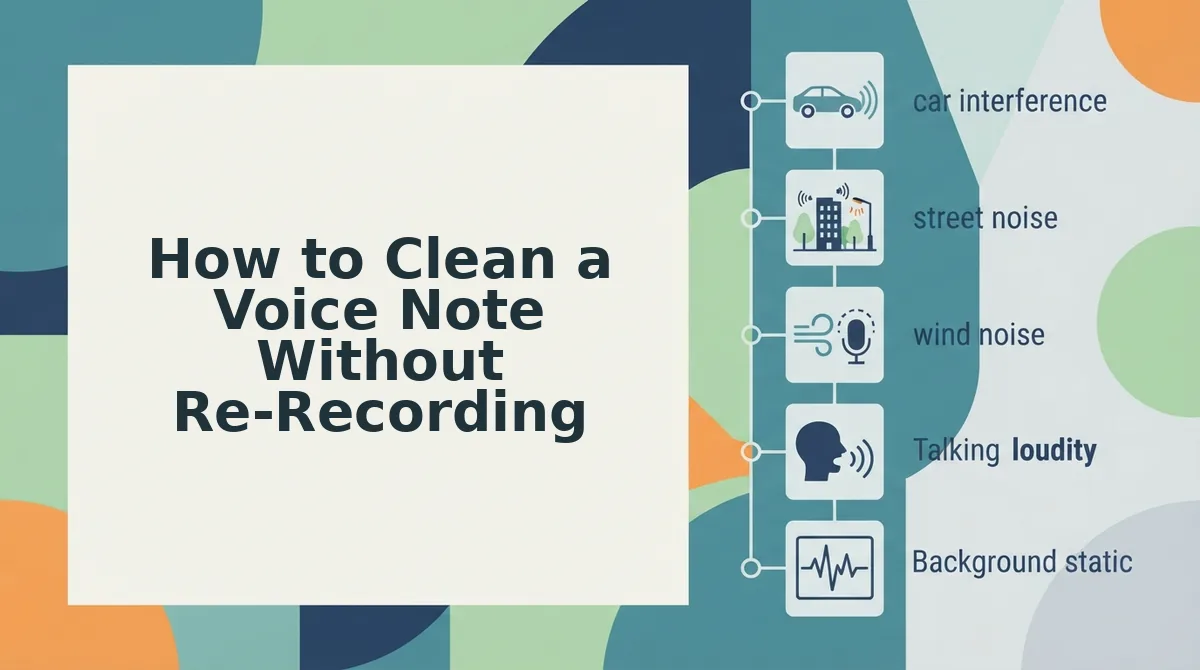
Layer 1: Acoustic cleanup. This is the simplest layer and the one most people skip. Background noise, room tone, keyboard clicks, and traffic hum sit underneath your voice and make even a well-spoken note sound unprofessional. Removing these distractions is purely technical, no judgment about your words or delivery. It's like wiping smudges off a camera lens before you even look at the photo.
Layer 2: Linguistic cleanup. This is where rambling gets tamed. Fillers like "um," "ah," "like," and "basically" creep into spontaneous speech because your brain is composing the next sentence while your mouth finishes the current one. False starts, "I think we should, wait, actually the better approach is...", are normal in raw audio but read as hesitation. Grammar slips, such as subject-verb mismatches or dangling clauses, also live here. The goal is to remove or repair these without rewriting your actual ideas.
Layer 3: Vocal identity. This layer should never be touched. Your timbre, cadence, accent, and natural pauses are what make the message sound like you. A voice note that's been over-processed loses warmth and trust. The distinction matters: linguistic cleanup removes what you didn't mean to say, while vocal identity preserves how you say it.
Here's the self-contained answer most people search for: To clean a rambling voice note without losing your tone, remove acoustic noise and verbal fillers, correct only grammar errors that change meaning, and leave your accent, pace, and natural pauses intact. Tools like VClar's filler word remover handle the linguistic layer automatically, so you're not manually slicing audio waveforms.
What to Cut vs. What to Keep in a Rambling Voice Note
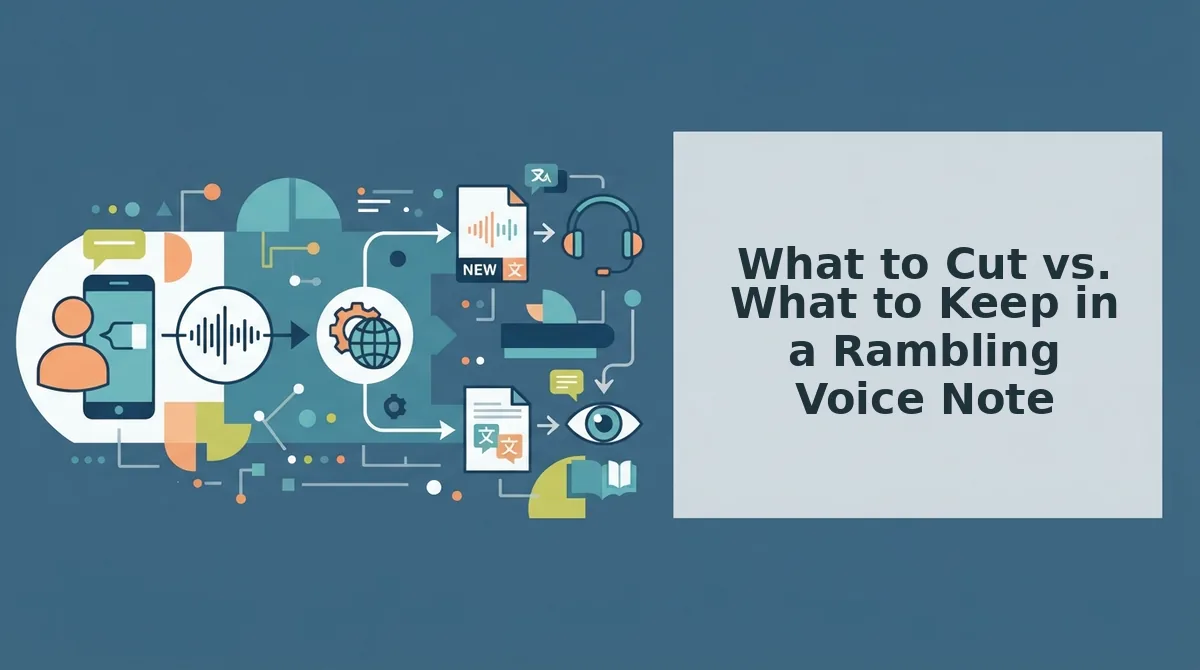
Before you edit anything, apply this filter: cut what distracts, keep what humanizes. Here's the decision matrix, ordered by impact.
- Cut filler words, "um," "ah," "like," "basically," "you know." These add zero meaning and signal hesitation. Removing them makes you sound decisive without changing a single idea. Use an automated remover so the audio timeline stays seamless.
- Cut repeated false starts, "I think we should, wait, actually..." False starts are the verbal equivalent of typing and deleting. They confuse the listener about where the sentence is going. Remove the abandoned fragment and keep only the final, intended clause.
- Cut circular phrasing, saying the same point twice in different words. Rambling often loops back on itself. Identify the clearest version of the point and remove the redundant pass. This tightens the note without losing content.
- Keep natural pauses. A brief silence before an important point builds emphasis. Don't compress every gap, pauses are part of how you sound confident, not robotic.
- Keep emphasis words, "honestly," "seriously," "the key thing is." These signal intent and priority. They're not fillers when used deliberately; they guide the listener's attention.
- Keep personality markers, your accent, cadence, and phrasing quirks. These are what make the message recognizably yours. Stripping them makes you sound like a generic AI voice, which defeats the purpose of sending a voice note.
- Fix only grammar errors that change meaning. A subject-verb slip that confuses who did what is worth correcting. A casual "gonna" or "wanna" is not. Use a tool like VClar's grammar fixer to handle meaning-critical corrections without over-editing.
Once you've applied this filter, the next question is how to execute the cleanup without re-recording.
How to Clean a Voice Note Without Re-Recording
You can clean a rambling voice note in under five minutes by uploading the raw audio to VClar, letting the engine strip fillers and repair fragments, then reviewing the result before you send it. No second take required.
Prerequisites: A recorded voice note (any length), a VClar account, and a quiet-enough original recording that your words are intelligible. You do not need editing software or audio experience.
- Upload your raw voice note. Open VClar and click Upload Audio, then select the file from your phone or desktop. Wait for the processing bar to complete, a 90-second clip typically takes under 30 seconds. You should see a waveform preview appear with a green checkmark next to Audio Ready.
- Review the detected cleanup map. Click Show Edits to see exactly what the engine flagged: fillers like "um" and "you know," false starts, and repeated phrases appear highlighted in yellow. A founder's 90-second project update might show 12-18 flagged items. Confirm you agree with the removals before moving on.
- Repair sentence fragments. Click Repair Fragments to fix incomplete thoughts the engine detected. For example, "So the Q3 numbers, basically we're seeing, like, the retention curve flatten" becomes "The Q3 numbers show the retention curve flattening." You should see the repaired sentence appear in the transcript panel with a blue underline.
- Preview the cleaned audio. Click Play Preview to hear the result. Listen for what stayed: your vocal timbre, pacing, accent, and emphasis remain untouched. A circular sentence like "What I mean is, the point I'm trying to make is that we need more time" gets compressed to "We need more time" without changing how you sound saying it.
- Export or send. Click Export to download the cleaned audio and transcript, or Send to share directly to Slack, WhatsApp, or email. You should see a confirmation toast: Voice note cleaned and ready.
Here is a concrete before-and-after walkthrough. A founder records a 90-second async team update that starts: "Hey team, um, so, basically what I wanted to, like, go over today is, you know, the launch timeline. What I mean is, the point I'm trying to make is that we need more time on QA." VClar removes the fillers ("um," "basically," "like," "you know"), deletes the false start ("so, basically what I wanted to, like, go over today is"), compresses the circular sentence into "We need more time on QA," and repairs the fragment into a complete thought. What stays intact: the founder's vocal timbre, natural pacing, accent, and the emphasis they placed on "more time." The result is a 45-second update that sounds decisive but unmistakably like the same person. For a deeper look at this workflow, see how voice notes for founders fit into async team communication.
Why Tone Preservation Matters More Than Perfection
Tone preservation is the practice of keeping a speaker's natural vocal identity, timbre, cadence, accent, and emphasis, intact while cleaning up verbal disfluencies. It matters more than perfection because a voice note that sounds too polished stops sounding like you, and that erodes trust faster than a few leftover "ums" ever would.
Think of tone preservation like tailoring a suit. A good tailor removes wrinkles and adjusts the fit without changing the fabric, the cut, or the way the suit moves when you walk. Over-editing is the equivalent of replacing the suit with a mannequin's outfit: technically flawless, but no longer yours.
The risk compounds in async communication. When a colleague receives a voice note that sounds synthetic, flat intonation, unnaturally even pacing, no accent or regional inflection, they subconsciously register it as less authentic. Trust erodes because the message no longer carries the speaker's identity. A slightly imperfect voice note that sounds like you will outperform a perfectly clean one that sounds like a text-to-speech demo every time.
VClar addresses this by removing fillers, false starts, and acoustic distractions while preserving natural tone, personal cadence, accent, and speaker intent. The engine cleans the timeline without resynthesizing your voice. This matters especially in voice notes for sales, where a prospect's decision to trust you hinges on hearing a real person, not a polished robot.
Frequently Asked Questions About Cleaning Voice Notes
Cleaning a voice note means removing verbal fillers, false starts, and acoustic distractions while preserving your natural tone, cadence, and accent. The goal is a clearer message that still sounds unmistakably like you, not a synthetic, over-polished recording.
How do I clean a rambling voice note without losing my tone?
Upload the raw audio to VClar and let the engine remove fillers like "um" and "you know," repair sentence fragments, and compress circular phrasing. The cleanup targets disfluencies only, your vocal timbre, pacing, accent, and emphasis remain untouched, so the result sounds like you speaking more clearly, not a different person.
What's the difference between cleaning audio and changing how I sound?
Cleaning audio removes verbal clutter: fillers, false starts, repeated phrases, and background noise. Changing how you sound means altering pitch, timbre, or accent, often through voice cloning or text-to-speech. VClar does the former only; your voice stays your voice, just with fewer distractions around it.
Can AI fix my voice note without making me sound like a robot?
Yes. VClar's cleanup engine edits the audio timeline by removing disfluencies and repairing fragments, but it does not resynthesize or replace your voice. The output keeps your natural tone, accent, and emphasis. Robotic-sounding audio comes from text-to-speech synthesis, which VClar does not use for cleanup.
How long should a clean voice note be?
A 90-second raw recording often becomes a 45-60 second clean note. If your cleaned note still exceeds two minutes, consider splitting it into two messages for better async readability.
Record Once, Send Clean: The Real Payoff
Every minute you spend re-recording is a minute you're not closing, creating, or shipping. The open loop from the start of this article, whether you can clean a rambling voice note without flattening your personality, resolves to a clear yes. The three cleanup layers, the cut-versus-keep judgment calls, and the no-re-record workflow all point to one outcome: one take, delivered with intent intact.
VClar removes fillers, corrects grammar, and strips acoustic noise while preserving your cadence, accent, and vocal identity. That's the synthesis: cleanup is not about sounding like someone else. It's about sounding like the most decisive version of yourself.
Your next step is concrete:
- Record your next voice note exactly as it comes out, rambles, false starts, and all.
- Run it through VClar and compare the cleaned output to your raw take.
- Send the clean version without a second thought.
The result you can expect: a message that reads as polished as a drafted email but still sounds unmistakably like you. Clarity is not the enemy of authenticity, hesitation is.