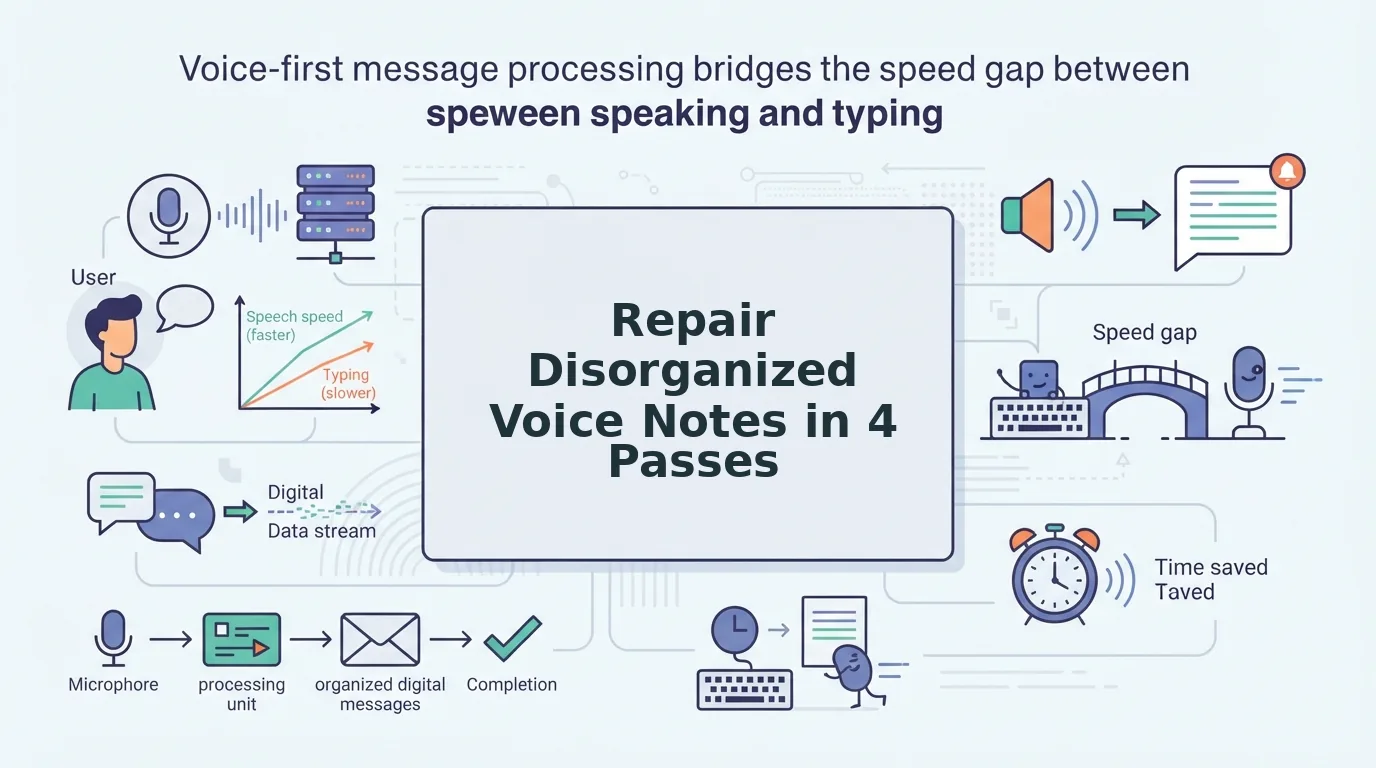

You record a 90-second update for your team, hear three false starts and a rambling middle on playback, and delete the whole thing to start over. That re-recording loop is where the speed advantage of voice notes goes to die. If you've ever abandoned a voice message because it sounded too messy to send, you're not alone, and the fix isn't better speaking. The fix is a repeatable way to repair disorganized voice notes after you record them.
The difference between a voice note people ignore and one they act on is repair workflow, not speaking ability. In the next few minutes, you'll learn a 10-second triage decision matrix to decide whether a note is worth fixing, then a 4-pass method that turns rough audio into clear, send-ready messages. One surprising finding: most "unusable" voice notes fail on only one of three fixable dimensions, and a tool like voice notes for founders can often repair that dimension without a single re-record.
Repair or Re-record? A 10-Second Decision Matrix
A repair decision matrix is a three-question triage tool that tells you in under ten seconds whether a voice note is worth editing or should be deleted and re-recorded from scratch. Ask yourself: Is the core message right? Is the audio quality acceptable? Is the structure salvageable? If all three answers are yes, the 4-Pass Method below will get the note ready to send.
Think of this like deciding whether to patch a flat tire or replace it. A small puncture in the tread is a five-minute patch. A shredded sidewall means a new tire. Voice notes work the same way: a note with the right content but sloppy delivery is a patch job. A note where you rambled off-topic for forty seconds and never landed the ask is a re-record.
The three questions break down like this. First, core message: did you actually say what you needed to say, even if it's buried under filler words? Second, audio quality: is the recording clear enough that a listener can understand the words without straining, no loud background noise, no clipped speech? Third, structure: does the note have a recognizable beginning, middle, and end, even if the transitions are rough?
If any answer is no, re-record. A note with the wrong core message can't be edited into the right one. A note with unusable audio quality isn't worth the repair time. A note with no discernible structure needs a fresh outline, not a polish. But when all three pass, you save the take and move to Pass 1, because the most common failure in otherwise-sendable voice notes is filler words, and that's the easiest thing to fix.
Pass 1, Remove Fillers and False Starts
Removing fillers and false starts is the highest-impact repair you can make to a disorganized voice note, and it works entirely after recording, no re-take required. The workflow is: transcribe the audio, identify every filler word and abandoned sentence opening, then remove or replace them so the remaining speech flows as one continuous thought.
Prerequisites: your original voice note file, a transcription (manual or tool-generated), and either an audio editor or a filler word remover that handles the cleanup automatically.
- Transcribe the note. Play the recording and write down exactly what you said, including every "um," "like," "basically," and false start. If you're using a transcription tool, export the raw text without auto-cleanup enabled, you need to see the fillers to remove them.
- Mark every filler and false start. Go through the transcript and highlight each hesitation word and every abandoned sentence opening. A false start is a phrase you began and dropped, like "So what I was thinking, actually, never mind, the point is..." The dropped clause is the false start.
- Remove or replace each marked item. In an audio editor, cut the filler word or false start from the timeline. In a text-based workflow, delete the word from the transcript. If you're using VClar's filler word remover, upload the audio and let the engine detect and strip fillers while preserving your natural tone and cadence.
- Listen to the result end-to-end. The repaired note should sound like you, just more decisive. A before-and-after example: "Um, so I think we should, like, move the deadline" becomes "I think we should move the deadline." You should hear no awkward gaps or clipped syllables where words were removed.
This pass alone often transforms a note from "I should re-record this" to "that's actually fine to send." But filler removal exposes the next layer of damage: broken grammar and sentence fragments that were hiding behind the hesitations.
Pass 2, Repair Broken Grammar and Sentence Fragments
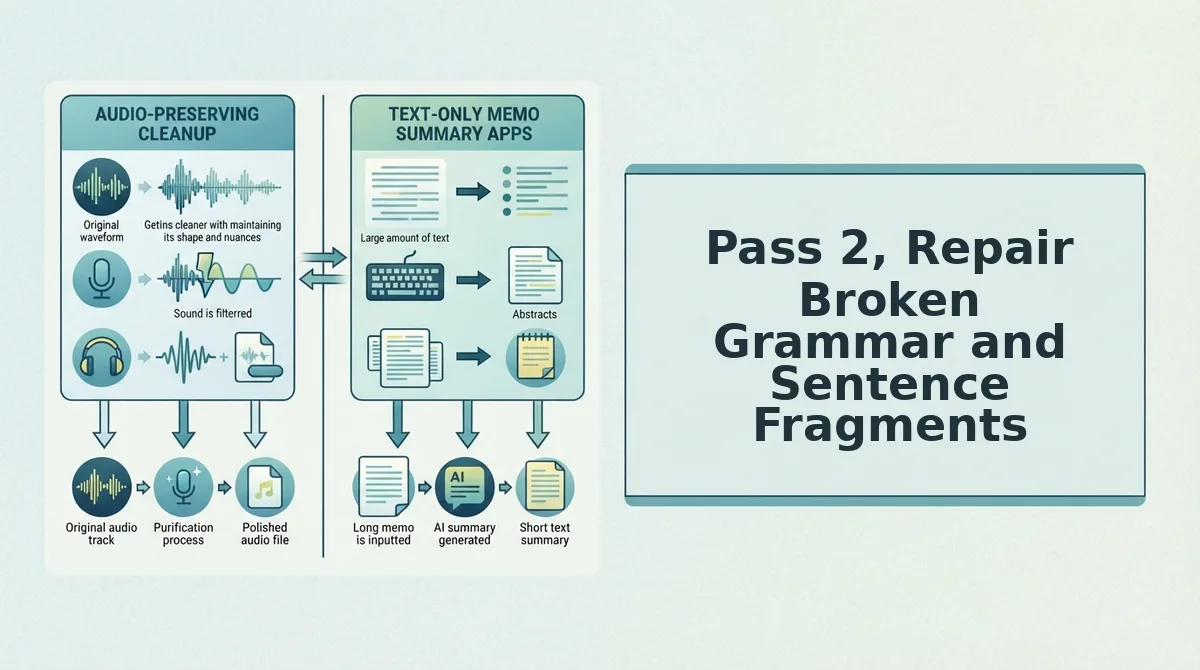
Spoken grammar breaks in predictable ways, and VClar's grammar fixer targets the three fragment types that most often derail voice notes: abandoned clauses, subject switches, and circular phrasing.
Prerequisites: A raw voice note uploaded to VClar, or a recording made directly in the app. No manual transcript editing is required.
- Upload your raw voice note to the VClar dashboard and wait for the initial transcript to render. You should see the full text appear within 10 - 15 seconds for a 60-second clip.
- Listen for abandoned clauses, sentences that start one way and trail off before the thought completes. VClar detects these breaks and reconstructs the intended sentence from context, so "I was going to say that the, um, the thing about pricing is, " becomes "The thing about pricing is…"
- Check for subject switches where you start talking about one person or topic and shift mid-sentence. The grammar engine re-anchors pronouns and verb agreement so the listener never has to guess who "they" refers to.
- Review circular phrasing, repeated restatements of the same point in slightly different words. VClar collapses redundant loops into a single declarative statement, cutting 20 - 30 seconds from a typical 90-second note.
- Confirm the repair preserves your voice. Open the preview and compare the cleaned audio against the original. VClar corrects syntax without flattening your accent, cadence, or word choices, so "gonna" stays "gonna" if that's how you speak.
After each repair pass, you should see a green checkmark next to the segment in the timeline, indicating the grammar fix is applied and the audio remains in your own voice.
Spoken grammar repair is not about making you sound like a textbook. The goal is to remove the structural noise that forces listeners to rewind and reparse your message. VClar's engine distinguishes between errors that obscure meaning, broken clauses, mismatched subjects, circular restatements, and stylistic choices that define your voice. Your accent, your filler rhythm, and your natural phrasing stay intact; only the fragments that block comprehension get restructured. The result is a voice note that sounds like you on your clearest day, not a scripted narrator.
Run this pass before any acoustic cleanup so you are not polishing audio around sentences that still need structural work.
Pass 3, Clean Acoustic Distractions
Acoustic cleaning is a supporting pass, not the core repair. Once grammar and fillers are fixed, remove the sounds that pull attention away from your words.
- Background noise. Traffic, keyboard clatter, or cafe chatter sits underneath your voice and forces listeners to strain. VClar isolates the vocal track and suppresses steady-state noise, leaving your speech clear without making the recording sound sterile.
- Mouth clicks and lip smacks. These sharp transients are most audible at the start of phrases and after pauses. The cleaner detects and removes them from the timeline so your delivery sounds deliberate rather than dry-mouthed.
- Uneven volume. Voice notes often swing between leaning into the mic and pulling away. VClar normalizes levels across the clip so no sentence requires the listener to adjust their volume mid-playback.
- Room echo. Hard surfaces bounce your voice back into the mic and muddy consonants. The de-reverb pass tightens the signal, which matters most when your note will be replayed on a phone speaker.
Run this pass after grammar repair and before tone verification. Clean audio makes the final quality check faster and more accurate.
Pass 4, Verify Tone and Intent
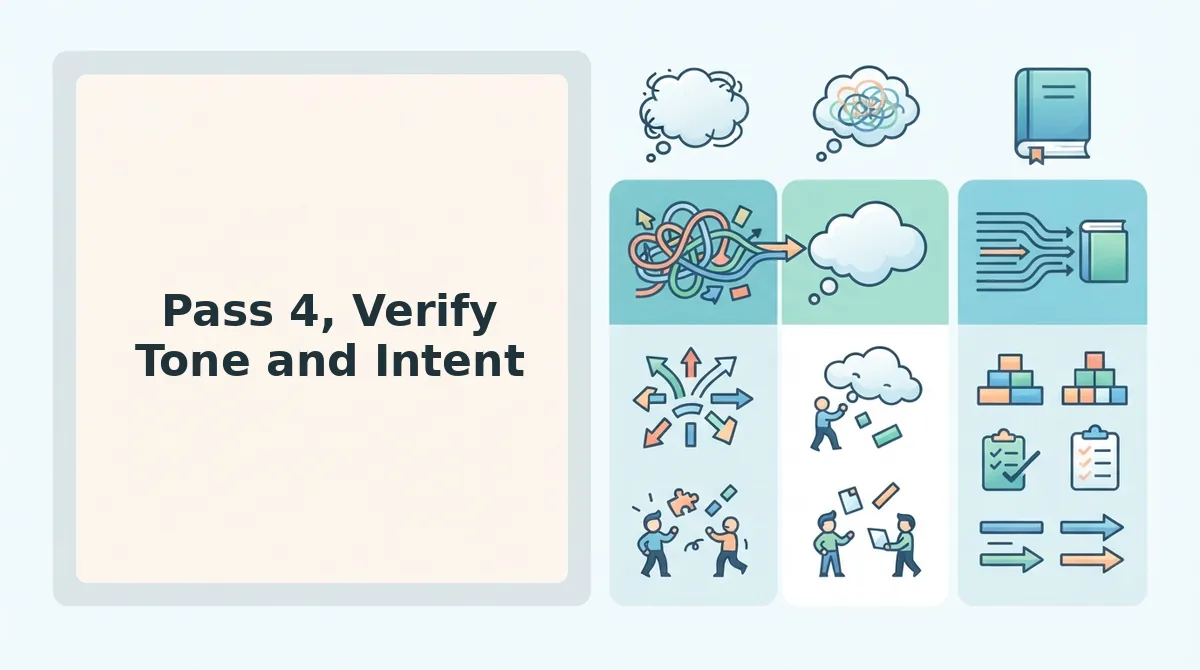
This final pass separates a fixed voice note from a finished one. Run a three-point verification before you hit send.
- Does it sound like me? Play the cleaned note next to the original and listen for your cadence, accent, and word choices. If the repair made you sound like someone else, roll back that segment and re-run the grammar pass with voice preservation enabled.
- Is the ask clear? State the action you want the listener to take in one sentence. If you cannot extract a single clear request from the note, the message needs another structural pass before it is ready.
- Is it under 90 seconds? Attention drops sharply after a minute and a half. If your repaired note still runs long, cut one supporting point rather than speeding up the delivery.
Only when all three checks pass is the note genuinely finished. Next, see the full repair sequence applied to a real disorganized voice note.
Worked Example: A Disorganized Voice Note, Repaired
A voice note repair workflow is a repeatable four-pass process that turns raw, rambling audio into a clear, decisive message without re-recording. Think of it like editing a rough draft: you don't rewrite the whole page, you tighten sentences, fix typos, and delete the crossed-out lines.
Here is a founder leaving an async update for a contractor. The raw transcript shows every flaw, and the repaired version labels each fix.
| Stage | Transcript |
|---|---|
| Raw (before) | "Hey, um, so basically I wanted to, like, you know, circle back on the, uh, the landing page. The hero section, it's, um, it's not loading fast on mobile and, ah, basically I think we should, like, maybe compress the images? And also the, the CTA button, it's, um, it's below the fold, which is, you know, kind of a problem." |
| Repaired (after) | "Hey, I wanted to circle back on the landing page. The hero section isn't loading fast on mobile, so I think we should compress the images. Also, the CTA button is below the fold, which is a problem." |
Repair annotations:
- Filler removed: "um," "basically," "like," "you know," "ah," and the repeated "it's" were stripped in Pass 1.
- Fragment fixed: "The hero section, it's not loading fast" became "The hero section isn't loading fast" in Pass 2.
- False start trimmed: "the, the landing page" and "the, the CTA button" were collapsed to single clean references in Pass 1.
The same workflow scales from a 15-second Slack voice note to a 3-minute stakeholder update. The passes stay identical; only the number of repairs changes.
FAQ: Repairing Disorganized Voice Notes
How do you repair disorganized voice notes for clear delivery?
Run a four-pass workflow: remove fillers and false starts, fix broken grammar and fragments, clean acoustic distractions, then verify tone and intent. Each pass targets one failure mode, so you never re-record from scratch. The result is a polished message that still sounds like you.
Can I remove filler words from an existing voice memo?
Yes. Tools like VClar's filler word removal detect and strip "um," "ah," "like," and repeated false starts directly from uploaded audio. The timeline is stitched seamlessly, so the voice note sounds decisive without any manual editing.
How do I make voice notes sound professional without re-recording?
Repair the existing take instead of starting over. Remove fillers, fix grammar, and clean background noise in separate passes. This preserves your natural cadence and saves the time a re-record loop would cost. One repaired take usually beats three fresh attempts.
Does grammar repair change how I sound?
No. Grammar repair corrects sentence structure and verb agreement while keeping your voice, accent, and pacing intact. The goal is clarity, not a synthetic rewrite. Your delivery stays authentic; only the errors disappear.
Send the Note, Not the Re-record
Disorganized voice notes fail for predictable reasons, and predictable failures have repeatable fixes. The decision matrix tells you in ten seconds whether to repair or re-record. The four passes handle fillers, grammar, acoustics, and tone. One take is enough when the workflow is reliable.
Run your next voice note through VClar's voice note repair tool and send the first take. For deeper dives, read the guides on filler word removal and grammar fixing.
Your voice already carries the message. Repair the rough edges, hit send, and move on to the next thing that actually needs your attention.