
You record a voice note in Spanish, hit play, and cringe at the third "um" and a verb tense you know is wrong. So you delete it and start over. Five takes later, you give up and type the message instead, which means you just skipped the exact speaking practice you needed.
If that loop sounds familiar, you're not alone. Language learners abandon voice notes because the re-record cycle feels like failure, not practice. This guide gives you a practical framework to translate a voice note for language learners without losing the speaking reps that build fluency. You'll learn a 4-step practice loop that turns messy first takes into usable study material, and why separating transcription from translation changes how fast you improve.
Along the way, you'll see how voice notes for language learners can become a daily habit instead of a source of frustration. One surprising finding: the step most learners skip isn't translation, it's the cleanup that makes translation worth doing at all.
The 4-Step Voice Note Practice Loop
To translate a voice note for language learning practice, follow a four-step loop: record a spontaneous message in your target language, clean the audio of filler words and grammar errors, translate the cleaned version into your native language, then compare the two to spot gaps. This loop turns every voice note into a self-correcting study session.
You need a phone or computer with a microphone, a voice note app (WhatsApp, Telegram, or your phone's recorder), and a tool that can remove filler words from audio and fix grammar in voice message files. Budget 10-15 minutes per loop.
- Record a 30-60 second voice note in your target language. Open your voice note app and speak about one concrete topic, what you ate, a task you finished, a plan for tomorrow. Do not script it. The goal is spontaneous output, not polished delivery. You should end with a raw, imperfect recording that captures your natural speaking level.
- Clean the audio with a voice message enhancer. Upload your recording to a tool that removes filler words, false starts, and background noise while preserving your voice. You should hear the same message with "um," "like," and repeated phrases gone, and your accent and cadence intact.
- Translate the cleaned version into your native language. Run the polished audio through a voice message translator to get a native-language transcript. You should see a side-by-side text version of what you said and what it means in your own language.
- Compare the two versions and note three corrections. Read the target-language transcript next to the translation. Highlight vocabulary you reached for but didn't have, grammar structures you got wrong, and phrases that translated awkwardly. You should finish with a short list of specific items to drill before your next recording.
Repeat the loop daily with a new topic. The comparison step is where the learning happens, it converts a throwaway voice note into a targeted feedback session without a tutor.
Transcribe First, Translate Second: What Each Step Actually Fixes
Transcription shows you what you said; translation shows you what it means. For language learners, transcription catches grammar errors, sentence fragments, and filler-word habits in the target language, while translation reveals meaning gaps, false friends, and vocabulary holes. Skipping either step leaves half the feedback on the table.
Most voice note tools bundle both functions into one button, which is convenient for travelers but unhelpful for learners who need to isolate error types. A tourist translating a voice note wants the meaning fast. A learner needs to see the raw transcript first to spot structural mistakes before checking whether the meaning survived.
| Scenario | What transcription alone fixes | What translation adds | Best for |
|---|---|---|---|
| You used the wrong verb tense | Shows the incorrect structure in writing | Confirms whether the meaning still landed | Grammar-focused learners |
| You said "embarazada" thinking it means "embarrassed" | Shows the word you actually said | Reveals the false friend in context | Vocabulary builders |
| You filled the note with "um" and "like" | Exposes the filler-word habit | Not needed, meaning is unaffected | Fluency and confidence practice |
| You described a concept you lack words for | Shows the awkward circumlocution | Supplies the missing vocabulary in your language | Intermediate to advanced learners |
Use transcription alone when your goal is cleaning up delivery and grammar. Add translation when you need a meaning check or want to mine new vocabulary from your own speech. The two steps solve different problems, and treating them as one blur is why most learners never extract real value from voice notes.
But there's a third factor that matters more than either step, and it's the reason some learners sound fluent while others sound correct but robotic.
Why Accent Preservation Matters More Than Accuracy
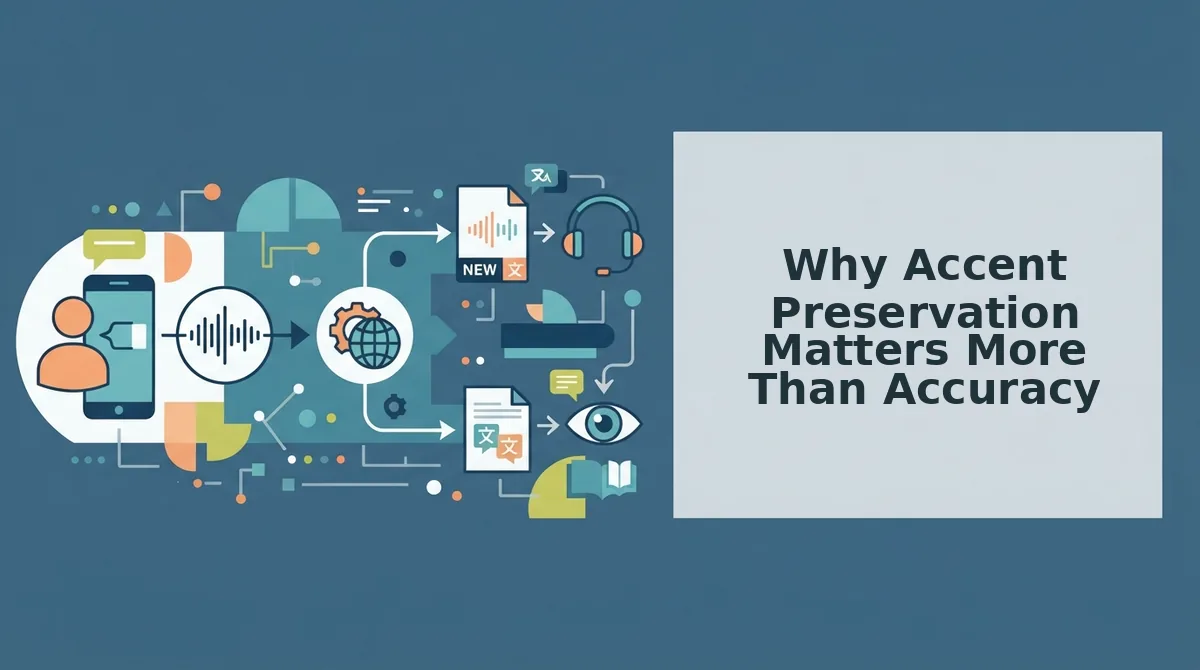
Accent preservation is the practice of keeping a speaker's natural pronunciation, stress patterns, and intonation intact when a voice note is cleaned or translated, rather than replacing the audio with a synthetic voice. Most translation tools flatten voice to synthetic text-to-speech, which hides pronunciation errors and destroys the learner's ability to self-correct.
Think of accent preservation like a mirror in a dance studio. A mirror shows you exactly where your foot lands, even when the move is clumsy. A tool that replaces your voice with a polished synthetic clone is like a mirror that only shows a professional dancer performing the routine, you see the target, but you never see your own missteps.
Simple: What Gets Lost When Audio Becomes Text
When a voice note is transcribed to text and then read back by a synthetic voice, three things disappear: stress patterns (which syllable you emphasize), intonation (whether your pitch rises or falls at the end of a sentence), and hesitation points (where you pause to search for a word). A learner who only sees text never hears that they said "re-CORD" when they meant "RE-cord."
Intermediate: What to Listen For in Your Own Voice
After cleaning a voice note, listen for three signals. First, stress patterns: does the cleaned audio still place emphasis where you intended? Second, intonation: does a question still sound like a question? Third, hesitation points: where did fillers cluster? Those clusters mark vocabulary gaps or grammar uncertainty, not laziness.
Advanced: The Hindi Speaker's Filler Habit
A Hindi speaker practicing English records a voice note full of "basically" and "you know." Running the note through VClar's filler removal reveals the habit: the fillers cluster before words the speaker is unsure about. The Hindi voice translation then confirms the meaning was correct all along, the hesitation was a confidence problem, not a comprehension problem. Cleaning reveals the pattern; translation confirms the content. That two-step diagnosis is impossible when a synthetic voice reads a sanitized script back to you.
Synthetic TTS clones hide pronunciation errors because they replace your audio with a model's "correct" pronunciation. You hear a perfect sentence and assume you produced it. Accent-preserving tools keep your voice in the loop, so every stress error, every flat intonation, and every filler cluster stays audible enough to fix.
How to Translate a WhatsApp Voice Note for Practice
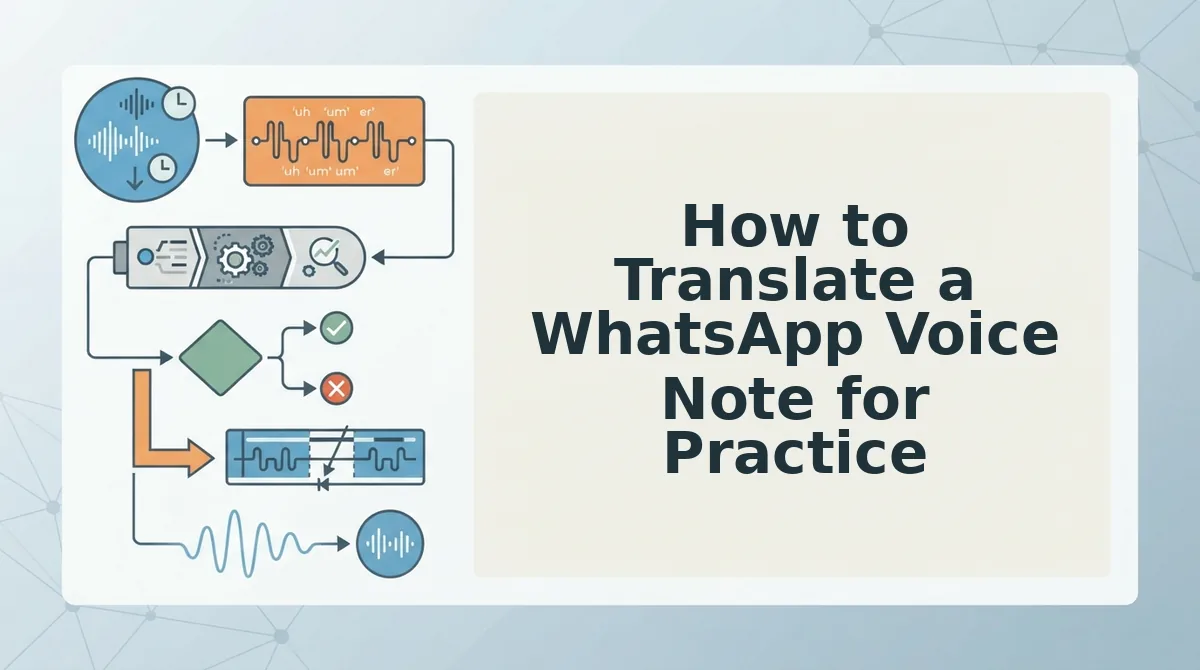
To translate a WhatsApp voice note for language practice, export the audio from WhatsApp, upload it to VClar's translate voice message tool, and receive a cleaned transcript plus translation while your original accent and tone stay intact. The whole workflow takes under two minutes per message.
WhatsApp's built-in transcription tools skip two things that matter for learners: accent preservation and grammar cleaning. A YouTube tutorial on translating WhatsApp voice notes has drawn 138K views, which tells you how many people hit this exact wall. The platform's native tools give you a rough transcript, but they won't remove your "ums" or fix your verb tense before translating, so you practice against your own mistakes.
Before starting, you need: the WhatsApp voice note saved to your phone, the VClar app or web dashboard open, and a target language selected from the 11 supported languages.
- Open WhatsApp and locate the voice note in the chat where you received it. Tap and hold the message, then select Forward or Share to export the audio file to your device storage. You should see the file saved as an .opus or .m4a in your downloads folder.
- Upload the audio file to VClar by clicking the upload area on the translate voice message page. Drag the file in or browse from your device. A progress bar confirms the upload, wait for the green checkmark before moving on.
- Select your target language from the dropdown menu. VClar supports Hindi, English, French, Japanese, Korean, German, Russian, Portuguese, and more. The cleaned transcript appears in the original language first, with filler words and false starts already removed.
- Review the translation side by side with the cleaned transcript. Compare the original phrasing to the translated version and note where your grammar was corrected. This is your practice loop: you hear what you actually said, see what you meant to say, and read it in your target language.
Pro tip: If the voice note is long, split it into 30-second chunks before uploading. Shorter clips give you faster feedback and make it easier to isolate one grammar pattern at a time.
One question learners ask more than any other follows below.
Frequently Asked Questions About Translating Voice Notes for Practice
Can I translate a voice note without typing it out first?
Yes. VClar transcribes and translates your spoken audio directly, so you never touch a keyboard. Record your voice note, select the target language, and the engine produces a translated transcript and cleaned audio in one pass. No manual transcription step is required.
Does translating a voice note change my accent?
No. VClar preserves your original vocal tone, accent, cadence, and rhythm while cleaning fillers and background noise. The translation layer works on the transcript, but the audio output keeps your authentic voice. You hear yourself speaking clearly, not a synthetic clone or a flattened neutral accent.
How do I know if my pronunciation is improving?
Compare your cleaned voice notes against the translated transcript over time. When VClar removes fewer hesitations and false starts from your recordings, that is a measurable signal your spoken delivery is tightening. Pair this with a speech speed test to track pacing consistency across practice sessions.
What's the best free way to translate voice notes for practice?
Record short voice notes in your target language, run them through VClar's cleaning engine, then compare the corrected transcript against what you intended to say. The gap between your spoken output and the polished transcript is your practice map. Focus on one recurring error per session rather than fixing everything at once.
Your first practice loop takes less than five minutes.
Start Your First Practice Loop Today
The four-step loop, record, transcribe, translate, compare, only becomes a skill when you repeat it. One voice note today beats a perfect plan next week.
Your accent is not a defect to fix. It's the signal your brain uses to anchor new vocabulary in your own voice. When VClar removes fillers and tightens phrasing without flattening your tone, you hear what you actually sound like at your best, not a synthetic approximation.
Here's the progression that makes the habit stick:
- Soft start: Pick one voice note you sent this week. Run it through the VClar AI voice message translator and read the cleaned transcript aloud once.
- Next level: Record a 30-second self-introduction in your target language, clean it, translate it back to your native language, and spot the gap between what you meant and what you said.
- Full loop: Run the complete four-step cycle on your next real message, a WhatsApp voice note to a tutor, a language exchange partner, or a colleague, and save the before/after pair.
The payoff you can expect within a week: fewer re-recordings, faster recall of corrected phrasing, and a measurable drop in filler words when you speak unprompted.
Language learners don't need another app to collect. They need a repeatable loop that compounds. Your voice, cleaned and translated, is the fastest feedback loop you own.