
You record a 90-second voice note, listen back, and realize three sentences collapsed into one tangled mess. You delete it, re-record, and repeat the loop three more times before settling for "good enough." That friction is exactly what makes people want to fix broken sentence structure in a voice note without losing the natural tone that made them record it in the first place.
You're not alone. Aleena Rais, whose spoken English videos have drawn over 2 million views, puts it plainly: "words don't come to mind" when you're speaking spontaneously. Voice notes expose that gap between thinking and speaking because the brain produces speech in short bursts, chunks, not the polished sentences you'd write. That's the cognitive cause most grammar guides miss, and it's why written grammar rules alone won't fix your voice notes.
Here's what you'll learn: why voice notes break even when you speak well, a pre-recording framework to structure your thoughts before you hit record, and a repair method for voice notes you've already captured. You'll also discover why a tool that removes filler words and tightens phrasing, while preserving your accent and cadence, can turn one take into a message you'd actually send. Stick around for the surprising reason your "broken" voice note may be closer to clear than you think.
Why Voice Notes Break (Even When You Speak Well)
Speech chunking is the cognitive process where the brain produces language in short, spontaneous bursts rather than complete written sentences. Voice notes break because those chunks don't always connect the way written syntax demands.
Think of a voice note like a first draft written on sticky notes. Each sticky note captures one thought, but when you read them in order, the transitions are missing. Your written grammar training expects periods, commas, and subordinate clauses. Your spoken brain delivers fragments and run-ons instead.
Oxford Online English, whose sentence structure lessons have drawn over 6.3 million views, teaches that a complete sentence needs a subject, a verb, and a complete thought. Kevin Spaans, with 375K views on his grammar series, defines a fragment as an incomplete sentence missing one of those elements, and a run-on as two or more complete thoughts jammed together without proper punctuation. Those definitions apply to writing. In speech, the rules shift.
Here's the key difference: a fragment in writing is an error. A fragment in speech is often just a chunk waiting for its bridge. The table below shows how the same utterance reads differently depending on the medium.
| Utterance | In Writing | In Speech | Repair |
|---|---|---|---|
| "The Q3 numbers. They show a lift." | Fragment | Two natural chunks | "The Q3 numbers show a lift." |
| "I called the client and he said the budget was approved and we can start Monday and the contract is ready." | Run-on | One breathless burst | "I called the client. The budget's approved. We start Monday, contract's ready." |
Voice notes break because you're transcribing thought chunks in real time, not composing sentences. The fix isn't learning more grammar rules. It's structuring your chunks before you speak, or repairing them after you record.

Method 1: Restructure Before You Record
Restructuring before you record prevents broken syntax at the source. You need only your voice and the Speech Chunk Framework, a three-part spoken syntax pattern: chunk, bridge, close.
- Chunk: State one idea as a short burst. Speak a single complete thought in under ten words. Example: "The Q3 numbers are in." You should hear a natural pause after this burst, that's your chunk boundary.
- Bridge: Add a transition word or phrase. Connect the next chunk with "and," "so," "but," or "which means." Example: "And they show a 12% lift." The bridge signals to your listener, and to any cleanup tool, where one thought ends and the next begins.
- Close: End with a complete thought. Finish the sequence with a statement that stands alone. Example: "So we're on track." You should be able to stop recording here without the message feeling cut off.
Writing with Andrew, whose flow and transition lessons have drawn 291K views, emphasizes that transitions are what make writing feel smooth. Apply that same principle to spoken chunks: each bridge word is a seam between thoughts. When you record with this framework, your voice note arrives as connected chunks instead of a tangled run-on.
If you've already recorded a voice note that breaks, don't delete it, there's a repair method for that.
Method 2: Repair a Voice Note You Already Recorded
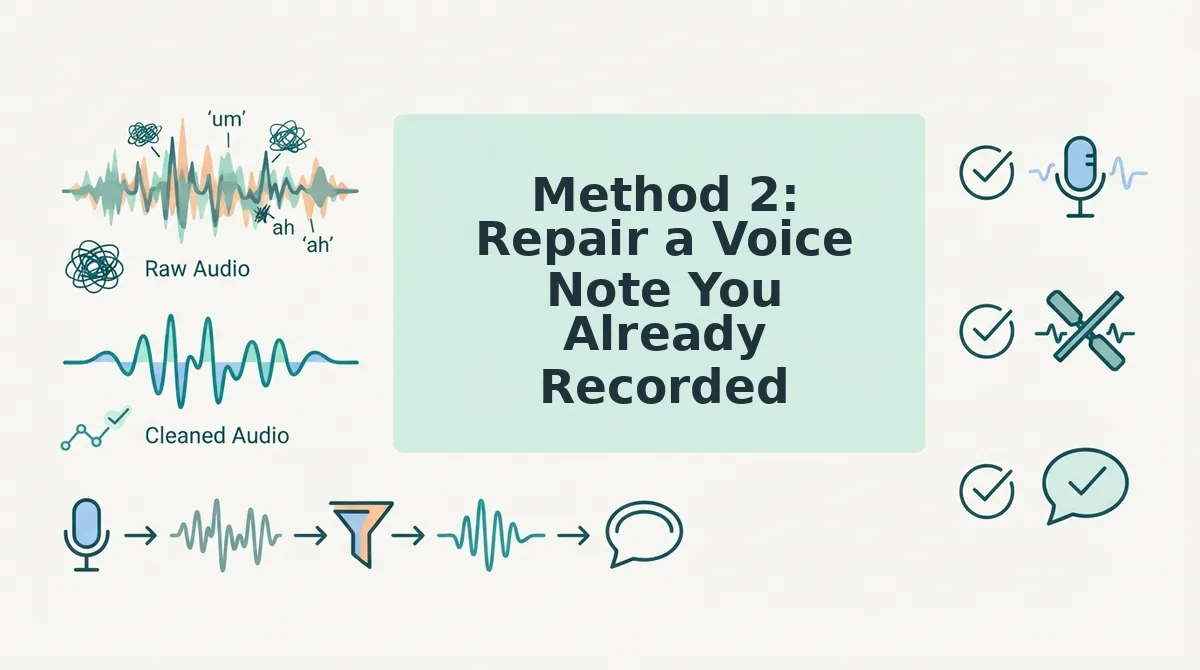
You can fix broken sentence structure in an existing voice note without re-recording by following a four-step repair loop: identify the break, isolate the fragment, apply grammar repair, and verify tone. This workflow takes under five minutes once you know the steps.
Prerequisites: Your recorded voice note file (MP3, M4A, or WAV), a transcription tool or AI voice cleaner, and a quiet space to review the repaired version aloud.
- Identify the break. Listen to your voice note once at normal speed and mark where you hear fragments, run-on sentences, or filler clusters like "um, so basically." You should end with a short list of 2-4 trouble spots, not a full script rewrite.
- Isolate the fragment or run-on. Transcribe the voice note to see the broken syntax in text form. Highlight the sentence that lacks a subject or verb, or the run-on that strings three ideas together without a pause. You should see the exact words that need repair.
- Apply grammar repair. Rewrite the broken sentence while preserving the speaker's words and intent. Use an AI voice cleaner to fix grammar in a voice message directly on the audio timeline, or manually edit the transcript and re-record only that sentence. You should hear the corrected sentence flow naturally into the surrounding audio.
- Verify tone and intent. Read the repaired version aloud and compare it to the original. Check that the speaker's cadence, accent, and emphasis remain intact. You should confirm the message sounds like the same person speaking more clearly, not a scripted rewrite.
The One-Take Repair Loop works because it treats broken syntax as a localized problem, not a reason to start over. Fix the fragment, keep the take, and move on.
Method 3: Use an AI Voice Cleaner for One-Take Confidence
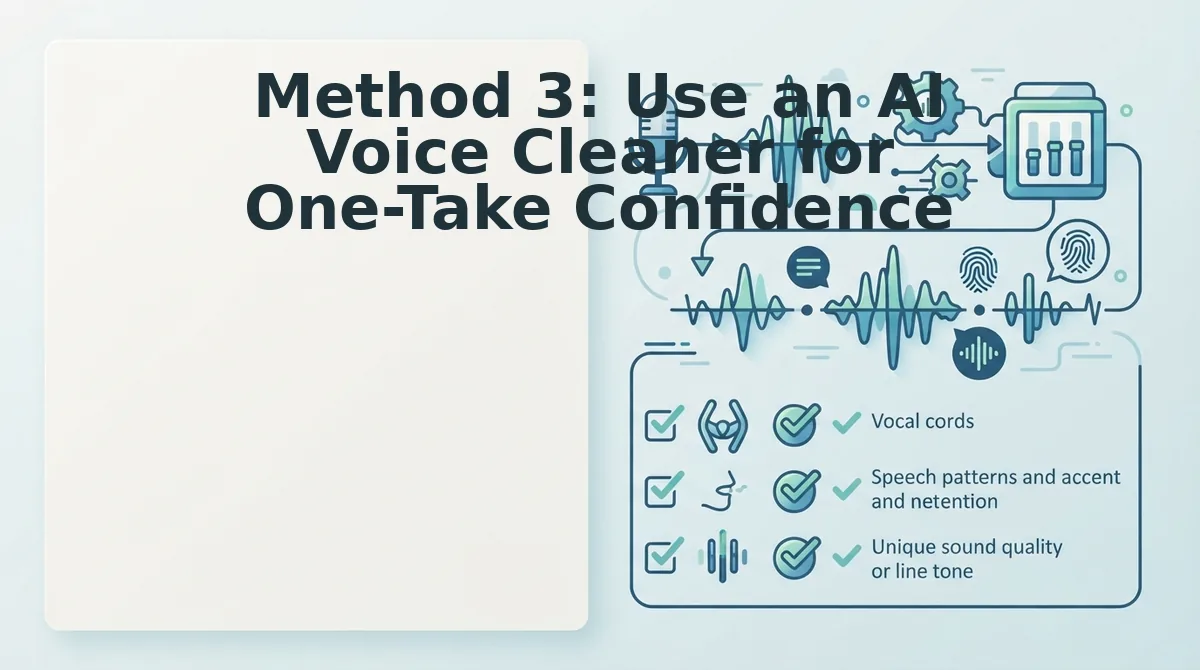
An AI voice cleaner repairs grammar, removes fillers, and cleans background noise in a single pass, so you can send a polished voice note without re-recording or manually editing audio. This is the fastest path to one-take confidence for 45-90 second messages.
- Filler word removal. The cleaner detects and deletes ums, ahs, "like," and "basically" from the audio timeline. This matters because fillers are the most common trigger for broken sentence flow, and removing them makes the remaining words sound intentional. Use a tool that can remove filler words from audio without leaving audible gaps.
- Grammar repair on the audio itself. The cleaner rewrites broken syntax while preserving the speaker's word choices and intent. This matters because manual transcript editing forces you to re-record, which breaks your natural delivery. Use an AI voice cleaner that can fix grammar in a voice message directly on the timeline.
- Noise, breath, and mouth click cleanup. The cleaner reduces background hum, sharp breaths, and saliva clicks that distract from the sentence structure. This matters because acoustic noise makes even well-formed sentences sound broken or hesitant. Apply cleanup as the final pass before sending.
- Voice preservation, not replacement. The cleaner keeps your vocal timbre, accent, and rhythm intact instead of swapping in a text-to-speech clone. This matters because recipients trust messages that sound like you, not a synthetic voice. Verify the output by listening for your natural cadence.
For voice notes longer than 90 seconds, split the recording into shorter segments before cleaning to maintain accuracy. For everyday messages, run the full note through once and send.
FAQ: Fixing Broken Sentence Structure in Voice Notes
Direct answers to the most common questions about repairing broken syntax in spoken messages, drawn from real user searches and community discussions.
How do I stop rambling in voice notes?
Use the Speech Chunk Framework: state one idea as a complete chunk, add a short bridge word like "so" or "next," then close with a clear endpoint. Pause between chunks instead of filling silence with "um" or "like." Practice with 45-second notes and one chunk per 15 seconds.
Can I fix grammar in a voice note transcription?
Yes. Transcribe the note, repair the broken sentences in the text, then either re-record the corrected version or use an AI voice cleaner that applies grammar fixes directly to the audio. The audio-first approach preserves your original tone and avoids a second take.
What is the difference between a fragment in writing and a fragment in speech?
In writing, a fragment lacks a subject or verb and is always an error. In speech, a fragment is a natural conversational chunk that only breaks flow when it stands alone without a bridge or close. Repair spoken fragments by adding a connector, not by forcing full written sentences.
Why does my voice note sound choppy even when I speak clearly?
Choppy audio usually comes from filler clusters, false starts, or breath sounds interrupting the sentence flow. Remove fillers and reduce breath noise with an AI voice cleaner, then listen for smoother transitions between ideas. The problem is acoustic, not grammatical.
How long should a voice note be to avoid broken sentences?
Keep voice notes between 45 and 90 seconds. Longer recordings accumulate more fragments, run-ons, and filler clusters because you lose track of sentence structure while speaking. Split longer messages into separate notes with one clear point each.
For a deeper look at spoken grammar patterns, explore the spoken English grammar cleaner guide. Ready to put these fixes into practice? Send your next voice note in one take.
Send Your Next Voice Note in One Take
Manual restructuring builds long-term speaking skill. AI repair buys you speed and one-take confidence. Neither replaces the other, they compound.
Here's the synthesis most guides miss: the more you manually restructure before recording, the less AI repair you'll need. The more you use AI repair on existing notes, the faster you'll internalize what clean structure sounds like. It's a feedback loop, not a fork in the road.
Three next steps, in order:
- Record one voice note today using the restructure-before-you-record method. Even 30 seconds of deliberate structure beats three minutes of rambling.
- Take a messy voice note you already sent and run it through VClar. Compare the cleaned version to your original. That gap is your roadmap.
- Send the cleaned version. Stop re-recording. Stop second-guessing. Ship the message.
Try VClar free on your next voice note and hear the difference in under a minute. No setup, no script, no re-recording loop.
Broken sentence structure isn't a speaking failure, it's a thinking artifact. The goal isn't to speak like a script. It's to sound like yourself, minus the noise.