
You hit record, speak for 45 seconds, and then listen back, only to hear three false starts, two "ums," and a sentence that circles back on itself before landing nowhere. That's the re-record loop, and it's the reason most people abandon voice memos for typed messages that take twice as long to compose.
You're not a bad communicator. Raw speech is just messy by nature, and trying to fix awkward sentence structure in a voice memo by re-recording the whole thing wastes time and kills the confidence you had in the moment.
This guide walks you through why spoken sentences tangle in the first place, a 3-step framework for repairing them without losing your authentic voice, and the five most common sentence tangles with concrete fixes for each. Along the way, you'll see how tools like VClar can strip fillers and tighten phrasing automatically, so you record once and send with confidence. One finding in particular, about why your brain produces awkward sentences even when you write clearly, may change how you approach every voice memo from now on.
Why Voice Memos Sound Awkward Even When You're a Good Communicator
Voice memos sound awkward because speaking is a real-time, uneditable act, your brain plans the next clause while your mouth is still delivering the current one, and there's no backspace key for a sentence that's already left your lips.
Think of spoken language like driving without a rearview mirror. When you write, you can glance back, revise, and restructure before anyone sees the result. When you speak, you're navigating forward at full speed with no ability to retract a wrong turn, so you compensate with fillers, false starts, and circular phrasing that buy your brain time to catch up.
The gap between spoken and written grammar is structural, not a reflection of skill. Written grammar relies on visual punctuation, periods, commas, dashes, to signal where one thought ends and another begins. Spoken grammar has no such markers, so speakers improvise boundaries using hesitation sounds and repeated words. A sentence that reads perfectly on paper often collapses when spoken aloud because the speaker can't see the structure they're building.
Here's the same sentence as raw speech and as cleaned audio:
| Raw speech | Cleaned version |
|---|---|
| "So, um, the thing is, basically what I wanted to say was, like, the Q3 numbers, you know, they came in, and, uh, they're actually, they're better than we thought, which is, I mean, it's a good sign." | "The Q3 numbers came in better than we expected, a good sign." |
Why do voice memos sound awkward? The answer lies in a cognitive mismatch: your brain generates ideas faster than your mouth can articulate them, creating a bottleneck that forces you to stall with fillers, restart sentences, or abandon a grammatical structure midway through. Unlike writing, where you can pause indefinitely to plan the next clause, speaking demands continuous output, so your brain sacrifices syntactic polish to maintain momentum. This is why even skilled communicators produce fragmented, circular, or run-on sentences in voice memos: the awkwardness is a byproduct of real-time cognitive load, not a lack of language ability.
The Speak-Then-Repair Framework: 3 Steps to Cleaner Voice Memos
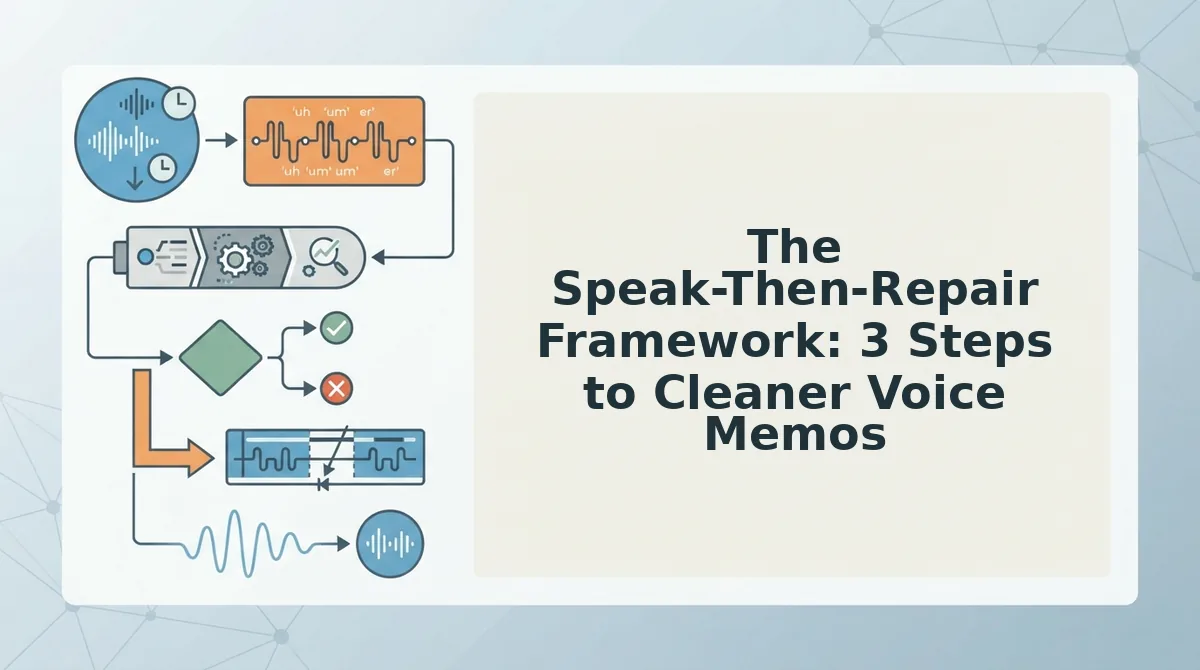
You don't need to speak perfectly on the first take. The Speak-Then-Repair framework treats voice memos as a two-phase process: capture your thoughts raw, then repair the tangles, manually or with automated cleanup.
Prerequisites: A voice recording app on your phone or computer, and optionally a cleanup tool like VClar for automated filler removal and grammar tightening.
- Record Raw, remove the pressure to speak perfectly. Open your voice recorder and speak your message in one continuous take. Let false starts, fillers, and awkward phrasing happen naturally. Expected outcome: a complete message with all your key points captured, even if the delivery is rough. This step should take 30-90 seconds for a typical update.
- Identify the Tangles, spot the broken structures. Play back your recording and listen specifically for three patterns: sentence fragments that trail off, false starts where you begin a sentence and restart it, and circular phrasing where you say the same thing twice in different words. You should be able to flag at least two or three tangled spots in a 60-second memo.
- Repair or Auto-Clean, fix the tangles without re-recording. Choose one of two paths. Manual: re-record only the tangled sentences and splice them in. Automated: upload the audio to VClar, which removes fillers, corrects spoken grammar, and tightens phrasing while preserving your natural tone and cadence. You should hear a cleaner, more direct version of your original message in under a minute.
Consider a startup founder recording a 90-second investor update. In step 2, she identifies three tangled sentences: one false start about burn rate, one circular explanation of customer churn, and one fragment about the upcoming hire. Rather than re-recording the entire memo three times, she runs the audio through VClar once, the fillers disappear, the grammar straightens, and the message lands with the authority her update deserves. For more on this workflow, see how voice notes for founders turn rough recordings into investor-ready updates.
Once you can spot a tangle, the next step is knowing exactly how to fix each type, here are the five most common sentence tangles in voice memos and how to repair each one.
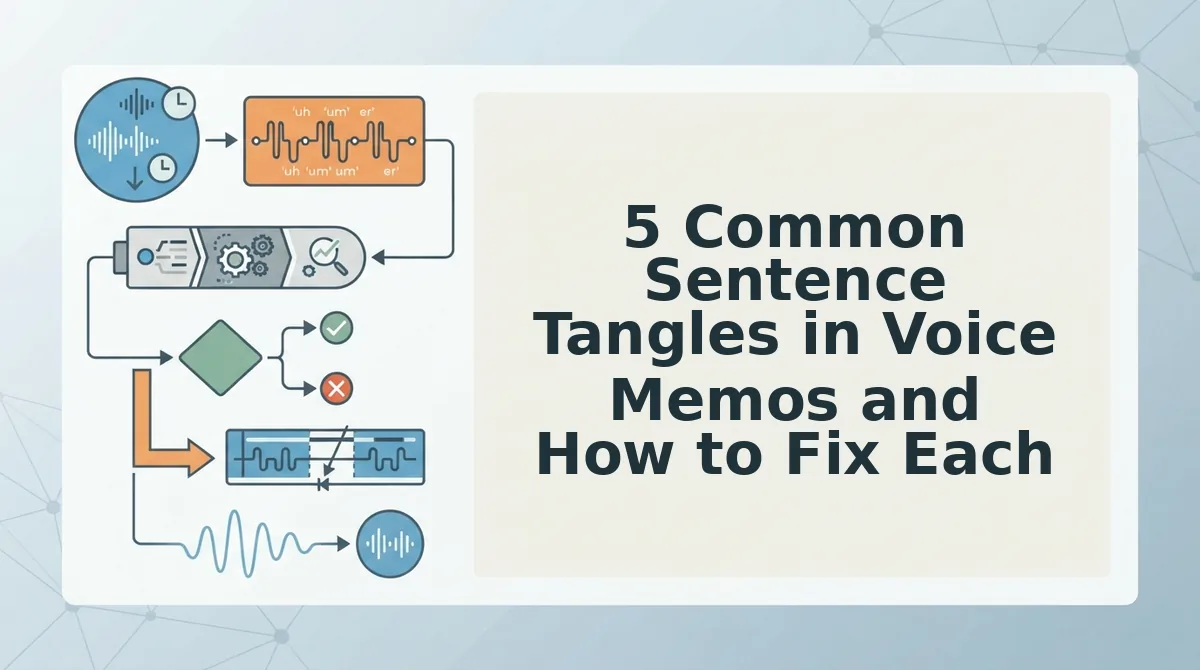
5 Common Sentence Tangles in Voice Memos and How to Fix Each
Most awkward voice memos fall into five predictable patterns. Each has a specific fix you can apply in one pass.
- False starts. You begin a sentence, abandon it, and restart, "I wanted to, actually, let me start over." This signals uncertainty and forces the listener to discard dead audio. Fix it by cutting everything before the final restart, leaving only "Let me start over."
- Sentence fragments. You break one complete thought into two incomplete ones, "The meeting. It went well." Fragments sound choppy and make you seem unsure. Merge them into a single subject-verb unit: "The meeting went well."
- Circular phrasing. You stack redundant openers before reaching the point, "The thing is, what I mean is..." This buries your message under verbal scaffolding. Delete every phrase before the actual statement and keep only "What I mean is..."
- Run-on sentences. You chain three or more clauses with "and" or "so" until the listener loses the thread. Split the sentence at natural pause points into two shorter statements, each with one clear idea.
- Filler-word clusters. You hit a thinking pause and emit "um, like, you know" in sequence. Clusters amplify hesitation and distract from content. Use a tool designed to remove filler words from audio automatically, or cut them manually in an editor.
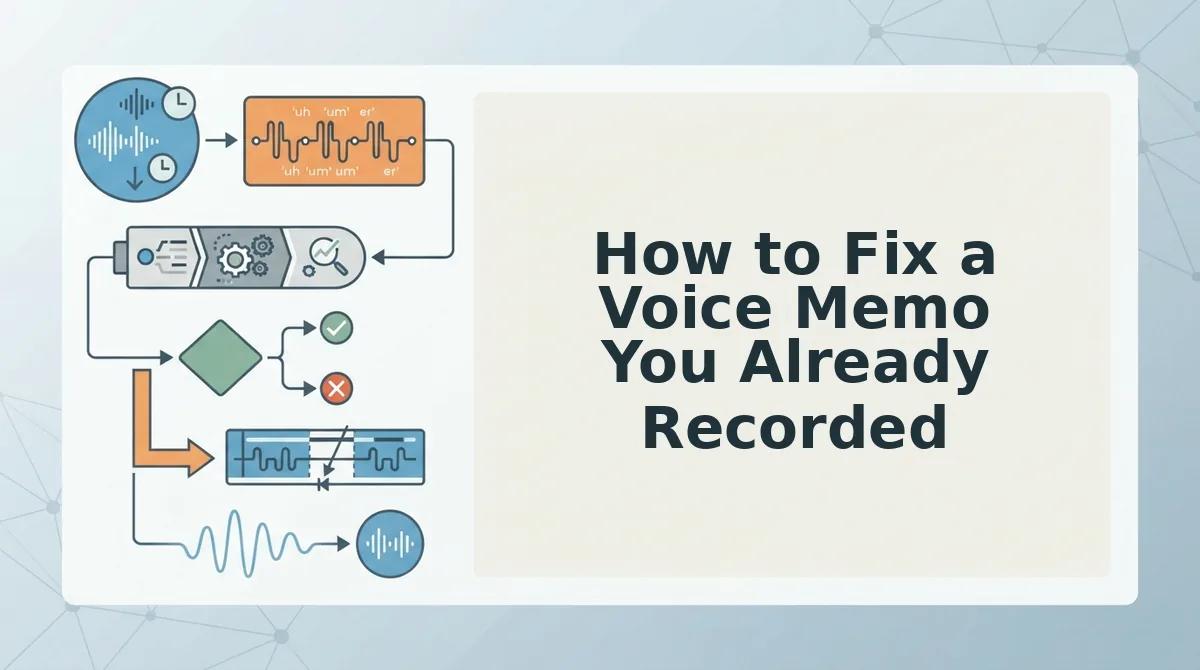
How to Fix a Voice Memo You Already Recorded
You don't need to re-record a voice memo with awkward phrasing. Upload the existing file, clean it, and send the corrected version in under two minutes.
Prerequisites: a recorded voice memo file (any common audio format) and a VClar account.
- Upload the memo. Open VClar and drag your audio file into the upload area. You should see a processing indicator within seconds.
- Let VClar clean grammar and fillers. The engine detects false starts, fragments, run-ons, and filler clusters, then fixes grammar in voice messages automatically. Expect a cleaned audio file and transcript in under 60 seconds.
- Review the cleaned version. Play back the result and compare it to the original. VClar preserves your natural tone, accent, and rhythm, no robotic text-to-speech replacement.
- Send or export. Download the cleaned audio or share it directly from VClar. You should see a confirmation when the file is ready.
If you've recorded a memo that rambles or stumbles, you don't have to start over. VClar repairs the existing take by removing fillers, correcting spoken grammar, and tightening sentence structure while keeping your voice intact. Upload the file, review the cleaned output, and send it, no re-recording loop required.
FAQ: Awkward Sentence Structure in Voice Memos
Direct answers to the most common questions about fixing awkward phrasing in recorded voice messages.
How do I fix awkward sentence structure in a voice memo?
Upload the memo to an AI voice message translator like VClar, which detects false starts, fragments, and run-ons, then outputs a cleaned version. You can also fix it manually by cutting filler words, merging fragments, and splitting long sentences at natural pause points.
Can I fix grammar in a voice memo without re-recording?
Yes. Tools like VClar process the existing audio file, correct spoken grammar, and remove fillers while preserving your voice. You review the cleaned version and send it, no second take required.
Why do I ramble in voice notes?
Rambling happens because speaking is faster than editing. Your brain generates thoughts in real time, so false starts and circular phrasing slip through. Recording without a script amplifies this, but post-recording cleanup removes the evidence without changing your delivery.
Does fixing grammar change how I sound?
No. VClar preserves your natural tone, accent, and cadence while correcting grammar and removing fillers. The cleaned audio still sounds like you, just more direct and polished, not synthetic or text-to-speech generated.
Fix the Message, Not the Speaker
Here's the contrarian truth: you don't have a speaking problem. You have a message problem. The awkward sentence you just recorded isn't evidence that you're a bad communicator, it's evidence that your brain works faster than your mouth, and that's a feature, not a bug.
Every fix in this article points to the same reframe: the goal is a clear message, not polished speaking. When you stop trying to sound like a scripted presenter and start treating voice memos as raw material to refine, the pressure disappears. You record once. You repair after. The listener never knows the difference.
So here's the next action: run your next voice memo through VClar's grammar cleaner. It tightens tangled phrasing, removes false starts, and smooths awkward sentence structure while keeping your voice, your accent, and your cadence intact. The result is a message that sounds like you on your best day, not a robot, not a rehearsed actor.
And if that memo needs to cross a language barrier, translate voice notes into any of 11 languages without losing the cleaned-up clarity you just achieved.
One final synthesis: awkward sentences aren't the enemy, unclear messages are. Fix the message, and the speaker never needed fixing in the first place.