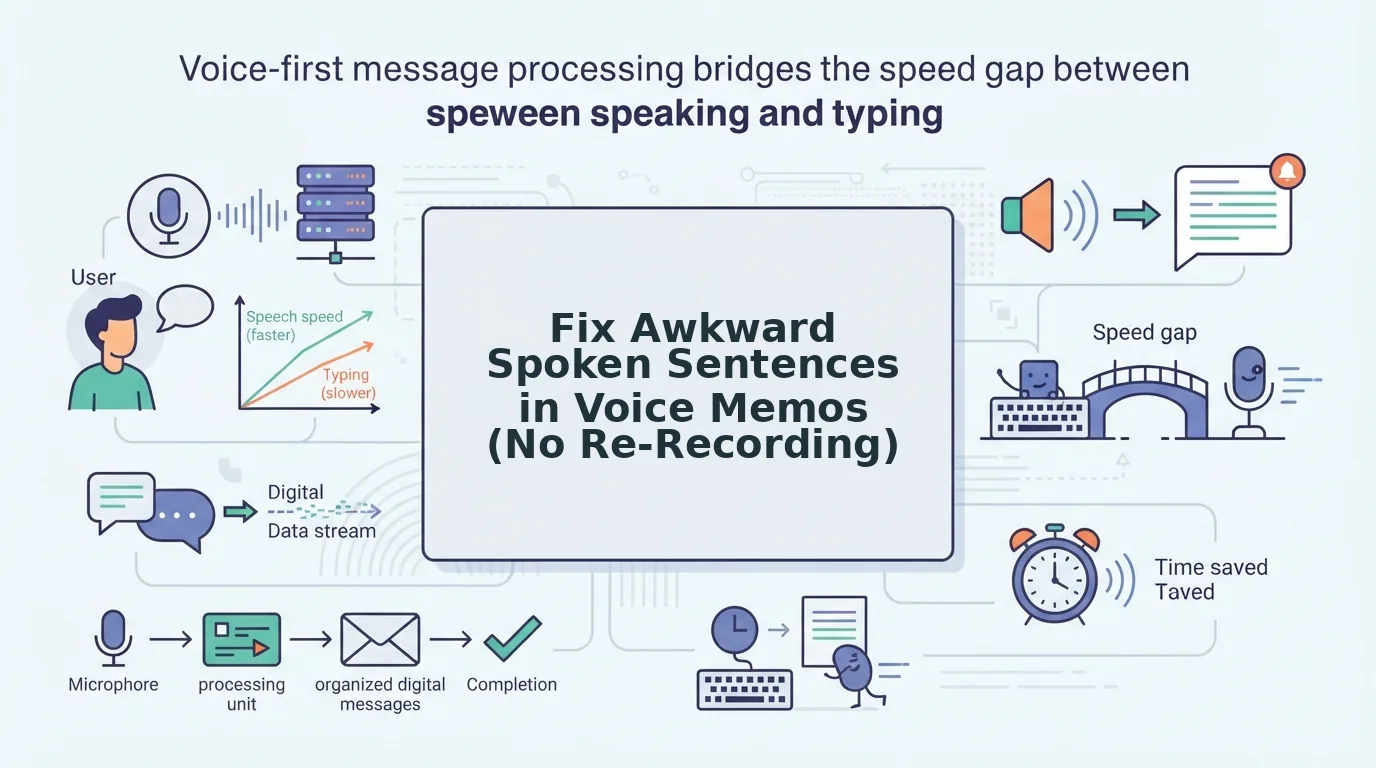

You hit record, speak for forty seconds, hit stop, then press play and hear a sentence that sounds like it was assembled by someone learning your language for the first time. The cringe is universal: one Reddit user described the feeling as "hearing my own voice memo and wanting to crawl under my desk." If you've ever deleted a memo and re-recorded it five times, you already know the loop. Here's the truth: the problem isn't your speaking. It's that you're judging spoken syntax by written rules. This guide will show you how to fix awkward spoken sentence structure in a memo without re-recording a single take, by identifying the four spoken patterns that break down in playback, understanding why your brain flags them, and applying a one-take editing workflow. VClar's audio cleanup removes filler words and false starts automatically, but the framework below works even before you open a tool. Stick around: the most damaging pattern is the one you can't hear while speaking.
Why Spoken Sentences Sound Awkward in Memos
Spoken syntax is the natural grammar of conversation, it tolerates fragments, pivots, and fillers that written grammar rejects. When you speak, your brain prioritizes speed and spontaneity over structure; when you play back, your brain switches to an editing mode that applies written-syntax rules to a medium that never followed them.
Think of spoken syntax like a jazz improvisation: the musician plays through a wrong note without stopping, and the audience barely notices because the rhythm carries forward. Written syntax is a studio recording, every note is expected to land cleanly. Your voice memo is the jazz performance being judged by studio standards.
The gap has a name: the self-monitoring gap. While speaking, you're thinking at roughly 150 words per minute, and your brain suppresses real-time error detection to maintain fluency. On playback, you hear your own syntax as an outsider, no longer the speaker mid-thought, but a listener applying stricter, written-grammar expectations. That's why a sentence that felt natural while speaking sounds broken thirty seconds later.
Three factors make the gap worse in memos. First, you can't see the listener's facial feedback, so you overcorrect with extra clauses. Second, memos are one-way, so you can't pivot based on a reaction. Third, the record button creates mild performance pressure that fragments your natural rhythm. The result: sentences that trail off, double back, or stuff pauses with fillers, all perfectly acceptable in live conversation, all jarring in a recorded memo.
The 4 Awkward Spoken Patterns (and How to Spot Them)
Awkward spoken sentence structure in a memo almost always falls into one of four recurring patterns: false starts, mid-sentence pivots, trailing clauses, and filler-stuffed pauses. Each has a distinct signature you can learn to catch in playback, and eventually, prevent while speaking.
- False Start: You begin a sentence, abandon it, and restart with different wording. Example: "I think that, well, what I meant was we should push the deadline." False starts happen because your brain tests a phrasing before committing. In live conversation they're invisible; in a memo they read as indecision. Spot them by listening for a dash-like break where the sentence resets.
- Mid-Sentence Pivot: You change topic or direction halfway through a sentence without closing the original thought. Example: "The budget looks fine, and also did you see the client email?" Pivots fragment the logical thread and force the listener to reconstruct your intent. Spot them by checking whether every clause connects back to the sentence's opening subject.
- Trailing Clause: The sentence never reaches a grammatical endpoint, it fades out or attaches a vague add-on. Example: "So that's the plan for Q4, which is kind of what we were thinking anyway." Trailing clauses signal that your thought ran out before your sentence did. Spot them by asking: does this sentence have a clear, complete predicate, or does it just stop?
- Filler-Stuffed Pause: Fillers like "um," "like," and "basically" wedge themselves between phrases, breaking syntactic flow. Example: "We should, um, like, basically consolidate the vendors." Fillers are the most common pattern and the easiest to fix, tools like VClar's filler word remover strip them from audio automatically, restoring the sentence's natural rhythm without re-recording. Spot them by counting filler frequency: more than two per thirty seconds signals a pattern, not a fluke.
Once you can name the pattern, you can fix it, and the next section shows you how to do it without touching the record button again.
How to Fix Awkward Structure Without Re-Recording
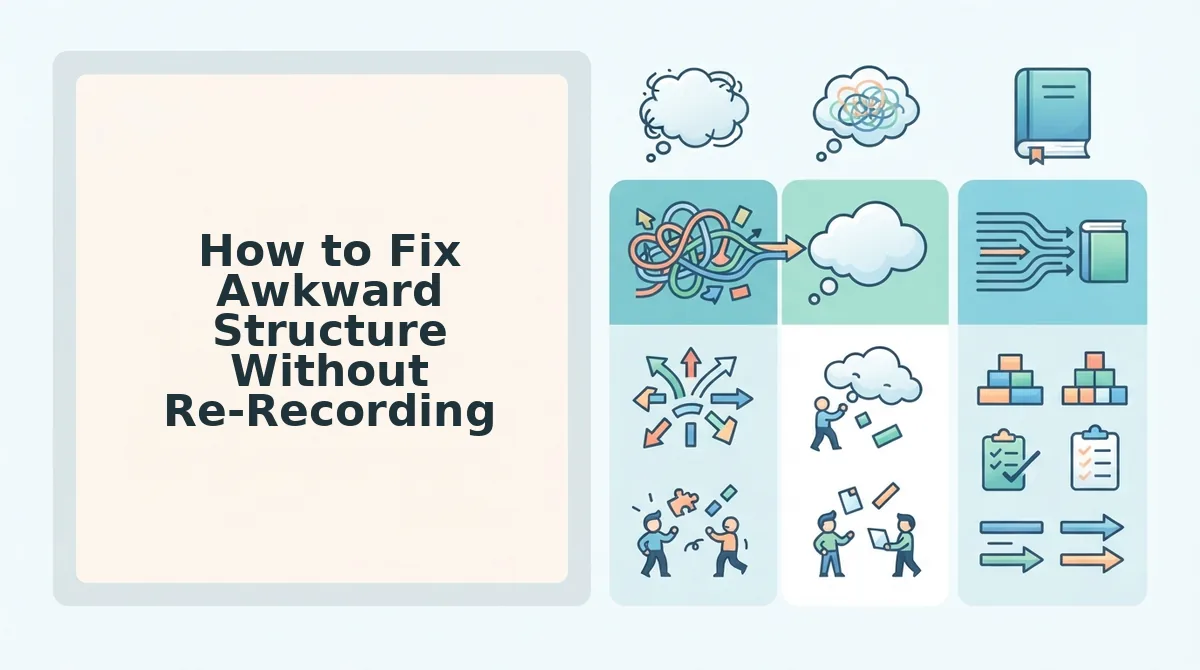
You can repair awkward spoken sentence structure in under two minutes using the One-Take Repair workflow: identify the pattern, mentally restructure, then run the audio through a spoken-first tool like VClar's AI voice message translator to clean syntax while preserving your voice.
Prerequisites: Your original voice memo file (any format), a rough mental note of which pattern from the taxonomy above is causing the problem, and a spoken-first audio tool.
- Identify the pattern. Replay your memo once and match the awkward moment to one of the four patterns: false start, fragment pile-up, filler chain, or clause sprawl. Write down the timestamp if the memo is longer than 30 seconds. You should be able to name the pattern in one phrase before moving on.
- Restructure mentally, one sentence, one idea. Say the corrected version out loud once, keeping it to a single clause. If you need two clauses, split them into two sentences. This takes about 15 seconds and gives your brain a clean target before any tool touches the audio.
- Upload and clean with a spoken-first tool. Open VClar, upload the memo, and select the cleanup mode that targets your identified pattern. The engine removes fillers, repairs false starts, and tightens clause sprawl without flattening your cadence. You should hear the same voice, same tone, but with the awkward structure resolved, no re-recording required.
This workflow works because it fixes the structure problem at the source, your spoken syntax; instead of forcing you back into the recording loop.
Why Written Grammar Tools Make Spoken Memos Worse
Written grammar checkers optimize for the page, not the voice. Tools like Grammarly are trained on written corpora and flag spoken patterns, sentence fragments, conversational connectors, intentional pauses, as errors, which strips the natural cadence that makes a voice memo sound human.
Spoken-first correction works differently: it preserves fillers as intentional pauses, keeps fragments as emphasis, and maintains the speaker's authentic rhythm. That distinction matters when the goal is a polished memo that still sounds like you.
| Tool Type | What It Optimizes For | Effect on Spoken Memos | Best For |
|---|---|---|---|
| Written grammar checkers (e.g., Grammarly) | Written syntax, formal sentence boundaries | Flags natural spoken fragments and cadence as errors | Writers polishing essays, emails, and reports |
| Spoken-first tools (e.g., VClar) | Spoken syntax, vocal cadence, speaker intent | Cleans fillers and false starts while preserving tone | Founders, sales teams, and creators sending voice memos |
If you need to fix grammar in voice messages without sounding scripted, a spoken-first tool is the right fit. If you're drafting a formal document, a written grammar checker remains the better choice.
FAQ: Fixing Awkward Spoken Sentences
Direct answers to the most common questions about awkward spoken sentence structure in voice memos.
How do I fix awkward spoken sentence structure in a voice memo?
Identify the specific pattern, false start, fragment pile-up, filler chain, or clause sprawl, then restructure the sentence mentally as one idea per sentence. Upload the memo to a spoken-first tool like VClar to clean the syntax automatically without re-recording.
Why do my voice memos sound less professional than my writing?
Spoken language is produced in real time without an edit pass, so false starts, fillers, and clause sprawl accumulate naturally. Writing benefits from revision; voice memos capture the first draft. Spoken-first cleanup tools bridge that gap by applying revision logic to audio.
Can I fix sentence fragments in a voice memo without re-recording?
Yes. A spoken-first tool detects incomplete clauses and either merges them with the preceding sentence or restructures them into a complete thought, all while preserving your original vocal tone and cadence. No second take is required.
What's the difference between spoken grammar and written grammar?
Spoken grammar tolerates fragments, conversational connectors, and flexible word order because intonation and pause carry meaning. Written grammar demands complete sentences and formal punctuation. Tools trained on written text often mislabel natural spoken patterns as errors, which is why spoken-first correction matters for voice memos.
Does fixing grammar in a voice memo change how I sound?
With spoken-first tools, no. The engine targets syntax and fillers while preserving your accent, pitch, and cadence. The result sounds like a more polished version of you, not a synthetic voice. For cross-language memos, a voice note translator applies the same preservation logic.
Record Once, Sound Clear, Keep Your Voice
Fixing awkward spoken sentence structure isn't about becoming a grammar perfectionist. The goal isn't to sound like a grammar textbook, it's to sound like a clearer version of you. Every pattern covered in this article, from trailing clauses to false starts, shares one root cause: your brain outpaces your mouth, and the raw memo captures the gap.
Here's what changes when you stop re-recording and start fixing structure instead:
- One take becomes enough. You stop burning 20 minutes on five attempts that all sound slightly different but equally rough.
- Your cadence survives. Cleaning structure preserves the pauses, emphasis, and rhythm that make the message recognizably yours.
- Your listener gets clarity. The memo lands as a decisive, coherent thought, not a stream of consciousness with a timestamp.
The open loop from the start of this article resolves simply: awkward spoken structure isn't a speaking flaw you need to train away. It's an editing problem you can solve after the fact. An AI voice message translator handles that editing pass, removing fillers, tightening syntax, and correcting grammar, while keeping your voice, tone, and cadence intact.
Stop re-recording. Fix the structure, keep your voice. That's the whole playbook.