
You've re-recorded the same 40-second voice note four times, and it still sounds like you're assembling the sentence in real time, because you are. The reason your voice notes sound broken isn't what you think: it's not poor grammar knowledge, it's how the brain plans speech incrementally, leaving false starts and abandoned clauses scattered across the audio. If you want to fix broken sentence syntax in a voice note without scripting every word, you're in the right place.
Voice notes are faster than typing, but they often carry verbal fillers, awkward pauses, and disjointed grammar that quietly undermine your authority. You're not bad at speaking, you're just editing before you've finished thinking. This guide will show you why that happens and how to fix it in one take.
You'll learn the five spoken syntax failure modes that make voice memos sound fragmented, a manual method for repairing sentence fragments, and a one-take workflow that eliminates the re-record loop entirely. Along the way, you'll discover a surprising reason most people's fixes fail, one that has nothing to do with grammar rules and everything to do with where you place your edits.
Why Voice Notes Break Your Syntax (Even When You Write Well)
Spoken syntax breakdown is the gap between what your brain intends to say and what your mouth actually produces when you're planning speech in real time. You write in complete sentences because you can revise before anyone sees the draft. You speak in fragments because speech is planned incrementally, one phrase at a time, not as a finished sentence.
Think of spoken syntax like building a bridge while you're already driving across it. You lay down a clause, realize the next plank doesn't fit, and either abandon it mid-span or stack a new clause on top of the old one. The result is a voice note full of false starts, subject-verb drift, and run-on stacking that reads fine in your head but sounds broken on playback.
There are five recurring failure modes in spoken syntax: false starts (beginning a sentence, stopping, and restarting), abandoned clauses (leaving a subordinate clause unfinished), subject-verb drift (changing the grammatical subject halfway through), pronoun ambiguity (using "it" or "they" without a clear referent), and run-on stacking (chaining clauses with "and" or "so" until the sentence collapses).
Here's the part most people miss: broken syntax in voice notes is not a grammar problem. It's a planning problem. When you speak faster than your working memory can hold the sentence structure, your brain defaults to the easiest available phrase, even if it doesn't match what you already said. That's why you can write flawlessly and still produce voice notes that sound like a first draft. The fix isn't studying grammar; it's changing how you record and repair.
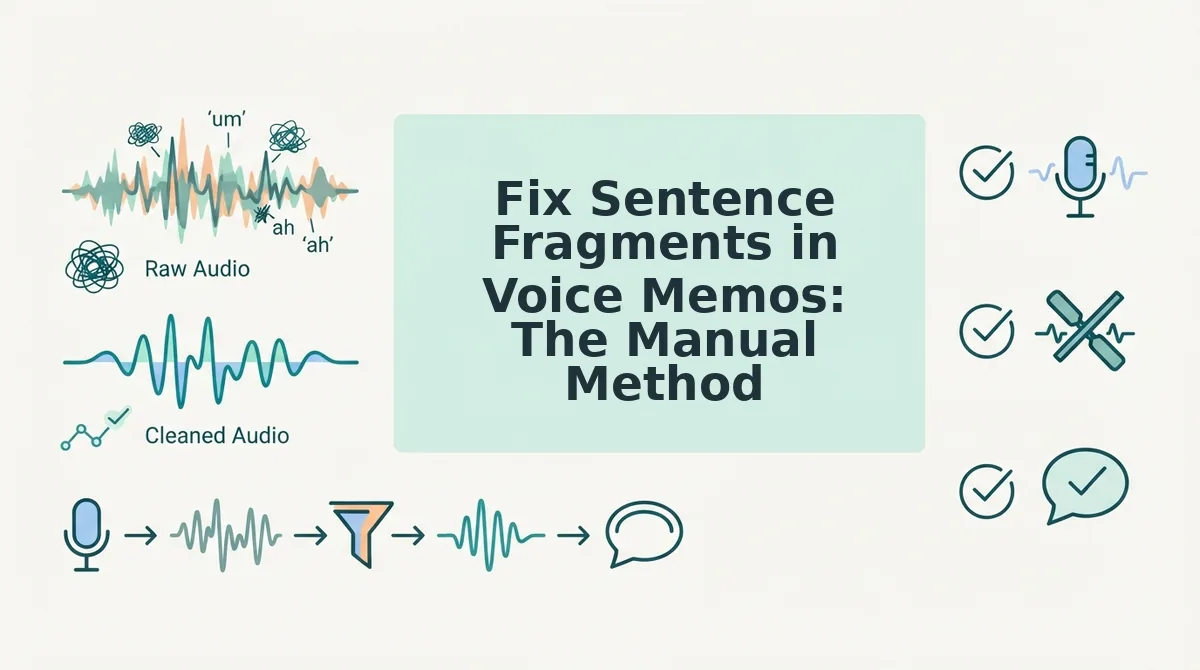
Fix Sentence Fragments in Voice Memos: The Manual Method
To fix sentence fragments manually, identify the incomplete thought, complete it in writing, then re-record only the broken segment, not the entire voice note. You'll need your voice memo app, a notes app, and about 5 minutes per fragment.
- Play back the voice note and transcribe it roughly. Write down only the words you actually said, including every false start and "um." You should see the fragments appear as sentences that stop before reaching a verb or a complete idea.
- Highlight every sentence that lacks a clear subject and verb. A fragment like "When we talked about the timeline" has a subject but no completed action. Mark each one.
- Complete each fragment in writing. Add the missing clause: "When we talked about the timeline, we agreed to ship by Friday." You should now have a full sentence that matches your intended meaning.
- Re-record only the broken segment. Open your voice memo app, record the corrected sentence in your natural tone, and splice it over the fragment. You should hear a seamless repair that keeps your original voice and cadence.
- Listen for co-occurring filler words. Fragments often cluster with "um," "like," and "basically." If the repaired segment still sounds cluttered, use a tool to remove filler words from audio without re-recording.
This method works, but it's slow, and it still leaves you editing after the fact. The one-take repair workflow eliminates most of these steps entirely.
The One-Take Repair Workflow
You can repair broken sentence syntax in a voice note without re-recording by using an audio-native workflow that cleans the actual audio timeline, not just the transcript. You'll need a recording device or voice memo app and an audio-native repair tool like VClar.
- Record without self-censoring. Open your voice memo app and speak your message naturally in one continuous take. Do not stop, restart, or apologize for mistakes. Expected outcome: a raw 30-90 second audio file that captures your full thought, including any syntax breaks.
- Identify the failure mode. Upload the audio to VClar and review the generated transcript. Look for sentence fragments, run-on clauses, or subject-verb mismatches. You should see the broken syntax highlighted in the transcript view.
- Apply the repair. Click the syntax correction option in the editor. VClar restructures the broken sentences while preserving your voice, tone, and cadence. You should see the corrected transcript update instantly, with the audio timeline adjusted to match.
- Verify the audio. Play back the repaired voice note from start to finish. Listen for natural pacing and confirm the syntax now reads as complete, grammatical sentences. You should hear your own voice delivering the corrected message without any robotic artifacts.
Worked example: A startup founder records a 60-second investor update with three syntax breaks: a fragment ("Revenue up 40% since. The new pricing."), a run-on ("We shipped the mobile app it took longer than expected but retention is strong now"), and a subject-verb mismatch ("The churn numbers is down"). Using the workflow above, the founder uploads the note, applies fix grammar in a voice message repairs, and verifies the corrected audio in under two minutes, no re-recording required. For founders who rely on voice notes for founders, this one-take workflow eliminates the friction of re-recording loops while keeping investor updates sounding decisive and personal.
Audio-native syntax repair works because it operates on the spoken timeline itself, not a text export. When you upload a voice note with broken sentence structure, the tool detects incomplete clauses, fused sentences, and agreement errors in the spoken stream, then reconstructs the syntax while preserving your original vocal characteristics, pitch, pacing, accent, and emotional inflection. The repaired audio sounds like you, just clearer and more grammatically coherent, which is why this approach outperforms transcript-only fixes for voice-first communication.
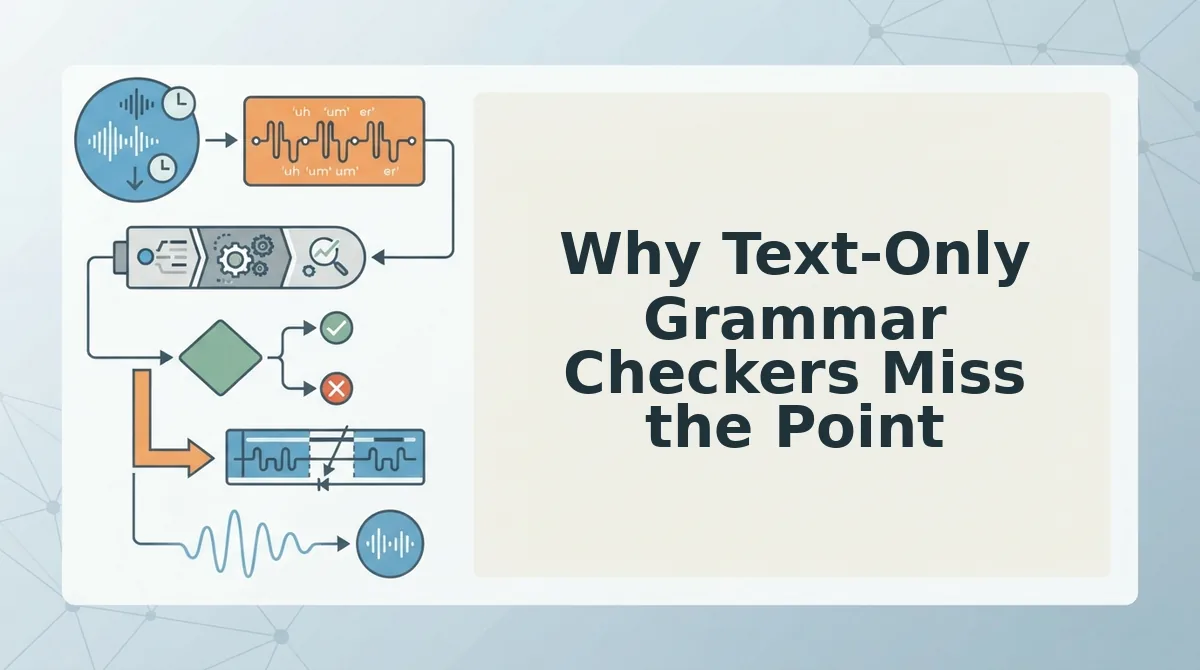
Why Text-Only Grammar Checkers Miss the Point
Text-only grammar checkers fix the transcript but leave the audio broken, which matters when the voice note itself is the deliverable. Audio-native repair corrects syntax in the spoken timeline while preserving your natural tone, accent, and rhythm.
| Tool Type | What It Fixes | What It Leaves Broken | Best For |
|---|---|---|---|
| Text-only grammar checkers (e.g., Grammarly) | Transcript text: fragments, run-ons, agreement errors | The audio itself, the spoken syntax remains unchanged | Writers polishing written documents or email drafts |
| Audio-native repair (VClar) | Spoken syntax in the audio timeline, plus the transcript | Nothing, both audio and text are corrected together | Professionals sending voice notes as the final message |
| Manual re-recording | Everything, if you get a clean take | Your time, multiple takes are often required | People with unlimited patience and no deadline |
Grammarly and similar tools are genuinely excellent at what they do: catching grammar issues in written text. But when you paste a voice note transcript into one, you get a corrected document and an audio file that still contains the original broken syntax. For voice-first communication, that mismatch defeats the purpose. Audio-native repair is the only approach that fixes both layers simultaneously.
FAQ
How do I fix broken sentence syntax in a voice note?
Upload the voice note to an audio-native repair tool like VClar, which detects sentence fragments, run-ons, and subject-verb mismatches in the spoken timeline, then reconstructs the syntax while preserving your natural voice, tone, and cadence. You get corrected audio and transcript in one pass, no re-recording needed.
Do I need to re-record a voice note with grammar mistakes?
No. Audio-native repair tools can fix grammar and syntax errors in the existing audio file without re-recording. The tool edits the spoken timeline directly, removing or restructuring broken clauses while keeping your original vocal delivery intact, so a single take is enough.
Why do voice notes sound less articulate than my writing?
Voice notes sound less articulate because speech is planned incrementally, not in complete sentences. When speaking spontaneously, you assemble clauses in real time, which produces fragments, false starts, and run-ons that writing filters out through revision. A spoken english grammar cleaner closes this gap by applying written-level syntax rules to spoken audio.
Can AI fix grammar in voice messages without changing my voice?
Yes. Audio-native AI tools correct grammar and syntax in the spoken stream while preserving your pitch, pacing, accent, and emotional inflection. Unlike text-to-speech conversion, the repair edits your original recording, so the result sounds like you speaking more clearly, not a synthetic voice.
What is the fastest way to clean up a voice note before sending it?
The fastest method is a one-take workflow: record naturally without self-censoring, upload to an audio-native repair tool, apply syntax and filler-word corrections, then verify the playback. This takes under two minutes for a typical 60-second voice note and eliminates re-recording loops entirely.
Send the Next Voice Note in One Take
Broken syntax in voice notes is not a grammar knowledge problem, it is a speech-planning problem. You already know how to construct a sentence. What you lack mid-recording is the cognitive bandwidth to plan, edit, and speak simultaneously. That is why manual transcript rewrites feel exhausting and why re-recording loops never end.
The one-take repair workflow changes the equation. Instead of treating every voice note as a performance that must be flawless, treat it as raw material that gets cleaned once, automatically, before it reaches your listener. Filler words disappear. Fragments become complete sentences. Your tone, accent, and cadence stay intact. The message sounds like you, just sharper.
Here is the sequence that closes the loop:
- Record once, without self-correcting. Let the false starts happen. The cleanup engine handles them.
- Run the audio through VClar's syntax repair. Fragments merge, grammar tightens, and the timeline stays seamless.
- Send the cleaned message. No re-recording, no transcript editing, no second take.
Text-only grammar checkers miss this because they operate on words, not speech. They cannot hear the hesitation before a fragment or the breath that signals a mid-sentence pivot. Voice-native repair works at the level of spoken rhythm, which is exactly where broken syntax lives.
The next time you open your voice notes app, stop planning the perfect sentence. Just speak. The repair happens after the take, not during it.
Run your next voice note through VClar's syntax repair and send it in one take.
"You do not need a better voice, you need a better cleanup."