
You record a 90-second voice message, listen back, and realize it sounds like a rough draft you'd never send in writing. Fragments, half-thoughts, and abandoned sentences chip away at your authority, and you're on take four. If you've ever re-recorded a voice memo five times because the grammar kept falling apart, you're not alone: raw voice memos routinely contain disjointed grammar that undermines clarity and authority.
You already know how to fix grammar in voice messages on paper. The problem is that speaking and writing run on different engines. This guide will show you exactly how to fix sentence fragments in a voice message, without scripting every word or losing your natural delivery.
You'll learn why fragments happen in speech but not writing, the four fragment types that sabotage voice memos, and a one-take repair loop you can use before you hit record. Stick around: the fragment type most people think is the worst is actually the easiest to fix, and it's probably not the one you're worried about.
VClar's AI voice message enhancer removes filler words and repairs spoken grammar automatically, so your first take can be your only take.
Why You Speak in Fragments (But Write Fine)
A sentence fragment is an incomplete sentence missing a subject, a verb, or a complete thought, and it happens far more often in speech than in writing because talking outpaces your working memory. When you type, you can pause, reread, and revise before anyone sees the sentence. When you speak, your mouth is already on the next clause while your brain is still assembling the last one.
Think of working memory like a kitchen counter. Writing gives you unlimited time to prep ingredients before cooking. Speaking is cooking during a dinner rush: you grab what's within reach and hope the dish comes together. Fragments are the verbal equivalent of realizing mid-recipe that you forgot the onions.
Here's the distinction most advice misses: fragments that work in voice are context-dependent and intentional, like answering "Sounds good to me" when someone asks if Tuesday works. The missing subject is implied by the conversation. Fragments that fail are accidental and confusing, like starting "When we talked about the budget…" and never finishing the thought. The listener is left holding an open loop with no resolution.
In a live conversation, tone, gesture, and back-and-forth fill the gaps. In a one-way voice message, none of those safety nets exist. The fragment lands as an error, not as natural speech. That's why the same person who speaks fluently in meetings can sound scattered in a voice memo: the context that made fragments acceptable has disappeared.
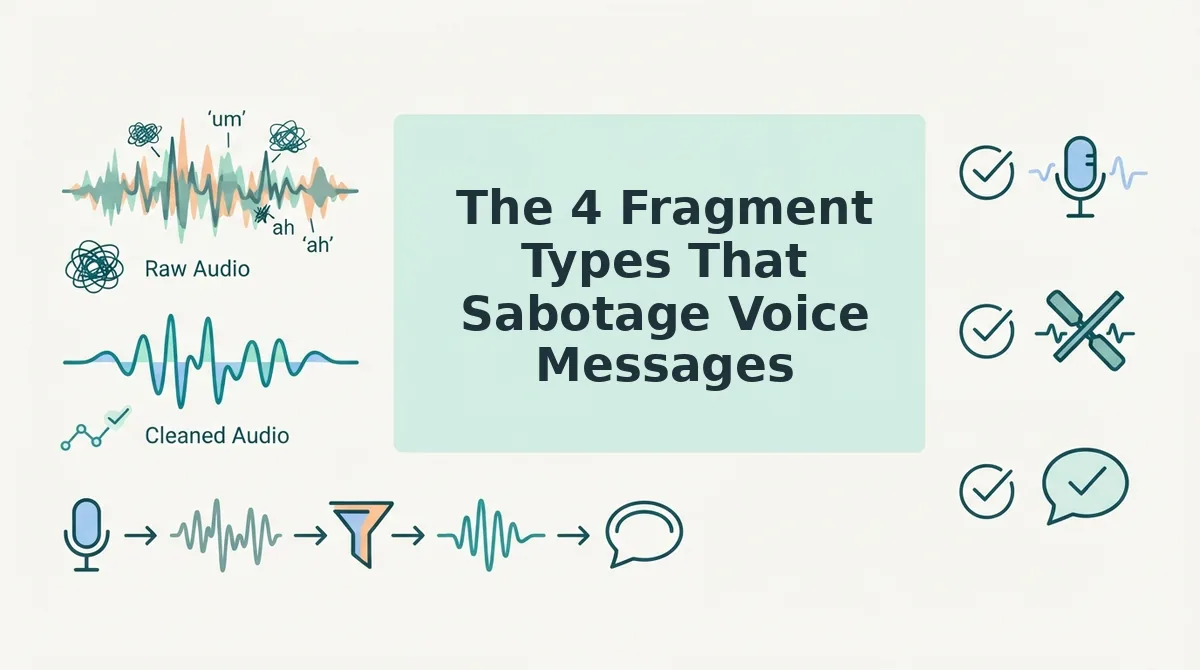
The 4 Fragment Types That Sabotage Voice Messages
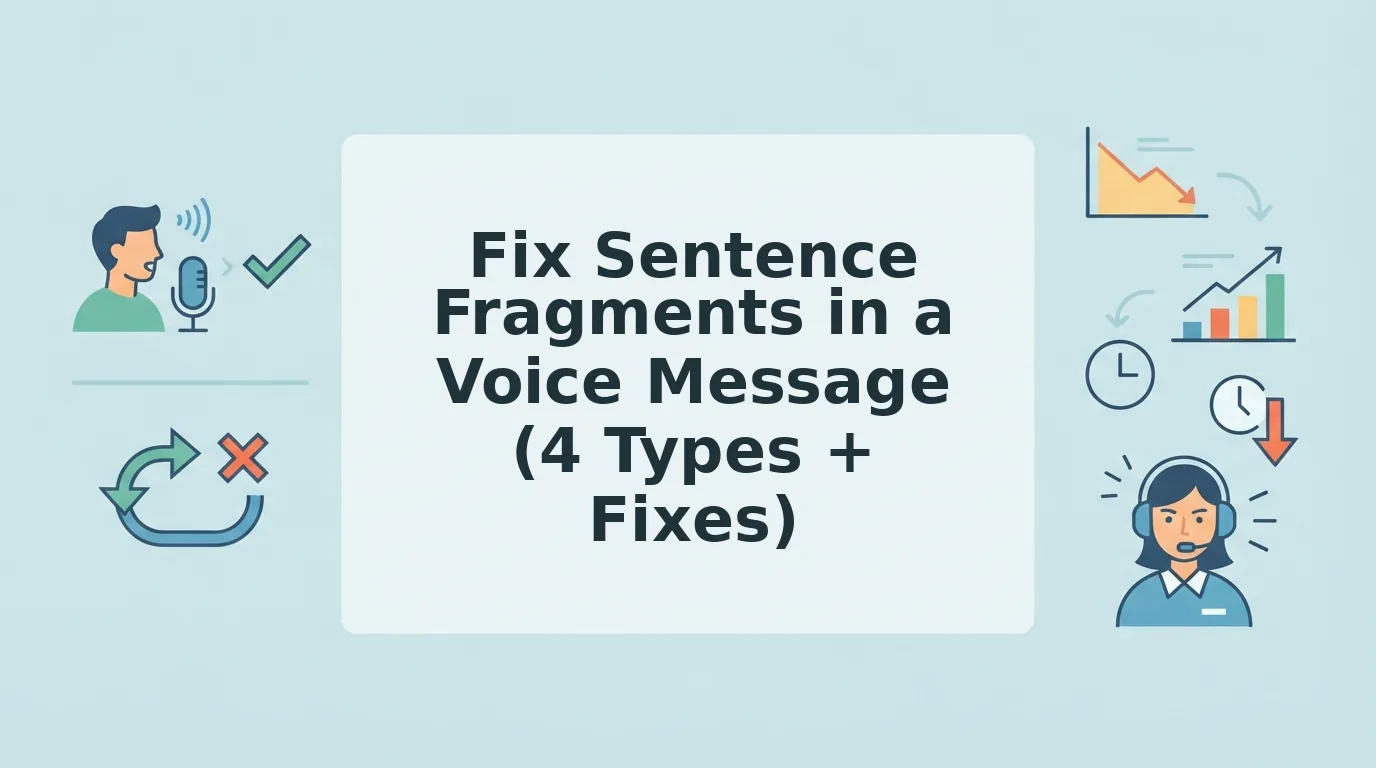
Voice message fragments fall into four predictable patterns, each with a distinct cause and a specific fix. Here they are, ranked by how often they derail a message.
- Missing subject. You drop the person or thing doing the action because it feels obvious to you in the moment. "Sounds good to me" or "Will circle back tomorrow" leaves the listener guessing who's circling back. In a voice message, the implied subject from a live conversation doesn't exist, so state it explicitly: "That timeline sounds good to me" or "I will circle back tomorrow."
- Dependent clause left hanging. You start with a connector like "when," "because," or "if" and never deliver the main clause. "When we talked about the budget…" trails off into silence or jumps to a new topic. The listener is waiting for a resolution that never arrives. Finish the thought before moving on: "When we talked about the budget, we agreed to revisit it in Q1."
- False start. You begin a sentence, abandon it mid-phrase, and restart with a different structure. "I think we should, what I mean is, the launch date needs to move." The first attempt leaves a grammatical ghost that clutters the message. False starts are the most common fragment in spontaneous speech, and they're also the easiest to catch on a quick listen-back.
- Abandoned thought. You start a complete sentence, get distracted by a new idea, and never return to finish the original point. "The client feedback was positive, and also I need to send the contract, and, anyway, let's talk Thursday." The listener receives three partial ideas and zero complete ones. One thought per sentence, fully closed, before starting the next.
These four patterns account for nearly every fragment you'll hear in a raw voice memo. Once you can name the fragment type, you can fix it, and that's where the one-take repair loop comes in.
The One-Take Repair Loop (4 Steps)
You can fix a sentence fragment in a voice message without re-recording the whole thing. This 4-step loop. Identify to Isolate to Repair to Re-record or AI-clean, takes under 90 seconds once you internalize it.
Prerequisites: Your phone's voice recorder or VClar's web recorder, plus 30 seconds of quiet space.
- Identify the fragment. Play back your draft and listen for a phrase that lacks a subject or verb, e.g., "Need to push the launch date." You should hear the thought trail off without completing the sentence.
- Isolate the broken segment. Note the timestamp where the fragment starts. In VClar, click the transcript view and highlight that section so you only repair what's broken, not the whole message.
- Repair the fragment aloud. Say the complete sentence once: "We need to push the launch date to November 14." Speak it in your normal cadence, don't over-enunciate or slow down artificially.
- Re-record the segment or let AI clean it. Re-record just that 5-second window, or upload the full audio and let VClar remove filler words from audio while stitching the repaired sentence into the timeline. You should hear a seamless transition with no audible cut.
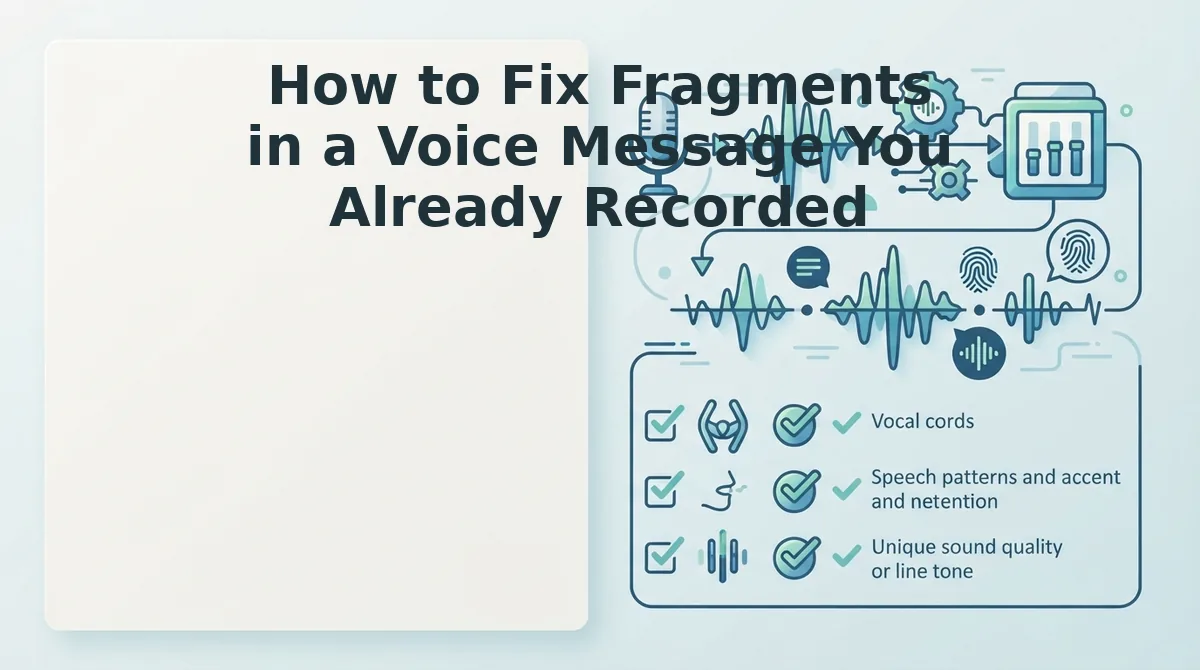
How to Fix Fragments in a Voice Message You Already Recorded
If you've already recorded a voice message with fragments, you have two viable paths: edit it manually in audio software or run it through an AI cleanup tool. Each approach has real trade-offs depending on your deadline and how much control you need.
| Method | What it fixes | What it can't fix | Time cost | Best for |
|---|---|---|---|---|
| Manual editing (Audacity, Descript, DAW) | Cutting out fragments, splicing in re-recorded sentences, precise timeline control | Nothing, full control, but every fix is on you | 10-30 minutes per message | Podcasters and creators who need frame-level precision |
| AI cleanup (VClar) | Removing fillers, stitching repaired fragments, reducing noise and breaths | May miss subtle tonal shifts or context-dependent phrasing a human editor would catch | Under 1 minute per message | Founders, sales reps, and freelancers sending daily voice updates |
Manual editing gives you complete control over every syllable, but a 2-minute voice message can eat 20 minutes of your day. AI cleanup preserves your natural tone and cadence while handling fragment repair automatically, though it may not catch every nuance a trained ear would flag.
If you send voice messages daily and fragments are your recurring problem, fix grammar in voice messages with an AI pass first, then manually adjust only what still sounds off. That hybrid workflow gets you 90% of the polish in 5% of the time.
The Fragment Audit, 5-Point Self-Test
Run this 5-point audit on any voice message before you hit send. Each check takes about 10 seconds and catches the fragments most likely to confuse your listener.
- Missing subject. A clause without a clear "who" or "what", e.g., "Need to follow up." Ask: who needs to follow up? If the answer isn't obvious from context, add the subject.
- Missing verb. A noun phrase posing as a sentence, e.g., "The Q3 numbers." Add the action: "The Q3 numbers are in."
- Dangling dependent clause. A "because," "since," or "if" clause with no main clause to anchor it, e.g., "Since we moved the demo." Complete the thought: "Since we moved the demo, the client wants a Thursday call."
- Abandoned thought. You start a sentence, trail off, and start a new one, e.g., "The budget is, anyway, about the hire." Cut the false start or finish the original sentence.
- Listener confusion without visual cues. A fragment that only made sense because you were gesturing or pointing at something. If the listener can't see you, the fragment must stand alone as a complete sentence.
Run this audit once, and you'll start catching fragments before you record them. The next section answers the most common questions about fixing fragments in voice messages.
FAQ
Direct answers to the most common questions about sentence fragments in voice messages, drawn from real user searches and community discussions.
Can AI fix sentence fragments in voice messages?
Yes. AI tools like VClar detect incomplete clauses and reconstruct them into grammatically complete sentences while preserving your original tone, accent, and pacing. The engine analyzes context across the full message, so a fragment like "When we talked about pricing" becomes "When we talked about pricing, we agreed on the Q3 rollout."
Why do I speak in fragments when I'm nervous?
Nervousness triggers your brain's threat response, which prioritizes speed over syntactic completeness. You start a thought, second-guess it mid-sentence, and abandon it for a new one. This creates false starts and trailing clauses. Slowing your breathing before recording reduces fragment frequency by giving your working memory room to finish each sentence.
Do sentence fragments matter in casual voice messages?
They matter less among close friends, where shared context fills the gaps. But in professional voice messages to clients, prospects, or cross-border teammates, fragments create ambiguity and force the listener to guess your meaning. If the recipient has to replay your message to understand it, the fragment cost you their time.
How do I stop speaking in fragments without scripting everything?
Use the One-Take Repair Loop: pause for one second after each complete thought, mentally close the sentence with a verb, then continue. This trains your brain to finish clauses before moving on. After a few weeks of practice, complete sentences become your default speaking pattern without any scripting.
What is the fastest way to clean up fragments in an already recorded voice message?
Run the audio through an AI voice message translator like VClar. The tool identifies incomplete clauses, reconstructs them using surrounding context, and outputs a cleaned version in seconds. Manual editing of the same message typically takes 10-15 minutes and risks cutting words that carry your intended meaning.
Why do I sound fine in my head but fragmented on playback?
Your brain fills in missing words when you think, a phenomenon called phonological restoration. On playback, those gaps are audible because the listener's brain doesn't have your internal context. Recording a test message and listening before sending reveals the fragments your inner voice hides from you.
Speak in Fragments, Send in Sentences
Fragments aren't a speaking flaw. They're evidence that your thoughts move faster than your mouth, which is exactly why you record voice messages instead of typing. The fix isn't slowing your brain down. It's giving your words a cleanup pass before they reach the recipient.
You now have two tools that work together: the One-Take Repair Loop for preventing fragments at the source, and the Fragment Audit for catching what slips through. Neither requires scripting, rehearsing, or changing how you naturally speak.
The fastest path forward is running your next voice message through VClar's AI voice message translator and hearing the difference in one take. Bookmark the Fragment Audit for your weekly review, and check VClar's voice message tips when you want to sharpen another edge of your spoken communication. Your ideas deserve to arrive as complete as you meant them.