
You've recorded the same 40-second voice note four times, and every version still sounds like you're thinking out loud instead of communicating. Voice notes are faster than typing, but raw voice notes sound unpolished, filled with "ums," awkward pauses, and sentences that trail off mid-thought. The good news: you can fix conversational grammar in a voice note without recording a single retake.
You're not a bad speaker. You're just capturing speech the way it actually happens, messy, nonlinear, and full of false starts. What you'll learn here is a three-step workflow that turns a rough first take into a clean, authoritative message while keeping your natural voice intact. We'll cover what actually counts as a grammar mistake in spoken audio, how to fix it in one pass, and why re-recording is the slowest possible solution.
One surprising finding ahead: most of what you think is "bad grammar" in a voice note isn't grammar at all, it's a category error between spoken and written language. Keep reading to see why that distinction changes everything about how you clean up your messages.
What Counts as a Grammar Mistake in a Voice Note?
A grammar mistake in a voice note is any spoken pattern that would read as an error in written form, but the distinction matters more than the error itself. Spoken grammar and written grammar are two different systems, and treating them as identical is why most voice notes sound either robotic or sloppy.
Spoken grammar has legitimate patterns that writing doesn't tolerate. Ellipsis, dropping words that context makes obvious, is normal in speech ("Leaving now, call you back" instead of "I am leaving now and will call you back"). Discourse markers like "so," "right," and "I mean" signal turn-taking and emphasis in conversation. False starts, beginning a sentence, abandoning it, and restarting, are how speakers think aloud. None of these are errors in spoken English. All of them look like errors when transcribed.
Think of it like the difference between a sketch and a blueprint. A sketch captures the thinking process, visible lines, corrections, rough edges. A blueprint is the final structure. Voice notes are sketches. The problem is that your listener receives the sketch when they expected the blueprint.
The actual grammar errors in voice notes fall into four categories: fillers (um, ah, like, you know), fragments (incomplete sentences that never resolve), false starts (abandoned sentence beginnings), and run-ons (multiple clauses strung together without clear boundaries). A tool that removes filler words from audio and tightens phrasing addresses all four without flattening your natural cadence.
How to Fix Voice Note Grammar in One Take
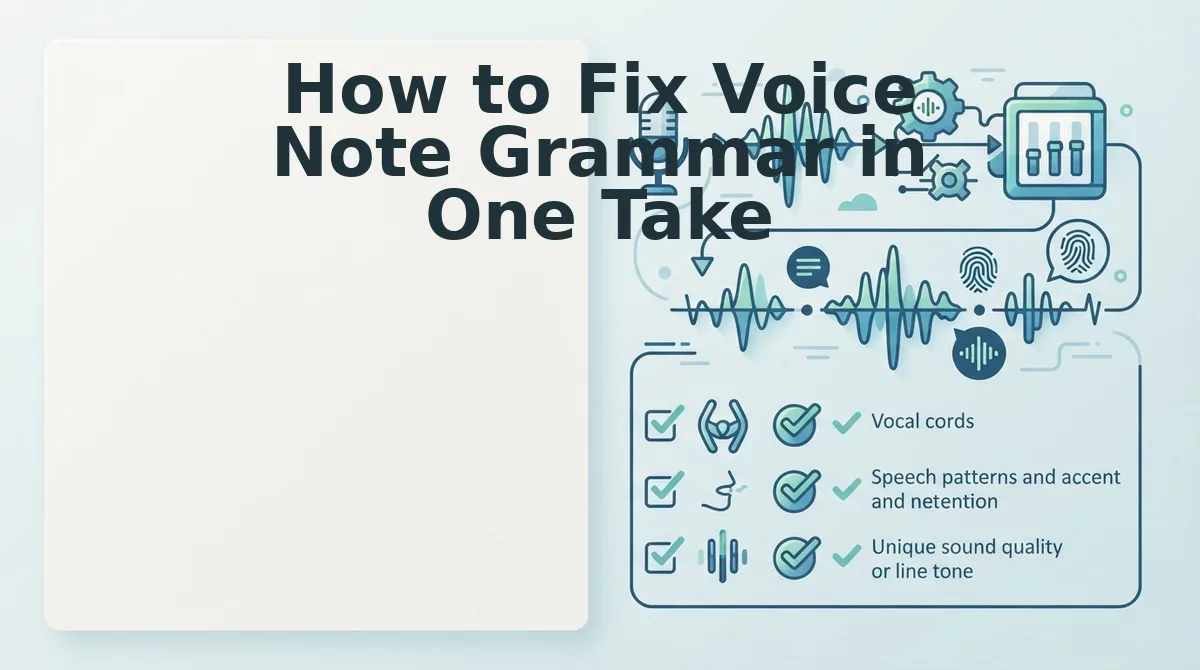
Fixing voice note grammar in one take means recording once, running the audio through a grammar cleaner, and sending, no re-recording loop. You need a voice note recorder and a tool that can fix grammar in a voice message while preserving your tone.
- Record naturally without self-editing. Open your voice recorder and speak the message exactly as it comes to mind. Do not stop to correct yourself, do not restart sentences, and do not worry about fillers. Self-editing mid-recording is what creates the stilted, unnatural rhythm you're trying to avoid. Expected outcome: a raw voice note that captures your full thought in under 60 seconds.
- Run the voice note through a grammar cleaner. Upload the audio to a tool that removes filler words, fixes spoken grammar, and tightens phrasing automatically. The cleaner should strip "um," "like," and false starts from the audio timeline while keeping your voice, accent, and pacing intact. Expected outcome: a cleaned audio file that sounds like you on your best day, decisive, direct, and grammatically coherent.
- Review the transcript and send. Read the cleaned transcript once to confirm the meaning survived intact. If a sentence reads awkwardly, adjust the phrasing in the transcript rather than re-recording the audio. Expected outcome: a polished voice note and matching transcript ready to send in under two minutes total.
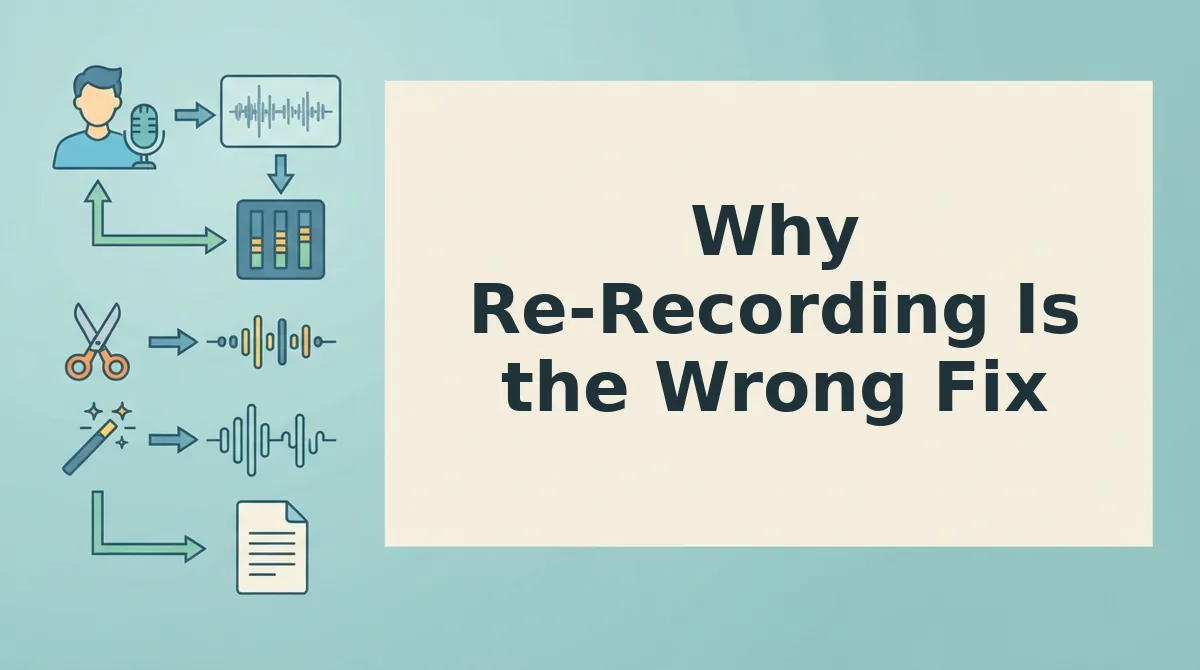
This three-step workflow, record, clean, send, eliminates the re-record loop entirely. Instead of spending ten minutes chasing a perfect take, you spend one minute recording and one minute reviewing. The grammar cleaner handles the mechanical fixes; you handle the message.
But if you're still tempted to just hit record again, here's why that instinct is costing you more than time.
Why Re-Recording Is the Wrong Fix
Re-recording a voice note to fix grammar costs more time than it saves and often produces a stiffer, less authentic message. The hidden cost isn't just the extra minutes, it's the compounding self-doubt that comes with take four, take five, and take six.
Consider a founder sending a 90-second investor update. A single re-record doubles the time spent. Three takes triples it, and each attempt drifts further from the spontaneous confidence of the first take. The grammar improves, but the energy flattens.
| Approach | Time Cost | Authenticity | Best For |
|---|---|---|---|
| Manual re-recording | 2-5x the original message length | Decreases with each take | Short, scripted announcements where polish outweighs spontaneity |
| Transcribe, edit, re-read | 10-15 minutes per message | Sounds read, not spoken | Formal updates where a written script is acceptable |
| AI grammar cleaning (VClar) | Under 60 seconds per message | Preserves original tone, cadence, and accent | Founders, sales teams, and creators who need one-take confidence |
Re-recording has a legitimate place when you need a word-perfect script. But for everyday voice notes for founders, the one-take fix preserves the urgency and personality that made you record the message in the first place.
How to Preserve Your Natural Voice While Fixing Grammar
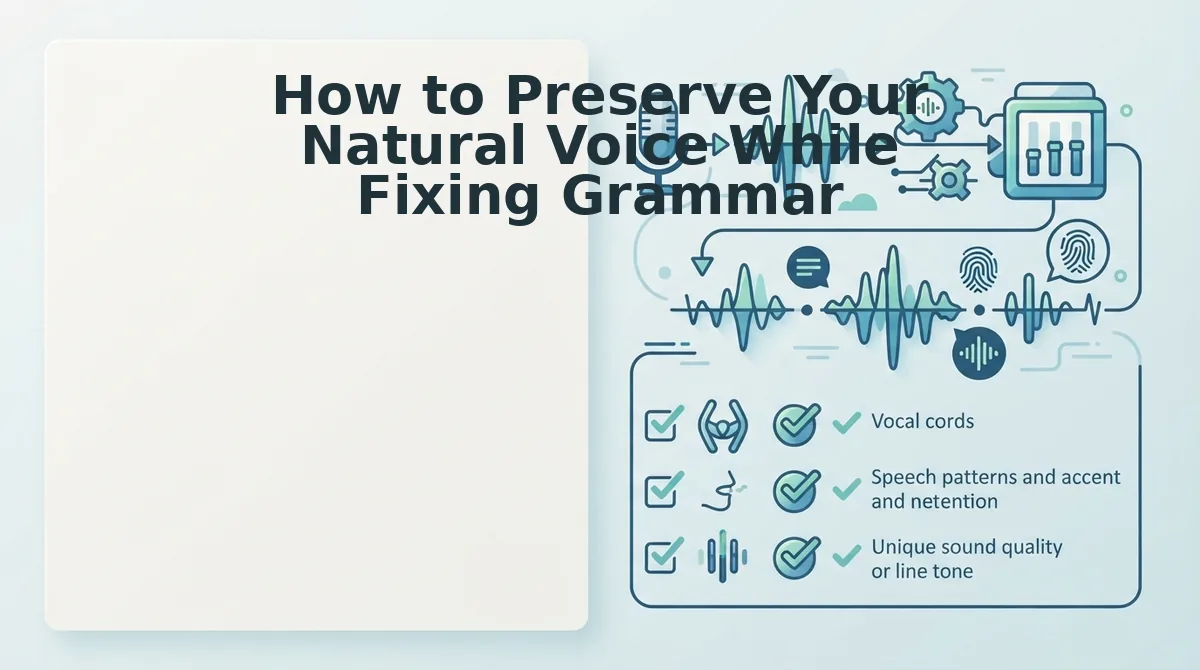
Grammar correction should clean the message, not replace the messenger. The goal is a voice note that sounds like you on your best day, not a polished stranger reading your words.
- Keep your original pacing and rhythm. Your speaking cadence is part of your identity. A good grammar fix removes filler and repairs fragments without re-timing your delivery, so the message still breathes the way you talk.
- Preserve accent and pronunciation. Grammar cleaning should never flatten regional accents or non-native pronunciation patterns. The fix targets sentence structure, not your vocal fingerprint.
- Maintain emotional tone. Excitement, urgency, or concern should survive the cleanup. If the corrected version sounds neutral, the tool has overcorrected.
- Fix fragments, not personality. Spoken grammar allows fragments that written grammar forbids. A smart fixer converts incomplete thoughts into complete sentences without turning your voice note into an email.
- Target messages between 45 and 90 seconds. This length is long enough to contain real grammar errors and short enough for AI cleaning to stay accurate without manual review.
- Review extreme accents or heavy background noise manually. If your recording environment is noisy or your accent is uncommon in the training data, a quick listen after cleaning is worth the 30 seconds.
- Pair grammar fixing with filler removal. Grammar errors and filler words usually appear together. A tool that removes filler words from audio while repairing grammar handles both problems in one pass.
One Take Is Enough
Conversational grammar is not written grammar, and fixing it should not mean rewriting your voice. You can repair fragments, remove fillers, and tighten phrasing without re-recording, and without losing the spontaneity that made the message worth sending.
The workflow is simple: record once, let the AI clean the grammar and fillers, and send. Your tone, accent, and cadence stay intact. Your message sounds decisive instead of rehearsed.
Start with your next voice note at VClar, record it once, clean it in seconds, and send it with confidence.