
You've re-recorded the same 45-second voice note four times, and each take is somehow longer than the last. That's the re-record loop: founders, sales reps, and freelancers who think at 150 words per minute but lose 20 minutes to a single unpolished message. You're not bad at speaking, you're fighting a speed gap between your brain and your mouth.
Here's the truth: how to stop rambling in a voice note isn't about speaking slower or "being more concise." It's about structuring what you say before you hit record. Rambling happens when you think faster than you speak, and your mouth scrambles to catch up.
In this guide, you'll learn why the re-record loop makes rambling worse, how to use the 3-2-1 speaking trick most people get wrong, and the 45-90 second rule that kills rambling at the source. You'll also see how tools like VClar's filler word remover can clean up a take without forcing another re-record. Stick with the 3-2-1 section, the mistake most people make with it is the exact reason their voice notes still ramble.
Why You Ramble in Voice Notes (And Why Re-Recording Makes It Worse)
Rambling in voice notes is the gap between how fast you think and how fast you speak. Your brain generates ideas at roughly 400-800 words per minute, but most people speak at 125-150 words per minute. The backlog of thoughts forces your mouth to improvise, and improvisation fills silence with "um," "like," and unplanned tangents.
Think of it like a highway on-ramp: your thoughts are six lanes of traffic merging into a single spoken lane. Without a merge plan, the result is a pileup of half-finished sentences and verbal detours.
Re-recording makes this worse, not better. Each failed take adds performance pressure. That pressure narrows your working memory, which means you hold fewer points in your head while speaking. Fewer held points means more filler words, more false starts, and longer takes. You're not fixing the ramble, you're feeding it.
The fix isn't another take. It's a structure you can hold in your head before you press record. The 3-2-1 trick below gives you that structure, and tools like VClar's filler word remover handle the cleanup when a take is still rough around the edges.
The 3-2-1 Speaking Trick That Forces You to Stop Rambling
The 3-2-1 trick is a pre-recording structure: 3 key points, 2 brief examples, 1 clear call to action. It gives your brain a merge plan before your mouth starts moving, so you never improvise your way into a ramble.
Prerequisite: Before you record, write down your 3-2-1 outline in a notes app or on paper. You don't need full sentences, just six short fragments. This takes under 60 seconds and eliminates the thinking-speaking speed gap that causes rambling.
For a 60-second voice note, the time budget looks like this: 3 key points (15 seconds each), 2 brief examples (10 seconds each), 1 clear ask (5 seconds). Here's a concrete example for a sales follow-up voice note:
- Write your 3 key points. Open your notes app and list the three things the listener must know. For a sales follow-up: "pricing tiers," "implementation timeline," "next step options." Each point gets roughly 15 seconds of spoken time. Success looks like three fragments, not three paragraphs.
- Attach 2 brief examples. Under two of your key points, write one concrete example each. For "pricing tiers," write "Starter = $49, Pro = $99." For "implementation timeline," write "2 weeks with onboarding call." Each example gets roughly 10 seconds. Success looks like two specific, verifiable details, not two stories.
- Define 1 clear ask. Write the single action you want the listener to take. "Reply with your preferred tier by Thursday" or "Book a 15-minute call here." This gets 5 seconds at the end of the note. Success looks like one imperative sentence with a deadline or link.
Most people get the 3-2-1 trick wrong by treating the "2 examples" as two stories. A story invites tangents; an example is a single verifiable detail. When your examples are facts, numbers, dates, names, your mouth has nothing to improvise around, and the ramble never starts.
If a take still comes out rough, don't re-record. Run it through VClar's AI voice message translator to strip filler words and tighten the audio without losing your voice. Next: the 45-90 second rule that makes rambling structurally impossible.
The 45-90 Second Rule: The Simplest Ramble Killer
Voice notes between 45 and 90 seconds hit the sweet spot: long enough to make one clear point, short enough that the listener stays engaged and you never drift into tangents. If you consistently exceed 90 seconds, you are not adding value, you are offloading your thinking process onto someone else's ears.
- Set a 90-second mental ceiling before you hit record. Decide that your message will contain exactly one point, one supporting detail, and one call to action. This forces you to pre-filter what matters instead of discovering it mid-sentence.
- Cut tangents the moment you notice them. If you hear yourself saying "which reminds me" or "by the way," stop the sentence and return to your original point. Tangents are the single biggest contributor to voice notes that balloon past two minutes.
- Delete repeated points instead of rephrasing them. When you catch yourself restating the same idea in different words, pick the clearest version and move on. Repetition reads as uncertainty and eats your time budget.
- Skip excessive context and backstory. Give the listener only the context they need to act, not the full history of how you arrived at the message. If they need more, they will ask.
- End at your first natural stopping point. The moment your point lands, stop recording. The urge to add "one more thing" is how a tight 60-second note becomes a rambling three-minute monologue.
Async communication norms favor brevity: recipients skim voice notes the same way they skim emails. A 45-90 second message respects that norm and positions you as someone who communicates with intention.
How to Use a Side-by-Side Transcript to Spot Your Ramble Patterns
Most people never hear their own rambling because they never review their recordings. A side-by-side transcript, your spoken words next to a cleaned-up version, makes your verbal habits visible and gives you a concrete self-coaching tool.
Prerequisites: A voice note you have already sent or recorded, plus a transcript tool that shows your raw speech alongside a cleaned version. VClar generates this automatically when you process a voice note.
- Upload your voice note to VClar and open the transcript view. You should see two columns: your original spoken words on one side and the cleaned, filler-free version on the other. This takes under 30 seconds.
- Highlight every false start in the original column. False starts are sentences you began, abandoned, and restarted, like "I think we should, actually, what I mean is." Count them. If you see more than three in a 60-second note, that is your primary ramble pattern.
- Circle every instance of circular phrasing. Look for places where you said the same thing twice with different words, or looped back to a point you already made. These are the sections where listeners mentally check out.
- Mark filler clusters, groups of two or more fillers in a single sentence. A lone "um" is normal. Three fillers in ten seconds signals that you lost your train of thought and kept talking anyway.
- Compare your original column to the cleaned column and note what VClar removed. The gap between the two columns is your ramble footprint. Review it before your next recording and target one pattern to eliminate.
One founder who used this method believed he was a concise communicator until he saw his transcript: 14 false starts in a 90-second investor update. Seeing the pattern in writing, not just hearing it, was what finally changed his recording habits. The transcript mirror works because it removes the emotional fog of listening to your own voice and replaces it with cold, actionable data.
If you want to fix grammar in your voice messages before anyone else hears them, run your next recording through VClar and review the side-by-side transcript first.
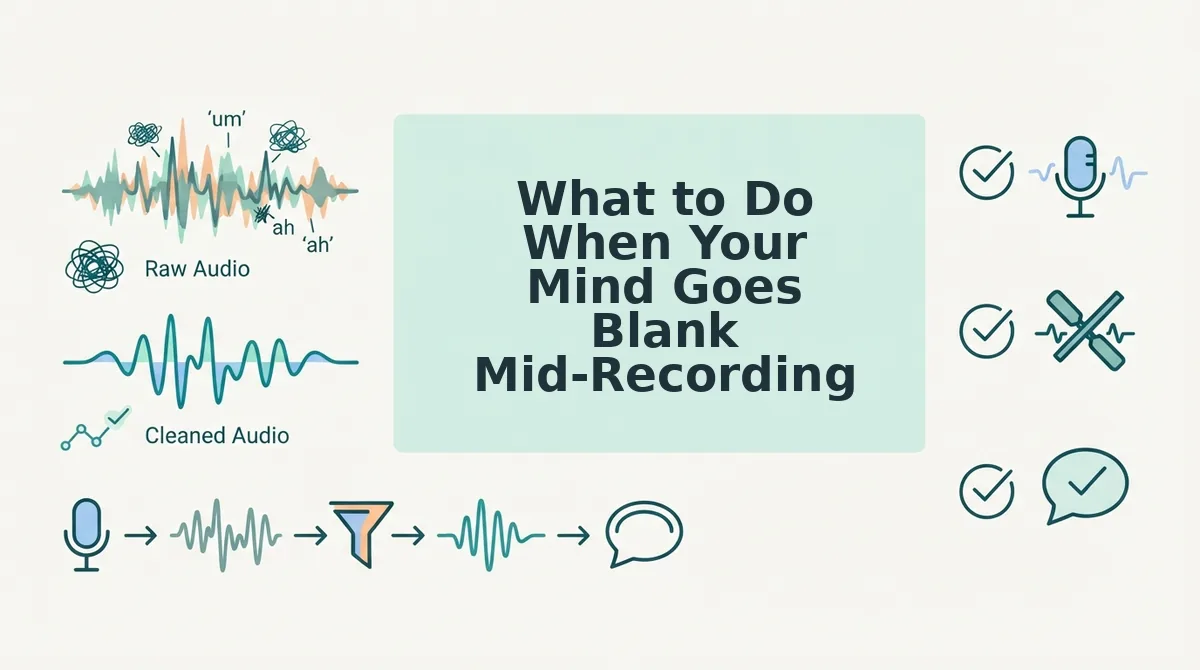
What to Do When Your Mind Goes Blank Mid-Recording
A blank mind mid-recording is not a failure, it is a pause your brain needs to locate the next thought. The fix is not to re-record; it is to recover in place and clean up the evidence afterward.
Prerequisites: Your phone's voice recorder or the VClar app, and a willingness to keep recording through the silence.
- Pause for two full seconds without speaking. Resist the urge to fill the silence with "um" or "so." A silent pause feels longer to you than it does to the listener, and it gives your brain time to locate the next point.
- Name your next point out loud, then continue. Say something like "The second thing is pricing" and proceed. Naming the point re-anchors your train of thought and signals to the listener that you are still in control.
- Keep recording even if you stumble. Do not stop and start over. A stumble you can edit out later costs you five seconds; a full re-record costs you minutes and often produces a worse take.
- Run the finished recording through VClar to remove fillers and false starts. The tool strips the verbal debris from your audio timeline so the final message sounds decisive, even if the raw take was messy. You can remove filler words from your voice note in one pass.
The pause-and-pivot technique turns a blank moment into a transition instead of a dead end. Once you know you can recover mid-recording, the anxiety that causes blanks in the first place starts to fade. Next, here is how to clean up a rambling voice note after you have already recorded it.
How to Clean Up a Rambling Voice Note After Recording
You don't need to nail a voice note in one take. VClar's post-recording cleanup workflow removes fillers and fixes grammar so a rough first take becomes a polished message without re-recording.
Prerequisites: A recorded voice note (any length) and a VClar account. No audio editing experience required.
- Upload your voice note to VClar. Open the VClar dashboard and click Upload Audio, then select your file from your phone or computer. You should see a processing bar appear within seconds.
- Open the Filler Words Remover tool. Click Clean Audio in the left sidebar. VClar automatically detects and removes ums, ahs, "like," and false starts. You should see a cleaned timeline with gaps where fillers were removed, typically under 30 seconds of processing.
- Review the transcript side by side. Click Transcript View to compare the original and cleaned versions. Look for sentence fragments or circular phrasing that still reads as rambling.
- Click Fix Grammar to repair sentence structure. Select the Grammar tab and click Apply Fixes. VClar corrects fragments and run-ons while preserving your tone, cadence, and accent. You should see corrected sentences highlighted in green.
- Export the cleaned audio or transcript. Click Export and choose audio, text, or both. Your message should now sound decisive and direct, no re-recording needed.
If you only need to remove filler words from your voice note, skip steps 3-4. If your message has sentence fragments and circular phrasing, run the grammar fix before exporting.
Next step: Upload your next voice note to VClar and run the full cleanup workflow once, you'll see how much pressure it removes from recording.
FAQ: Common Questions About Rambling in Voice Notes
Direct answers to the most-searched questions about rambling voice notes, drawn from real user queries.
How do I stop rambling in a voice note when I'm nervous?
Use the 3-2-1 structure: decide on 3 key points, limit yourself to 2 sentences per point, and deliver the whole message in 1 take. Nervous rambling happens when you think out loud instead of speaking to a plan. Writing three bullet points before you hit record gives your brain a track to follow, which reduces the anxiety that triggers filler words and circular phrasing.
What's the ideal length for a voice note?
45 to 90 seconds is the sweet spot for most voice notes. Messages under 45 seconds often feel abrupt or incomplete, while anything over 90 seconds risks losing the listener's attention. If your message runs longer, split it into two separate notes or cut it down using a transcript review.
Can I fix a rambling voice note without re-recording?
Yes. Upload the voice note to VClar and use the Filler Words Remover to strip out ums, ahs, and false starts automatically. Then run the grammar fix to repair sentence fragments and circular phrasing. The result is a clean, decisive message that keeps your original voice, tone, and cadence, no second take required.
Why do I ramble more in voice notes than in person?
Voice notes lack the real-time feedback of a live conversation. In person, you read facial expressions and body language that signal when to stop or clarify. Without those cues, you keep talking to fill the silence. Recording with a pre-planned structure and a time limit mimics that conversational feedback loop.
How do I know if my voice note is too rambling?
Play back your voice note and count how many times you repeat the same idea or restart a sentence. If you hear more than two false starts or the same point made twice, the message is rambling. A side-by-side transcript review makes these patterns visible immediately.
Stop Re-Recording: The Ramble Fix Is a System, Not a Personality Trait
Rambling isn't a speaking flaw you need to fix in the moment, it's a structural problem with a structural solution. The 3-2-1 structure gives you a plan before you record. The 45-90 second rule keeps you within a listener's attention span. The transcript review loop shows you exactly where your patterns break down.
VClar closes the loop by removing fillers and fixing grammar after recording, so you can stop chasing the perfect take. Your next step is simple: upload your next voice note to VClar and run the cleanup workflow once. Then pull up your last three voice notes and review them with the transcript mirror method, you'll spot your ramble triggers within minutes.
For more on tightening your spoken communication, read more voice note communication tips on the VClar blog. The goal isn't a flawless first take, it's a system that makes every take usable.