
You record a 90-second voice note for a client, hit send, and then hear it back in your head: three half-finished thoughts, two "so yeah" trails, and one sentence that never found its verb. Now you're stuck deciding whether to send a follow-up note that makes you look scattered or re-record the whole thing for the fourth time. Freelancers and consultants rely on voice notes for client updates because they're faster than typing, but every fragment that slips through quietly erodes the authority you're trying to project.
You're not wrong to feel the friction. The re-record loop is the real cost here, not the fragment itself, but the minutes you lose trying to sound like the polished version of yourself that already exists in your head. The good news: you can fix sentence fragments in a client voice note in one pass, without flattening your natural tone or re-recording from scratch.
This guide walks you through what spoken fragments actually sound like, how to identify the four types that show up in client updates, and how to repair each one while keeping your voice intact. Along the way, you'll see why the fragment you think is a grammar problem is often a delivery problem, and why that distinction changes how you fix it.
What a Sentence Fragment Sounds Like in a Voice Note
A sentence fragment is an incomplete sentence missing a subject, a verb, or a complete thought, and in spoken audio, it rarely looks like the red squiggle you'd catch in a document. It sounds like a thought that starts, turns a corner, and never lands.
In voice notes, fragments usually fall into one of four spoken patterns:
- Trailing thoughts, the speaker starts a point and lets it dissolve: "So yeah, the budget thing."
- Missing subjects, the verb is there, but the actor isn't: "Need to circle back on that."
- False starts, the speaker begins, abandons, and restarts the same idea: "The timeline, what I meant was, the timeline slipped."
- Implied-context fragments, a dependent clause standing alone because the speaker assumes shared context: "If that makes sense."
Think of a spoken fragment like a handshake that stops halfway, the other person knows you intended something, but the gesture never completes. Written grammar rules flag fragments as errors, but in voice notes they're usually a byproduct of thinking out loud, not a lack of language skill. That's why fixing them requires listening for delivery patterns, not just applying comma rules.
One specific question readers often ask: can you remove filler words from audio without making the speaker sound robotic? Yes, tools like VClar's filler word remover detect and strip verbal fillers like "um," "like," and "you know" from the audio timeline while preserving the speaker's natural cadence and tone. The result is a cleaner message that still sounds like the same person talking, not a text-to-speech clone.
The fragment types above matter because each one needs a different repair strategy. A trailing thought needs a completed predicate. A missing subject needs a noun. A false start needs the abandoned clause deleted. An implied-context fragment needs either a connector or a full stop. Identifying which type you're hearing is the first move.
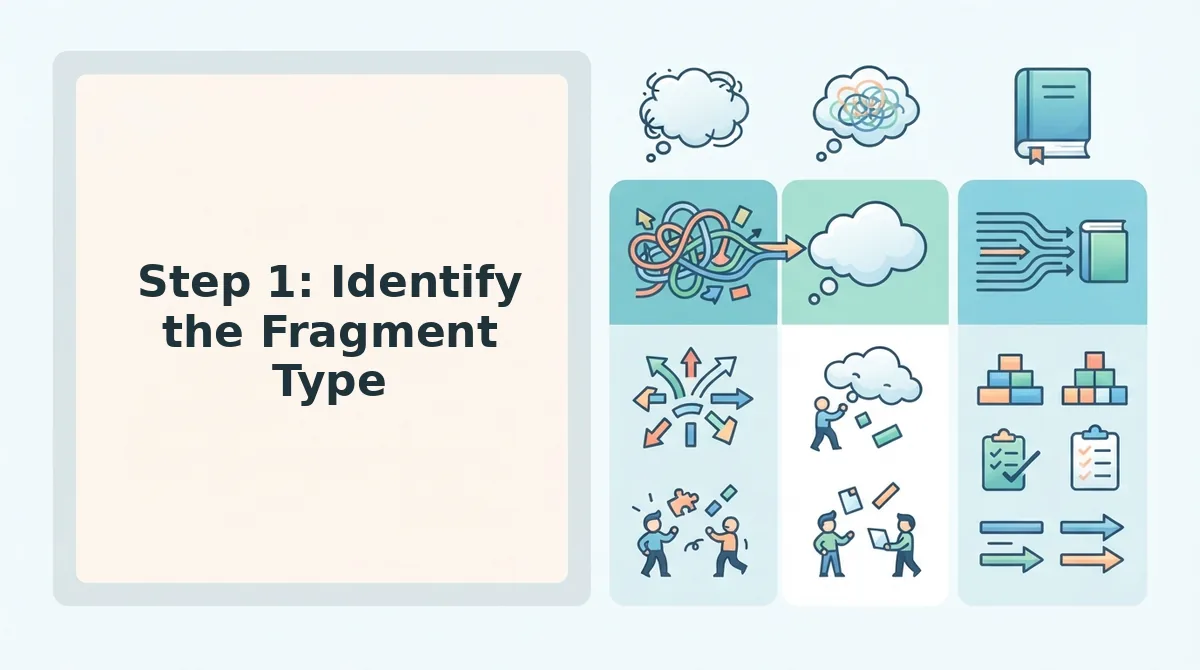
Step 1: Identify the Fragment Type
Before you can fix a fragment, you need to know which of the four spoken patterns you're dealing with. Each type has a distinct audio signature, and identifying it takes about 30 seconds per fragment once you know what to listen for.
Prerequisites: A recording of the voice note you want to clean, plus a way to replay short segments, most phone voice memo apps let you scrub backward in 5-second increments.
- Listen for the drop-off. Play the note and mark every spot where your voice fades or trails before the thought completes. If you hear "So yeah, the budget thing" followed by silence or a topic change, that's a trailing thought. You should be able to name the missing verb or object within two seconds of hearing it.
- Check for a missing actor. Replay any sentence that starts with a verb. If you hear "Need to circle back on that" with no "I," "we," or "the team" in front, that's a missing subject. Success looks like pointing at the sentence and saying exactly which noun is absent.
- Spot the restart. Listen for a phrase that begins, cuts off mid-word or mid-clause, then restarts with a connector like "what I meant was" or "actually." "The timeline, what I meant was, the timeline slipped" is a false start. You should be able to identify the abandoned clause and the surviving clause as two separate audio segments.
- Flag the dependent clause standing alone. If a sentence starts with "if," "when," "because," or "which" and never connects to a main clause, that's an implied-context fragment. "If that makes sense" is the classic example. Success is confirming the sentence has no independent clause to stand on.
Once you've labeled each fragment, you're ready to repair them without flattening your delivery.
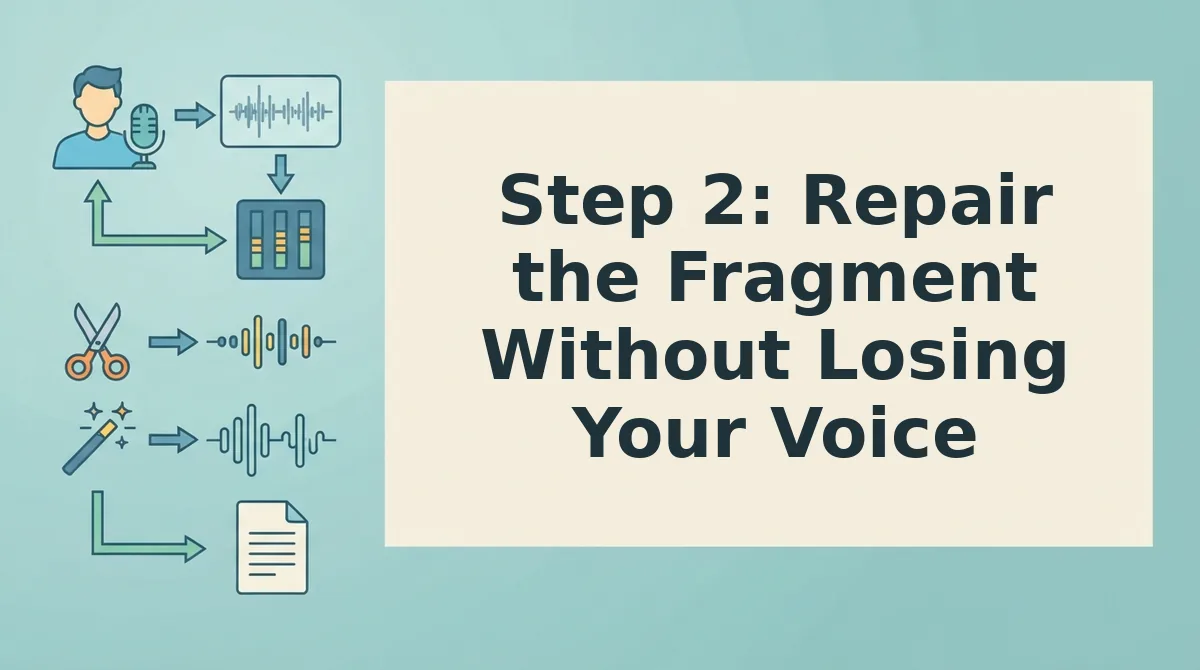
Step 2: Repair the Fragment Without Losing Your Voice
Repairing a fragment means attaching it to a neighboring sentence, adding the missing subject or verb, or completing the thought, not rewriting the speaker's words into something they'd never say. Cleanup preserves tone and intent; rewrite risks robotic output.
Prerequisites: the original voice note or transcript, plus a text editor or VClar's transcript view. Budget 3-5 minutes per fragment.
- Open the transcript and highlight the fragment. Select the incomplete sentence in your editor or VClar's transcript panel. You should see the fragment isolated from surrounding sentences so you can judge whether it stands alone.
- Attach the fragment to the previous sentence if it continues that thought. Delete the period before the fragment and join it with a comma, dash, or conjunction like "because" or "which." Read the merged sentence once, it should flow as one complete idea without changing the speaker's pacing.
- Add the missing subject or verb when the fragment is a standalone thought. Type the implied subject (e.g., "The client," "We," "That deadline") or verb (e.g., "is," "needs," "happens") at the start of the fragment. The sentence should now read as a complete, natural statement in the speaker's own voice.
- Complete the thought if the fragment trails off. Append the clause the speaker clearly intended but left unfinished, using their vocabulary and cadence. You should see a full sentence that sounds like the speaker finished their own idea, not like an editor wrote it for them.
- Run the repaired transcript through VClar's grammar fix. Upload the edited text or audio and let VClar fix grammar in voice messages automatically as a final consistency pass. You should see any residual agreement or punctuation issues flagged without the tool flattening the speaker's tone.

Step 3: Verify the Fix Before You Send
Verification is a three-part check: read the transcript aloud, scan for new run-on sentences, and confirm the speaker's tone and intent survived the edit. You need the corrected transcript and the original voice note open side by side. Budget 2-3 minutes.
- Read the corrected transcript aloud. Speak every word exactly as written. Fragments that look fine on paper often sound broken when voiced. If you stumble or run out of breath mid-sentence, the fix is incomplete. You should hear a complete thought with a clear subject and verb in every sentence.
- Scan for new run-ons. Overcorrection happens when you merge two fragments into one bloated sentence. Look for sentences longer than two lines in the transcript. If a single sentence contains three or more clauses, split it back into two clean sentences. You should see one main idea per sentence.
- Compare tone against the original voice note. Play the original audio, then read the corrected transcript in the same rhythm. The speaker's cadence, emphasis, and intent should feel unchanged. If the fix sounds more formal or more casual than the original, adjust the wording until it matches the speaker's natural register.
Pro tip: If you fix fragments inside VClar, the cleaned audio and transcript are generated together, so you can listen to the repaired voice note instead of guessing how it sounds. Hearing the fix in the speaker's own voice is the fastest way to confirm the tone survived.
One Take, Then Send
You started with a client voice note full of fragments. Now you have a three-step workflow: identify the fragment type, repair it without flattening your voice, and verify the fix before it lands in their inbox. That loop closes the moment you stop re-recording.
The bigger shift is this: the identify-repair-verify workflow eliminates the re-record loop entirely. You are no longer guessing whether take four sounds better than take two. You are making one deliberate pass and moving on.
For freelancers and consultants juggling multiple clients, the manual version works. But the automated version scales. VClar can fix grammar in voice messages automatically while preserving your natural tone, accent, and cadence. You record once. The cleanup happens without you.
Try it on your next client update. Record the message the way you actually speak, run it through VClar, and send the cleaned version. Expect a message that sounds like you on your best day, not a scripted version of you.
A fragment only becomes a problem when it survives the edit. Catch it before send, and your voice note does exactly what it should: sound confident, clear, and unmistakably yours.