
You've recorded the same founder update four times. Once in English, once in Hindi, once in Japanese, and once more because the first English take had three "ums" and a false start that made you sound unsure. The re-record loop is real: founders lose hours re-recording the same update in different languages for international investors. You're not alone if you've stared at your phone, thumb hovering over the record button, dreading another take.
Here's the fix: you can translate a founder voice update in one take, without losing your natural tone, accent, or cadence. This guide walks you through a clean-first framework that eliminates the re-record loop entirely. You'll learn why raw voice memos break in translation, how a two-stage process prevents embarrassing errors, and what to do before sending updates to international stakeholders.
Along the way, you'll see why founder voice updates cleaned before translation land differently with investors, and one surprising reason most founders get this backwards.
Why Founder Voice Updates Break in Translation
A founder voice update is a short, spoken status report, often recorded on a phone between meetings, meant to keep investors, team members, or partners informed. The problem: raw voice memos contain verbal fillers, awkward pauses, and disjointed grammar that undermine authority and clarity. When you feed that raw audio into a translation tool, the flaws don't disappear, they compound.
Think of raw voice audio like a rough draft with coffee stains and crossed-out sentences. If you photocopy that draft and hand it to a translator, the stains and scribbles become part of the source material. The translator has to guess what you meant. The same happens with machine translation: "um, so basically we, uh, hit the milestone" becomes a puzzle, not a sentence.
Three failure modes hit founders hardest. First, verbal fillers compound in translation, an "um" in English can become a hesitation marker that confuses the target language model. Second, sentence fragments confuse machine translation because the engine has no complete thought to map. Third, tone gets flattened by generic tools that strip your emphasis, pacing, and personality. The result: an update that sounds like a robot wrote it, not a founder who knows their numbers.
The fix isn't a better translator. It's cleaner source audio.
Clean Before You Translate: The Two-Stage Framework
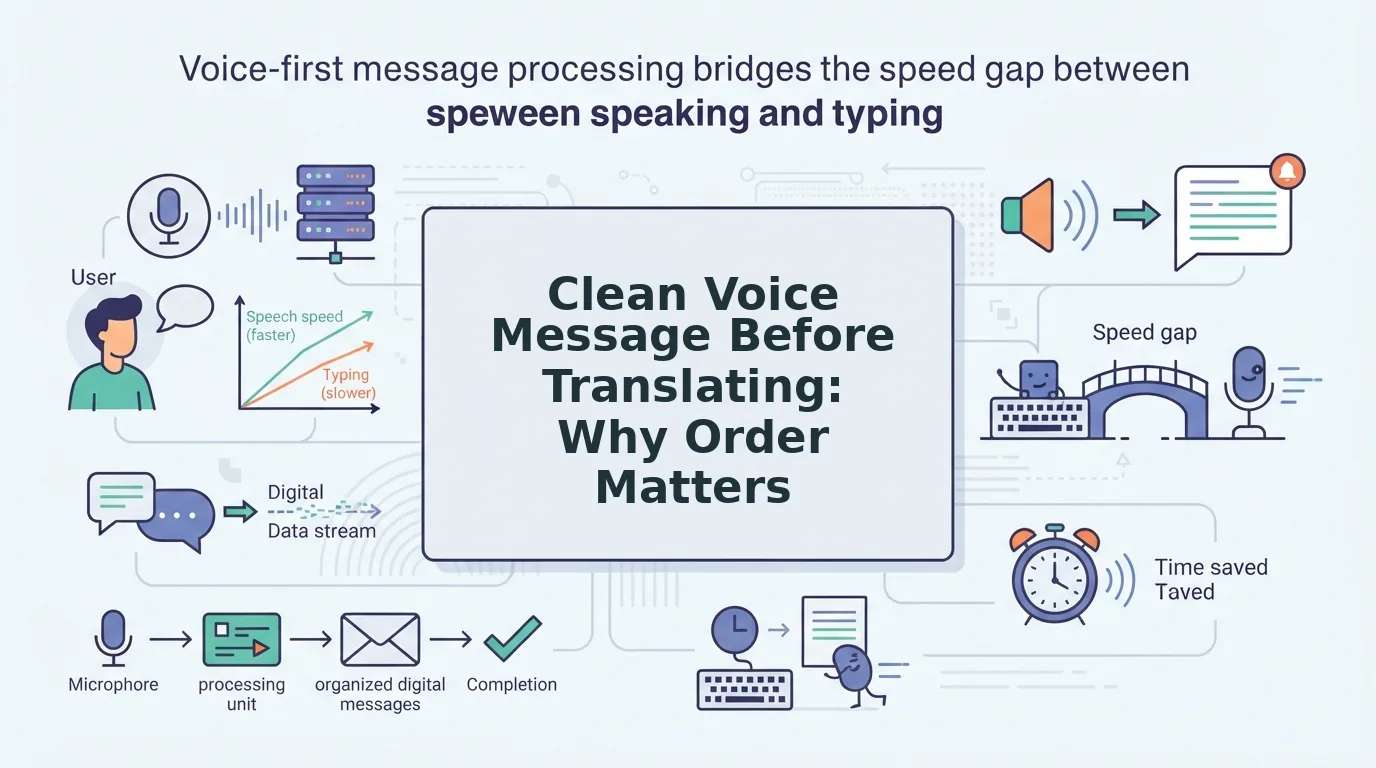
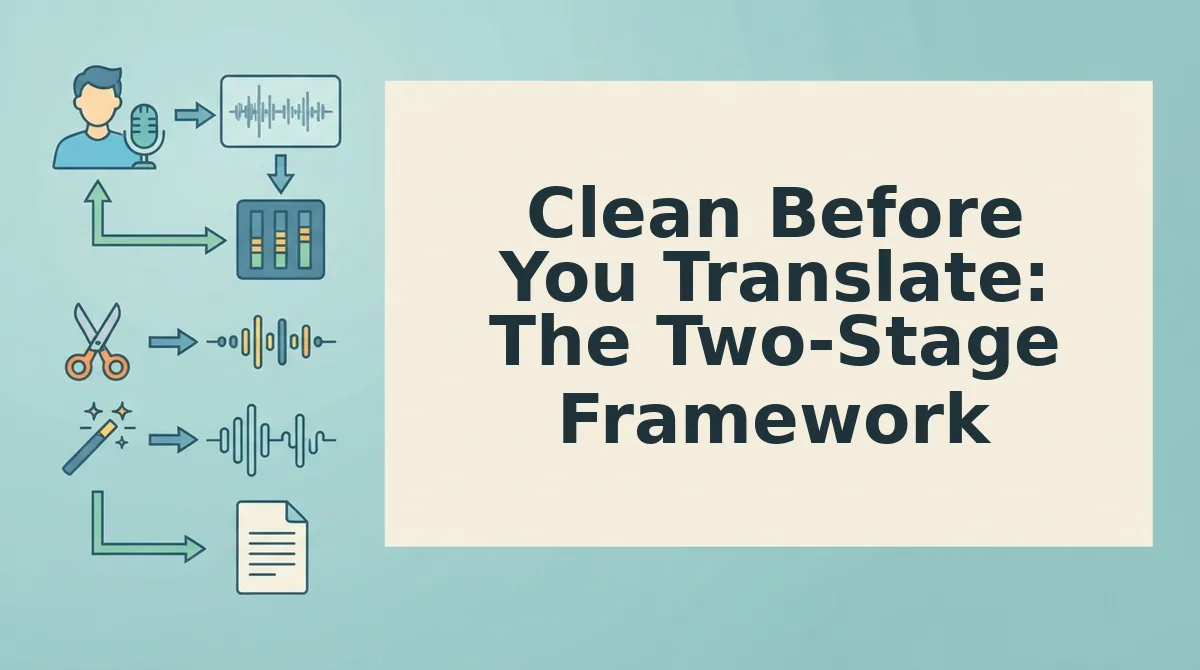
The framework has two stages: clean the raw audio, then translate the polished result.
Prerequisites: A voice memo recording app on your phone, a quiet-enough space to record (a parked car works), and a tool like VClar that removes fillers, fixes spoken grammar, and translates across 11 languages and 110 translation directions.
- Record your update in one take, don't self-edit. Open your voice memo app and speak naturally for 60-90 seconds. Don't restart when you stumble. Expected outcome: a raw file with fillers, pauses, and fragments, that's normal and fixable.
- Upload the raw audio to VClar and run the clean pass. Select the file and let the engine remove filler words from your voice memo, the ums, ahs, "like," and false starts. Then use the grammar pass to fix spoken grammar before translating. Expected outcome: a 30-40% shorter audio file that sounds decisive, with your tone and accent intact.
- Translate the clean audio into your target language. Choose the language pair, say, English to Japanese, and run the translation on the polished source. Expected outcome: a translated voice update that preserves your cadence and emphasis, not a flattened robot voice.
Imagine a founder recording an update from a car before a flight to Tokyo. The raw take has road noise, three "basically"s, and a trailing sentence about burn rate. After cleaning, the audio is tight and confident. After translating to Japanese, the LP hears a clear, authoritative update, not a garbled memo. That's the clean-first difference.
Once your source audio is clean, the next step is tailoring the update for the person on the other end of the message.
How to Translate a Founder Voice Update for an International Investor
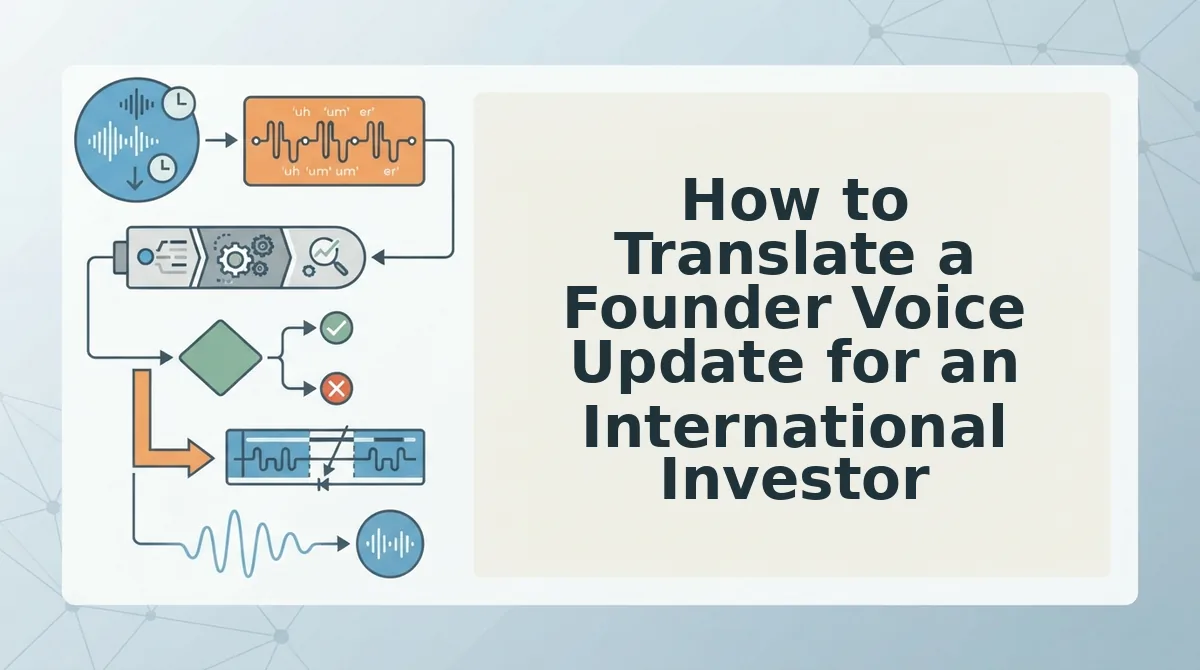
To translate a founder voice update for an international investor, record your message in one take, clean the audio to remove fillers and noise, translate it into the investor's language, then deliver the polished voice message through your usual async channel. The full workflow takes under five minutes once you know the steps.
Prerequisites: A quiet recording environment, the VClar app or web tool open, and your investor's preferred language confirmed. VClar supports translation across 11 languages with 110 direction pairs, so Hindi-to-English, English-to-Japanese, and French-to-German are all covered.
- Record your update in your natural voice. Open the VClar recorder and tap the record button. Speak as if you were leaving a voice note to a co-founder, no script, no re-recording loop. Expect to finish in 60-90 seconds. You should see the audio waveform appear immediately, confirming capture.
- Clean the audio before translating. Tap Clean in the editor toolbar. VClar removes ums, ahs, false starts, and background noise in roughly 10-15 seconds. You should see a cleaned timeline with gaps closed and a playback preview that sounds tighter and more decisive.
- Translate to the investor's language. Click Translate, then select the target language from the dropdown, for example, Japanese for a Tokyo-based LP or German for a Berlin fund. VClar processes the cleaned audio in under 30 seconds. You should see a confirmation badge showing the language pair, such as English to Japanese.
- Deliver the translated voice message. Click Export and choose your channel: WhatsApp, email attachment, or a direct link for async tools like Slack or Notion. The investor receives a voice message in their language that still sounds like you, same tone, same cadence, no robotic overlay.
Summary workflow: Record naturally to clean fillers and noise to translate via the 11-language matrix (110 direction pairs) to export and send. Each step takes under a minute, and the output is a founder update that lands clearly with an international investor without sacrificing your authentic voice.
If you are preparing updates for investors across multiple regions, start with the full language matrix to confirm your target pairs before recording.
What Changes When You Translate a Founder Update
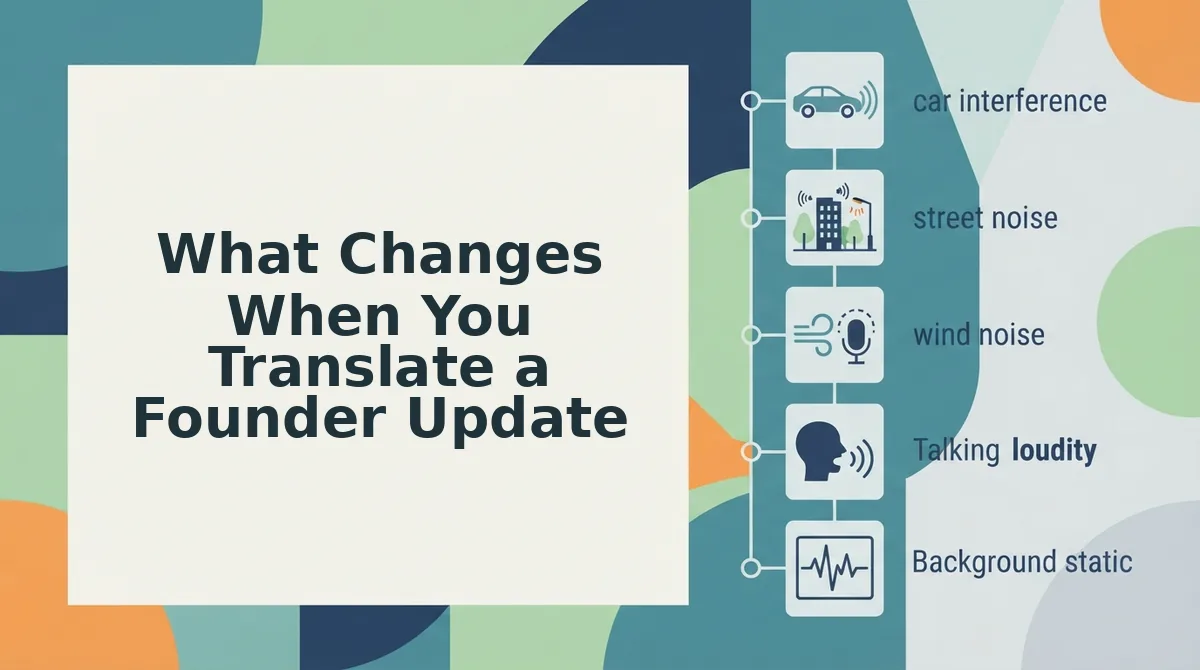
Translation changes three things in a founder voice update: the filler words disappear, the grammar tightens, and the message arrives in the investor's language with your natural tone intact. Here is the before-and-after at each stage.
| Stage | What You Hear | What Improves | Best For |
|---|---|---|---|
| Original voice memo | "So, um, basically we closed, like, three pilot deals, you know, the enterprise ones." Background hum, breath sounds, false starts. | Nothing yet, raw capture only. | Founders who want speed over polish and are sending to a tolerant internal team. |
| Cleaned audio | "We closed three enterprise pilot deals." Fillers removed, grammar fixed, noise reduced. | Message length drops 20-40%. Investor hears a decisive, confident update. | Founders sending to investors in their own language who expect tight, professional delivery. |
| Translated output | The same cleaned sentence in Japanese, German, or Hindi, spoken in your voice, with your accent and rhythm preserved. | Translation accuracy improves because the source audio is already clean. No robotic TTS overlay. | Founders raising cross-border rounds or updating international LPs who prefer their native language. |
Generic translation tools often skip the cleaning stage and feed raw, filler-heavy audio into a speech-to-text engine. The result is a transcript full of "um" and "basically" that then gets translated literally, producing awkward phrasing in the target language. VClar's two-stage approach removes that failure point before translation begins.
Best for cross-border founders: the cleaned-then-translated workflow. Best for internal async updates: cleaned audio only. Best for speed-only scenarios: raw voice memo, accepting the tradeoff in clarity.
Voice Preservation: Why Founders Can't Afford Robotic Translation
Voice preservation is the practice of keeping a speaker's natural tone, accent, cadence, and emotional intent intact when a voice message is cleaned or translated. Most translation tools optimize for word accuracy and sacrifice voice identity in the process.
Think of voice preservation like a tailor altering a suit. A bad tailor replaces the fabric entirely, the suit fits the measurements but no longer feels like yours. A good tailor adjusts the seams while keeping the original material. Synthetic text-to-speech translation is the bad tailor: it measures your words, then hands back a robotic voice that could belong to anyone.
For founders, that loss is expensive. Investors do not just evaluate what you say, they evaluate how you say it. Your pacing when you describe traction, the slight rise in pitch when you mention a key customer, the deliberate pause before a funding ask. These signals carry conviction. A flat, synthetic voice strips them out.
VClar takes the opposite approach. It removes fillers and fixes grammar in the source audio, then translates the cleaned message while preserving your original vocal characteristics, accent, rhythm, and tone remain yours. The investor hears a clearer version of you, not a text-to-speech clone.
Generic tools prioritize accuracy over authenticity. Founders need both. If you are weighing translation options for investor updates, the next section answers the most common questions about how VClar handles voice preservation in practice.
FAQ
Founders translating voice updates face five recurring questions: how to handle international investors, whether AI translation sounds robotic, when to clean audio, which languages matter, and whether one update can serve multiple markets.
How do I translate a founder voice update for an international investor?
Record your update once, then run it through a voice-preserving translator that keeps your tone, cadence, and accent intact while converting the language. Send the translated audio plus a cleaned transcript so the investor can listen or read. Avoid re-recording in a second language, which introduces hesitation and weakens delivery.
Will translation make my voice sound robotic?
No, if the tool preserves your original vocal characteristics. VClar translates the spoken content while retaining your natural tone, accent, and rhythm rather than generating synthetic text-to-speech output. The result sounds like you speaking the target language, not a cloned or robotic voice.
Should I clean the voice memo before translating it?
Yes. Remove filler words, false starts, and background noise first. Translating a raw memo compounds errors: an "um" or repeated phrase gets translated literally, producing awkward output in the target language. Clean audio translates more accurately and sounds more authoritative to international stakeholders.
What languages matter for investor updates?
VClar supports 11 languages: Hindi, English, French, Japanese, Korean, German, Russian, Portuguese, and three additional languages across 110 direction pairs. Prioritize the languages your current and prospective investors actually speak. For cross-border fundraising, English plus the investor's native language covers most scenarios.
Can I send the same voice update to investors in different countries?
Yes. Record one clean voice memo, then generate translated versions for each target market. Each version preserves your authentic delivery while adapting the language. This eliminates the need to record separate updates per country and ensures consistent messaging across all investor communications.
The Takeaway: One Take, Every Market
Founder voice updates fail when translation compounds existing audio problems. The fix is a two-stage workflow: clean first, then translate. Removing fillers, false starts, and background noise before translation prevents errors from multiplying across languages and keeps your delivery authoritative in every market.
VClar handles both stages in one pass, preserving your natural voice across 11 languages and 110 direction pairs. You stop re-recording, stop second-guessing your delivery, and start sending updates that sound like you, in every language your investors speak.
Try VClar for your next investor update and send one clean, translated voice memo instead of five rough takes.