
A client sends you a 90-second Hindi voice note explaining a character's emotional arc, and it contains 14 fillers, two false starts, and a cultural reference you've never heard. You don't just need to know what the client said. You need to know how they said it, where they paused, and which words they stressed. That's the real challenge when you translate a voice note for voice over artists: capturing delivery intent, not just vocabulary.
You're right to feel that standard translation tools miss the point. Google Translate gives you words. Your job needs rhythm, emphasis, and emotional subtext. This guide will show you a three-stage workflow, clean, translate, reference, that preserves those cues instead of flattening them.
You'll learn why cleaning the source note before translation changes everything, how to build a reference track you can actually perform against, and the one mistake that makes most translated voice notes for voice-over artists unusable in the booth. VClar's cleaning engine removes fillers and false starts from the source audio before translation, so the transcript you work from is already tight. Stick around, the surprising part is what happens to emotional beats after cleaning, and it's not what most artists expect.
Why Voice-Over Artists Need a Different Translation Workflow
A voice-over translation workflow is a process that preserves delivery cues, pacing, emphasis, emotional tone, and cultural context, alongside literal meaning. Standard translation tools output text. Voice-over artists need a reference track that captures how something was said, not just what was said.
Think of a translated voice note like sheet music versus a live recording. Sheet music tells you the notes. The recording tells you where the performer breathed, slowed down, or leaned into a phrase. For voice-over work, the recording is the job. When you translate a voice note for voice over artists, you're transcribing performance, not just language.
The workflow breaks into three progressive layers:
- Simple: Translate the literal words so you understand the content.
- Intermediate: Clean the source audio first, remove filler words from the source note so the transcript reflects what the client actually meant, not what they stammered through.
- Advanced: Map delivery cues onto the translated text: where the client paused, which syllables they stretched, where their pitch rose. This is the layer standard tools skip entirely.
Camtasia's localized voice-over workflow demonstrates this principle in practice: preserving original delivery intent is essential for professional results. When a client's voice note carries frustration, excitement, or hesitation, the translated script must flag those moments. VEED Studio's AI translation tools focus on dubbing, generating new audio, rather than producing reference audio for a human performer. That leaves a gap: voice-over artists need the original voice as a performance guide, cleaned but not replaced.
VClar addresses this by cleaning the source note without altering the speaker's tone, accent, or cadence. You get a tight transcript and a clean reference track in one pass, so the emotional architecture of the client's message survives translation intact.
How to Translate a Voice Note for Voice Over Step by Step
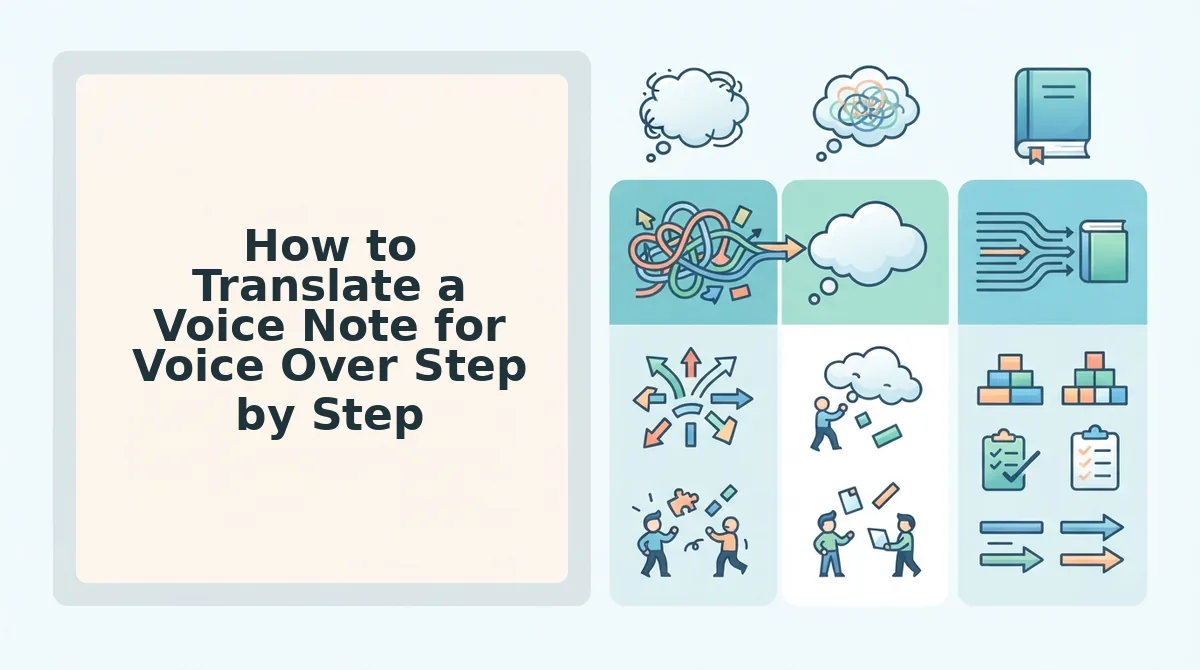
To translate a voice note for voice over work, follow a three-stage pipeline: clean the source audio, translate the cleaned transcript, and build a reference track that preserves delivery cues. This preserves emotional beats that raw translation flattens.
Prerequisites: the original voice note file, a cleaning tool like VClar, and a translation tool that supports your translation directions.
- Upload the raw voice note to VClar. Open the VClar dashboard, click Upload, and select the audio file. VClar detects and removes fillers, ums, ahs, "like," "basically," false starts, and tightens phrasing. You should see a cleaned audio file and a transcript that is noticeably shorter. Expect roughly 40% fewer words on a typical unscripted note.
- Review the cleaned transcript for delivery markers. Open the transcript view and scan for punctuation, paragraph breaks, and any flagged emphasis points. VClar preserves the speaker's natural rhythm, so pauses and sentence boundaries reflect the original delivery. You should see clean, grammatical sentences that still sound like the client.
- Translate the cleaned transcript, not the raw note. Copy the cleaned transcript into your translation tool or use VClar's built-in translator to translate the cleaned voice note. Fillers and false starts do not translate meaningfully, "um, basically, you know" becomes noise in any language. Translating the cleaned version produces a script that captures the emotional beats correctly instead of burying them under verbal debris.
- Build a reference track. Play the cleaned source audio alongside the translated script. Mark where the client paused, sped up, or shifted tone. This reference track is your performance map in the booth. You should be able to follow the client's emotional arc beat by beat, in your target language.
The cleaned source note becomes a performance reference, not just a text document, which is exactly what you need when the client's intent lives in the pauses as much as the words. Next, run the translated script through a character preservation checklist before you step into the booth.
The Character Preservation Checklist for Translated Voice Notes
Translation is not just about words, it is about preserving the performance. Use this five-point verification framework to confirm nothing is lost when a voice note crosses languages.
- Emotional intent. Identify the dominant emotion in the source note, urgency, warmth, frustration, playfulness, and verify the translation carries the same charge. A neutral translation of an urgent plea loses the reason the client hired you in the first place.
- Pacing and rhythm. Compare the syllable count and breath points between the original and translated note. If the translation runs 30% longer, the delivery will feel rushed or padded, so flag timing shifts before you step to the mic.
- Emphasis markers. Mark every word the original speaker stressed, elongated, or repeated for effect, then confirm the translation places emphasis on the equivalent term. Emphasis rarely maps one-to-one across languages, so this step catches silent meaning loss.
- Cultural context. Check idioms, humor, and references for local equivalents rather than literal renderings. A direct translation of "break a leg" into Japanese lands as nonsense, while the cultural equivalent preserves the speaker's intent.
- Speaker identity. Confirm the translation still sounds like the same person, same formality level, same sentence length habits, same personality. If the translated note reads like a corporate memo but the source was casual, the character is gone.
Here's where most voice-over artists stop. Don't. Run all five checks before recording, because fixing a performance after the fact costs more than catching the drift before the take.
Common Mistakes When Translating Voice Notes for Voice Over
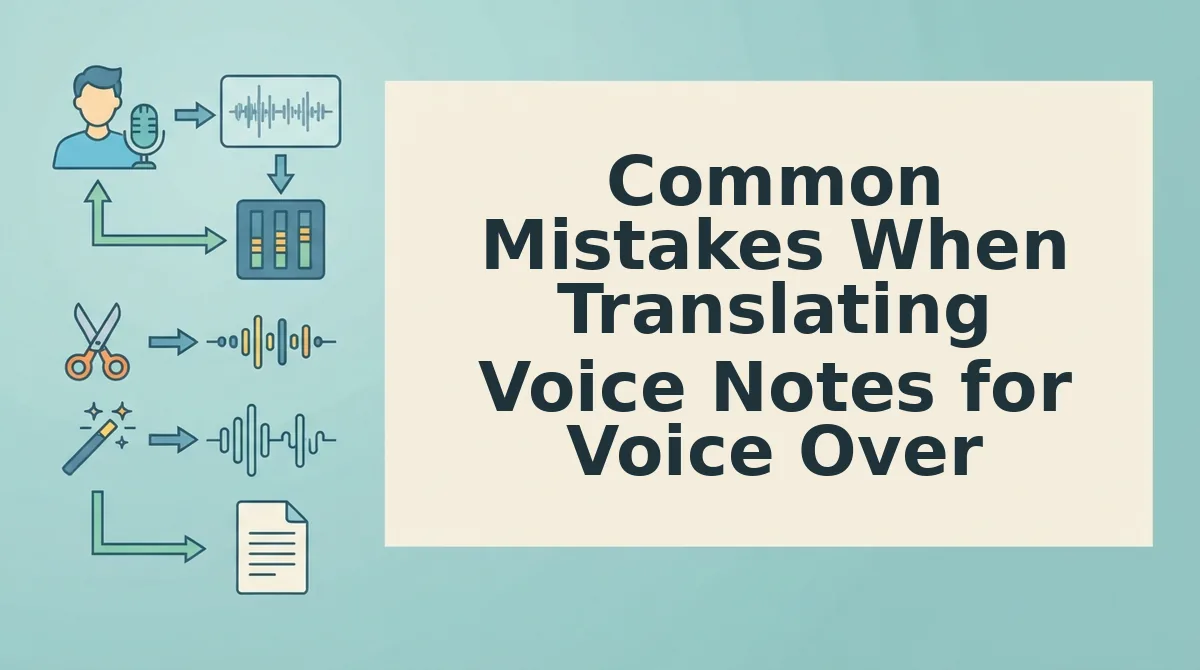
Most translation errors in voice-over work are not vocabulary problems, they are workflow problems. Before you hit send on that translated reference, check these five failure points.
- Translating raw fillers. Sending an unedited voice note with ums, ahs, and false starts to a translator wastes billable time and produces a cluttered reference script. Fix grammar in the source note first so the translator works from clean material.
- Ignoring cultural context. A word-for-word translation of humor, sarcasm, or regional slang often lands as nonsense or offense in the target language. Always brief the translator on the intended tone and audience before they start.
- Confusing translation with dubbing. Translation converts meaning; dubbing matches lip movements, syllable counts, and timing. Using a plain translated script as a dubbing reference produces out-of-sync audio that no amount of editing can fully rescue.
- Skipping speaker identity notes. Translators default to neutral, grammatically standard language unless told otherwise. If the original speaker is casual, regional, or emotionally expressive, the translation must reflect that register or the performance will sound like a different person.
- Treating all languages as equal length. German and Russian translations routinely run 20-30% longer than English sources, while Japanese and Korean can compress significantly. TransPerfect notes that usage fees and voice-over artist considerations shift with multilingual project scope, so budget for timing adjustments per language pair.
FAQ About Translating Voice Notes for Voice Over
What's the difference between translating a voice note and dubbing it?
Translation converts spoken meaning from one language to another without timing constraints. Dubbing re-records the translated script to match the original audio's lip movements, syllable count, and pacing. A translated voice note is a reference; a dubbed voice note is a finished performance.
Does AI translation preserve emotional tone in voice notes?
Modern AI voice translators preserve emotional tone when they retain the speaker's original vocal delivery, including pitch, cadence, and emphasis. Tools that clean and translate audio without resynthesizing the voice keep emotional intent intact, while text-only translation strips tone entirely.
How do I translate a WhatsApp voice note for a voice-over project?
Export the WhatsApp voice note as an audio file, run it through an AI voice message translator that cleans fillers and translates speech, then use the translated audio and transcript as your reference. Always verify pacing and emphasis before recording your take.
Can I use a translated voice note as reference audio for dubbing?
Yes, but only if the translation preserves the original speaker's rhythm, emphasis, and emotional tone. A translated voice note works as dubbing reference when it maintains natural pacing in the target language and marks where the original speaker stressed or paused.
The Clean-Translate-Reference Workflow Is the New Standard for Voice-Over Translation
Voice-over artists who adopt a clean-translate-reference workflow stop treating translation as a single pass and start treating it as three distinct layers: source clarity, target accuracy, and character preservation. The payoff is measurable, fewer retakes, tighter delivery windows, and voice notes that sound like you in every language.
Your next step: run every source voice note through VClar for cleaning and translating voice notes before you open your DAW or translation tool. VClar removes fillers, corrects spoken grammar, and reduces background noise while preserving your tone, accent, and rhythm, then translates across 11 languages without flattening your delivery.
Then apply the character preservation checklist to the translated output. Check pacing, emotional register, breath placement, and accent authenticity. If any of those four markers drift, re-record the reference line, not the whole take.
One pattern worth internalizing: translation is not transcription. A word-for-word rendering of a voice note destroys the performance. A cleaned, character-preserved translation preserves it.
Voice-over artists who master this workflow stop dreading multilingual projects. They book them.
"Translate the performance, not just the words, and clean the source before you translate anything."