
You've just received a 45-second voice note in Spanish from a client, and you need to reply in Portuguese before your next meeting. You could transcribe it, paste the text into a translator, read the result, and record a new message, or you could translate a voice note into another language in under a minute without ever re-recording. The demand is real: YouTube data shows 135K+ views on "How To Translate Voice Message In WhatsApp," and VEED STUDIO's 102K-view tutorial confirms users want audio-to-any-language translation without the re-recording loop.
You're not alone in feeling stuck between clunky text pipelines and robotic text-to-speech output. Here's what you'll learn: a three-step workflow to translate any voice note fast, the critical difference between voice-preserving and text-only translation, and the exact method for WhatsApp voice notes. One surprising finding: cleaning fillers and false starts before translating measurably improves output accuracy, a step most tools skip entirely. A voice message translator like VClar handles this automatically, preserving your tone, cadence, and accent across languages.
How to Translate a Voice Note in 3 Steps
To translate a voice note into another language fast, upload your audio to a voice-preserving AI translator, let it clean and transcribe the speech, then select your target language and export the translated audio. The entire process takes under 60 seconds when you follow the One-Take Translation framework: Capture to Clean to Convert.
Before you start, you'll need: the original voice note file (MP3, M4A, WAV, or OGG), a target language in mind, and a voice-preserving translation tool. ElevenLabs research shows AI speech-to-text models now work across 90+ languages, so language coverage is rarely the bottleneck, audio quality and speech clarity are.
- Upload or record your voice note. Open your translation tool and click Upload Audio, or record directly if the tool supports live capture. Select the source language or let the tool auto-detect it. You should see a waveform preview appear within a few seconds, confirming the file loaded correctly.
- Clean the audio before translating. Click Clean Audio or enable filler-word removal. This step strips ums, ahs, false starts, and repeated words from the timeline. Cleaning first matters more than most people realize: translation engines produce noticeably more accurate output when the source speech is grammatically coherent. Use a tool that can remove filler words from audio and fix grammar in voice message automatically, competitors that skip this step feed messy transcripts into the translation model and degrade the result.
- Select the target language and export. Choose your destination language from the dropdown, then click Translate. The tool generates both translated audio and a transcript. You should hear your own voice, same timbre, cadence, and accent, speaking the new language. Download the file or send it directly to your messaging app.
If you're translating a voice note for a client or team update, the voice-preservation step is non-negotiable. A translated message that sounds like a generic robot undermines trust, while one that sounds like you speaking another language maintains your authority and personal connection. This is the core difference between a basic transcription pipeline and a purpose-built voice message translator.
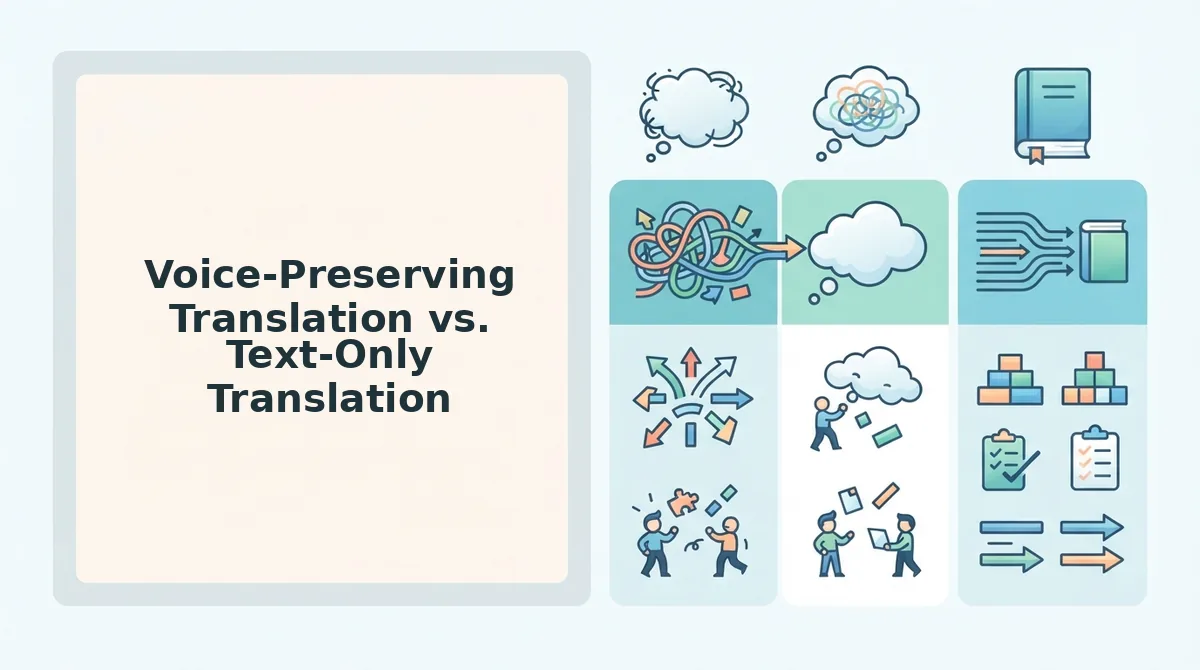
Voice-Preserving Translation vs. Text-Only Translation
Voice-preserving translation keeps your original vocal identity, timbre, cadence, accent, and emotional tone, while translating the spoken content into another language. Text-only translation converts your voice note to text, translates the text, and either leaves you with a written message or uses synthetic text-to-speech (TTS) to generate audio that sounds nothing like you.
Text-only translation has legitimate strengths. It's fast, widely available, and perfectly adequate when the recipient just needs information, a restaurant address, a meeting time, a quick confirmation. Google Translate, DeepL, and built-in messaging app translators all handle this workflow competently. If you're messaging a friend casually, text output is often all you need.
Where text-only falls short is when your voice is the message. Founders sending investor updates, sales reps nurturing client relationships, and freelancers coordinating across borders rely on vocal tone to convey confidence, warmth, and urgency. A synthetic TTS voice strips all of that away, replacing your personality with a robotic clone that can actually damage credibility with high-stakes recipients.
| Factor | Voice-Preserving Translation | Text-Only Translation |
|---|---|---|
| Vocal identity | Preserves timbre, cadence, accent | Lost entirely; TTS replaces your voice |
| Emotional tone | Intact, warmth, urgency, humor survive | Flattened to neutral text or robotic audio |
| Speed | Under 60 seconds end-to-end | Fast, but requires re-recording if audio needed |
| Best for | Client updates, team briefings, cross-border sales | Casual messages, quick info exchange |
Best for founders and operators: Voice-preserving translation. When you're sending voice notes for founders to investors or remote teams, your vocal authority is part of the message. Best for sales professionals: Voice-preserving translation. Voice notes for sales depend on tone to build rapport across language barriers. Best for casual users: Text-only translation, when you just need the information, not the impression.
The decision logic is simple: if the recipient knows you and the relationship matters, preserve your voice. If you're exchanging logistics with a stranger, text is fine. Next, let's look at how this applies to the platform where most voice notes actually live: WhatsApp.
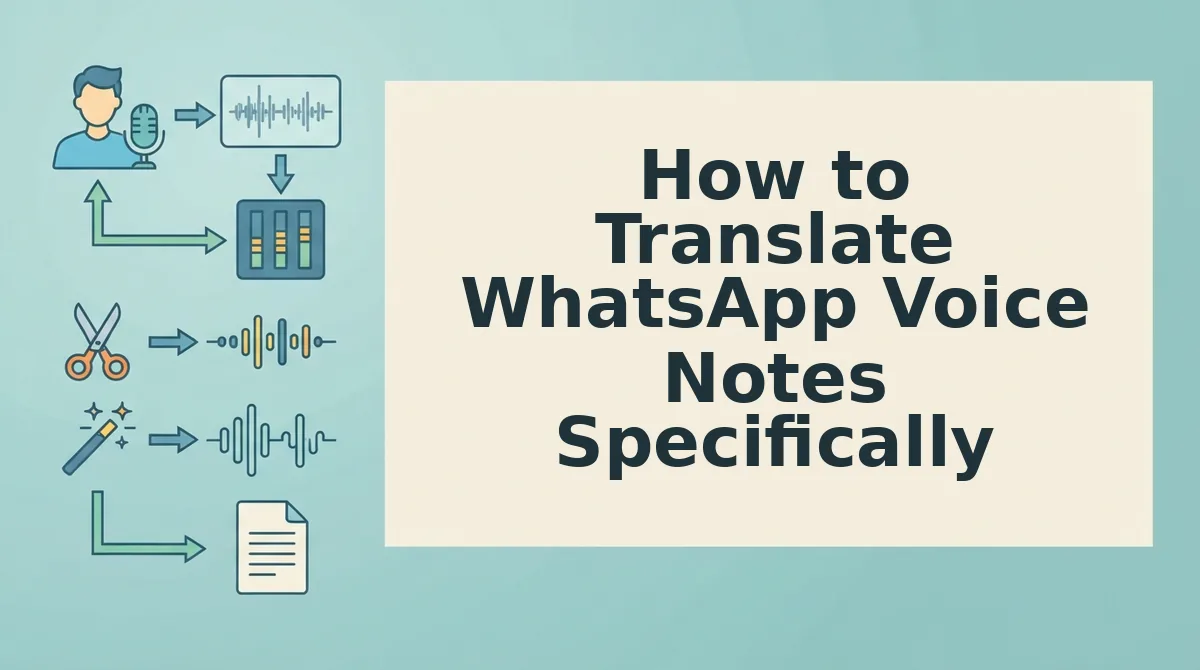
How to Translate WhatsApp Voice Notes Specifically
To translate a WhatsApp voice note into another language, you need a voice-preserving AI translator that accepts audio directly, no typing, no text workaround. Here is the fastest workflow.
Prerequisites: A smartphone with WhatsApp installed, the voice note you want to translate, and a translate voice message tool that supports audio-to-audio output.
- Open WhatsApp and locate the voice note. Tap and hold the voice note, then select Forward or Share from the menu that appears. You should see a list of share destinations.
- Export the audio file. Choose Save to Files (iOS) or Save to Downloads (Android). The voice note saves as an .opus or .m4a file, this takes under 5 seconds.
- Upload the saved file to your voice translator. Open your AI voice message translator and tap Upload Audio. Select the file you just saved. You should see a progress bar confirming the upload.
- Select the target language. Tap the language dropdown and choose your destination language. The tool should display a confirmation like "Translating to Spanish."
- Generate and share the translated audio. Tap Translate. Within 10-30 seconds, you should see a green checkmark and a playable audio preview in your own voice, now speaking the target language. Download it and send it back into any WhatsApp chat.
TechUnow's 135K-view tutorial on WhatsApp voice note translation shows most users are stuck with text-only workarounds: they play the note, type what they hear into a text translator, then read the result aloud. Direct audio-to-audio translation eliminates that entire typing step. You upload the voice note once, and the tool returns translated audio that preserves your tone, cadence, and vocal identity, ready to forward in seconds.
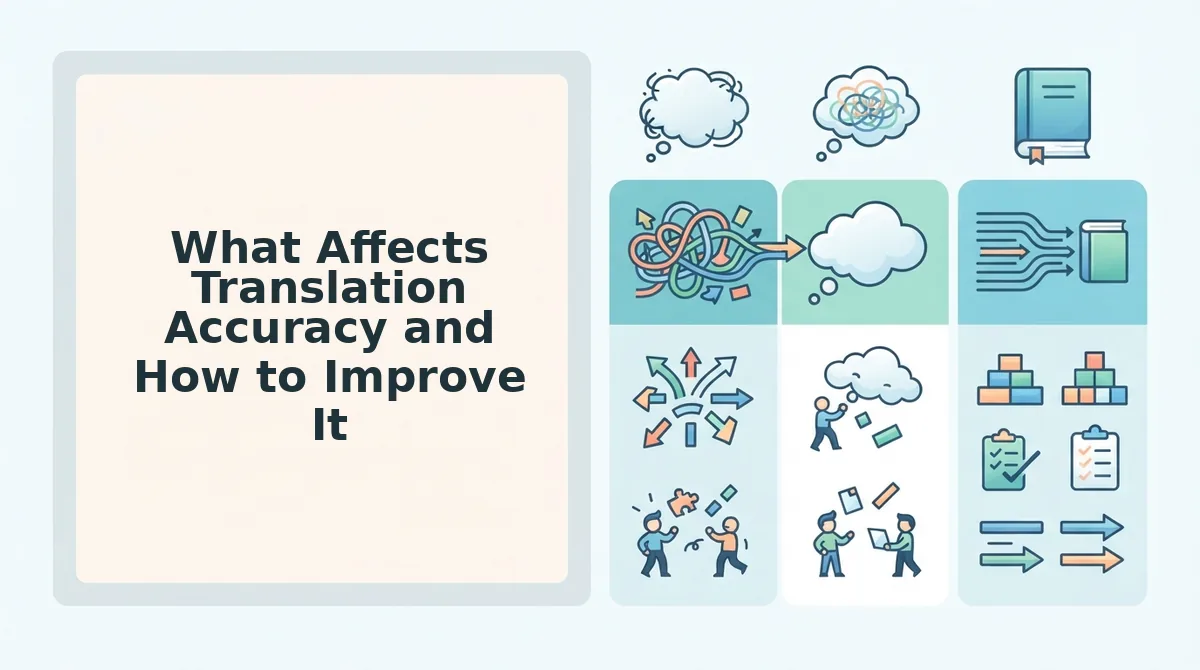
What Affects Translation Accuracy and How to Improve It
Translation accuracy is how faithfully the output preserves the meaning, tone, and intent of the original spoken message. Three factors determine it: the clarity of your source audio, the languages involved, and how the translation engine handles informal speech.
Start with the simplest lever: clean source audio. Fillers and false starts confuse AI translators, reducing accuracy. When you say "um, so basically, like, I need the, uh, report by Friday," the engine must guess which words matter. Removing those fillers first, or using a tool that cleans them automatically, gives the translator a clean sentence to work with. Think of it like photocopying a document: a smudged original produces a smudged copy, no matter how good the copier is.
Next, consider language pairing. AI handles common accents well but struggles with rare dialects. Translating English to Spanish or Mandarin is far more reliable than translating a regional dialect with limited training data. If your message contains heavy slang or code-switching, simplify the phrasing before translating.
At the advanced level, use a translator that processes the cleaned audio directly rather than a text intermediary. Each conversion step, audio to text, text to translation, translation back to audio, introduces errors. Voice-preserving AI translation skips the middle steps, keeping your cadence and emphasis intact. Check the tool's supported languages before committing to a workflow.
Frequently Asked Questions About Voice Note Translation
Direct answers to the most common questions about translating voice notes across languages.
Do I need to re-record my voice note in the target language?
No, you don't need to re-record your voice note, voice-preserving AI translation keeps your original voice. The tool translates the spoken content into the target language while retaining your tone, cadence, and vocal identity, so the output sounds like you speaking the new language.
Are there free tools to translate voice notes?
Free tools exist but typically offer text-only output or limited language support. Most free options transcribe your voice note to text, translate the text, and leave you to read it aloud yourself. Audio-to-audio translation with voice preservation usually requires a paid tool.
How long does it take to translate a 60-second voice note?
A 60-second voice note typically takes 10-30 seconds to translate with an AI voice message translator. Upload time depends on your connection, but the translation itself is near-instant after processing begins.
Why does my translated voice note sound different from the original?
It sounds different because the translation engine may be converting audio to text and back to audio, which flattens tone and emphasis. Voice-preserving translation avoids this by mapping your original vocal patterns directly onto the translated speech.
Can I translate a WhatsApp voice note without saving it to my phone first?
On most platforms, no. WhatsApp does not expose voice notes to external apps directly. You must save or forward the audio file first, then upload it to your translator. The save step takes under 5 seconds.
What languages can I translate a voice note into?
Most AI voice translators support 20-40 major languages, including Spanish, Mandarin, French, German, Arabic, and Hindi. Check the tool's supported languages list before choosing a workflow, especially for less common language pairs.
One Take Is Enough When Your Voice Survives Translation
Fast voice note translation stops being a trade-off the moment you stop choosing between speed and authenticity. The three-step method, record once, translate with voice preservation, send, works because it removes the re-recording loop entirely. You already saw how filler words, grammar slips, and background noise get cleaned in the same pass. The translation is not a separate chore; it is the same cleanup, extended across languages.
What separates this from text-only translation is simple: your tone, cadence, and accent stay intact in every language you send. A translated voice note that sounds like someone else reading your words is not your message. Voice-preserving translation is the only method that keeps your tone, cadence, and accent across languages, and that is the difference between a note that gets answered and one that gets ignored.
Here is the pattern interrupt: most people spend more time deciding whether to re-record than actually recording. That hesitation is the bottleneck, not the translation.
Your next step is one message. Take a voice note you would normally re-record, run it through voice-preserving translation, and send it without a second take. Expect a cleaner, grammatically sound message in the target language, delivered in your voice, not a synthetic stand-in.
Translation speed matters less than translation trust. When the voice on the other end still sounds like you, one take is always enough.