
You've just recorded a 90-second voice memo explaining a pricing change to a client in Berlin. The idea is solid, but the delivery has three "ums," a false start, and a sentence that trails off mid-thought. You re-record it four times. Sound familiar? Founders and sales reps think at roughly 150 words per minute, yet lose hours re-recording unpolished voice memos that should have been one-take sends.
You're not alone. Most people assume the only way to translate voice memos into polished, natural-sounding audio is to either re-record until it's perfect or accept a robotic text-to-speech output that strips away your personality. Neither works. The re-recording loop kills momentum, and synthetic voices make you sound like a customer service bot, not a founder closing a deal.
Here's what this guide will show you: a clean-first method that removes filler words, repairs broken spoken grammar, and translates the cleaned audio, all while preserving your authentic voice, tone, and cadence. You'll learn why transcription and translation are not the same thing, how to apply a 3-step framework before you convert anything, and which methods actually produce natural output. One surprising finding: the order of operations matters more than the tool you choose. Stick around to see why most people get it backwards.
By the end, you'll know exactly how to turn a rough voice memo into a clear, translated message in one pass, without re-recording and without sounding like a machine. VClar's AI voice message translator handles the heavy lifting, but the framework below works regardless of your stack.
What Does Translate Voice Memos Actually Mean?
Translating voice memos means converting spoken audio from one language into natural-sounding speech or text in another language, while preserving the speaker's meaning, tone, and vocal identity. It's not the same as transcription, and it's far harder than translating written text.
Think of it like renovating a house before selling it. Transcription is taking photos of the house as-is. Translation is selling the house to a buyer in another country. But if the house has cracked walls and a leaking roof, your "ums," false starts, and broken sentences, the buyer sees a mess. You renovate first, then sell. The same logic applies to voice memos.
Transcription vs. Translation: The Gap Most Tools Ignore
Transcription converts speech to text in the same language. Translation converts meaning across languages. Voice memos sit in an awkward middle ground that most tools skip entirely: they contain filler words, false starts, and broken grammar that text translators cannot handle. Feed a raw voice memo into a standard translation pipeline and you get a grammatically broken translation of a grammatically broken original. The errors compound.
Here's the progression, from simple to advanced:
- Simple: You record a voice memo in English. A tool transcribes it to English text. You read the text and manually translate it. Slow, but functional.
- Intermediate: You upload the audio to a speech-to-text engine, get a transcript, then run that transcript through a text translator. Faster, but the transcript still contains every "um," "like," and false start, and the translation inherits those flaws.
- Advanced: You clean the audio first, removing filler words and repairing spoken grammar, then translate the cleaned speech. The output is natural because the input was natural. This is the approach VClar's AI voice message translator uses, and it's why the results sound like a human speaking, not a machine guessing.
Most competitors focus on transcription, not translation, and ignore spoken grammar cleanup entirely. They treat voice memos as if they were typed text, which is why their output sounds stilted. Voice is messier than text. It has rhythm, hesitation, and self-correction. A tool that doesn't account for that mess will always produce robotic results.
Here's the self-contained answer if you're skimming: To translate a voice memo naturally, you must first remove filler words and false starts, then repair broken spoken grammar, and only then run the cleaned audio through a translation engine. Skipping the cleanup step is the single biggest reason translated voice memos sound unnatural. The order matters because translation engines preserve errors, they don't fix them.
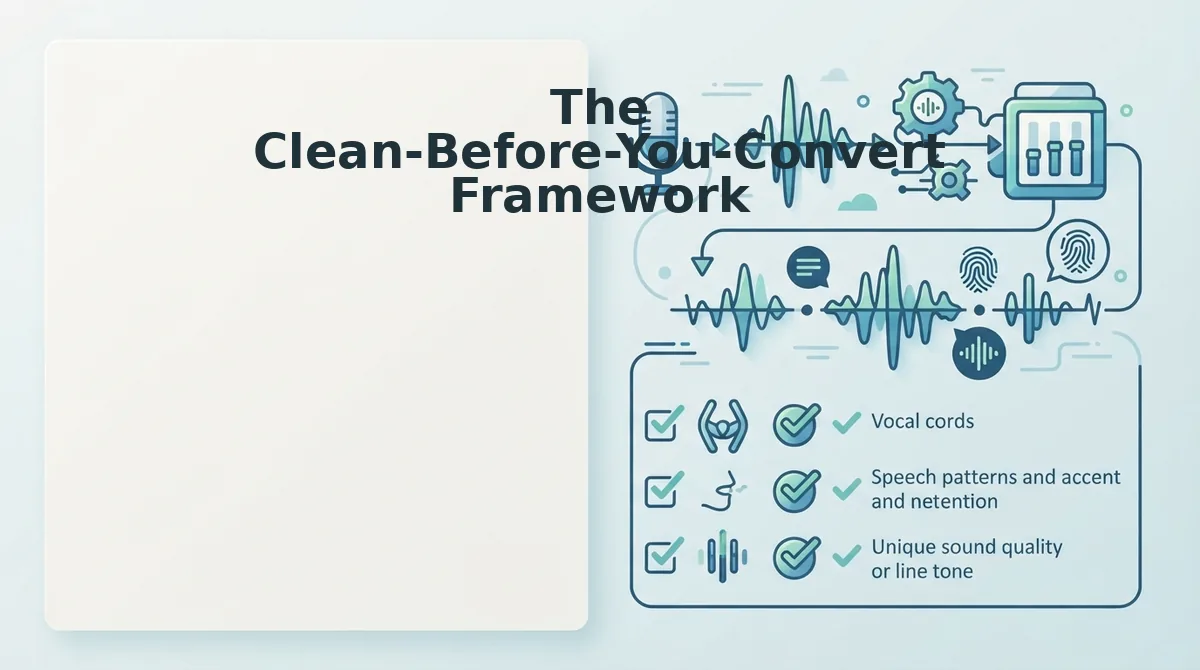
The Clean-Before-You-Convert Framework
This 3-step framework, clean, transcribe, translate, is the fastest reliable path from rough voice memo to natural-sounding translated audio. You'll need a voice memo recording (or existing audio file) and a tool that can remove filler words from audio and fix grammar in voice messages before translation. Total time: under 5 minutes per memo.
- Clean the raw audio first. Upload your voice memo to a cleaner that detects and removes verbal fillers, "um," "ah," "like," "basically," "you know", along with false starts and repeated words. The audio timeline is stitched seamlessly, so the message sounds decisive without any audible gaps. You should hear a tighter, more confident version of yourself with zero re-recording.
- Fix the spoken grammar. Run the cleaned audio through a grammar repair pass. Spoken grammar is looser than written grammar, sentences trail off, subjects shift mid-thought, verb tenses wobble. Repairing these before translation is critical because translation engines inherit errors. You should end up with a transcript that reads like a well-written email, not a raw voice dump.
- Translate the cleaned audio, not the raw mess. Feed the polished audio into your AI voice message translator. Because the input is already clean and grammatically sound, the translation engine works with clear meaning, no filler noise, no broken syntax. The output preserves your tone, cadence, and accent in the target language. You should hear natural-sounding speech that still sounds like you, just in another language.
Here's the key insight in one paragraph: The order of operations is the entire game. If you translate first and clean second, the translation engine has already baked in every "um," false start, and grammatical error, and no amount of post-processing can fully undo that. Clean first, then translate, and the engine only ever sees your best version. This is why the framework is called clean-before-you-convert, not convert-then-patch.
VClar handles all three steps in one pass, so you don't need to juggle separate tools. But even if you're using a manual workflow, the sequence above is what separates natural output from robotic noise. Next, let's look at the three methods for translating voice memos, and which one actually holds up in practice.
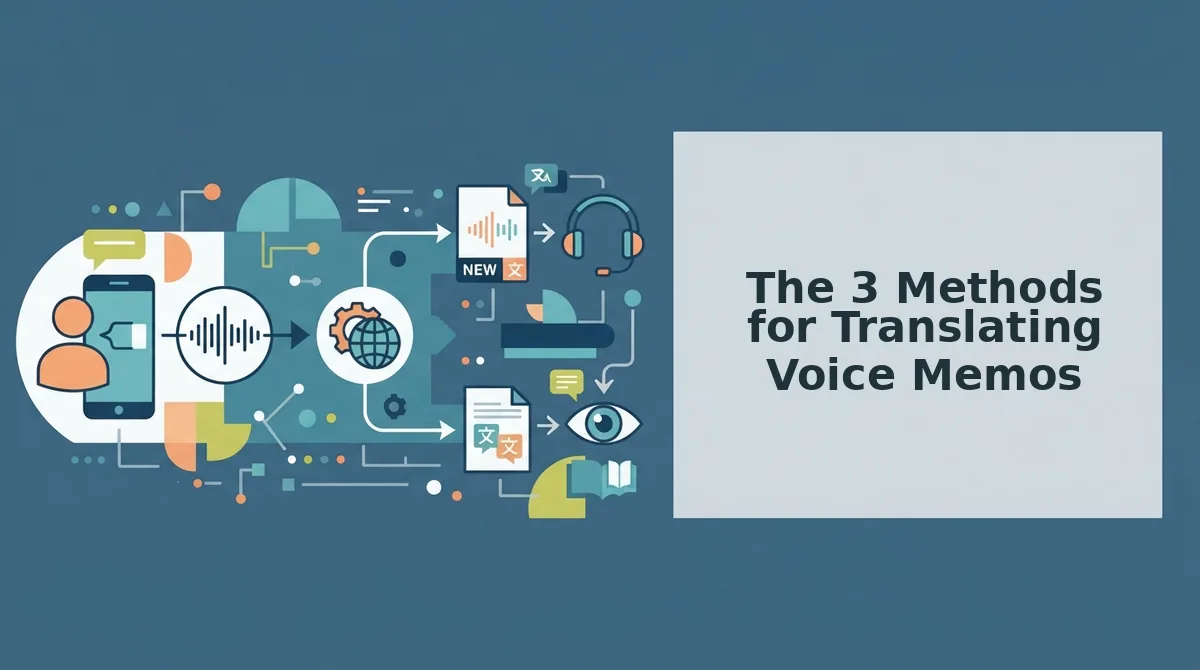
The 3 Methods for Translating Voice Memos
You can translate voice memos using built-in phone tools, text-only translation apps, or voice-preserving AI, each with distinct tradeoffs in speed, voice quality, and workflow friction.
Choosing the right method depends on whether you need a quick text translation for reading or a natural-sounding audio message that still sounds like you.
| Method | Keeps Speaker's Voice | Output Format | Translation Quality | Best For |
|---|---|---|---|---|
| Built-in phone tools (voice memo + transcription) | No, transcribes to text only | Text transcript | No translation; transcription only | Users who need a written record of what was said in the original language |
| Text-only translation apps | No, replaces voice with synthetic TTS | Text or robotic audio | Fast and accurate for text | Travelers and casual users who need quick comprehension, not spoken delivery |
| Voice-preserving AI translation | Yes, edits original audio directly | Natural audio in target language | High, with speaker's tone, accent, and cadence intact | Founders, sales teams, and cross-border operators who send spoken messages |
Built-in phone tools: transcription without translation
Most smartphones can transcribe a voice memo into text, but they do not translate it. You end up with a written record in the original language and still need a separate step to convert it.
Audio quality also degrades when you re-export or re-record from a transcript, making this method impractical for spoken cross-language communication.
Text-only translation apps: fast but robotic
Apps like Google Translate and DeepL are excellent at converting text quickly and accurately. However, when they produce audio output, they use text-to-speech synthesis that sounds robotic and strips away your vocal identity.
This method works for reading comprehension but fails when the recipient needs to hear a message that sounds like a human being, specifically, like you.
Voice-preserving AI translation: the one-take workflow
Voice-preserving AI translation edits the original audio directly, keeping the speaker's tone, accent, and cadence while converting the language. This is what a voice note translator built for spoken communication does.
VClar falls into this category: it removes fillers, corrects grammar, and translates the cleaned audio without replacing your voice with synthetic output. The result is a message that sounds like you speaking another language fluently.
If you send voice memos to international clients or teammates, this method eliminates the re-recording loop entirely, record once, clean once, translate once.
How to Keep the Speaker's Voice Natural After Translation
To keep a speaker's voice natural after translation, use a voice-preserving AI tool that edits the original audio directly instead of converting speech to text, translating the text, then synthesizing a new voice. That three-step pipeline is exactly what produces robotic results.
Robotic translations happen when systems convert speech to text, translate the text, then synthesize a new voice. Voice-preserving translation edits the original audio directly, keeping the speaker's vocal identity intact.
Here is the 3-step method to translate a voice message without losing the speaker's natural sound. You need a voice-preserving translation tool and a clean recording of the original message.
- Record or upload your original voice memo. Open your voice-preserving translation tool and upload the raw audio file, or record directly in the app. Speak naturally, do not over-enunciate or slow down. You should see the audio waveform load with a confirmation that the file is ready for processing.
- Select the target language and run the translation. Click the language selector and choose the output language. Then click Translate. The tool edits the original audio timeline directly, preserving your tone, accent, and cadence. You should see a progress indicator followed by a green checkmark when the translated audio is ready.
- Preview and send the translated message. Play back the translated audio to confirm it still sounds like you. Listen for natural pacing and your own vocal inflections. If the result sounds natural, download or share the audio directly. You should hear your voice speaking the target language without robotic artifacts.
If you need to clean up the original message before translating, run it through a translate voice message workflow that removes fillers and corrects grammar first. Cleaning before converting produces a sharper, more decisive result in any language.
One Take Is Enough
The clean-before-you-convert framework and voice-preserving translation together create a one-take workflow: record once, remove the noise, translate the result, and send. No re-recording loops, no robotic text-to-speech, no lost vocal identity.
Cross-border teams can send a voice memo in another language without re-recording by cleaning first and using voice-preserving translation. The speaker's tone, accent, and cadence survive the process intact.
Start by running your next voice memo through the AI voice message translator at VClar, record your message, clean it, and translate it in one pass. Your voice carries further than you think.