
You record a 40-second voice note in English, hit translate, and send it to a client in Mexico City. What they receive reads like a broken word salad, clauses dropped, subjects swapped, half a sentence about "basically" that makes no sense in Spanish. Here's the contrarian truth: translation tools don't fail because of language. They fail because of speech. If you've ever blamed Google Translate or DeepL for butchering your audio message, you were probably blaming the wrong layer of the stack.
You're right to expect better. And the fix isn't a better translator, it's cleaning your speech before translation ever touches it. In this guide, you'll learn why raw voice audio breaks translation engines, which specific speech patterns cause the worst damage, and the exact three-stage workflow that turns messy voice memos into clean, accurately translated messages in one take. VClar's engine handles the cleaning step automatically, preserving your voice while stripping the noise that confuses translation models.
Along the way, you'll see why short voice memos fail at a higher rate per word than long recordings, and the 45-second rule that explains it.
Why Translation Fails on Unclean Speech
Unclean speech is any spoken audio that contains verbal fillers, false starts, self-corrections, or acoustic noise before it reaches a translation engine. When you feed raw voice audio into a translator, the speech-to-text layer transcribes everything it hears, including the parts you didn't mean to say, and the translation layer then tries to make sense of that broken transcript.
Think of it like handing a chef a recipe with crossed-out ingredients, margin scribbles, and coffee stains, then expecting a perfect dish. The chef can guess, but the result won't match your intent. Translation models face the same problem: they process every word as intentional input.
The failure chain works in three stages. First, the automatic speech recognition (ASR) system transcribes fillers like "um," "like," and "basically" as real words. Second, the machine translation model treats those words as meaningful content and attempts to render them in the target language. Third, the output arrives with dropped clauses, misattributed subjects, or literal nonsense that never existed in your original intent.
Here's what specific speech patterns do to translation output:
| Speech Pattern | What the Translator Hears | What the Recipient Gets |
|---|---|---|
| "Um" before a clause | A hesitation token treated as a content word | Dropped or merged clauses in the target language |
| "Like" mid-sentence | An ambiguous comparative or filler | Wrong subject attribution or nonsensical comparisons |
| "Basically" as a crutch | A literal adverb with no referent | Literal translation that reads as nonsense |
| False starts ("I think we should, actually, let's, ") | Two competing sentence fragments | Parser confusion, producing garbled or contradictory output |
False starts are especially destructive. When you begin a sentence, abandon it, and restart, the ASR system transcribes both fragments as a single continuous utterance. The translation model then attempts to reconcile two incompatible grammatical structures, often producing output that contradicts itself or drops the intended meaning entirely. This is why a 30-second voice memo with three false starts can translate worse than a clean 90-second recording.
Acoustic noise compounds the problem. Background chatter, keyboard clicks, or wind noise introduce transcription errors that cascade through translation. A single misheard word can flip the meaning of an entire sentence, and the recipient has no way to know which part was mistranscribed.
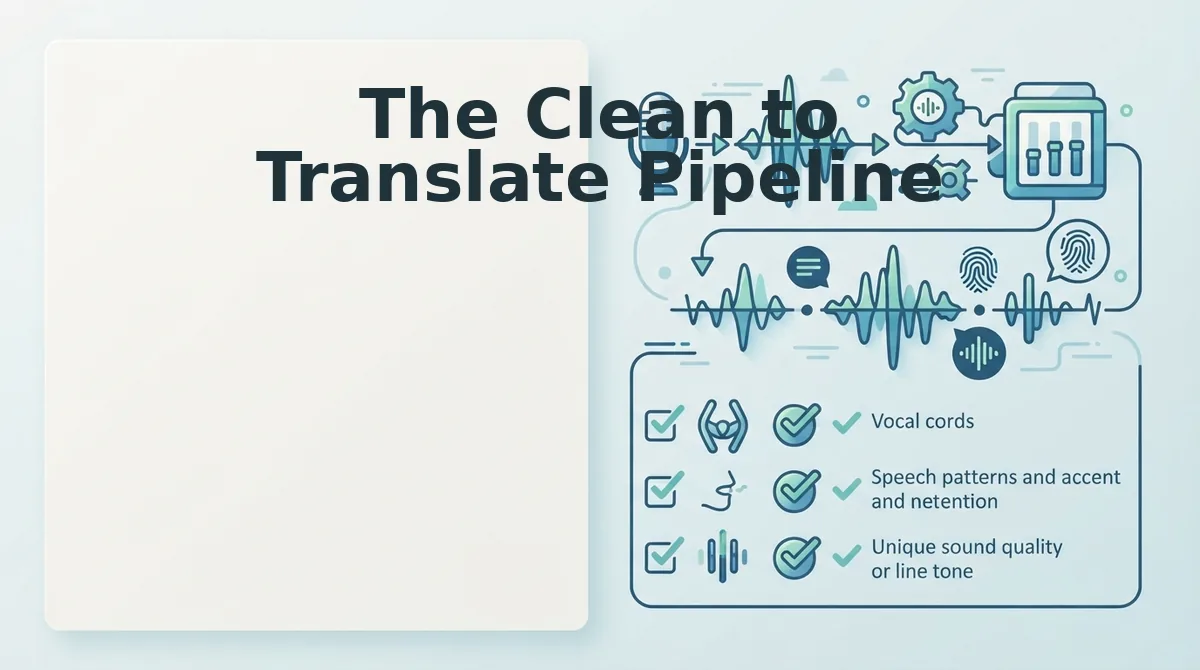
The Clean to Translate Pipeline
The clean-to-translate pipeline is a three-stage workflow. Capture, Clean, Translate, that removes speech noise before translation engines process your audio. Following this sequence reduces mistranslations caused by fillers, false starts, and acoustic interference, and it takes under two minutes for most voice memos.
Prerequisites: A smartphone or computer with a microphone, a quiet recording environment, and a VClar account for the cleaning and translation steps.
- Capture the raw voice memo. Open your voice recorder app or VClar's web recorder. Speak naturally, don't script or over-rehearse. The goal is authentic delivery, not perfection. Expect to record in one take; re-recording loops are exactly what this pipeline eliminates. You should see a waveform appear as you speak, confirming audio is being captured.
- Clean the audio with a filler-word remover. Upload your recording to VClar's filler word remover. The engine detects and removes verbal fillers, ums, ahs, "like," "basically," "you know", and repairs false starts by trimming abandoned fragments from the audio timeline. You should hear the same voice, same cadence, but with the hesitations gone. This step typically takes 10-20 seconds for a one-minute memo.
- Translate the cleaned audio. Open the voice note translator and select your target language. Upload the cleaned file, not the original raw recording. You should receive a translation that preserves your sentence structure and intent without the garbled clauses that raw audio produces.
The 45-second rule explains why short voice memos need this pipeline most. Recordings under 45 seconds carry the highest translation error rate per word because speakers rush, compress their thoughts, and lean on fillers to buy thinking time. A 30-second memo can contain five or more fillers, a density that longer recordings rarely match. Cleaning before translation removes that concentrated noise at the exact point where it causes the most damage.
VClar handles the cleaning and translation in one workflow, so you never send raw, unclean audio to a translation engine again. Next: how to clean speech without losing your voice.
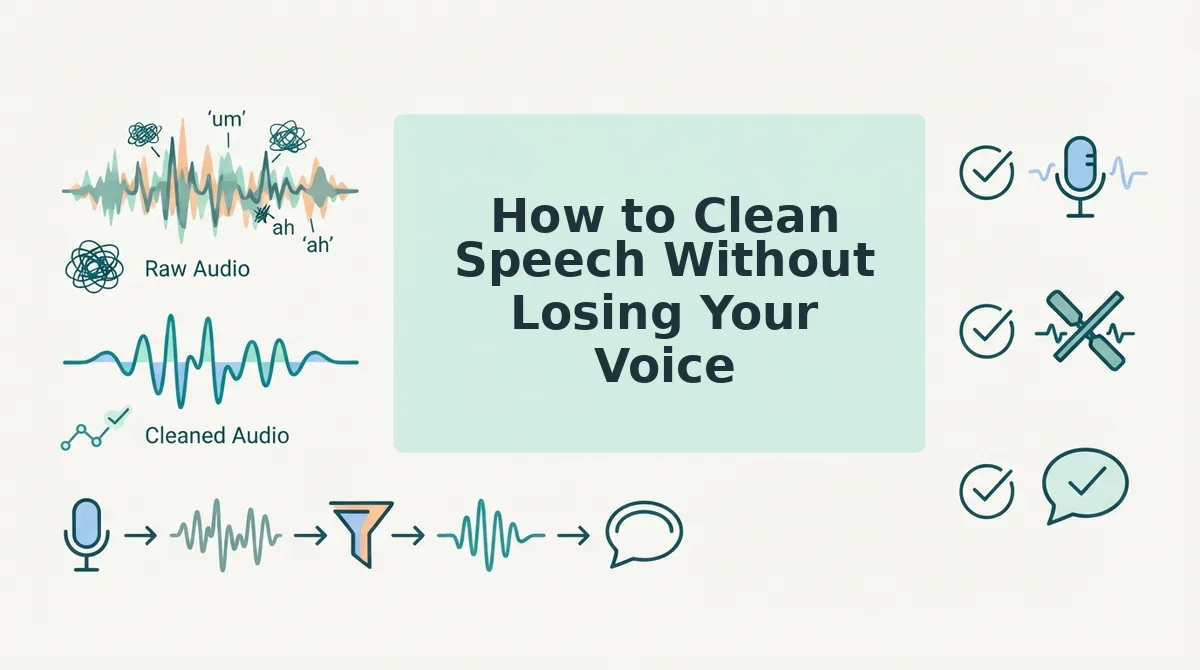
How to Clean Speech Without Losing Your Voice
Speech cleaning is the process of removing verbal disfluencies, filler words, and acoustic noise from an audio recording while preserving the speaker's original vocal characteristics, tone, and cadence. The goal is enhancement, not replacement, your voice stays yours, just sharper.
Think of speech cleaning like editing a photograph: you remove the blur and red-eye, but the person in the picture is still unmistakably the same person. You are not swapping in a stock photo.
Simple: Start with filler word removal
The easiest entry point is deleting ums, ahs, "like," and false starts from your recording. VClar detects these automatically and removes them from the audio timeline without leaving awkward gaps. This single step makes translated output dramatically more accurate because the translation engine no longer has to guess what those filler sounds meant.
Intermediate: Correct grammar in the transcript
Once fillers are gone, the next layer is grammatical cleanup. Spoken English often runs sentences together or drops subjects. You can fix grammar in voice messages by having the tool restructure incomplete sentences into complete ones, while keeping your word choices and phrasing intact. The correction happens at the sentence level, not the accent level.
Advanced: Preserve prosody while cleaning
Prosody, the rhythm, stress, and intonation of speech, is what makes your voice recognizable. Advanced cleaning preserves prosody by editing only the disfluent segments and leaving the surrounding audio untouched. VClar preserves natural tone, personal cadence, and accent, so the cleaned recording still sounds like you speaking confidently, not a text-to-speech clone reading a script.
Passage for quick reference: Cleaning speech without losing your voice means removing filler words and grammatical errors from an audio recording while preserving the speaker's accent, tone, and natural rhythm. The process works in three stages: first, delete verbal disfluencies like "um" and "like"; second, correct grammar in the transcript without changing word choice; third, preserve prosody, the stress and intonation patterns that make a voice recognizable. The result is a cleaner recording that still sounds authentically like the original speaker, which improves translation accuracy without making the output sound robotic or synthetic.
If you are tired of re-recording the same voice note five times to get it right, a clean-then-translate workflow removes the friction: record once, clean once, send anywhere.
Cleaning Speech for Non-Native Speakers
Speech cleaning for non-native speakers is the process of removing hesitations, filler words, and grammatical inconsistencies from a voice recording before translation, so the message is clear without erasing the speaker's accent or linguistic identity. It separates what you said from how fluently you said it.
Think of it like subtitles on a foreign film: the translation conveys meaning, but the original actor's voice and emotion remain untouched. Cleaning does the same for your spoken message.
For non-native speakers, the cognitive load of translating while speaking is real. BBC Learning English highlights that translating in your head while talking creates friction, you pause, insert fillers, and lose your train of thought. Cleaning the recording afterward removes that friction from the final product. You can speak naturally, even imperfectly, and let the tool handle the polish.
VClar's approach is specifically suited to voice notes for non-native speakers: it corrects grammar and removes fillers while preserving your accent and cadence. The result is a message that sounds like a more fluent version of you, not a different person.
FAQ
Why should you clean speech before translation in audio recordings?
Cleaning speech before translation removes filler words, false starts, and background noise that confuse translation engines. Unclean audio forces the translator to interpret meaningless sounds, which produces errors. Clean audio gives the engine only meaningful speech to work with, improving accuracy by eliminating ambiguity before it reaches the translation layer.
Can I clean speech without editing software?
Yes. VClar cleans speech automatically from a raw voice memo or uploaded audio, no manual editing timeline required. The tool detects and removes fillers, corrects grammar, and outputs a polished recording in one pass, so you never touch waveform editing software.
What filler words cause the most translation errors?
"Um," "ah," "like," "basically," and "you know" cause the most translation errors because they carry no semantic meaning but appear frequently in spontaneous speech. Translation engines either try to translate them literally or treat them as sentence breaks, both of which distort the output.
Does cleaning speech change my accent?
No. Cleaning speech removes disfluencies and corrects grammar at the sentence level, but it preserves your accent, tone, and cadence. The goal is enhancement, not replacement, your voice remains recognizably yours, just clearer and more direct.
The Clean-First Pipeline Is the Only Reliable Path to Accurate Audio Translation
Translation accuracy is not a translation problem. It is a preprocessing problem. Every filler word, false start, and mumbled clause you feed into a translation engine multiplies the chance of semantic drift, garbled syntax, or a message that sounds nothing like you.
Here is the full pipeline in one breath:
- Record once, naturally.
- Clean the audio, fillers removed, grammar corrected, acoustics normalized.
- Translate the clean version, not the raw take.
- Deliver a message that sounds like you, in any language.
The entire clean to translate sequence takes under a minute and works in any language pair. That is not a productivity hack. It is the difference between being understood and being re-recorded.
Start by running your next voice memo through clean voice memos online before you translate it. You will hear the difference in the first playback.
Clean speech is not a courtesy to your translator, it is the only version of you worth translating.