
You record voice notes every day, but if someone asked whether your speaking has actually improved over the last month, you couldn't answer with confidence. That's not a discipline problem, it's a measurement problem. Most people use Apple's Voice Memos app as a digital notepad, yet it's one of the most underutilized self-improvement tools available, with tutorials on it drawing hundreds of thousands of views. The issue isn't the speaking itself; it's that you're tracking the wrong things, or nothing at all.
Agree: you've probably replayed a voice note, cringed at the "ums" and false starts, and told yourself you'll do better next time, then repeated the same pattern the next day. Promise: this guide gives you a concrete, repeatable system to track speech pattern improvements in voice notes daily, so progress becomes visible instead of imagined. Preview: you'll learn why tracking feels impossible, the five metrics that actually matter, and a three-week audit protocol to lock in the habit.
One surprising finding ahead: removing every single filler word is the wrong goal, and chasing it makes you sound worse, not better. VClar's filler word removal capability shows what clean audio sounds like, but the tracking framework below reveals the real target range.
Why Tracking Speech Improvement Feels Impossible (And What to Measure Instead)
Speech pattern tracking is the daily practice of measuring specific, repeatable vocal metrics, filler rate, pause density, sentence completion, false starts, and pacing, against a fixed baseline so improvement becomes observable rather than impressionistic. Most people fail at this because they measure the wrong things under the wrong conditions.
There are three failure modes that make progress feel invisible. First, memory bias: you remember your worst recordings, the rambling voice note before a stressful meeting, not your average. Your brain stores the cringe and discards the competent. Second, inconsistent conditions: you record on different topics, at different times of day, under different stress levels, so every comparison is apples to oranges. Third, no baseline: without a starting point, every recording feels like a fresh failure because you have no reference for what "better" looks like.
Think of it like tracking weight loss without a scale, a starting weight, or a consistent weigh-in time. You'd feel like nothing was working even if you were making steady progress. The fix is a fixed measurement system: same metrics, same conditions, same cadence. The five-metric framework below is that scale, and it measures what actually correlates with clear, confident speech, not just what's easy to notice.
One common misconception is that fluent speakers never use filler words. In reality, natural speech includes some fillers; the goal is reducing them to a range that sounds intentional rather than anxious. Chasing zero fillers produces robotic, over-rehearsed delivery that listeners distrust.
The 5-Metric Speech Tracking Framework
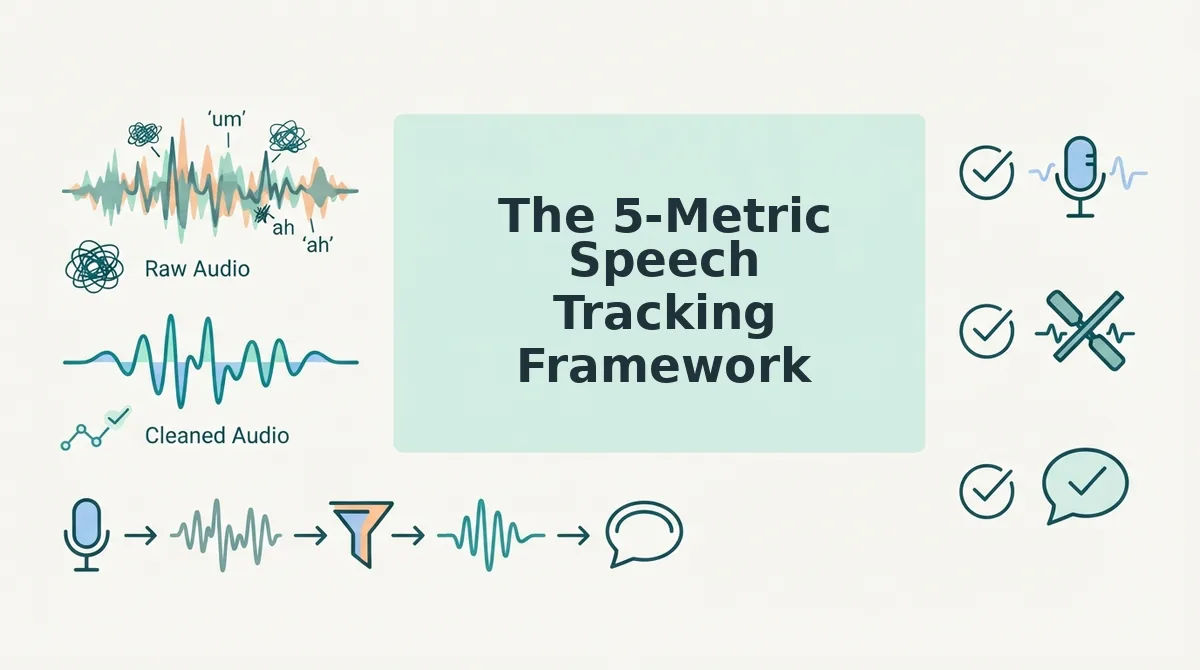
The 5-Metric Speech Tracking Framework is a daily scoring system that measures filler rate, pause density, sentence completion rate, false-start frequency, and pacing consistency in voice notes. You need a voice recording app, a timer, and a simple spreadsheet or notes file before starting.
- Measure Filler Rate. Count every "um," "ah," "like," "you know," and "basically" in a 100-word segment of your voice note. Divide the filler count by 100 to get your rate. Target: 3 - 5 fillers per 100 words, not zero. If you're above 8, use a tool like VClar's filler word remover to hear what your note sounds like without them, this trains your ear to recognize the pattern before you can self-correct in real time.
- Count Pause Density. Play back your recording and mark every unnatural silence longer than 1.5 seconds. Count how many occur per minute of audio. Target: under 2 per minute. Success looks like a note that flows without dead air where you're searching for words.
- Calculate Sentence Completion Rate. Transcribe your note and count how many sentences you finished versus how many you abandoned mid-thought. Divide finished sentences by total started. Target: above 85%. If you score 70%, you're losing nearly a third of your ideas before they land.
- Track False-Start Frequency. A false start is a sentence you begin, stop, and restart, like "I think we should, actually, what I mean is." Count these per recording. Target: under 1 per 2 minutes of audio. Each false start signals uncertainty that listeners register as low confidence.
- Check Pacing Consistency. Time yourself speaking 100 words, then another 100 words from a different part of the note. Calculate words per minute for each segment and find the difference. Target: under a 20 WPM swing. A note that starts at 140 WPM and drops to 95 WPM sounds scattered, even if the content is strong.
Record these five numbers in a spreadsheet after every voice note for one week. You'll see patterns emerge, maybe your filler rate spikes on technical topics, or your pacing collapses when you're tired. Those patterns are the roadmap for the next section.
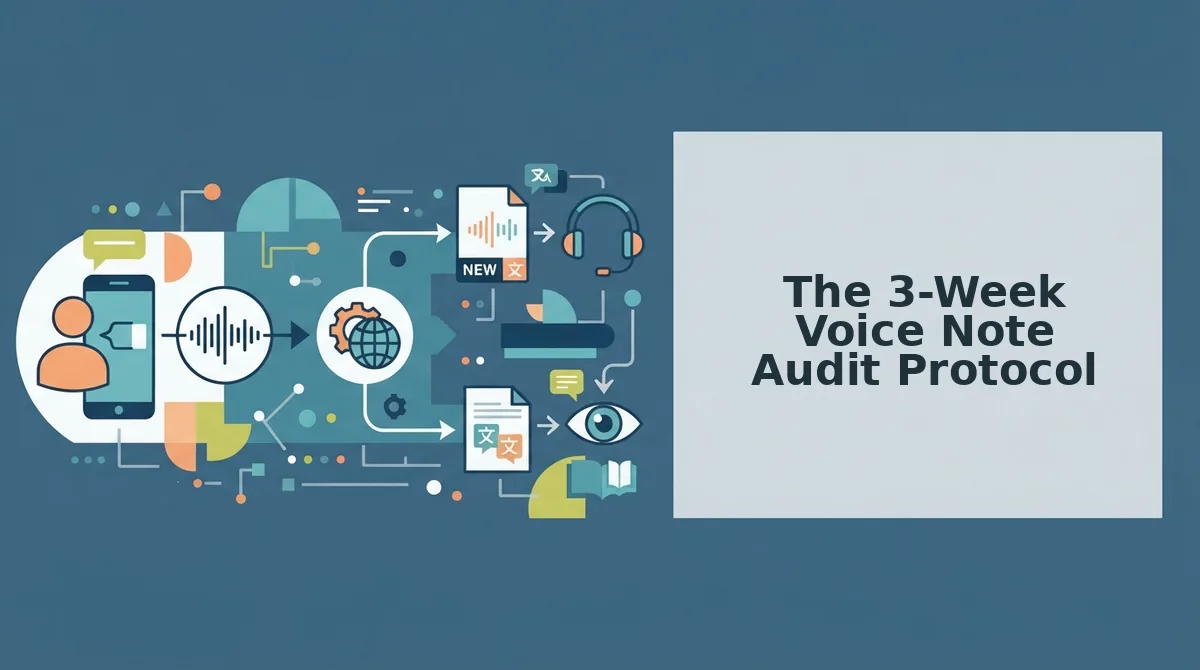
The 3-Week Voice Note Audit Protocol
This protocol requires a smartphone voice recorder, a transcription tool, and 10 minutes per week. You will record three baseline voice notes, wait seven days between recordings, and compare transcripts side-by-side to measure measurable change.
- Record a 60-second baseline voice note. Open your voice recorder app and speak on one fixed topic, your weekly priorities, a product update, or a client summary. Do not rehearse or re-record. You should end with one raw, unedited audio file that captures your natural speaking rhythm.
- Transcribe the baseline and count fillers. Upload the audio to VClar or any transcription tool. Open the transcript and manually count ums, ahs, likes, and false starts per 100 words. You should see a baseline number, most people land between 8 and 15 fillers per 100 words on a first take.
- Wait seven days, then record the same topic again. Use the same prompt and the same 60-second limit. Do not listen to the first recording beforehand. You should produce a second sample that isolates natural change from conscious correction.
- Compare the two transcripts side-by-side. Open both transcripts in VClar's comparison view or paste them into two columns. Highlight filler words, repeated phrases, and grammatical stumbles. You should see exactly where your speech tightened and where it stalled.
- Log the delta in a simple spreadsheet. Type the date, filler count per 100 words, and one sentence describing the biggest difference. Repeat the cycle for three weeks total. You should end with three rows of data and a clear trend line.
A founder recording weekly team updates noticed his filler rate drop from 12 to 6 per 100 words after three weeks of side-by-side transcript review. Side-by-side transcript comparison is the key to unbiased self-assessment, you cannot trust how you felt about a recording, only what the text shows. If grammar errors persist across all three samples, use VClar to fix grammar in voice messages and review the corrected transcript to internalize the pattern.
Why 'Zero Fillers' Is the Wrong Goal
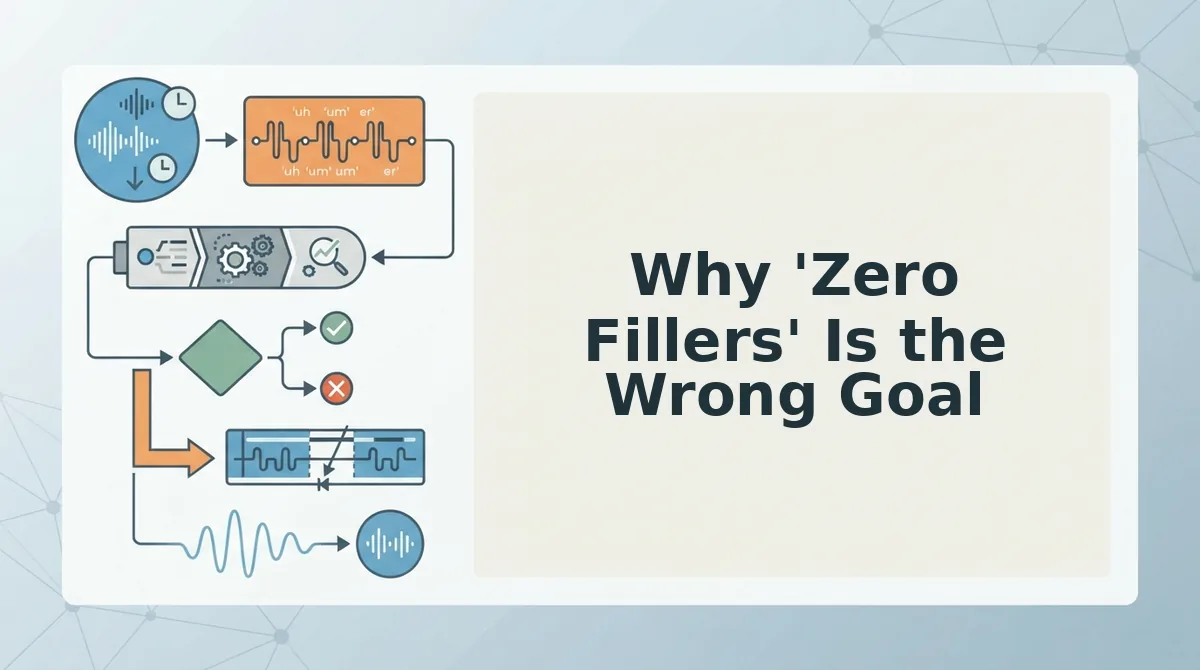
Filler word reduction is the process of lowering verbal hesitations to a natural conversational threshold, not eliminating them entirely. Chasing zero fillers produces stilted, robotic speech that listeners distrust.
Fillers signal thinking, not incompetence. When you say "um" or "you know," your brain is holding the conversational floor while it retrieves the next word or organizes a complex idea. Think of fillers like the loading spinner on a website: annoying in excess, but a sign the system is working when brief.
Natural speech contains 3-5 fillers per 100 words even for polished speakers. TED speakers, podcast hosts, and experienced founders all operate in this range. The goal is reduction to that natural threshold, not surgical removal.
Over-suppressing fillers makes you sound robotic and reduces authenticity. Listeners interpret perfectly clean speech as scripted or AI-generated, which undermines trust in voice messages where tone and spontaneity carry meaning. A voice note with zero hesitations sounds like a press release, not a person.
If you currently average 12 fillers per 100 words, target 5-6, not zero. That shift alone makes you sound decisive without stripping the human signal from your delivery.
Tools That Make Speech Tracking Practical
Tracking speech patterns manually is possible but slow. These tools turn a 30-minute review process into a 5-minute habit.
- VClar's side-by-side transcript view. VClar comparison transcripts show removed hesitations and tightened syntax in a single view, so you can see exactly what changed between your raw audio and the cleaned version. Upload a voice note, open the comparison, and review the delta in under two minutes.
- AI transcription tools. ChatGPT voice notes workflows and similar AI transcription tools are mainstream for voice note review, they convert audio to text instantly and let you search for repeated filler patterns. Use them for daily capture, then move the transcripts into a tracking sheet.
- A manual spreadsheet. A simple Google Sheet with columns for date, filler count, and notes works, but manual spreadsheet tracking takes 3x longer than automated comparison. Reserve this for weekly summaries, not daily logging.
For founders who send frequent updates, pairing VClar's comparison view with a weekly spreadsheet entry creates a sustainable feedback loop. Explore the full workflow in our guide to voice notes for founders. Ready to dig deeper into common questions about measuring speech improvement?
Frequently Asked Questions About Tracking Speech Patterns
Tracking speech patterns works best when you measure a small set of consistent metrics over time. These answers cover the most common questions people ask when starting a daily voice note review habit.
How long does it take to see speech improvement?
Most people see measurable improvement in 3-4 weeks of consistent voice note review. The change comes from reviewing transcripts daily and comparing filler word rates, pacing, and clarity metrics week over week. Sporadic review produces slower results because you lose the baseline comparison data.
Can I track speech patterns without special tools?
Yes, manual transcription and a simple spreadsheet work. Record a daily voice note, transcribe it yourself or with free dictation software, then log filler word counts, sentence length, and hesitation markers in a spreadsheet. The manual process takes 10-15 minutes per note but gives you full control over what you measure.
What's a normal filler word rate?
Three to five filler words per 100 words is normal for natural, polished speech. Rates above eight per 100 words signal hesitation patterns worth addressing. Rates below one per 100 words often sound rehearsed or robotic, which is why zero fillers is not the goal for authentic communication.
Do voice notes actually help improve speaking?
Yes, when reviewed systematically with transcripts. Voice notes create a daily record of your natural speech patterns, and transcripts make those patterns visible. The improvement comes from comparing transcripts over time and identifying specific habits to target, not from recording alone.
Why does my filler word rate spike on certain days?
Stress, fatigue, and unfamiliar topics are the most common triggers. When you speak about new material or record under time pressure, your brain needs more processing time, and fillers fill that gap. Tracking daily rates alongside context notes helps you separate situational spikes from persistent habits.
Start Your 3-Week Voice Note Audit Today
The 5-metric framework and 3-week audit protocol are the fastest path to visible speech improvement because they turn an invisible habit into measurable data. You cannot fix what you cannot see, and daily transcripts make every hesitation, filler, and pacing issue visible on the page.
Your first step is to record one voice note today and run it through VClar's AI voice message translator. The side-by-side transcript view automates the comparison step, showing your original speech next to the cleaned version so you can spot patterns in seconds instead of minutes.
Start the audit today. In three weeks, you will have 21 data points that show exactly where your speech improved and what still needs work. That is the moment tracking stops feeling like a chore and starts feeling like leverage.