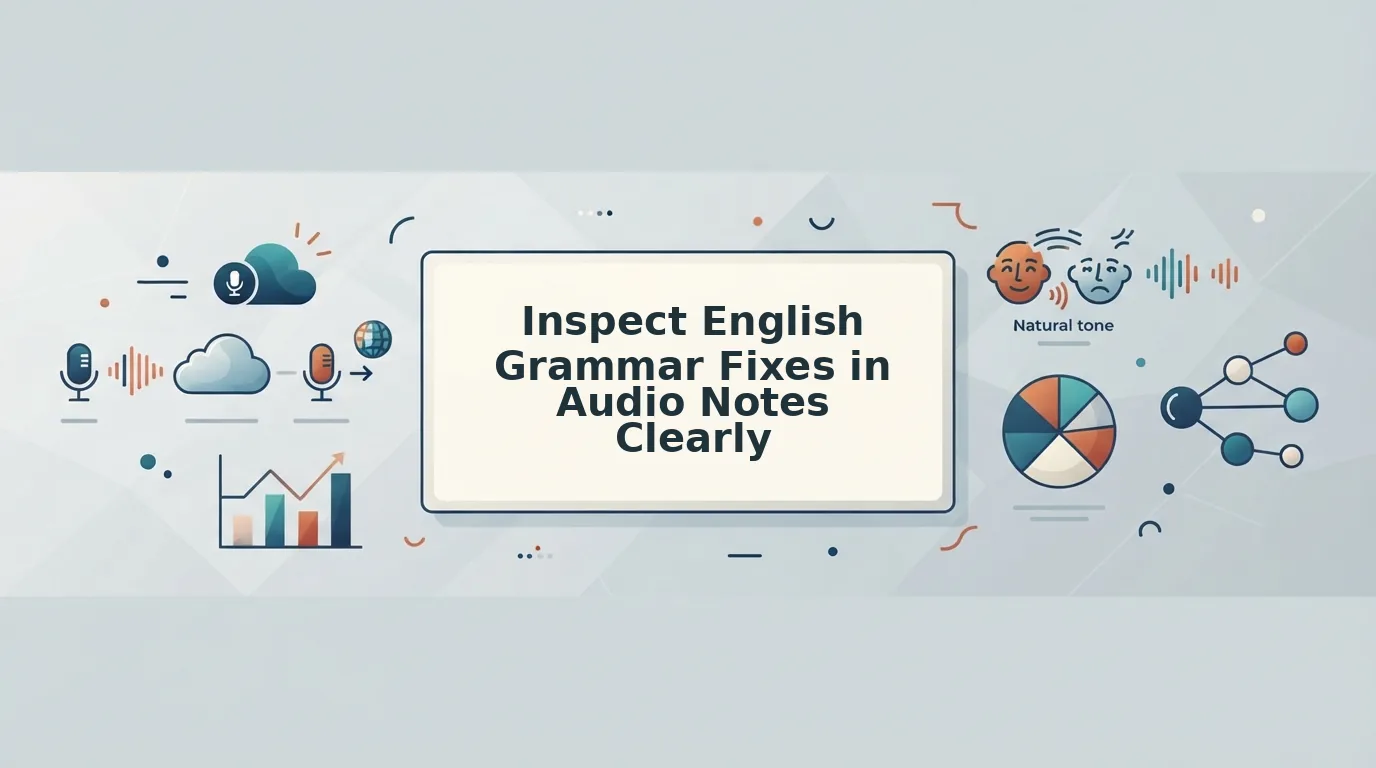

You hit record, speak for 90 seconds, and then spend four minutes re-listening, deleting, and re-recording because you said "um" twice and mixed up a verb tense. Now multiply that across every voice note you send to a client, teammate, or investor. The ability to inspect English grammar fixes in audio notes, before anyone else hears them, is what separates confident one-take senders from people stuck in an audio re-recording loop.
You're not alone in this. Cross-border operators thinking at 150 words per minute routinely lose time trapped in audio re-recording loops, especially when English is a second language and spoken grammar doesn't match written grammar. The frustration is real: you know what you want to say, but the raw recording doesn't reflect how competent you actually are.
This guide walks you through exactly how to inspect grammar corrections in your voice messages without losing your natural delivery. You'll learn what a structured grammar inspection actually looks like, how to run one step by step, and how to distinguish genuine grammar repairs from transcription glitches. Along the way, you'll see how tools like VClar's fix grammar in voice message workflow can isolate edits while preserving your vocal identity.
One surprising finding ahead: most "grammar errors" in audio notes aren't errors at all, they're transcription artifacts. Understanding that distinction changes how you approach every voice message you send.
What Does It Mean to Inspect English Grammar Fixes in Audio Notes?
Inspecting English grammar fixes in audio notes means reviewing a spoken recording to identify and correct grammatical issues, tense shifts, subject-verb disagreements, pronoun errors, and awkward phrasing, while keeping the speaker's original voice, tone, and cadence intact. It's a structured review process, not a rewrite.
Think of it like editing a photo's exposure without changing the subject's face. You're adjusting clarity and correctness, not replacing the person in the frame. A raw transcript shows every stumble and false start; a structured inspection isolates the grammatical edits so you can see exactly what changed and why.
Three Levels of Grammar Inspection
Simple: You listen to the recording and manually note where you said "he don't" instead of "he doesn't," or where a sentence trailed off mid-thought. You re-record or accept the flaw.
Intermediate: You run the audio through a transcription tool and compare the written output against what you intended to say. This catches errors your ear glosses over, but it also introduces transcription noise, words the tool misheard that were never actually spoken.
Advanced: You use a tool that performs a side-by-side, color-coded comparison of the original audio timeline and the corrected transcript. This lets you verify each suggested fix against the actual spoken audio, so you can approve a tense correction while rejecting a misheard word. Standard dictation tools discard original cadence; structured inspection isolates grammatical edits while preserving vocal identity.
For voice notes for non-native speakers, this distinction matters even more. A speaker who says "I have been work here for two years" needs the verb corrected to "working", but they don't need their accent flattened or their sentence rhythm replaced with synthetic text-to-speech. Grammar inspection targets the error, not the identity.
Conversational grammar inspection is the process of reviewing spoken-language output against grammatical rules while accounting for the fact that spoken English legitimately differs from written English. Fragments, contractions, and discourse markers like "right?" or "okay, so" are often grammatically acceptable in speech even when a formal writing checker would flag them. A proper inspection tool distinguishes between these two registers instead of applying written-English rules blindly to spoken audio.
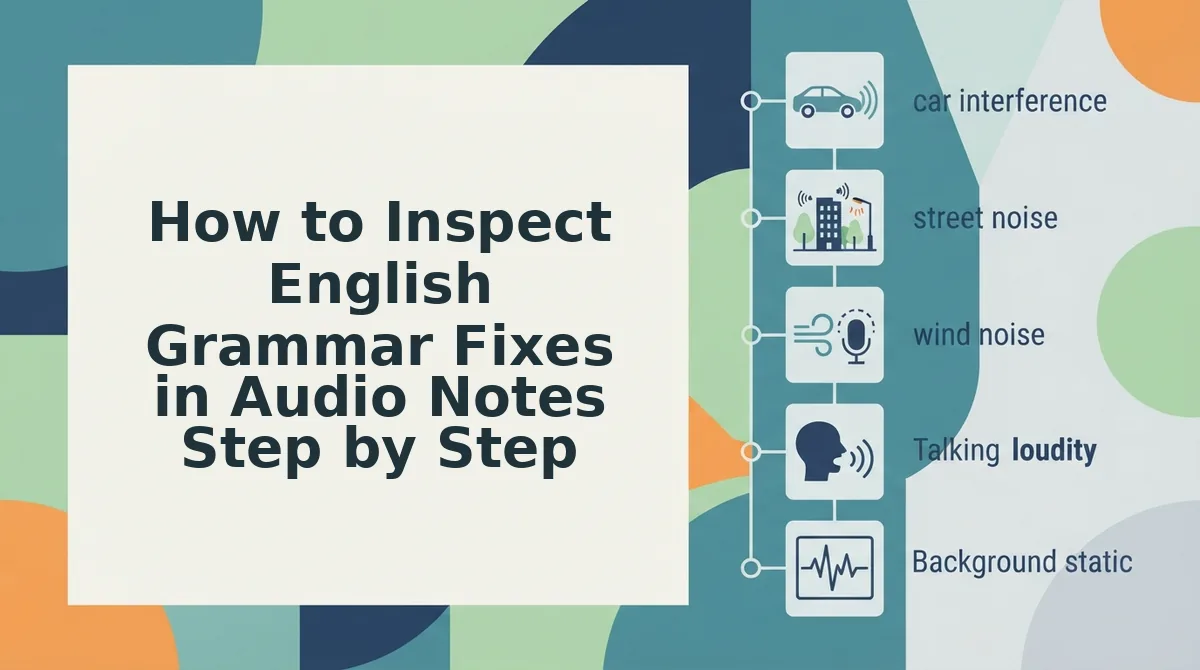
How to Inspect English Grammar Fixes in Audio Notes Step by Step
Inspecting grammar fixes in audio notes is a four-stage process: capture the raw audio, generate a structured transcript, review suggested corrections against the audio timeline, and export the cleaned result. You'll need a recording device or voice note app, plus a grammar inspection tool like VClar that preserves your original vocal delivery.
- Record your voice note in one take. Open your voice notes app and speak naturally for 30 - 90 seconds. Don't stop to correct yourself, the goal is to capture your unfiltered thought flow. You should end with a raw recording that includes fillers, false starts, and any grammar slips. This takes about 1 - 2 minutes.
- Upload the audio to a grammar inspection tool. Open VClar and select your recording. The tool processes the audio and generates a structured transcript with grammar issues flagged. You should see a color-coded view where suggested fixes, such as tense changes or subject-verb agreement corrections, appear alongside the original spoken words. This processing typically takes under 30 seconds.
- Review each suggested fix against the audio timeline. Click through the flagged items one by one. For each suggestion, play the corresponding audio segment and verify whether the fix matches what you actually said. Approve corrections that fix real errors, such as "she go" to "she goes." Reject suggestions that stem from transcription errors, like a misheard proper noun. You should feel confident that every approved change reflects your intended meaning. This review step takes 2 - 5 minutes depending on note length.
- Export the cleaned audio and transcript. Once you've approved or rejected all suggestions, export the final version. You should receive an audio file with fillers removed and grammar corrections applied, without any change to your voice, tone, or cadence, plus a clean transcript for reference. Send the audio or paste the transcript into your message thread. Total workflow time: under 10 minutes.
If your recording is heavy with "um," "like," and "you know," run it through a filler words remover before the grammar inspection. Removing fillers first gives you a cleaner audio timeline, which makes grammar flags easier to spot and verify.
Side-by-side color-coded verification is the core of this workflow. When you compare spoken tense shifts and subject-verb agreements directly against transcript audio timelines, you can see whether a flagged "error" is a genuine grammar slip or a transcription artifact. This visual check prevents you from approving corrections that change your meaning.
Next, we'll look at how to tell the difference between transcription glitches and real grammar repairs in spoken English.
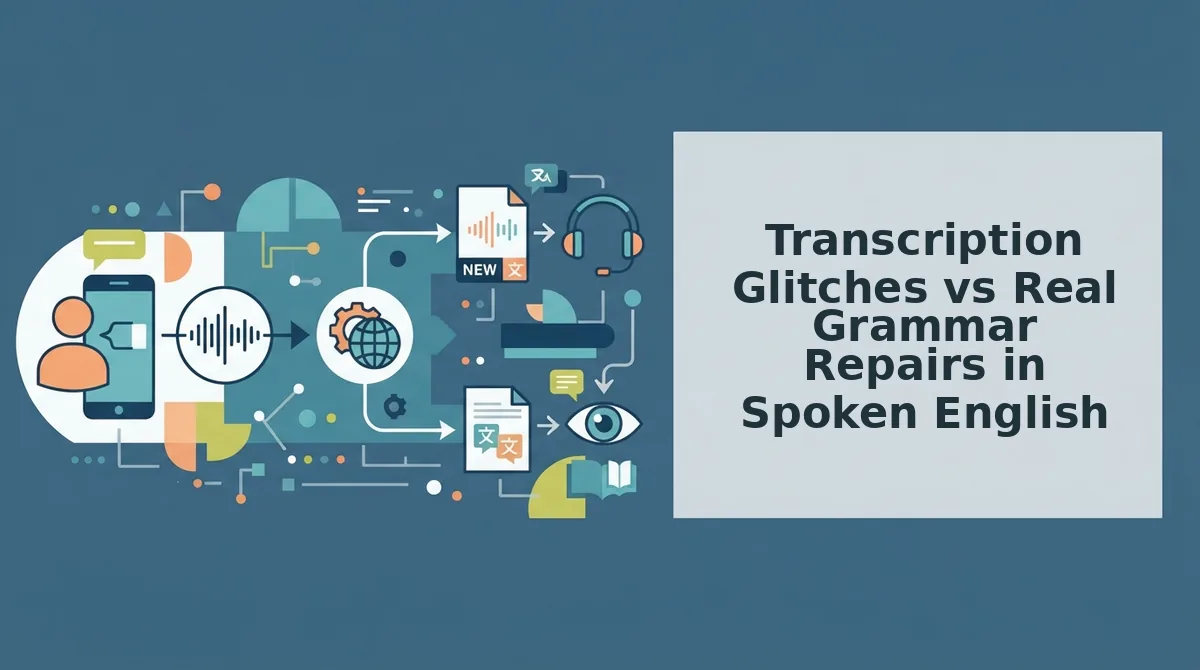
Transcription Glitches vs Real Grammar Repairs in Spoken English
Transcription glitches are acoustic misinterpretations by speech-to-text engines, while real grammar repairs target authentic syntax errors the speaker actually made. Knowing the difference determines whether you fix the audio, the transcript, or both.
Acoustic phoneme drops happen when a microphone misses a final "s," a soft "t," or a weak syllable, producing errors like "he walk" instead of "he walks" even though the speaker said it correctly. Real conversational errors are different: dropped plurals the speaker genuinely omitted, double prepositions like "discuss about," and false starts where a sentence begins, aborts, and restarts mid-thought.
Mechanical transcription tools fix neither category well. They transcribe what they hear, glitches included, and leave authentic grammar mistakes untouched. Audio-first grammar inspection tools, by contrast, separate the two layers: acoustic artifacts get corrected at the waveform level, while genuine syntax repairs happen in the transcript and cleaned audio timeline.
| Approach | What It Fixes | What It Misses | Best For |
|---|---|---|---|
| Raw speech-to-text transcription | Nothing automatically; produces a text mirror of audio | Both acoustic glitches and real grammar errors remain | Journalists who need verbatim records and will edit manually |
| Timeline-based audio transcription editing | Transcript text and audio segments in sync | Acoustic artifacts unless manually identified on the waveform | Podcast editors and video producers who need frame-accurate cuts |
| AI voice message grammar inspection | Filler words, false starts, dropped plurals, double prepositions, and acoustic phoneme drops | Intentional stylistic choices the speaker wants to keep | Founders, sales reps, and creators sending polished voice notes in one take |
Descript and similar timeline-based editors excel at manual precision: you see the waveform, select a segment, and delete it. That strength assumes you know what to remove and have time to find it. VClar's approach inverts the workflow: the engine flags and repairs grammar issues automatically, then lets you inspect each change before sending.
For a closer look at how timeline-based transcription editing compares to automated audio grammar repair, see VClar vs Descript.
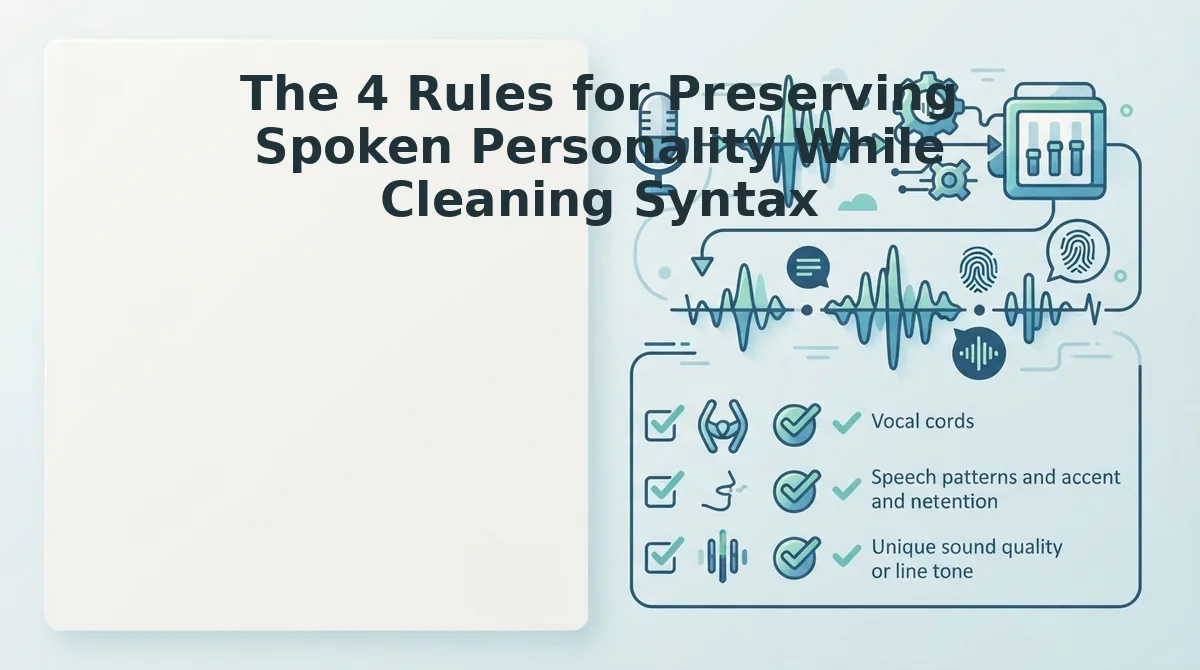
The 4 Rules for Preserving Spoken Personality While Cleaning Syntax
Grammar correction should remove errors, not identity. These four rules keep your voice intact while making your message clearer.
- Keep your natural pitch contour, even when pauses disappear. Filler word removal should not flatten the melodic rise and fall of your speech. Why it matters: dynamic pitch shifts signal emphasis, emotion, and intent; a flat, over-processed voice sounds synthetic. How to use it: after cleaning, listen for whether your questions still rise at the end and your key points still carry stress.
- Preserve personal phrasing and word choice. Fix the grammar, not the vocabulary. Why it matters: replacing "gonna figure this out" with "I will resolve this matter" trades authenticity for formality nobody asked for. How to use it: accept corrections to verb tense, agreement, and prepositions, but reject any suggestion that rewrites your idioms or regional expressions.
- Correct syntax at the clause level, not the sentence level. Repair the specific error without restructuring the entire thought. Why it matters: sentence-level rewrites erase the logical flow of how you actually think and speak. How to use it: if you said "we should discuss about the launch," fix the double preposition to "discuss the launch" and leave the rest of the sentence exactly as spoken.
- Match the repair to your accent's phoneme patterns. Grammar fixes should account for how your accent produces sounds, not impose a standardized American or British model. Why it matters: accented English speakers often get flagged for "errors" that are actually consistent phonological patterns. How to use it: choose a tool that distinguishes between accent-driven pronunciation and genuine syntax mistakes, especially when translating voice notes across languages. See voice note translator for how VClar handles accented speech.
Frequently Asked Questions About Audio Grammar Inspection
Direct answers to the questions people ask most about cleaning up spoken English without losing their voice.
How do I check grammar in an audio recording?
Upload the audio to a grammar inspection tool that transcribes the speech, flags syntax errors, and lets you review each suggested fix before applying it. The tool should show you the original phrase, the corrected phrase, and the reason for the change so you stay in control.
Why does my voice message transcript have grammar mistakes I didn't make?
Speech-to-text engines mishear soft sounds like final "s" or "t," creating errors such as "he walk" when you said "he walks." These are acoustic phoneme drops, not your mistakes. Audio grammar tools that check the waveform alongside the transcript can distinguish these glitches from real errors.
Does grammar correction work for accented English speakers?
Yes, when the tool uses accent-aware models that separate pronunciation patterns from actual syntax errors. A speaker whose accent softens final consonants should not be flagged for dropping plurals they actually pronounced. Accent-aware inspection reduces false corrections and preserves natural delivery.
Can I fix grammar in a voice note without re-recording it?
Yes. Audio grammar inspection tools repair filler words, false starts, and syntax errors directly in the existing recording, preserving your original vocal tone and cadence. You review the changes, approve them, and send the cleaned version without recording a second take.
What is the difference between acoustic and semantic transcription checks?
Acoustic checks compare the audio waveform to the transcript to catch misheard sounds and phoneme drops. Semantic checks analyze the transcribed text for grammar, syntax, and coherence errors. Combined, they catch both what the microphone got wrong and what the speaker actually said incorrectly.
Once you can inspect and approve every grammar fix with confidence, the next step is turning that skill into a lasting habit.
Turn Audio Grammar Inspection into Lifelong Spoken Fluency
Imagine sending a voice note to a client in Singapore, then replaying it three months later and hearing a cleaner, more confident version of yourself. That is the compounding effect of closing the feedback loop between what your speech recognition diff shows you and how you speak the next morning.
Every inspection session trains your ear. You stop saying "basically" before it leaves your mouth. You catch subject-verb slips mid-sentence. The grammar fixes you review today become the spontaneous fluency you hear tomorrow.
Here is the pattern interrupt: fluency is not a talent. It is a feedback loop you run on purpose.
Three concrete moves to lock in the habit:
- Audit one message per day. Pick a single voice note, open the transcript, and compare the raw audio against the cleaned version. Note one recurring pattern you want to eliminate.
- Record a 30-second redo. After spotting a grammar slip, re-record just that sentence. The physical act of re-speaking the corrected version builds motor memory.
- Track one metric. Count how many filler words or grammar repairs appear per message. Watch the number drop week over week.
The open loop from the start of this article resolves here: inspecting grammar fixes in audio notes is not about perfectionism. It is about building a private practice loop that makes your async voice communication sharper with every message you send.
Your next step is simple. Open your most recent voice memo, run it through clean voice memos online, and read the diff between what you said and what you meant. That single review is the first rep in a fluency habit that compounds for years.
"You do not become a clearer speaker by recording more messages; you become one by inspecting the messages you already sent."