
Your team's Slack channel is a graveyard of tone-deaf text walls. A 2026 update typed in haste reads flat, loses urgency, and gets misread by half the people who scroll past it. You know the feeling: you record a voice note because it's faster and more human, but the ums, the false starts, and the rambling make you hit delete instead of send. Agree, async communication shouldn't force you to choose between speed and polish. Promise, there is a tool that keeps your voice, your cadence, and your intent intact while cleaning up everything that makes you sound unprofessional. Preview, this comparison of VClar vs AudioPen for async team updates breaks down the one question that decides which tool you need: do your recipients need to hear you or read you? Stick around, the answer flips depending on whether you're sending a sales follow-up or a sprint status, and one of these tools quietly fails the test.
What Is the Core Difference Between VClar and AudioPen?
The core difference is simple: VClar outputs enhanced audio plus a transcript, while AudioPen outputs text only. If your team needs to hear your voice, your tone, your urgency, your personality. VClar is the only option in this comparison that delivers it. AudioPen converts your spoken words into structured, readable text and stops there.
Think of it like the difference between sending a handwritten letter and sending a voice recording of you reading that letter aloud. AudioPen transcribes your thoughts into a clean, organized note, useful, but the recipient never hears how you actually said it. VClar is closer to having an editor who polishes your live speech in real time: the recording still sounds like you, just sharper.
Here's the technical breakdown. AudioPen is a voice-to-text summarization tool. You speak, its AI listens, and it returns a structured text summary, no audio file, no vocal delivery, no tone. It's designed for personal note-taking and idea capture, not for sending voice updates to teammates.
VClar is an AI voice message translator and speech enhancer. It works directly on the audio timeline, the actual waveform of your recording, detecting and removing filler words like "um," "ah," and "basically," repairing spoken grammar, and stripping out acoustic distractions. Critically, it preserves your vocal timbre, the unique tonal quality of your voice, along with your accent, cadence, and natural delivery. The result is an audio file that sounds like you on your best day, paired with a matching transcript.
Here's the passage that answers the question most comparison articles miss: What happens to your voice in each tool? In AudioPen, your voice is a means to an end, the AI extracts meaning and discards the audio entirely. Your recipient reads a summary that has been flattened into text, losing emphasis, warmth, and any sense of how urgently you meant something. In VClar, your voice is the deliverable. The AI removes false starts, those half-sentences where you begin, stop, and restart, and repairs grammatical slips directly in the audio timeline, so the recording flows without sounding edited. The recipient hears you, not a paraphrase of you.
So the one question that decides this comparison: do recipients need to hear you, or read you? If you're capturing personal notes or brainstorming ideas for yourself, AudioPen's text output is enough. If you're sending an async update to a team, where tone, urgency, and personality affect how the message lands. VClar's enhanced audio is the difference between being understood and being skimmed.
How a 60-Second Async Update Works in Each Tool
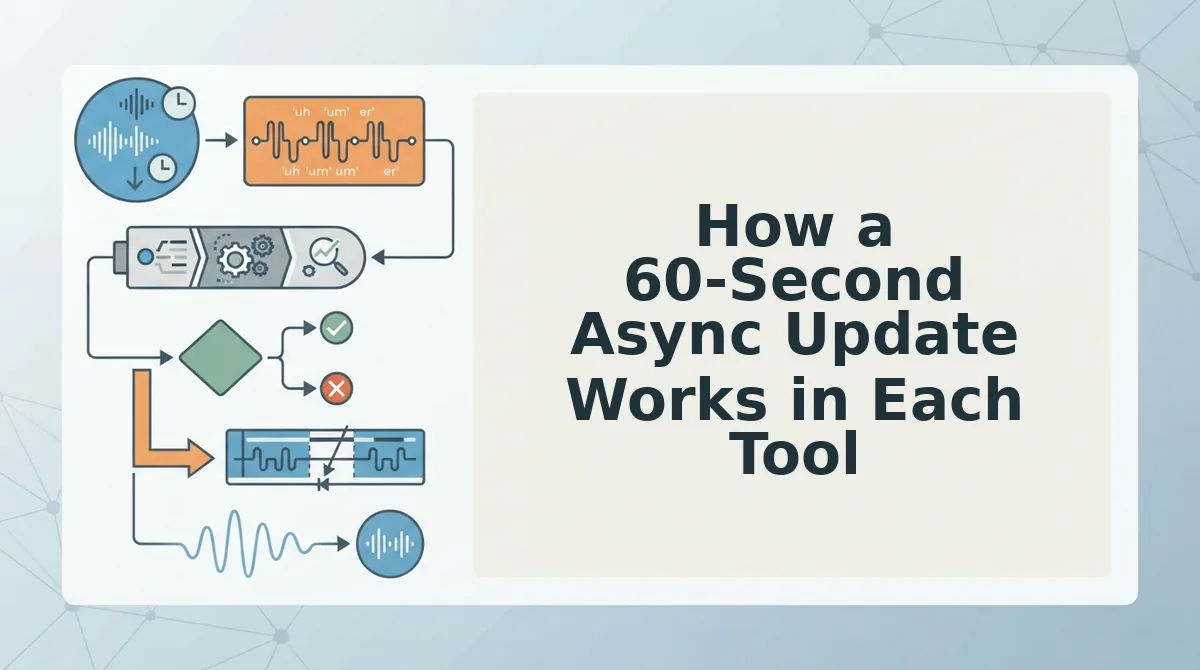
Both tools start the same way, you speak, but the path from recording to sent message diverges sharply. Here's the exact workflow for each, using a founder recording a 60-second sales follow-up from a car with background noise.
AudioPen Workflow: Record to Summarize to Review to Send
- Open AudioPen and tap record. Speak your 60-second update naturally, don't worry about fillers or grammar; the AI will handle that in text. Expect to spend roughly 60 seconds recording.
- Wait for the AI to process your speech. AudioPen transcribes and summarizes your words into structured text. This typically takes 10-20 seconds. You should see a text summary appear on screen.
- Review the text output carefully. Read through the summary to check that the AI captured your meaning correctly, didn't drop a key detail, and didn't flatten your tone into something you wouldn't actually say. Budget 30-60 seconds here, this step is mandatory before sending.
- Copy the text and paste it into Slack, email, or your team's async tool. Your recipient reads your update. They never hear your voice, your emphasis, or your urgency. Total time: roughly 2-3 minutes for a 60-second message.
VClar Workflow: Record to Clean to Send
- Open VClar in your browser and hit record. Speak your 60-second update in one take, fillers, false starts, background noise and all. VClar is browser-first, so there's no app to install or file to export. Expect to spend 60 seconds recording.
- Let the AI clean the audio timeline automatically. VClar detects and removes filler words, repairs spoken grammar, and strips acoustic distractions like road noise, all while preserving your vocal timbre and cadence. Processing is fast enough that you won't lose momentum.
- Send the enhanced audio and transcript directly. No text review step is required because the audio itself is the deliverable, your recipient hears you, cleaned up but unmistakably you, with a matching transcript for skimming. Total time: roughly 60-90 seconds for a 60-second message.
The time difference comes down to one step: AudioPen forces a text review before sending because the AI's summary is the only thing your recipient gets. VClar skips that step because the audio is already polished, one take, browser-first, send. If you're a founder who records voice notes for founders between meetings, that saved minute compounds across every update you send.
Next, let's look at where text-only summaries actually break down for async teams, and why the "read you" approach has a hidden cost.
When Text-Only Summaries Fail Async Teams
Text summaries strip the three signals async teams rely on most: tone, urgency, and linguistic nuance. When a voice message becomes a paragraph, recipients read words without hearing intent.
- Tone gets lost when spoken emphasis disappears into plain text. A founder saying "this is fine" with measured calm reads identically to one saying it through gritted teeth. Recipients misread tone in text-only async communication, which leads to unnecessary follow-up questions or, worse, defensive replies. Keep the audio layer intact so your delivery carries the meaning your words alone cannot.
- Urgency is flattened when a voice message becomes a text summary. A 20-second voice note with rising inflection signals "this needs attention today." The same content summarized as a bullet point sits in a queue with every other written update. If your team operates across time zones, preserving the original audio pace and energy helps recipients prioritize without asking "how urgent is this really?"
- Non-native speakers lose nuance when their spoken grammar is rewritten into text. A teammate who says "we need to discuss the timeline, maybe tomorrow works" is negotiating softly. A text summary that renders it as "timeline discussion needed tomorrow" sounds like a demand. Voice notes for non-native speakers preserve hedging, politeness markers, and cultural context that text summarizers erase.
- Personality and rapport vanish when every update reads like a memo. Async teams already struggle with connection. A voice message carries warmth, humor, and familiarity that builds trust over time. Text-only summaries standardize everyone into the same corporate voice, which makes remote collaboration feel transactional.
- False starts and fillers in raw audio make text summaries look cleaner than the speaker actually was. When a tool removes "um" and "like" only from the transcript, the reader sees a polished version while the listener hears the rough original. This mismatch creates confusion about what was actually said. VClar removes filler words from the audio timeline itself, so what you hear matches what you read.
- Contextual emphasis on specific words disappears in text. "I didn't say we should launch next week" means different things depending on which word is stressed. Text cannot carry that stress. Audio can. Teams making decisions based on async updates need that vocal emphasis to avoid acting on a misread.
- Emotional state is invisible in text summaries. A team member who sounds tired, excited, or concerned is sending information beyond their words. Managers who only read summaries miss early warning signs of burnout or disengagement. Preserving the voice layer keeps the human signal in async communication.
If your team's async updates need to carry tone, urgency, and personality, VClar keeps those signals in the audio while cleaning up grammar and filler words in one pass.
Feature-by-Feature Breakdown: VClar vs AudioPen
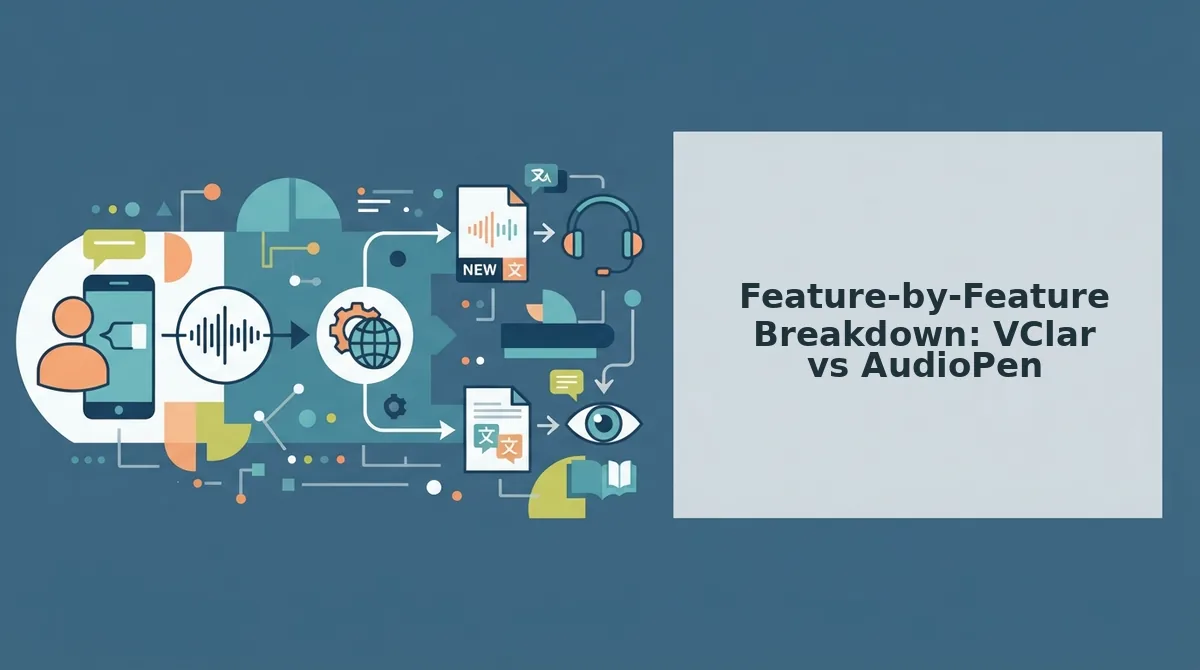
VClar and AudioPen solve different halves of the async voice problem: VClar cleans the audio itself, while AudioPen converts audio into polished text. The right choice depends on whether your team needs to hear you or read you.
| Feature | VClar | AudioPen |
|---|---|---|
| Filler word removal | Removes fillers from the audio timeline itself, so the voice message sounds decisive | Removes fillers only in the text summary; the original audio keeps them |
| Grammar correction | Corrects spoken grammar in the audio output, preserving your voice and cadence | Corrects grammar in the text transcript only |
| Translation | Translates voice notes across languages while keeping the speaker's tone | No translation capability |
| Output format | Polished audio plus transcript | Text summary, with optional link to raw audio |
| Best for | Teams that need clear, authoritative audio updates in one take | Readers who prefer structured text summaries over listening |
AudioPen is genuinely strong at what it does: turning rambling voice memos into clean, structured text notes. If your team lives in Slack threads and Notion docs, that text-first approach works well. AudioPen removes filler words from the text summary, not the audio, which is fine when nobody listens to the original recording.
VClar takes the opposite path. It removes filler words from the audio timeline itself, so the voice message you send sounds as polished as the transcript reads. It also lets you fix grammar in voice messages without re-recording, and remove filler words from audio in one pass. For cross-border teams, VClar can translate voice notes across languages while preserving the speaker's authentic tone, a capability AudioPen does not offer.
Choose AudioPen if your team prefers reading structured text summaries and does not need vocal tone. Choose VClar if your team needs clear audio with grammar fixed, filler words removed, and tone preserved.
Which Tool Fits Your Team?
Async voice tool selection is the process of matching your team's communication style, audio-first or text-first, to the tool that preserves what matters most in your updates. The decision comes down to one question: do recipients need to hear you, or read you?
Think of it like choosing between a phone call and an email. A phone call carries tone, urgency, and personality, but it demands the listener's time. An email is scannable and searchable, but it flattens emotion. AudioPen is the email: it turns your voice into clean, readable text. VClar is the phone call, minus the rambling: it keeps your voice, fixes the grammar, and removes the fillers so the audio is worth listening to.
Choose AudioPen if your team prefers reading structured text summaries and does not need vocal tone. It excels at text summarization for readers who want the gist without listening. Choose VClar if your team needs clear audio with grammar fixed, filler words removed, and tone preserved. VClar is not a full text-editing suite, so if your workflow is document-heavy, AudioPen's text output may fit better.
For voice notes for founders who send daily async updates to investors, teams, or clients, the audio layer is the message. VClar lets you record once, clean the audio, and send, no re-recording loops, no "sorry, let me try that again."
Next, we answer the most common questions about VClar and AudioPen.
Frequently Asked Questions About VClar and AudioPen
VClar outputs polished audio and transcripts with grammar fixed in the voice itself, while AudioPen converts voice to text summaries only. Here are the questions async teams ask most when comparing the two tools.
Does AudioPen output audio or just text?
AudioPen outputs text only. It transcribes your voice note and runs it through an AI summarizer, but it does not produce an audio file. If your team needs to hear your tone, cadence, or emphasis, AudioPen cannot deliver that. VClar outputs both cleaned audio and a matching transcript.
Can VClar fix grammar in voice messages?
Yes. VClar corrects spoken grammar directly in the audio timeline, not just in the transcript. When you say "we was going to launch," the output audio says "we were going to launch" in your own voice. AudioPen only cleans up the text version of your note.
Which is faster for daily async updates?
VClar is faster for daily async updates because it is one-take. You record once, and the tool removes fillers and fixes grammar automatically. AudioPen requires you to review and edit the generated text summary before sending, which adds a second step to every update.
Does AudioPen translate voice notes?
No. AudioPen does not translate voice notes across languages. It processes whatever language you speak and outputs text in that same language. VClar translates spoken audio into other languages while preserving your original voice, tone, and cadence, which matters for cross-border async teams.
Why does my voice message sound unprofessional even when the words are right?
Filler words, false starts, and verbal hesitations undermine authority even when the content is solid. A message full of "um," "like," and "basically" signals uncertainty. VClar removes these from the audio itself so the delivery sounds as decisive as the words, without re-recording. AudioPen only cleans the text, so the audio problem remains.
How do I send a polished voice update without re-recording?
Record your message once in VClar. The engine detects and removes fillers, corrects spoken grammar, and cleans acoustic distractions automatically. You get a polished audio file and transcript in your own voice in under a minute. No retakes, no script, no text editing pass required.
Send Your Next Async Update in One Take
The core tension in async voice updates is simple: you want the speed of speaking, but your team needs the clarity of writing. AudioPen solves half of that equation by turning voice into clean text. VClar solves the whole thing by cleaning the voice itself.
When tone and clarity both matter, VClar is the stronger choice. It preserves your voice, your cadence, and your intent while removing the fillers and grammar slips that make spoken updates feel sloppy. AudioPen gives you a text summary. VClar gives you a message your team can actually listen to.
Record your next async update with VClar and hear the difference in one take. Stop re-recording. Stop settling for text-only summaries. Send the update you meant to send the first time.