
You know exactly what you want to say in English. You rehearse it in your head, hit record, and then, "um, I think that we should, like, maybe proceed with the, ah, proposal." The words come out tangled, and you delete the message for the third time. If that loop sounds familiar, the VClar vs AudioPen for non native english speakers decision matters more than you might expect.
Your frustration is valid: speaking a second language under time pressure is hard, and re-recording doesn't fix the underlying gaps. This article will show you exactly how VClar and AudioPen handle grammar, voice, and output, and which one actually helps you sound more fluent. We'll cover what non-native speakers need from a voice tool, then break down the core differences side by side.
Here's the open loop: one of these tools erases your voice entirely, and one preserves it while fixing your grammar. The answer changes how you should practice speaking English, not just how you send messages. VClar's filler word removal and spoken grammar correction work on your actual audio, not a text summary of it.
What Non-Native Speakers Actually Need from a Voice Tool
A voice tool for non-native speakers is software that takes your spoken English and returns a corrected, usable version, either as audio, text, or both. The right tool does three jobs: fixes grammar, preserves your voice, and gives you output you can actually send or study from.
Think of it like a writing tutor who reads your essay aloud after correcting it. A tutor who only hands back a typed summary helps you see the mistakes, but you never hear how the corrected version should sound. That's the gap most voice tools leave open.
Text-only output fails language learners in a specific way. When AudioPen summarizes your voice note, you get clean text, but you lose the pronunciation model, the rhythm, and the intonation of correct spoken English. You can read "I'd like to schedule a follow-up call," but you still don't know how to say it confidently.
VClar takes a different path. It removes filler words, corrects spoken grammar, and outputs enhanced audio in your own voice alongside a transcript. You hear yourself saying the corrected sentence. That audio is the actual learning tool, it models correct English using your accent and cadence, not a synthetic voice.
Accent preservation is the decision criterion most comparisons miss. AudioPen converts speech to text, so your accent becomes irrelevant, it's gone. VClar keeps your accent intact while fixing the grammar around it. For a non-native speaker who wants to sound clearer without sounding like someone else, that distinction defines the entire tool. If you're exploring how voice notes for non-native speakers can work in practice, the audio output question is where to start.
VClar vs AudioPen: Core Differences at a Glance
VClar and AudioPen serve different workflows: VClar returns enhanced audio plus a transcript in your own voice, while AudioPen returns a text summary of what you said. For non-native speakers, that single difference changes everything about how the tool fits into daily communication and practice.
AudioPen deserves credit for what it does well. It's fast, simple, and excellent at turning rambling voice notes into clean, structured text. If your goal is capturing ideas, drafting emails, or journaling without typing, AudioPen is a strong choice. The text output is polished and ready to paste anywhere.
What AudioPen cannot do is return audio. Your voice, your accent, your pacing, all of it becomes text. For a non-native speaker who needs to hear corrected pronunciation or send a voice message that sounds professional, that's a hard limitation. VClar fills exactly that gap: it removes fillers, fixes grammar, and outputs enhanced audio in your own voice plus a transcript.
| Feature | VClar | AudioPen |
|---|---|---|
| Output format | Enhanced audio + transcript | Text summary only |
| Filler word removal | Yes, in the audio timeline | Yes, in the text output |
| Spoken grammar correction | Yes, applied to audio | Yes, applied to text |
| Accent and cadence preservation | Yes, your voice stays intact | N/A, voice is converted to text |
| Pronunciation model for learners | Yes, hear corrected English in your voice | No, text only |
| Best for | Non-native speakers who send voice messages and want to sound clearer | Native or fluent speakers who want fast text notes from voice |
Here's the workflow difference in practice. A non-native speaker records a voice note in VClar, and the tool removes the "ums" and false starts, corrects the grammar, and returns a clean audio file they can send to a client or colleague, plus a transcript for reference. The same speaker using AudioPen gets a text paragraph they can read, but no audio to send and no spoken model to learn from.
For a deeper feature-by-feature breakdown, see the full VClar vs AudioPen comparison. The next section digs into the grammar correction gap: VClar fixes your spoken English, while AudioPen summarizes it.
Grammar Correction: VClar Fixes Your Spoken English, AudioPen Summarizes It
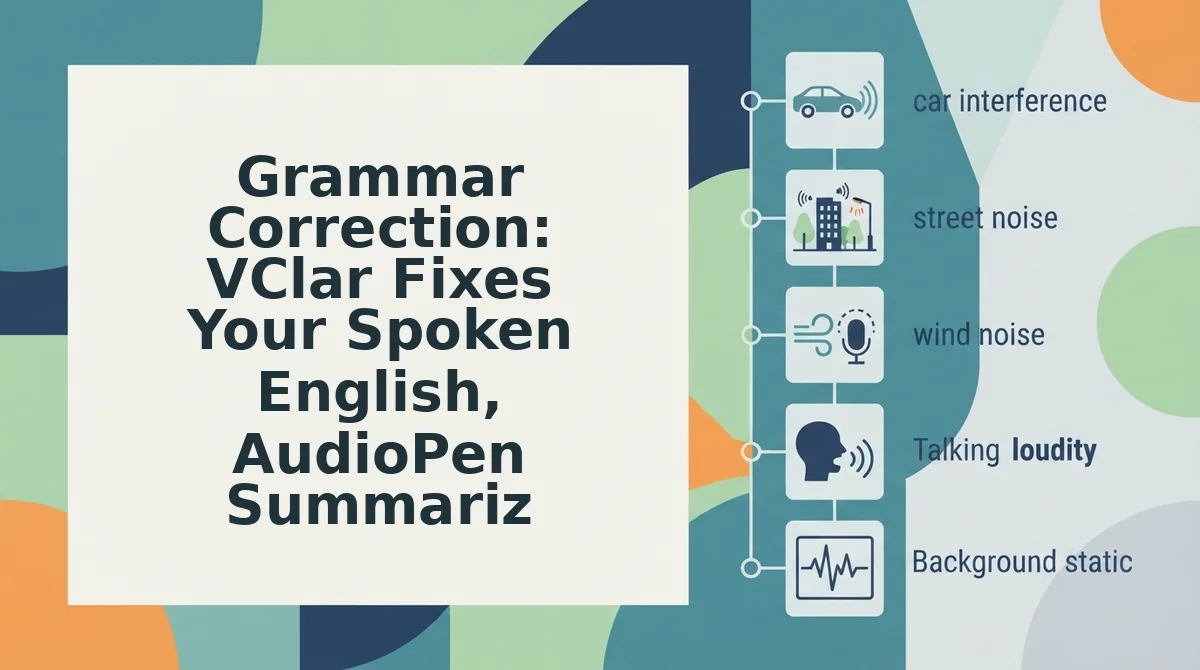
Grammar correction in a voice tool is the process of repairing sentence fragments, verb tense errors, and word-order mistakes in spoken language so the final output reads and sounds like confident, fluent English. VClar does this inside the audio itself; AudioPen does it by converting your speech into rewritten text.
Think of the difference like a tailor versus a translator. A tailor adjusts the same garment so it fits better. A translator takes your words and produces a new document in a different form. VClar is the tailor: it trims verbal hesitations, repairs broken clauses, and smooths awkward phrasing while keeping your voice, accent, and delivery intact. AudioPen is the translator: it listens to your rambling speech and hands back a structured text summary that no longer sounds like you.
For a non-native speaker, this distinction matters at every skill level. At the simple level, you might record a message like: "Yesterday I go to the meeting and... uh... we discuss about the budget." VClar corrects the spoken grammar to "Yesterday I went to the meeting and we discussed the budget", and you hear yourself saying it correctly. AudioPen would produce a clean text note, but you would never hear the corrected sentence in your own voice.
At the intermediate level, you start noticing patterns. VClar's audio output lets you compare what you said with what you should have said, turning every voice message into a micro-lesson. At the advanced level, you use VClar to fix grammar in voice messages before sending them to investors or clients, so your spoken English carries the same authority as your written English.
Consider a founder recording a 60-second project update. The raw audio contains three false starts, two "basically" fillers, and a tangled conditional clause. VClar removes the fillers, repairs the clause, and outputs a clean 45-second voice note that still sounds like the founder. AudioPen would output a tidy paragraph of text, useful for notes, useless for sending a voice update to a stakeholder who expects to hear your voice.
VClar removes verbal hesitations and corrects spoken grammar without altering the speaker's authentic voice, tone, or cadence. AudioPen converts rambling speech to structured text summaries; it does not output corrected audio. If your goal is to sound more fluent, only one of these tools lets you hear the improvement.
Voice Preservation: The Feature AudioPen Cannot Match
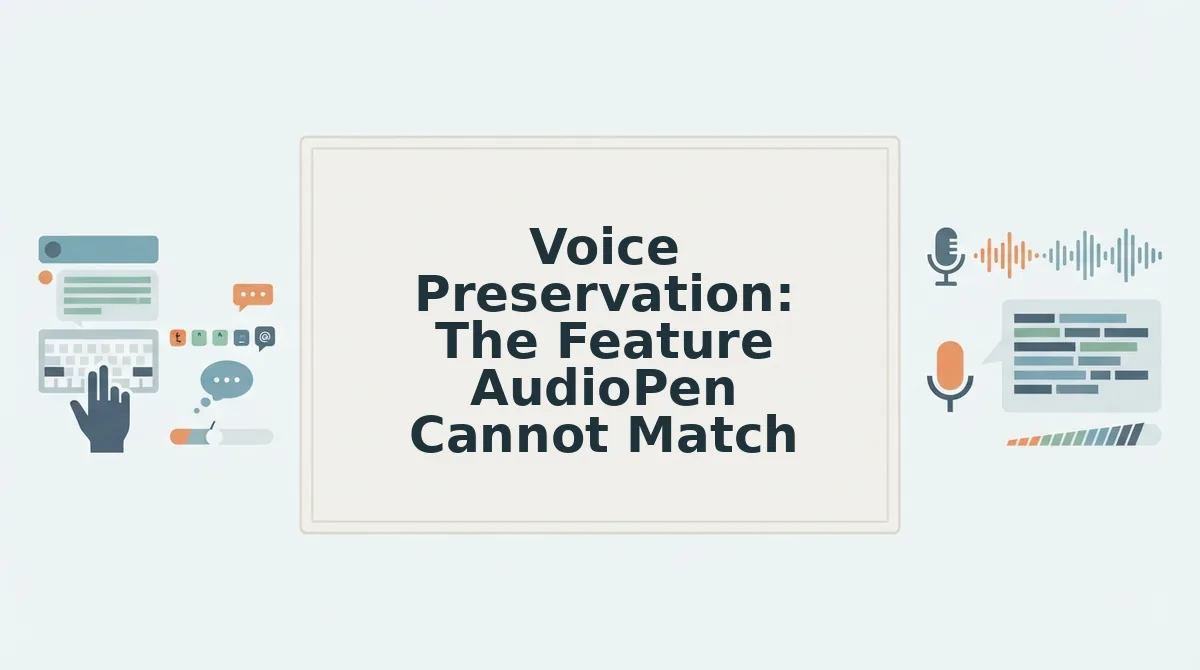
Voice preservation is the ability of a speech tool to retain the speaker's original accent, tone, pitch, and speaking rhythm while cleaning up the message content. VClar preserves your voice; AudioPen erases it entirely by converting speech to text.
Think of voice preservation like photo editing. You can remove red-eye, brighten shadows, and crop the frame without changing who is in the picture. VClar does the audio equivalent: it removes filler words, corrects grammar, and cleans background noise while keeping the person in the recording recognizably you. AudioPen takes the same photo and turns it into a written description. The description may be accurate, but it is no longer a photo.
For non-native English speakers, this is not a cosmetic preference, it is an identity question. Your accent carries your history, your region, and your first language. Many speakers fear that AI voice tools will flatten their accent into a generic American or British voice. VClar does not do that. It preserves your accent and cadence while removing only the hesitations and errors that undermine clarity.
Hearing your own corrected voice also accelerates language learning. When VClar removes the "um" and repairs a verb tense, you hear the corrected sentence in your own voice, with your own accent. That auditory feedback loop, hearing yourself speak correctly, is far more effective for retention than reading a corrected transcript. AudioPen cannot provide this because it never outputs audio.
Here is the practical workflow: record a voice note in your natural speaking style, let VClar remove filler words from audio and correct the grammar, then listen to the cleaned version. You hear a more fluent version of yourself, same accent, same tone, same cadence, and you internalize the correction. Send that audio to a colleague or client, and they hear a polished speaker who still sounds like you. That combination of polish and authenticity is what AudioPen structurally cannot deliver.
WhatsApp Voice Notes: The Workflow Non-Native Speakers Use Daily
WhatsApp is the default communication channel for cross-border teams, freelancers, and non-native English speakers who need to send quick voice updates without typing. VClar fits directly into this workflow; AudioPen cannot because it outputs text, not corrected audio.
Prerequisites: A smartphone with WhatsApp installed, the VClar app or web tool, and a voice note you want to send.
- Record your voice note in WhatsApp as you normally would. Speak naturally, do not worry about fillers, grammar slips, or pauses. You should have a raw voice note of 30 to 90 seconds.
- Export or share the voice note to VClar. On most phones, long-press the voice note in WhatsApp, tap Share, and select VClar from the share sheet. The audio uploads in seconds.
- Let VClar process the audio. The tool removes fillers like "um" and "basically," corrects spoken grammar, and cleans background noise. Processing typically takes under a minute. You should see a preview of the cleaned audio.
- Select your target language if the recipient speaks a different one. VClar translates speech across languages without altering your authentic voice, tone, or cadence. Choose the language from the output settings.
- Listen to the corrected or translated version. Confirm it still sounds like you, same accent, same rhythm, but clearer and more fluent. You should hear a decisive, polished voice note.
- Send the cleaned audio back to WhatsApp. Tap Share or Export, select WhatsApp, and choose the recipient or group. The message arrives as a voice note, not a text block.
This loop, record, correct, translate, send, takes under two minutes and produces a voice note that sounds like a more fluent version of you. AudioPen cannot complete this loop because it converts speech to text summaries. If your team communicates by voice on WhatsApp, a voice message translator that preserves your voice is the only tool that fits the workflow.
Cross-border teams and non-native speakers use WhatsApp heavily because voice notes are faster than typing and warmer than email. VClar removes the one downside, unpolished, hesitant delivery, without removing the human voice that makes the format work.
If you are weighing VClar against AudioPen for daily WhatsApp use, the next section answers the most common questions about how the two tools compare for non-native speakers.
Frequently Asked Questions About VClar and AudioPen for Non-Native Speakers
VClar is the better choice for non-native English speakers who need corrected audio in their own voice, while AudioPen works only for text summaries. Here are the questions non-native speakers ask most often.
Which is better for non-native English speakers, VClar or AudioPen?
VClar is better for non-native speakers who need to send voice messages, because it corrects grammar and removes filler words directly in the audio while preserving your voice. AudioPen only produces text summaries, so you cannot hear or send corrected spoken English.
Does AudioPen correct grammar in audio?
No. AudioPen transcribes your speech and rewrites it as text, but it does not modify the audio file itself. If you need to send a voice note with corrected grammar, you would have to re-record it yourself or use a tool like VClar that edits the audio directly.
Can VClar translate WhatsApp voice notes?
Yes. VClar translates speech across languages without altering your authentic voice, tone, or cadence. You can record a voice note in your native language and send a translated version in English that still sounds like you speaking.
Will VClar change my accent?
No. VClar preserves your natural accent, personal cadence, and speaker intent. It removes verbal fillers, corrects spoken grammar, and cleans acoustic distractions, but it does not replace your delivery with synthetic text-to-speech or a standardized accent.
Is AudioPen good for language learning?
AudioPen can help you see a cleaner written version of your spoken thoughts, which is useful for vocabulary and structure review. However, it does not let you hear the corrected version spoken aloud, so it cannot train your pronunciation or spoken delivery the way VClar's corrected audio can.
The Bottom Line: Choose the Tool That Matches Your Goal
The decision comes down to one question: do you need corrected text or corrected audio? If you only want a clean written summary of your spoken thoughts, AudioPen does that well. But if you are a non-native speaker who needs to send voice messages that sound polished and grammatically correct, without re-recording five times. VClar is the clear choice.
Here is the decision matrix in one line: text summaries to AudioPen; corrected audio in your voice to VClar. No other tool in this comparison edits the audio timeline itself while preserving your accent, cadence, and delivery.
Your next step is simple: Try VClar on your next voice note and hear the difference in one take. You will stop apologizing for your English and start sending messages you are confident about.