
You record a voice message, hit send, and then cringe, the "ums," the tangled sentence, the filler words that make you sound less sure than you actually are. You could re-record it five times, or you could let AI clean it up in one pass. The confusion starts when you search for a fix: VClar vs ElevenLabs, which one actually solves this problem?
You're not alone in assuming both tools do the same thing. They both use AI and they both touch voice, but they solve opposite problems. VClar enhances the voice message you already recorded, removing fillers, fixing grammar, and translating speech while keeping your authentic voice intact. ElevenLabs generates entirely new synthetic speech from text or a cloned voice sample.
By the end of this comparison, you'll know exactly which tool fits your workflow, why one is built for voice messages and the other for voice generation, and the surprising reason most people who think they need a voice cloner actually need a speech enhancer instead. The answer to that last point may change which tool you sign up for.
What Does VClar Do for Voice Messages?
VClar is an AI voice message translator and speech enhancer that cleans up your existing spoken audio, removing filler words, correcting grammar, and translating speech across languages, without replacing your authentic voice, tone, or cadence.
Think of VClar like a professional editor for your spoken words. When you send a written draft to an editor, they don't rewrite it in someone else's voice, they tighten the sentences, cut the fluff, and make your point land harder. VClar does the same thing for audio: it removes the "ums," "ahs," and false starts, fixes awkward phrasing, and delivers a polished version that still sounds unmistakably like you.
Here's the workflow in practice. You record a spontaneous voice message on your phone, maybe a pitch to a client, a status update for your team, or a voice note to a cross-border partner. You upload it to VClar. The engine detects verbal fillers like "basically," "you know," and repeated false starts, then removes them from the audio timeline seamlessly. It also corrects spoken grammar so your message reads as clearly as it sounds. If the recipient speaks another language, VClar translates the speech while preserving your natural cadence and accent.
This is the Enhance-First Philosophy: VClar treats your voice as the asset, not the obstacle. The platform will not generate synthetic speech, clone your voice for text-to-speech, or replace your delivery with an AI voice. If you want to remove filler words from audio and keep your authentic delivery, VClar is built for exactly that. The result is a one-take voice message that sounds decisive, direct, and entirely human, because it is.
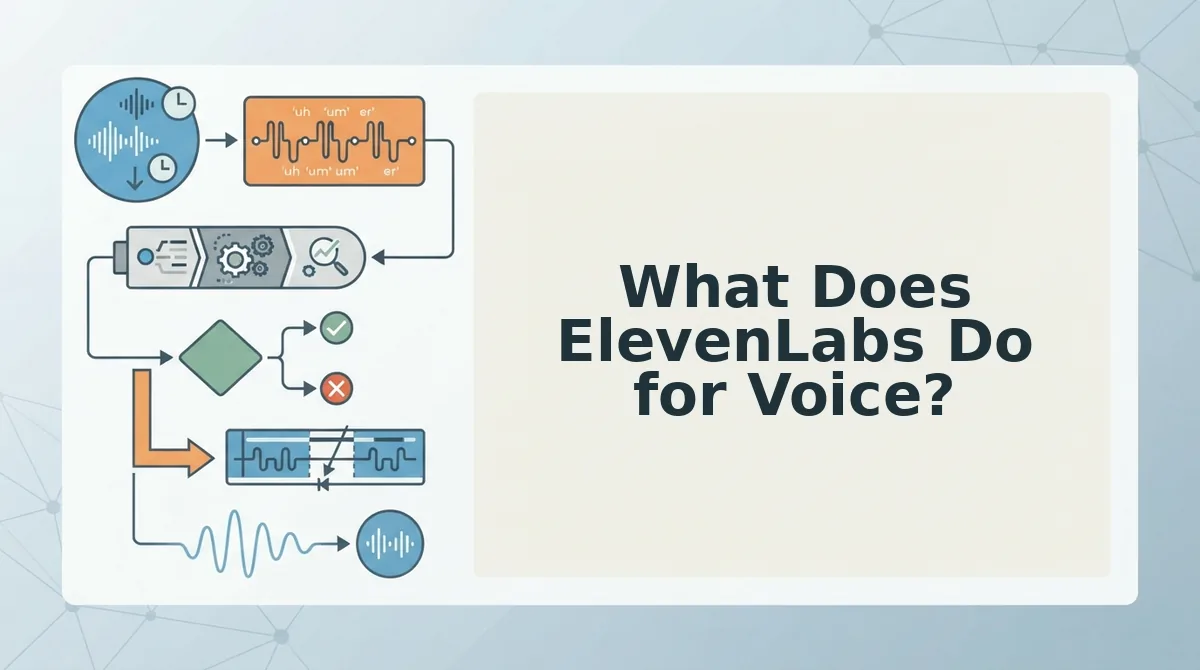
What Does ElevenLabs Do for Voice?
ElevenLabs is an AI voice generation platform that creates synthetic speech from text and clones voices for text-to-speech (TTS) applications, producing studio-grade audio without a human recording.
Think of ElevenLabs like a voice actor you can hire on demand. You provide the script, or a short sample of a voice you want to replicate, and the platform generates a performance. The output is not an edited version of something you said; it's a brand-new audio file synthesized from scratch.
The workflow starts with either text input or a voice sample. For text-to-speech, you type or paste a script, select a voice from the library or a cloned voice you've created, and ElevenLabs generates spoken audio. For voice cloning, you upload a short recording of a real person's voice, and the platform builds a digital replica that can read any text in that voice. This makes ElevenLabs a strong fit for audiobook narration, video voiceovers, dubbing content into multiple languages, and any scenario where a human speaker isn't available or practical.
Where ElevenLabs clearly wins is production-grade voice generation at scale. If you need a consistent narrator for hundreds of videos, or you want to dub a podcast into five languages without hiring five voice actors, ElevenLabs is the right tool. The tradeoff is authenticity: the voice is synthetic, even when it's a convincing clone. For voice messages, where the recipient expects to hear you, not a digital replica, that distinction matters. The real question isn't which tool is better overall, but which problem you're actually solving.
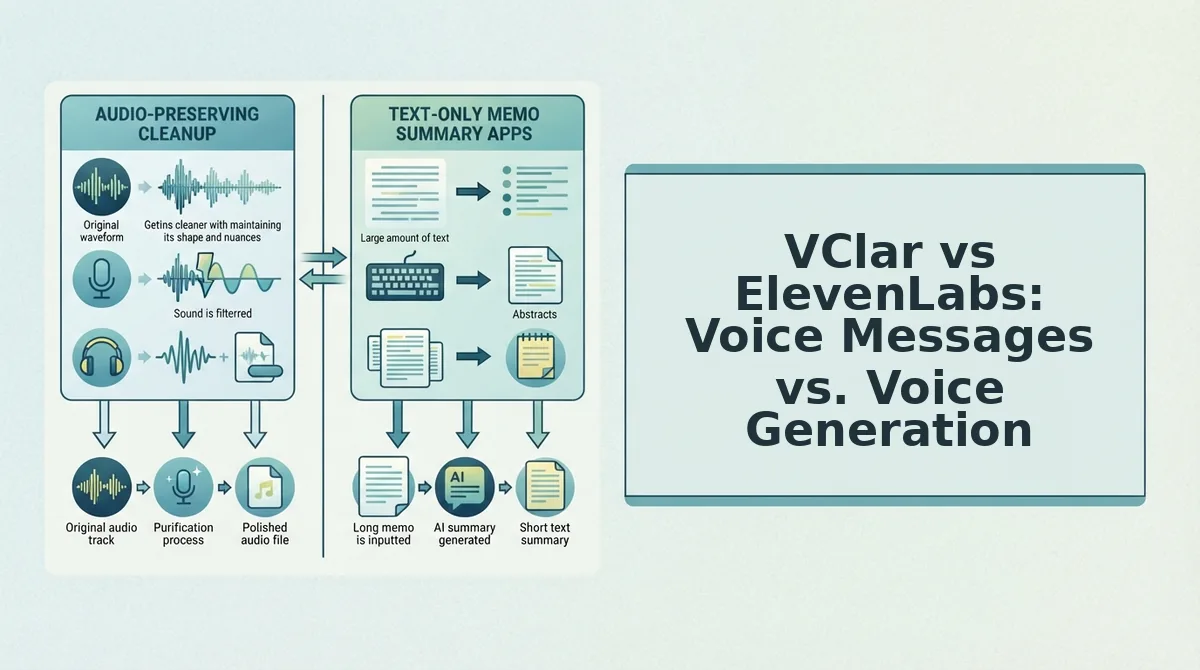
VClar vs ElevenLabs: Voice Messages vs. Voice Generation
VClar enhances a voice message you already recorded; ElevenLabs generates a new voice from text or a cloned sample. The core difference is workflow: VClar operates on your original audio, while ElevenLabs synthesizes audio that did not previously exist.
Workflow Comparison
| Stage | VClar | ElevenLabs |
|---|---|---|
| Input | Record a spontaneous voice message or upload raw audio | Type text or upload a voice sample for cloning |
| Process | Detects and removes fillers, corrects spoken grammar, cleans acoustic distractions, translates if needed | Generates synthetic speech from text using a selected or cloned voice model |
| Output | Enhanced version of your original recording, your voice, your cadence, your accent intact | New synthetic audio file that mimics a voice profile |
| Time to deliver | One take: record to upload to process to deliver | Text-input or clone-setup to generate to deliver |
Output Comparison: Enhanced Original vs. Synthetic New
VClar's output is still you, the same recording with hesitations removed and grammar tightened. ElevenLabs' output is a new audio file generated from scratch, even when it sounds like a specific person.
For voice messages, synthetic quality is the wrong metric. Authenticity, speed, and trust matter more. A client hearing your actual voice, minus the "ums", trusts the message differently than one hearing a generated voice that merely resembles yours.
Honest Assessment of ElevenLabs' Strengths
ElevenLabs is a strong choice when you need a voice that does not exist yet: narration for a video, a character voice for a game, or a consistent brand voice across many pieces of content. Its cloning technology is mature, and its tiered plans serve production-heavy users well.
Best For Recommendations
- Best for founders, sales teams, and freelancers sending voice notes: VClar. You record once, clean it up, and send, no re-recording loop, no synthetic voice standing between you and your recipient.
- Best for video producers, game developers, and content teams needing generated voiceovers: ElevenLabs. When there is no original recording to enhance, generation is the right tool.
If your workflow starts with a spoken message and ends with a recipient hearing your voice, VClar's one-take pipeline is the direct path. If your workflow starts with a script and ends with a produced audio asset, ElevenLabs fits.
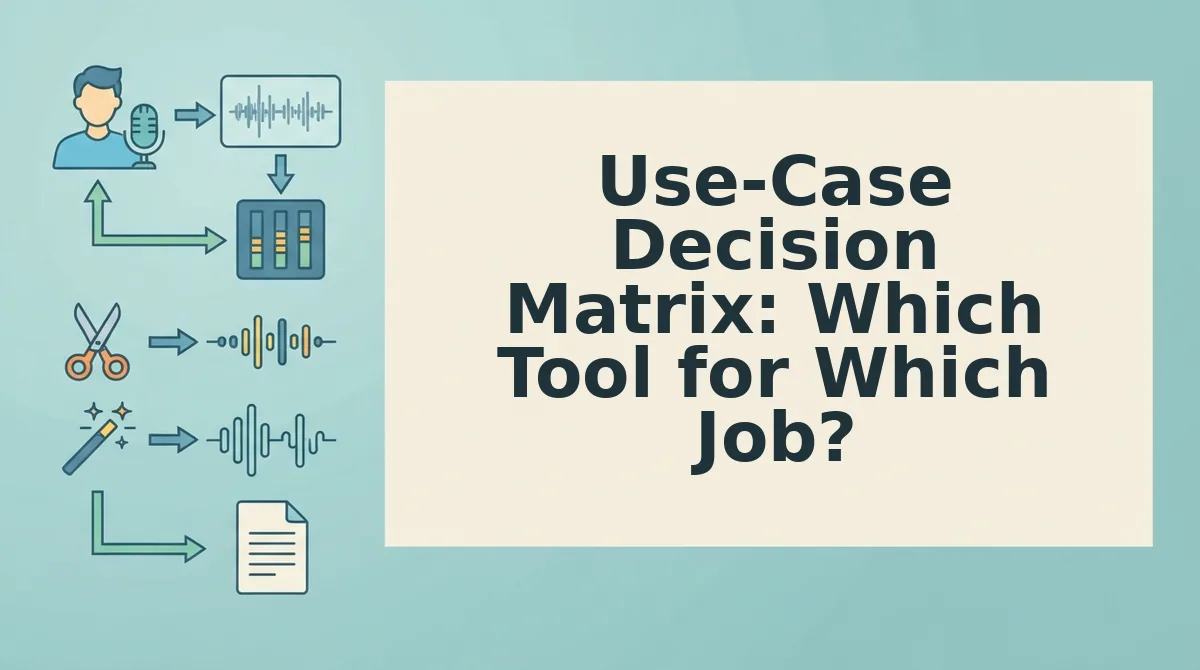
Use-Case Decision Matrix: Which Tool for Which Job?
The right tool depends on whether you are improving an existing recording or creating a new one. Here are the seven most common scenarios, ordered by how often they come up for voice message users.
- You need to send a polished voice note to a client. Record once in VClar, let it strip the "ums" and false starts, and send a decisive message. This is the highest-value use case because client-facing communication directly affects trust and revenue.
- You need to fix grammar in voice messages without re-recording. VClar corrects spoken grammar in your original audio, so you avoid the frustration of take four, five, and six. One take becomes enough.
- You need to translate a voice message to another language. VClar translates while preserving your voice, tone, and cadence. ElevenLabs regenerates speech in the target language, which changes the vocal identity of the message.
- You need a voice note translator for cross-border communication. VClar handles this in the same workflow as enhancement, upload, process, deliver in the target language. No separate tool or step required.
- You need to generate a voiceover for a video. ElevenLabs is the better fit here. There is no original recording to clean up; you need a voice created from a script, and ElevenLabs generates that directly.
- You need a consistent synthetic brand voice across many produced assets. ElevenLabs' cloning and generation pipeline serves this well. VClar is not designed for producing net-new audio from text.
- You need to remove filler words from a recorded meeting or podcast clip. VClar cleans the existing audio timeline without altering the speaker's delivery. This is enhancement, not generation, so VClar is the direct match.
Pricing and Accessibility: VClar vs ElevenLabs
VClar is browser-first with no installation required; ElevenLabs operates on tiered plans structured for different usage levels. Both approaches have clear trade-offs depending on how you work.
| Factor | VClar | ElevenLabs |
|---|---|---|
| Access model | Browser-first, no installation required | Web platform with tiered subscription plans |
| Setup friction | Low, open the site, upload or record, process | Moderate, account setup and plan selection before generation |
| Pricing structure | Based on the VClar product brief; no tiered plan details published in this context | Tiered plans for different usage levels, per the product brief |
| Best for | Individuals and small teams who need quick, one-off voice message cleanup without software installs | Production teams and creators who generate voice content at scale and need predictable monthly limits |
ElevenLabs' tiered structure is a genuine advantage for high-volume users who can forecast their generation needs. VClar's browser-first model removes friction for the spontaneous, one-take voice message workflow that founders and sales teams rely on daily. If you are deciding based on accessibility alone, the question is whether you need a tool you can open and use in seconds, or a platform you subscribe to for ongoing production output.
Still weighing the differences? The FAQ below addresses the most common questions about how VClar and ElevenLabs compare for voice translation specifically.
FAQ: VClar vs ElevenLabs for Voice Translation
VClar cleans and translates your existing voice message while preserving your real voice; ElevenLabs generates new synthetic voices for dubbing and TTS projects.
Can ElevenLabs translate a voice message while keeping my actual voice?
ElevenLabs can clone your voice and generate translated speech in it, but the output is a synthetic reconstruction, not your original recording. VClar translates the audio you actually recorded, preserving your natural tone, cadence, and delivery without regenerating the voice.
Is ElevenLabs overkill for quick voice notes?
Yes, for most quick voice notes, ElevenLabs is overkill. It requires voice cloning setup, text input, and generation time. VClar processes the voice message you already recorded in one pass, removing fillers and fixing grammar without any cloning or text-to-speech workflow.
What happens to my accent and tone when AI processes my voice?
With VClar, your accent and tone stay intact because the engine edits your original audio timeline rather than regenerating speech. With ElevenLabs, the cloned voice approximates your accent but can introduce synthetic artifacts, especially on emotional inflection or regional pronunciation.
How do I translate a voice message into another language without sounding robotic?
Record your message once in your native language, then run it through VClar's translation engine. The output keeps your vocal identity and natural pacing while delivering the message in the target language, avoiding the flat, synthetic quality common in text-to-speech translation tools.
Why does my voice message sound different after AI processing?
Voice messages sound different after AI processing when the tool regenerates speech from text instead of editing the original audio. VClar edits your recording directly, removing fillers and hesitations while preserving the exact acoustic signature of your voice, so the result sounds like you on a good day.
Which Should You Choose for Natural Voice Message Translation?
If your goal is sending polished, natural voice messages in one take, VClar is the clear choice. It edits your actual recording, preserving your voice, accent, and intent while removing fillers and translating across languages. ElevenLabs excels at a different job: generating voiceovers, dubbing content, and building TTS applications where a synthetic voice is acceptable or desired.
The distinction comes down to whether you want to improve your real voice or create a new one. VClar wins for everyday communication; ElevenLabs wins for production-grade voice generation. For teams weighing VClar against other editing tools, the VClar vs Descript comparison covers the audio-editing side of the decision.
Your next step: record a voice message, run it through VClar, and hear the difference in one take. You will know within 30 seconds whether it solves the re-recording loop you have been fighting.