
You think at 150 words per minute, but you've just re-recorded the same 40-second voice note five times because you said "um" twice and tripped over a sentence. Founders and sales reps lose hours every week to this exact loop, and most comparisons of VClar vs Grammarly for spoken transcript diffs miss the point entirely.
You're right that polished communication matters. What you're wrong about is that polishing has to mean re-recording, transcribing, or pasting text into a document editor. Grammarly edits text you paste in. VClar edits the audio itself, removing fillers, fixing spoken grammar, and preserving your voice, tone, and cadence in one pass.
In this guide, you'll learn what a spoken transcript diff actually shows, why Grammarly's five-step voice-note workflow stalls where VClar's two-step process doesn't, and how to choose the right tool for voice notes for founders and sales teams. One finding ahead: the tool you trust for written grammar may be adding steps to a problem that shouldn't have steps at all.
What Does a Spoken Transcript Diff Actually Show?
A spoken transcript diff shows the raw voice note, fillers, fragments, false starts, and all, side by side with the cleaned audio and transcript, so you can hear and read exactly what changed. It's the before-and-after view of your spoken words, not your typed ones.
Think of it like a track-changes view in a document editor, except the "document" is your actual voice recording. On one side, you see the unpolished transcript: "So, um, basically what I'm saying is, like, we should, you know, move the deadline." On the other side, you see the cleaned version: "What I'm saying is we should move the deadline." The audio plays on both sides so you can hear the difference, not just read it.
This matters because voice-first workflows don't start with text. You record a thought, send it, and move on. A spoken transcript diff closes the gap between what you said and what you meant to say, without forcing you to retype anything. No competitor comparison defines this concept; they all compare text editors to text editors, which is why the voice-native angle gets overlooked.
At the intermediate level, a spoken transcript diff reveals patterns: which fillers you overuse, where your sentences fragment, how often you restart a thought. At the advanced level, it becomes a feedback loop for training yourself to speak more cleanly on the first take, because you can hear the exact edits the engine made and internalize them for next time.
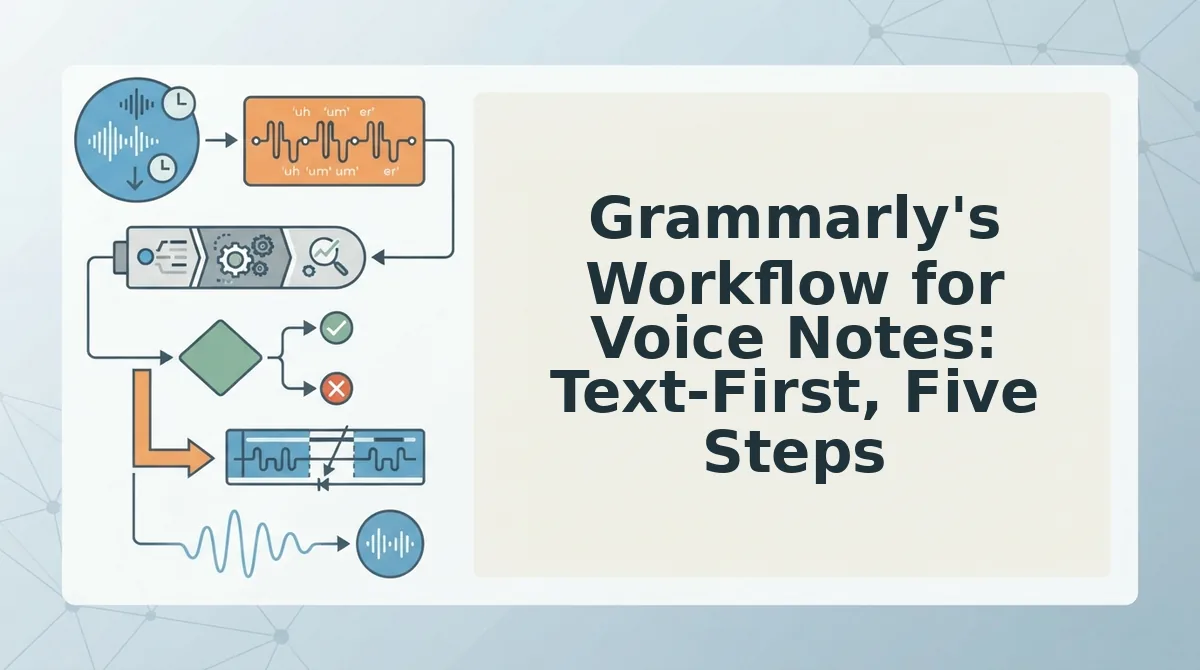
Grammarly's Workflow for Voice Notes: Text-First, Five Steps
Grammarly processes text you paste in; it does not process audio or preserve vocal delivery. If you want to use Grammarly to clean up a voice note, you'll need a separate transcription tool and a willingness to re-record the final message yourself.
Prerequisites: A voice recording app, a transcription tool (built-in or third-party), a Grammarly account, and enough time to re-record the polished version.
- Record your voice note. Open your voice memo app and capture the message in one take, fillers and all. Expect a rough first draft, that's normal.
- Transcribe the audio to text. Use your phone's built-in transcription or a third-party tool to convert the recording into written words. You should see a text block with all your "ums," "likes," and false starts visible.
- Paste the transcript into Grammarly. Open the Grammarly editor, paste the raw transcript, and wait for the grammar and clarity suggestions to appear. Grammarly will flag filler words, run-on sentences, and awkward phrasing, but only in text form.
- Edit the text manually. Accept or reject Grammarly's suggestions, delete fillers by hand, and restructure sentences until the written version reads cleanly. You now have polished text, but no polished audio.
- Re-record the voice note from the edited script. Read the cleaned text aloud into your voice memo app again. This is where vocal delivery breaks down: pacing, emphasis, and natural cadence shift because you're reading, not speaking. Expect at least one or two more takes to sound natural.
Total: five steps, two separate tools, and a final recording that may not sound like you. Grammarly excels at written documents, that's its core strength. But for voice notes, it stalls at step two: there's no audio processing and no vocal preservation. VClar's workflow removes three of those steps entirely.
Here's what that looks like when the audio itself is the input.
VClar's Workflow for Spoken Grammar: Voice-First, Two Steps
VClar compresses the entire spoken-grammar correction loop into two steps: record your voice note, then send the cleaned result. You need a VClar account and a device with a microphone or an existing voice memo file to upload.
- Record or upload your voice note. Open the VClar app or web dashboard, tap the record button, and speak your message naturally, hesitations, false starts, and all. Alternatively, click Upload and select an existing audio file from your device. You should see a waveform preview appear within seconds, confirming the audio is captured and ready for processing.
- Review the cleaned output and send. Click Enhance and wait roughly 10 - 30 seconds depending on message length. You should see a side-by-side diff showing the original transcript next to the corrected version, with filler words struck through and grammar fixes highlighted. The cleaned audio plays back in your own voice, with ums, ahs, and false starts removed and acoustic distractions stripped out. Tap Send or Export to share the polished audio and transcript.
The entire loop takes under a minute, which is the point: one take, no re-recording. VClar removes verbal hesitations, corrects spoken grammar, and removes acoustic distractions without altering the speaker's authentic voice, tone, or cadence. The diff reveals grammar fixes, filler removal, and preserved voice in one view, so you can fix grammar in voice messages without ever typing a word.
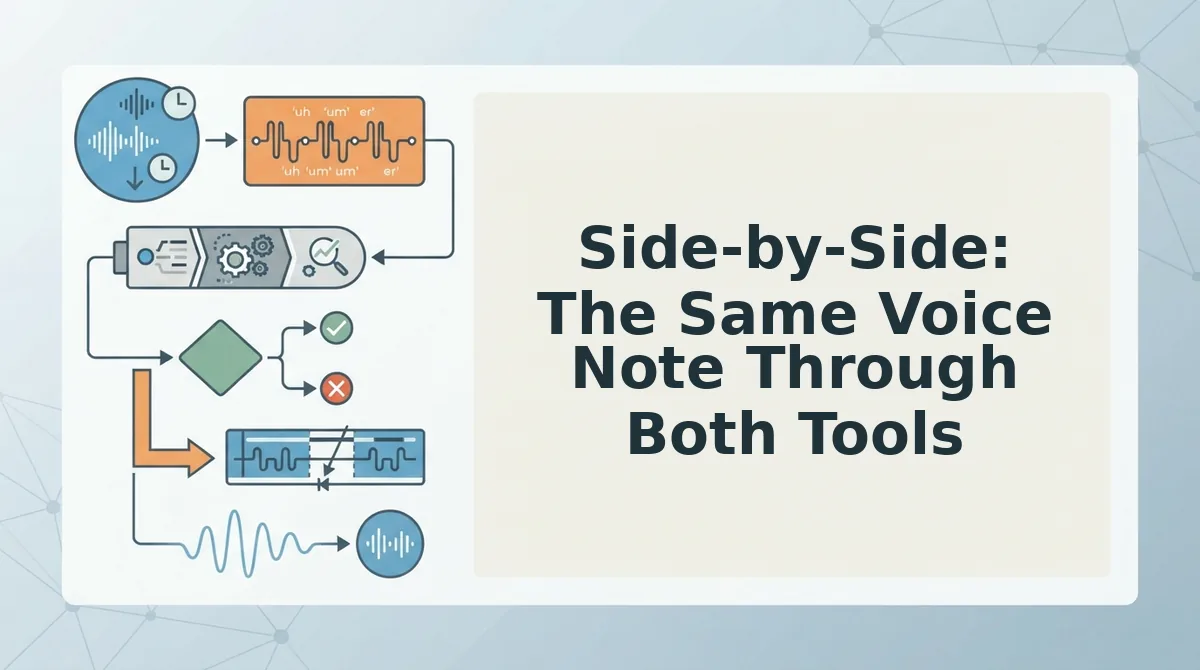
Side-by-Side: The Same Voice Note Through Both Tools
Grammarly corrects the words you wrote or pasted; VClar corrects the words you spoke and returns the audio. The difference is the deliverable: a text document versus a sendable voice message.
Take this raw voice note transcript: "So um basically I think we should like move the launch to, uh, next Thursday because you know the, the vendor needs more time."
Grammarly's text-only output fixes the grammar and flags wordiness, but the audio still contains every hesitation and false start. VClar's output removes the fillers, corrects the spoken grammar, and delivers cleaned audio in your voice plus a polished transcript.
| Comparison Point | Grammarly | VClar |
|---|---|---|
| Workflow steps | 5 steps: record, transcribe, paste, review, copy back | 2 steps: record, enhance and send |
| Output format | Text-only corrections, no audio | Cleaned audio plus transcript |
| Voice preservation | Not applicable, no audio output | Preserves authentic voice, tone, and cadence |
| Filler word handling | Flags in text; you manually delete | Automatically removed from audio timeline |
| Best for | Writers polishing emails, essays, and documents | Founders, sales reps, and creators sending voice messages |
Grammarly's strength is real: it is the better tool when your final deliverable is a written document. Its suggestions are deep, context-aware, and tuned for formal writing. VClar's strength is equally specific: it is the better tool when your final deliverable is a spoken message, because it can remove filler words from audio without making you re-record.
If you send voice notes daily and currently paste transcripts into Grammarly, then re-record the corrected script, VClar collapses that five-step loop into two steps and keeps your voice intact.
When to Choose Grammarly vs VClar
The decision hinges on one question: is your final deliverable text or audio? Here is the decision matrix, ordered by how often each scenario comes up in day-to-day work.
- Choose Grammarly when your deliverable is a written document. Emails, essays, reports, and blog drafts benefit from Grammarly's deep text analysis, tone suggestions, and style recommendations. Use it when the reader will only ever see the words on a page, not hear your voice.
- Choose VClar when your deliverable is a voice message. Voice notes to clients, team updates, and sales follow-ups need spoken grammar fixed and fillers removed without re-recording. Use it when the recipient will hear the audio, and you want one-take confidence.
- Choose Grammarly when you need formal writing polish. Academic or professional documents with strict grammar rules benefit from Grammarly's rule-based corrections and citation-aware suggestions. Use it when the stakes are on the page, not the recording.
- Choose VClar when you need cross-language voice delivery. If you send voice messages to international clients or teammates, VClar's voice note translator handles spoken translation while preserving your vocal identity. Use it when the message must be heard, not read.
- Choose Grammarly when you are editing someone else's text. Reviewing a colleague's draft or polishing a shared document is text-first work. Use it when collaboration happens in a document editor, not a voice thread.
- Choose VClar when re-recording is the bottleneck. If you find yourself recording the same voice note three or four times to get it right, VClar removes that loop entirely. Use it when time saved per message matters more than prose-level nuance.
Both tools can coexist in one workflow: Grammarly for written deliverables, VClar for spoken ones. The next section answers the most common questions about using them together.
FAQ: VClar vs Grammarly for Spoken Transcript Diffs
A spoken transcript diff shows the gap between what you said and what a tool changed. Grammarly edits text you paste in, while VClar edits the audio itself so your voice stays intact.
Can Grammarly fix grammar in a voice note?
Grammarly cannot process audio directly. You must transcribe the voice note first, paste the text into Grammarly, accept edits, then re-record or send the corrected text. It fixes grammar in text only, never in the original audio file.
Does Grammarly change how I sound in a voice message?
Grammarly changes wording, not sound. Since it works on text, any edits you accept must be re-spoken or sent as written text. Your vocal tone, cadence, and accent are untouched because Grammarly never touches the audio itself.
What is a spoken transcript diff?
A spoken transcript diff compares your original spoken words against the corrected version a tool produces. It reveals which fillers were removed, which grammar errors were fixed, and whether the tool preserved your phrasing or rewrote it entirely.
Why does my voice message sound different after using a grammar tool?
If you re-record after text edits, your delivery changes because you are reading, not speaking spontaneously. VClar avoids this by editing the audio timeline directly, fillers disappear and grammar tightens while your original vocal performance remains.
How do I fix grammar in a voice message without re-recording?
Use a voice-first tool like VClar. Upload your voice note, and the engine removes fillers, corrects spoken grammar, and cleans acoustic noise in the audio itself. You get a polished message in one take without re-recording or pasting text anywhere.
The Verdict: Voice-First Beats Text-First for Spoken Transcript Diffs
If your deliverable is a voice message, not a document, the five-step text-first loop Grammarly requires adds friction your audience never asked for. You record, transcribe, paste, edit, and re-record, and the re-recorded version loses the spontaneity that made the original worth sending.
VClar collapses that loop to two steps: record and enhance. The diff between your rough take and the final message shows grammar fixed and fillers gone, but your voice, cadence, and intent remain untouched. That is the difference between editing a transcript and editing a performance.
Next step: upload a voice note to VClar and fix grammar in voice messages without re-recording a single word. One take is all you need, record, enhance, send.