
You think at roughly 150 words per minute, but you type at about 40. That gap is why you send voice notes, and why it stings when a rambling, filler-laden recording makes you sound less sharp than you are. If you've ever re-recorded a message three times because "um" and "basically" kept slipping in, you've already hit the ceiling of what text-first grammar tools can do for you.
Here's the honest truth: vclar vs grammarly isn't a fair fight on paper, because Grammarly was never built to hear you. It polishes what you type. VClar polishes what you say, removing fillers, fixing spoken grammar, and translating across languages while keeping your actual voice intact. In this guide, you'll see exactly where Grammarly excels, where it stops cold, and how VClar closes the audio gap. One finding might surprise you: the best grammar fix for a voice note isn't a grammar tool at all.
What Grammarly Does Well (And What It Can't Touch)
Grammarly is a text-based writing assistant that checks typed grammar, spelling, punctuation, tone, and clarity in real time. It works inside browsers, word processors, and email clients, but it only sees characters on a screen.
For typed communication, Grammarly is genuinely strong. It catches subject-verb disagreements, flags passive voice, suggests concision edits, and offers tone detection so you know whether an email reads as confident or curt. Its plagiarism checker is a staple for students and content teams. Think of Grammarly like a meticulous copy editor who reviews your manuscript before it goes to print: thorough, consistent, and completely deaf to how you actually speak.
That deafness is the hard limit. Grammarly has no audio input, no voice output, and no mechanism to detect or remove filler words. If you record a voice note that says, "So, um, basically what I'm thinking is, like, we should, you know, move the launch to Tuesday," Grammarly cannot process that file. It cannot hear the "um." It cannot restructure the circular phrasing. It cannot return a cleaner version of your spoken message.
Does Grammarly work on voice notes? No. Grammarly operates exclusively on typed text. It cannot ingest audio files, transcribe speech, remove verbal fillers, or correct grammar in a spoken recording. If you want to fix grammar in a voice message, you would need to manually transcribe the audio, paste the text into Grammarly, edit it, and then re-record the message yourself, a four-step workaround that still doesn't remove fillers from the audio itself. For anyone who communicates primarily through voice notes, Grammarly solves a problem you don't have while ignoring the one you do. Tools like VClar's spoken grammar correction address this gap directly, but the key takeaway is that text editors and audio editors are fundamentally different categories.
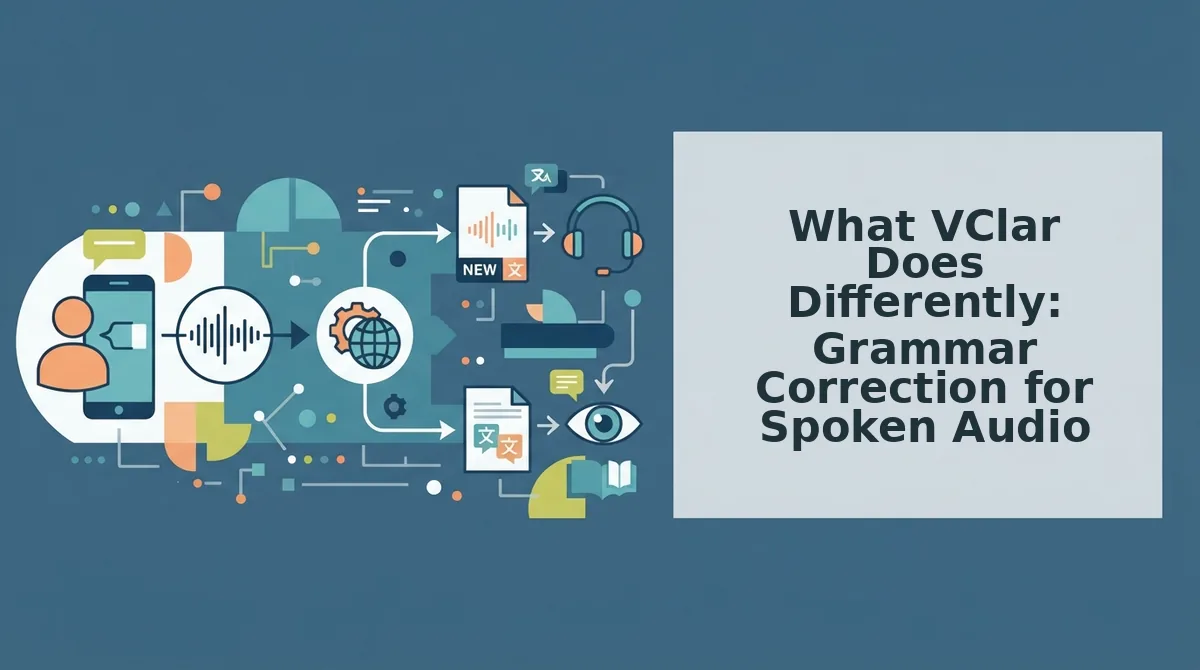
What VClar Does Differently: Grammar Correction for Spoken Audio
VClar is an AI voice message translator and speech enhancer that takes raw, unpolished spoken audio and returns a clean, grammatically sound version, without replacing your voice, tone, or cadence.
The core difference is that VClar works on the audio timeline itself, not just a transcript. When you record a message and say "um," "like," "basically," or "you know," VClar detects those fillers and removes them from the recording seamlessly. The result sounds like you, just more decisive. Think of it like a photo editor that removes a photobomber from the background: the scene stays yours, but the distraction is gone.
Beyond filler removal, VClar corrects spoken grammar. Fragmented sentences, false starts, and circular phrasing get restructured into clear, direct statements. If you say, "So the thing is, what I wanted to mention was, about the budget, we should probably, maybe, hold off," VClar returns the message as a clean, authoritative statement while preserving your natural delivery. It also translates voice notes across languages for cross-border teams, producing clean audio in the target language without synthetic text-to-speech cloning.
The practical workflow is simple: record once, let VClar clean it, send. No re-recording loops, no manual transcription, no pasting text into a separate editor. If you want to remove filler words from audio and fix grammar in one pass, VClar handles both in the same step. That's the gap no text-only tool can close.
Now let's put the two side by side and see exactly where each one wins.
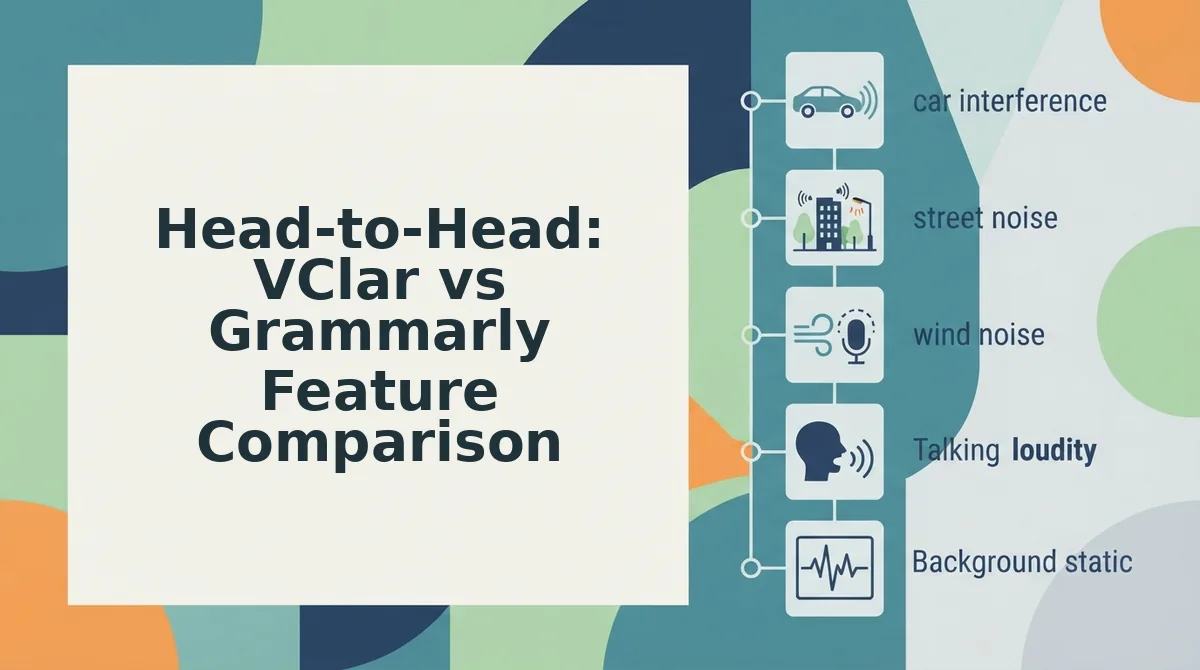
Head-to-Head: VClar vs Grammarly Feature Comparison
VClar and Grammarly solve different halves of the same problem: Grammarly fixes text you've already typed, while VClar fixes speech you've already recorded. Neither replaces the other, and the right choice depends entirely on whether your message starts as keystrokes or as your voice.
Grammarly owns the typed-text quadrant. It catches subject-verb disagreements, flags passive voice, adjusts tone, and rewrites sentences in real time as you type into a document, email, or chat box. What it cannot do is accept an audio file, remove a verbal "um," or return a cleaned recording. VClar owns the spoken-audio quadrant. It ingests raw voice memos, strips filler words, corrects spoken grammar, removes acoustic distractions, translates across languages, and outputs both a polished audio file and a clean transcript, without altering the speaker's voice, tone, or cadence.
The table below is the only feature matrix contrasting a text tool to a voice tool, because the comparison itself reveals the core divide: one optimizes writing, the other optimizes speaking.
| Feature | Grammarly | VClar |
|---|---|---|
| Input type | Typed text only | Raw voice memo or uploaded audio |
| Output type | Corrected text | Cleaned audio + polished transcript |
| Filler word removal | Not applicable, no audio input | Detects and removes ums, ahs, "like," false starts |
| Grammar correction | Real-time, text-based, comprehensive | Spoken grammar corrected in transcript and audio timeline |
| Voice preservation | Not applicable | Preserves authentic voice, tone, accent, cadence |
| Translation | Limited text translation in some plans | Speech-to-speech translation across languages |
| Speed (capture to send) | Typing + editing cycle | One take, record and send |
| Best for | Writers, students, long-form content creators who type | Founders, sales reps, cross-border teams who speak |
Best for writers, students, and long-form content creators: Grammarly. If your workflow is typing into a document, email, or CMS, Grammarly's inline suggestions and tone detection are unmatched for polishing prose before you hit publish.
Best for founders, sales reps, and cross-border operators sending voice notes: VClar. If your message starts as a spoken memo and needs to sound decisive in one take, without re-recording loops. VClar is the only tool in this comparison that can process audio at all.
For a broader look at how VClar stacks up against other tools in the voice and text correction space, see the full VClar comparisons page.
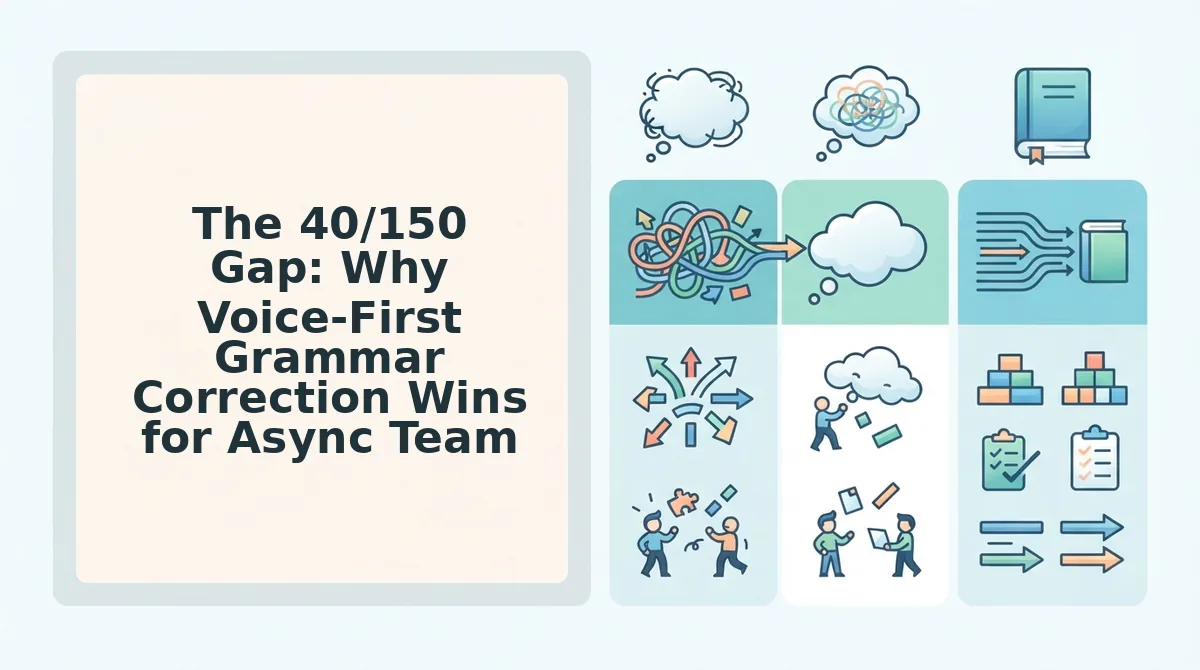
The 40/150 Gap: Why Voice-First Grammar Correction Wins for Async Teams
The 40/150 gap is the measurable difference between how fast you can speak versus how fast you can type, roughly 40 words per minute for an average typist versus 150 words per minute for natural speech. Every time you choose typing over speaking, you leave about 110 words per minute on the table.
That gap compounds when you add the editing cycle. A founder who types a 200-word update to an investor spends three to four minutes typing, then another two to three minutes running it through a text checker, trimming, and re-reading. The same update spoken as a voice note takes under 90 seconds to record. The friction isn't the grammar tool, it's the re-recording loop that happens when a spoken message comes out rough. You hear yourself say "um, basically, you know," and you start over. That loop is where the 40/150 gap becomes a 10x time sink.
Think of it like a CDN for your voice. A content delivery network stores copies of a file in multiple locations so users get the fastest possible version. VClar does the same for spoken communication: it stores your authentic voice and delivers a cleaned, grammar-corrected version of it in one pass, no re-recording, no typing, no second take.
Who should use Grammarly: writers, students, and long-form content creators whose output is inherently text. If your deliverable is a 2,000-word article or a research paper, typing is the medium, and Grammarly's inline corrections are the right tool.
Who should use VClar: founders, sales reps, and cross-border teams sending voice notes. If your deliverable is a spoken update, a pitch, or a client follow-up that needs to sound polished and personal in one take, VClar removes the fillers, fixes the grammar, and preserves your voice, so the message lands the first time. For a deeper look at how founders use voice notes to move faster, see voice notes for founders.
Worked Example: A Founder's 60-Second Voice Note
Here's what actually happens when a founder records a rough 60-second voice note and runs it through Grammarly versus VClar. Prerequisites: a smartphone with a voice memo app, a VClar account, and a 60-second spoken update you'd actually send to an investor or team.
Raw voice note transcript (what you actually said):
"Hey so um basically I wanted to give you a quick update on the, you know, the pricing page. We like, we shipped the new tier structure last night and um, the conversion rate is already up, I think it's like 12 percent, which is basically better than we expected. Also the team is, ah, the team is moving on the enterprise dashboard next."
Step 1: Try Grammarly. Paste the transcript into Grammarly's editor. Grammarly flags the sentence fragments and suggests rewrites for the typed text, but it cannot process the audio file itself. You still have a voice memo full of "um," "basically," and false starts, and no way to fix the recording. Expected outcome: a cleaner transcript, but the audio remains untouched and unsendable.
Step 2: Upload the same voice memo to VClar. Open the VClar app, tap Upload, and select the 60-second audio file. VClar detects and removes the fillers, "um," "basically," "you know," "like", and corrects the spoken grammar in both the audio timeline and the transcript. Expected outcome: a cleaned audio file and a polished transcript, ready to send.
Step 3: Review the VClar output. You should see a transcript that reads: "I wanted to give you a quick update on the pricing page. We shipped the new tier structure last night, and the conversion rate is already up 12 percent, better than we expected. The team is moving on the enterprise dashboard next." The audio sounds like you, minus the hesitations.
Step 4: Send it. Forward the cleaned voice note or paste the transcript into Slack, email, or WhatsApp. Total time from raw recording to sendable message: under two minutes, one take. For sales teams using this same workflow on prospect calls, see voice notes for sales.
That's the difference in practice, now let's answer the most common questions about how VClar and Grammarly compare.
FAQ: VClar vs Grammarly for Voice Notes
VClar corrects grammar and removes filler words directly inside spoken audio, while Grammarly only edits typed text. If you send voice notes, Grammarly cannot process the audio file at all.
Does Grammarly work on voice memos?
No. Grammarly only analyzes typed or pasted text. It cannot open, transcribe, or edit an audio file, so a voice memo sent through WhatsApp, iMessage, or Slack is completely outside its scope.
Can VClar translate voice notes into other languages?
Yes. VClar translates spoken audio across multiple languages while preserving the speaker's tone and cadence. The voice message translator outputs both translated audio and a transcript, so cross-border teams can communicate without retyping anything.
Does VClar replace my voice with an AI voice?
No. VClar cleans hesitations, filler words, and grammar errors inside your original recording. Your accent, pacing, and vocal identity stay intact, the output still sounds like you, just clearer and more decisive.
Which is better for WhatsApp voice messages?
VClar is the only option that works. Grammarly cannot process audio, so it offers zero help with WhatsApp voice notes. VClar accepts raw voice recordings and returns polished audio you can send immediately.
Is Grammarly still worth it for typed content?
Yes, for long-form writing like emails, reports, and documents. Grammarly excels at sentence-level editing in text. But for spoken communication, VClar is the tool that actually fixes the audio itself.
Which Should You Choose for Spoken Voice Notes?
The answer depends on one question: are you sending audio or typing? Grammarly polishes typed text. VClar cleans spoken audio, removing fillers, fixing grammar, and translating without replacing your voice. If you send voice notes, Grammarly simply cannot help you.
That distinction reframes the entire comparison. These tools are not competitors in the same lane; they solve different problems. The founder who records a 60-second update on the way to a meeting gains nothing from a text editor. The writer drafting a proposal gains nothing from an audio cleaner.
Your next step is simple: record your first voice note, run it through VClar, and hear the difference between your raw recording and the polished version. One take is all it takes to decide.