
You record a 60-second audio update, dislike three verbal hesitations, and run it through an automated cleaner. Instead of sounding polished, the export strips your natural cadence and produces a glitchy audio message that sounds like an aggressive telemarketer.
It is easy to see why this happens. When you think at 150 words per minute, getting trapped in an endless re-recording loop on WhatsApp and Slack drains your focus. A dedicated ai voice message translator and speech cleaner can rescue rough thoughts, yet indiscriminate deletion often introduces worse acoustic issues than the original hesitations.
Protecting vocal clarity requires balancing three foundational elements:
- Preserving intentional pauses versus deleting dead air
- Repairing broken conversational syntax without flattening personal inflection
- Smoothing timeline transitions to prevent clipped syllables
Consider a standard async workflow. A founder records a spontaneous project update containing repeated “ ums” and an abandoned sentence. Instead of wasting ten minutes re-recording, they run the track through software to remove filler words from audio. The tool cuts verbal stumbles, cleans syntax, and preserves natural timbre, delivering a crisp, authoritative memo in one take.
This guide covers the five critical filler removal pitfalls to avoid when refining voice memos, including the counterintuitive reason why deleting every hesitation actually reduces listener comprehension. Inspecting your message with side-by-side audio comparisons will help you maintain genuine conversational authority without robotic artifacts.
What Are the Common Filler Word Deletion Mistakes in Voice Memos?
Common filler word deletion mistakes in voice memos occur when automated cuts eliminate natural thinking pauses, clip ambient room tone, and remove transitional markers that convey intent. Removing every verbal hesitation does not make you sound smarter; it strips conversational authority and alerts the listener's brain to synthetic tampering. The most damaging errors involve hard-cutting organic breathing room, deleting contextual transition words, and splicing audio without smoothing ambient sound. These blunt edits turn spontaneous spoken notes into jarring, mechanical audio that fatigues the listener.
The Acoustic Whiplash Framework is an auditory phenomenon where zero-latency splices between edited words trigger subconscious listener irritation on mobile voice notes. When an edit deletes an "um" without preserving the surrounding room tone, the ambient background noise drops to dead silence for a fraction of a second. Think of this editing mistake like driving over a series of sharp potholes on an otherwise smooth road. Each unnatural drop in sound jars the listener's attention away from your core message.
These errors escalate across three distinct levels of complexity:
- Level 1: Eliminating functional silence. Erasing natural reflective pauses before key points robs your delivery of weight, making you sound rushed instead of deliberate.
- Level 2: Amputating discourse markers. Stripping introductory words like "so" or "actually" when they serve as conversational signposts confuses the logical flow of your ideas.
- Level 3: Zero-gap waveform slicing. Snapping audio segments together without micro-crossfades creates noticeable acoustic pops, signaling to the ear that the recording has been manipulated.
Why does clinical perfection fail in voice messages?
Conversational trust depends on human rhythm. When you sanitize every breath and stumble, you eliminate the warmth and spontaneous cadence that made a voice memo effective in the first place.
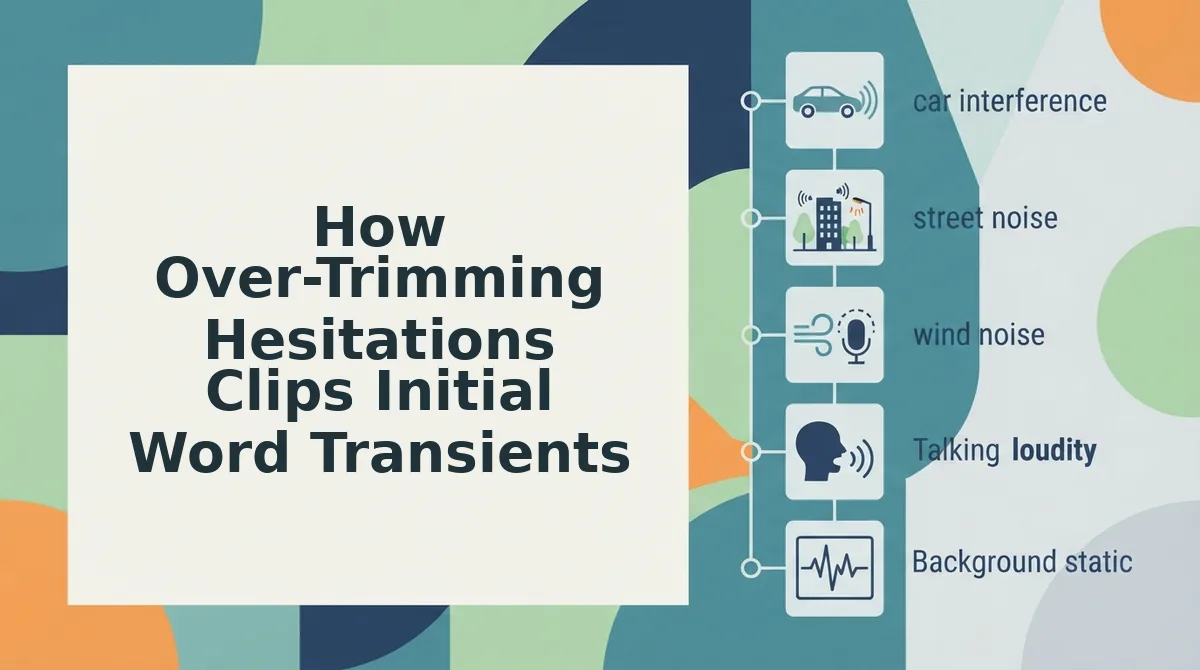
How Over-Trimming Hesitations Clips Initial Word Transients
Over-trimming hesitations clips initial word transients when automated boundary cuts slice directly into the acoustic attack envelope of plosive consonants immediately following a vocal filler. An initial word transient is the rapid burst of acoustic energy produced when a speaker releases an obstructed airflow to form consonants like "p," "b," and "t."
When automated systems detect a nasal hesitation like "um," the trailing sound often bleeds directly into the initial consonant of the next spoken word. Heavy-handed timeline-based audio cutters frequently sever the audio waveform at the zero-crossing point of the vowel, accidentally discarding the consonant burst and dropping the underlying background room tone. A raw recording stating "Um, basically the project is late" gets trimmed into ", roject is late" because the initial plosive was grafted onto the preceding vocal pause.
To avoid mutilated consonants and jarring room tone dropouts, audio cleanup requires precise boundary preservation rather than hard waveform truncation.
Prerequisites: A raw voice memo containing filler words directly preceding hard consonant sounds, and an audio cleaner capable of boundary detection.
- Upload the raw voice memo. Drag and drop your unedited recording into the audio processor window. You will see the audio waveform load alongside an automatic boundary preview in under 10 seconds.
- Inspect the detected filler word markers. Review the flagged hesitations adjacent to plosive words, checking specifically for phrases starting with "p," "b," or "t." The interface highlights the detected filler boundaries without immediately truncating the surrounding waveform.
- Adjust boundary padding to preserve consonant attacks. Select the boundary settings to expand cut margins by several milliseconds before the primary vowel onset. This ensures the attack envelope of the initial consonant remains completely intact rather than being severed with the filler.
- Render the seamless vocal edit. Click process to remove the identified filler words while preserving background ambient room continuity. The platform outputs a continuous, natural audio track with clean consonant definition and zero audible room tone dropouts in under 30 seconds.
Consider a sales professional recording an async voice update while walking between meetings. The raw recording contains the phrase "Um, basically the project is late," where the speaker's vocal hesitation runs into the plosive attack of the word "project." Using blunt trimming tools strips both the room ambiance and the "p" sound entirely, creating an unnatural speech hiccup. By processing the voice memo through boundary-aware enhancement, the system detects the boundary of the hesitation, retains the full initial consonant burst, and maintains room tone floor continuity. The finished voice note sounds crisp, direct, and completely authentic.
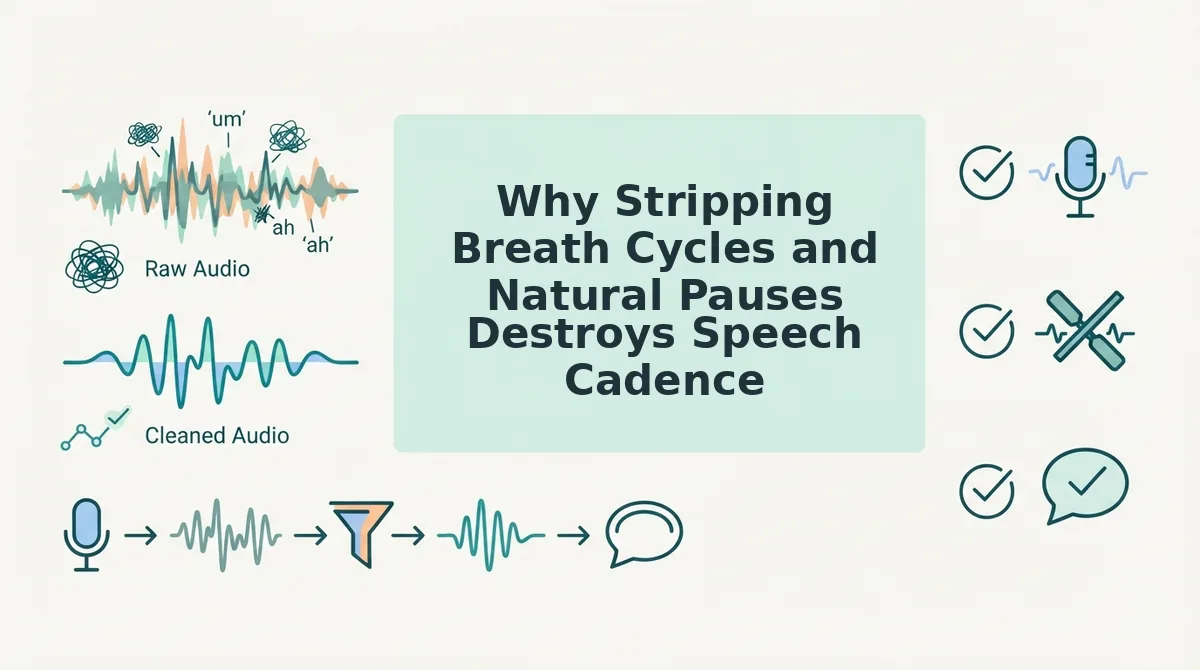
Why Stripping Breath Cycles and Natural Pauses Destroys Speech Cadence
Stripping breath cycles and natural pauses destroys speech cadence by eliminating the acoustic breathing room listeners require to comprehend complex ideas, turning spontaneous voice notes into an exhausting, robotic barrage. When audio cleanup tools treat every millisecond of silence as dead weight, they erase rhetorical rhythm, distort personal delivery, and induce listener fatigue.
Speech cadence is the rhythmic flow and tempo of spoken language that governs listener comprehension and vocal authority.
Alexander Lyon's communication research regarding tactical silence vs. unconscious vocal ticks demonstrates that intentional stillness functions as vocal punctuation rather than an error. While unconscious fillers like "um" or "ah" undermine authority, tactical micro-pauses give weight to core takeaways. Cadence benchmarks linking speech tempo comprehension to listener retention confirm that rapid, unmodulated audio drastically spikes cognitive load and erodes message recall.
Are you cutting out the very pauses that keep your voice human?
- Mistake 3: Eliminating physiological breath cycles
This mistake occurs when an audio edit cuts the audible inhales between spoken sentences to force tighter pacing. Erasing respiratory resets removes human biology from the recording, making the speaker sound like an uncanny synthetic voice avatar. Preserve micro-breaths at natural syntactic boundaries while removing only prolonged, involuntary throat clears or hesitations. - Mistake 4: Flattening rhythm into a machine-gun rattle
This mistake occurs when an edit trims every gap between words down to zero milliseconds without respecting natural sentence structure. Rushing through ideas without conversational spacing eliminates dynamic tonal contrast and overwhelms the recipient within forty seconds. Run your unedited audio through a speech speed test to benchmark your natural tempo and protect proportional pauses. - Erasing tactical pauses before critical data
This mistake occurs when a blunt cut deletes the momentary silence a speaker instinctively takes right before delivering a key figure or insight. Removing this space reduces a pivotal strategic recommendation into an easily missed throwaway phrase. Distinguish between indecisive verbal stalls and purposeful rhetorical pauses before trimming timeline gaps. - Collapsing transitional spacing between distinct thoughts
This mistake occurs when an edit splices two separate conversational arguments together without leaving an acoustic period. Listeners depend on short mental intervals to file away one concept before absorbing the next. Leave deliberate half-second intervals between topic shifts so your async updates remain effortless to follow.
If you want decisive voice messages without manual timeline trimming, VClar automatically cleans verbal hesitations and false starts while strictly preserving your authentic vocal identity, natural tone, and cadence. You get clear, authoritative audio in a single take without sounding synthetic.
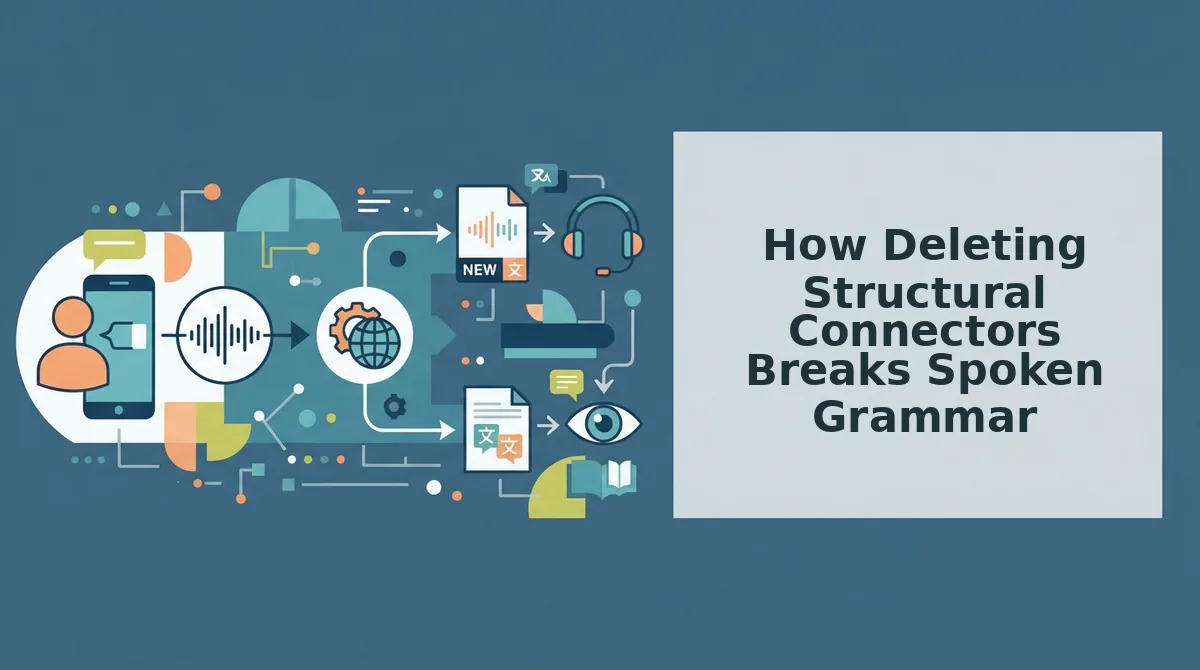
How Deleting Structural Connectors Breaks Spoken Grammar
Deleting structural connectors breaks spoken grammar because words like "so," "well," and "like" often function as essential syntactic glue rather than meaningless vocal garbage. When automated tools blindly cut these transition words, they strip the connective tissue between clauses and leave behind jarring sentence fragments.
Did your audio cleaner eliminate a stutter, or did it just turn a complex dependent clause into an ungrammatical sentence fragment?
A structural connector is a functional discourse marker that establishes logical transitions, cause-and-effect relationships, and syntactic boundaries between spoken clauses. In spontaneous speech, words like "so," "well," and "like" rarely function purely as hesitation noises. Blindly deleting them strips the connective tissue that anchors dependent clauses to their independent counterparts. Instead of producing concise audio, an indiscriminate audio cleaner truncates vocal thoughts midway through an idea, turning natural conversational cadence into fragmented, jarring bursts of speech. Preserving these markers ensures the original communicative intent survives without sacrificing grammatical integrity.
Think of structural connectors like the mortar between bricks in a wall. If you scrape away the mortar simply because it is not a brick, the entire wall destabilizes.
In speech analysis, Cat Mulvihill's taxonomy distinguishes functional transitional words from repetitive verbal crutches. Applying this taxonomy through the 3-Category Disfluency Matrix reveals why blanket filler removal fails:
- Structural pauses: Natural rhythmic rests that mark clause endings and allow listeners to process complex information.
- Linguistic connectors: Contextual words like "so," "actually," and "well" that signal causal progression, contrast, or shifts in perspective.
- True stallers: Non-lexical utterances like "um," "uh," and involuntary mouth clicks that contribute zero syntactic meaning.
The mistake occurs when automated tools classify linguistic connectors as true stallers. For example, in the spoken phrase, "We missed the deadline, so we adjusted the roadmap," the word "so" signals causality. If an algorithm trims "so" to shorten the audio timeline, the voice memo becomes two detached assertions: "We missed the deadline. We adjusted the roadmap."
The listener loses the logical bridge between cause and effect. To properly repair conversational grammar, an enhancement workflow must preserve functional discourse markers while targeting only the true stallers that impede vocal clarity.
Manual Audio Trimming vs Automated Context-Aware Speech Smoothing
Manual audio trimming gives editors precise control over waveform splices at the cost of significant editing time, whereas automated context-aware speech smoothing analyzes surrounding syntax and room tone to eliminate verbal clutter instantly without breaking natural speech cadence. While manual timeline crossfading excels in complex studio post-production, automated smoothing repairs everyday conversational syntax without requiring a digital audio workstation.
Context-aware speech smoothing is an acoustic processing method that identifies conversational speech patterns, removes verbal hesitations, and bridges ambient noise floors to maintain natural vocal cadence. In contrast, blind threshold gates merely mute audio below a set decibel volume, which frequently cuts off quiet consonant tails and creates abrupt, unnatural silence.
Imagine recording a 60-second voice note while walking between meetings. You stumble over a phrase, utter two filler words, and restart your sentence. Correcting that memo manually requires importing the audio into a timeline editor like Descript, isolating the transient waveforms, splicing out the "ums," and drawing manual crossfades to bridge background noise. Automated context-aware processing eliminates that manual timeline overhead by restructuring broken syntax and smoothing the underlying audio in a single pass.
| Cleanup Method | Room Tone Continuity | Syllable Preservation | Grammatical Coherence | Turnaround Speed | Best For |
|---|---|---|---|---|---|
| Manual Timeline Trimming | High (requires manual crossfading) | High (precise manual slicing) | Neutral (user manually edits cuts) | Slow (several minutes per memo) | Studio podcasters and long-form editors |
| Blind Threshold Gating | Poor (drops to absolute silence) | Poor (chops soft word endings) | None (operates purely on decibels) | Instant (real-time hardware/software filter) | Live streaming and basic noise suppression |
| Context-Aware Speech Smoothing | High (seamless acoustic matching) | High (protects initial consonants) | High (repairs broken phrasing) | Fast (instant browser processing) | Founders, sales reps, and remote teams |
Choose manual trimming if you are engineering a high-stakes podcast or produced video where you need granular, millisecond-by-millisecond control over every waveform cut. Choose blind threshold gates only to suppress background hum on live microphone feeds.
Our recommendation for async workplace communication is automated context-aware smoothing. For fast-paced operators sending voice notes for founders, spending ten minutes splicing waveforms in an overbuilt desktop editor defeats the purpose of voice messaging. Context-aware processing delivers clean, authoritative audio and grammatically sound transcripts directly in one take.
Frequently Asked Questions About Editing Voice Memos
Deleting every verbal hesitation flattens natural cadence, making authentic human speech sound disjointed and robotic.
Should you delete every filler word from a voice memo?
You should not remove every filler word because complete removal strips natural rhythm and speech cadence. Leaving deliberate conversational pauses intact keeps spoken messages sounding authentic and relatable. Eliminating only disruptive crutches like repeated "ums," "ahs," and false starts sharpens clarity without making the voice memo sound unnaturally clipped or synthetic.
Can Apple Voice Memos automatically remove filler words?
No, Apple Voice Memos cannot automatically detect or delete filler words from your audio. The built-in iOS app includes an Enhanced Recording feature, but this function only applies broad EQ filters and background noise reduction. It lacks non-destructive speech filtering or linguistic intelligence to identify and cut vocal hesitations cleanly.
Why does edited audio sound choppy after cutting filler words?
Edited audio sounds choppy when cuts slice through word transients, ambient room tone, or natural breath cycles. Hard manual cuts remove the subtle acoustic decay at the start and end of syllables. To prevent jarring stutters, deletions require smooth crossfades and contextual analysis rather than aggressive, zero-gap timeline splices.
What is the fastest way to clean up unscripted voice memos?
Context-aware speech processing is the fastest method to clean voice recordings without manual waveform slicing. An effective cleanup workflow targets three elements:
- Removing repetitive verbal stalls like "you know"
- Preserving organic pacing and breath dynamics
- Smoothing broken sentence structures without robotic artifacting
How to Send Polished Voice Notes with Confidence
Sending polished voice notes requires shifting your focus from acoustic perfection to semantic clarity so your message maintains its authentic vocal warmth. Stripping every micro-pause produces the robotic cadence examined earlier, eliminating the natural rhythm that makes spoken communication persuasive.
Embracing a one-take communication methodology for asynchronous leadership updates allows you to speak freely at full speed without losing hours to manual re-recording loops.
- Leave natural breath cycles intact to preserve conversational phrasing.
- Target verbal stumbles and repetitive filler words while keeping structural transitions unbroken.
Upload your spontaneous recording directly to the VClar speech enhancer to transform unpolished audio into clear, professional messages that retain your exact voice. True vocal presence does not stem from sterile audio editing, but from delivering clear intent in your authentic voice.