
You record a 45-second follow-up note, hit a wall of audible "ums" and false starts, and trash the recording for the fourth time. Sales reps think at approximately 150 words per minute, yet conversational anxiety routinely doubles verbal hesitations during spontaneous async outreach. Running raw recordings through an ai voice message translator and speech cleaner cuts these hesitation sounds instantly without forcing you to restart.
This playbook details how to clean hesitation sounds in sales voice notes while keeping your authentic tone, accent, and natural vocal cadence intact. You will learn the exact steps to eliminate rambling filler, though these guidelines specifically target asynchronous audio rather than live synchronous calling. Later in this guide, discover why cutting silent pauses entirely actually erodes executive presence instead of improving it.
How does a clean recording workflow operate without continuous re-recording loops?
- Situation: A sales rep records an off-the-cuff deal update from a noisy car, stumbling across sentence fragments and repeated filler words.
- Action: The rep uploads the raw memo directly into the enhancement engine instead of re-recording.
- Outcome: The system trims verbal clutter, repairs conversational syntax, and outputs polished audio ready for prospects.
Explore how specialized voice notes for sales preserve your spontaneous energy while eliminating the cognitive tax of multiple takes. Before diving into the technical cleanup steps, it is essential to understand why unaddressed verbal drag damages buyer trust in the first place.
The Outcome and Prerequisites for High-Trust Sales Audio
High-trust sales audio delivers a clear, decisive message that communicates product certainty without requiring studio-grade production or robotic voice synthesis. While executive prospects forgive background ambiance, verbal hesitation signals an underlying lack of conviction in your offering.
The Cognitive Friction Index is an evaluation framework that measures the mental processing effort required for a listener to extract meaning from spoken audio. When time-pressed buyers accelerate async voice memos to 1.5x speed, any hesitation sound acts like a sudden speed bump on a highway. Instead of processing the value proposition, the buyer's working memory stalls on erratic rhythms, prompting immediate drop-off before the call to action.
What determines listener drop-off in async sales messages? The Cognitive Friction Index classifies acoustic drag into three core tiers that degrade prospect retention when playback is accelerated. Verbal fillers like "um," "ah," and "you know" create cognitive micro-pauses that interrupt narrative momentum. False starts force the prospect to mentally discard obsolete phrasing and reprocess the sentence from scratch. Mechanical mouth sounds, such as dry clicks or harsh breath intakes, introduce erratic audio spikes that sound jarring at higher speeds. Eliminating these three friction points ensures the buyer stays focused on the pitch rather than decoding the delivery.
Before recording a high-stakes deal follow-up, diagnose your delivery using an acoustic friction matrix:
- Verbal Fillers: Unconscious hesitation utterances ("um," "like," "basically") that dilute authority and pad runtime.
- False Starts: Abrupt mid-sentence resets and circular phrasing that force buyers to track broken syntax.
- Mechanical Mouth Sounds: Unintended acoustic spikes, such as dry lip smacks and unmoderated breath intakes, that distort under playback acceleration.
Think of conversational pacing like bandwidth on a network. If forty percent of your data packet consists of conversational packet loss, the transmission fails. founders and sales reps often speak at 150 words per minute, but compounding thoughts create unforced speech fragments. You can evaluate your baseline pace using a speech speed test to identify where acceleration begins introducing vocal clutter.
Achieving clean delivery does not require artificial voice cloning or memorized corporate scripts. Reviewing side-by-side audio comparisons and automated grammar corrections allows reps to spot personal filler tendencies, clean the recording timeline, and maintain authentic vocal identity on the first take. Once you identify these friction points, you can implement a straightforward workflow to strip them out automatically.
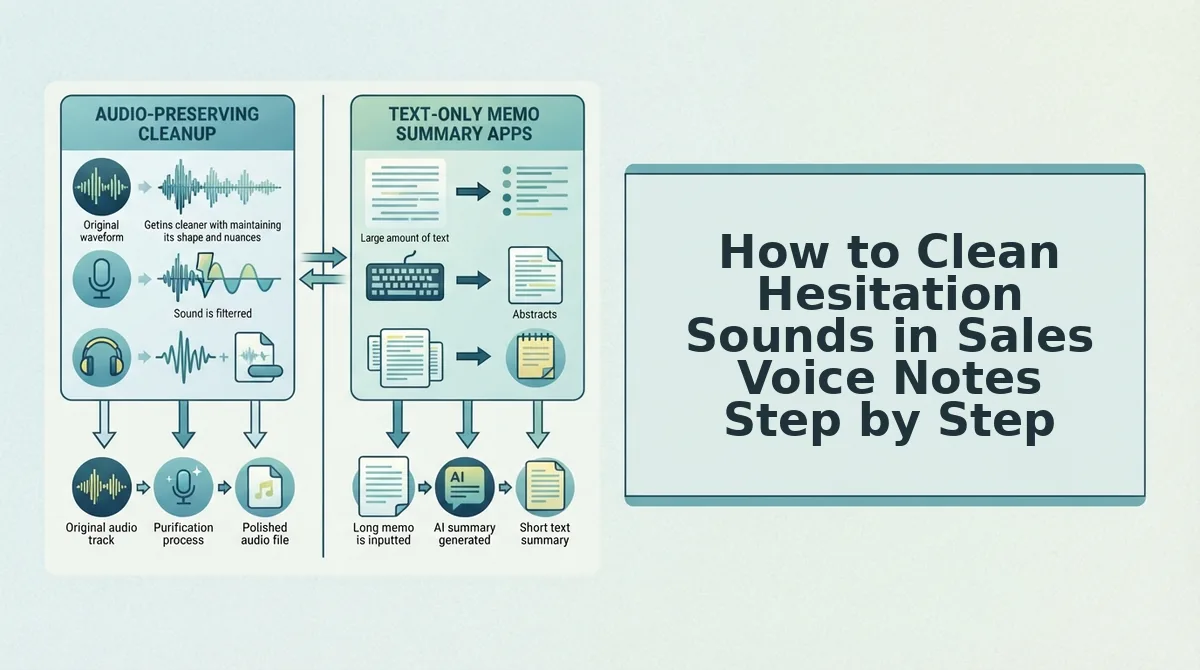
How to Clean Hesitation Sounds in Sales Voice Notes Step by Step
Cleaning hesitation sounds from sales voice notes requires processing raw spoken audio through an automated enhancer that cuts verbal pauses and false starts without manual timeline editing. This workflow strips disfluencies while protecting your natural vocal timbre, cadence, and tone.
To eliminate ums and ahs from audio messages, capture your thoughts naturally in one take and process the file through an automated speech enhancer. The engine detects acoustic hesitations, pauses, and verbal fillers like "um," "ah," "basically," and "you know." It cuts these filler sounds seamlessly from the waveform without altering your vocal timbre, pitch, or cadence. This direct cleanup workflow eliminates the friction of re-recording loops, delivering a polished, decisive voice note and an accurate transcript ready to send to prospects in seconds.
Filler word removal is the automated process of detecting and stripping conversational hesitations like verbal stumbles and false starts from spoken audio without creating unnatural gaps or robotic pacing.
Prerequisites: An unedited voice note recorded on a phone or computer, an active internet connection, and access to VClar in your browser.
- Upload your raw voice note or click Record in the browser window. Drag your unedited 45 to 90-second audio memo into the drop zone, or speak directly into your microphone. You should see your audio waveform load with the exact recording duration displayed in under 3 seconds.
- Select the control to remove filler words from audio. Toggle on automatic hesitation removal to target ums, ahs, and conversational padding. The system maps the timeline to isolate disfluencies without clipping nearby consonants.
- Activate spoken grammar correction for sales notes. Select spoken syntax repair to restructure fragmented sentences and circular phrasing while retaining your authentic accent and pitch. Processing takes approximately 5 to 10 seconds.
- Review the side-by-side output. Click Play on the enhanced recording and compare it against the synchronized transcript to verify your original intent remains intact. You should see a green checkmark confirming all detected fillers have been excised.
- Export the completed commercial asset. Click Download Audio or Copy Link to paste the polished recording directly into your buyer thread. You hold a tight, authoritative sales note ready for immediate delivery.
Consider a typical workflow: converting a rambling 58-second post-demo voice note with seven filler sounds into a crisp 34-second commercial asset. The raw message contained repeated false starts around pricing terms, trailing phrases, and multiple instances of "um" and "you know." Running the file through VClar pruned the acoustic delays and repaired conversational fragments without flattening vocal timbre. The prospect received a decisive, 34-second audio note and an aligned transcript that reinforced deal momentum, completed entirely in a single take.
Eliminate re-recording loops and communicate with one-take confidence. Use VClar to transform rough conversational notes into decisive, pitch-ready audio without losing your natural vocal identity. However, before dispatching any edited message to an executive prospect, you should execute a brief quality check.
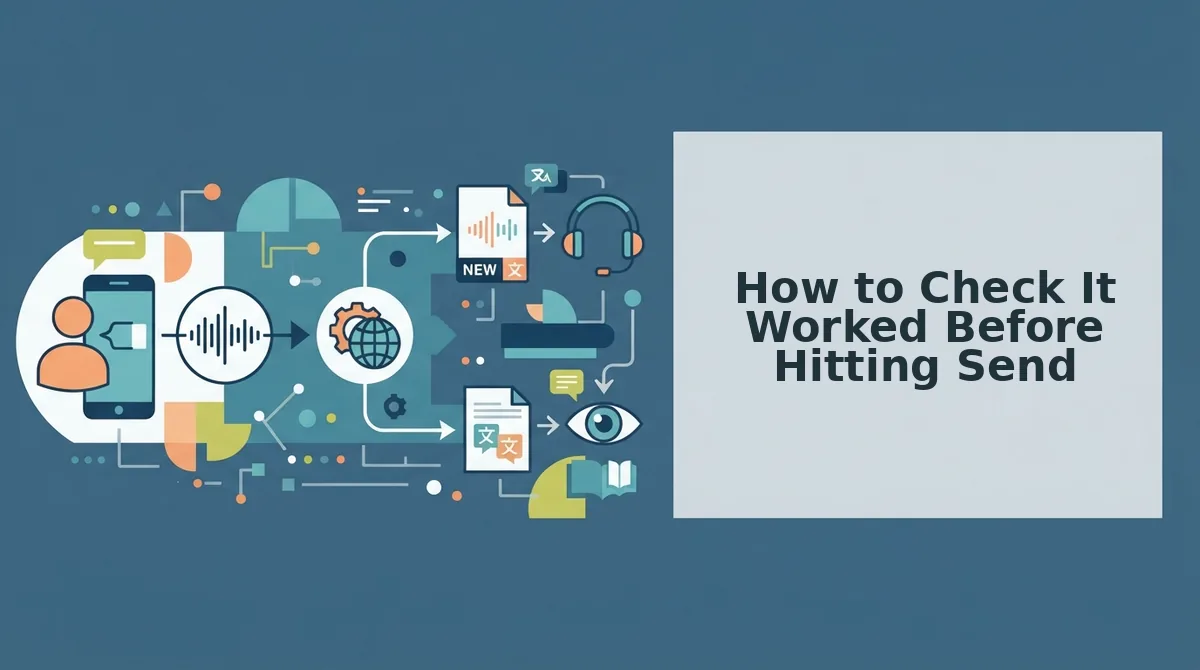
How to Check It Worked Before Hitting Send
To verify an edited sales voice note before sending, run a ten-second audit that inspects cadence, vocal warmth, sentence flow, and closing clarity. This pre-send verification catches unnatural audio transitions and robotic phrasing before prospective buyers hear them. How can a sales rep verify in ten seconds whether an edited voice memo retains natural conversational warmth or sounds over-processed? A pre-send audio audit is a rapid quality inspection performed on edited voice notes to detect acoustic artifacts and syntactic errors prior to buyer delivery. High-performing sales notes sound spontaneous, not synthetically manufactured.
- Cadence Check: This test evaluates the natural pauses and breathing room between spoken phrases after hesitation sounds are stripped. Abrupt splices without conversational space make delivery sound rushed, which signals anxiety rather than authority to high-value prospects. Scrub directly to the midpoint of the recording and confirm that transitions between distinct thoughts remain relaxed.
- Timbre Preservation: This check monitors vocal body and frequency balance to detect uncanny-valley speech artifacts before prospective buyers do. Aggressive processing often strips lower acoustic frequencies, leaves a thin, metallic residue that breaks personal rapport, and sounds like a synthetic clone. Run a brief side-by-side comparison between your raw audio capture and the polished output to confirm your authentic vocal identity is intact.
- Syntax Integrity: This review inspects conversational sentence structure to confirm that repaired fragments flow like confident speech rather than formal written text. Over-correcting spoken thoughts into hyper-rigid syntax destroys the casual spontaneity that makes asynchronous voice notes persuasive. Scan the generated clean transcript alongside your audio playback to verify your message sounds direct while maintaining your everyday phrasing.
- Call-to-Action Friction: This final assessment evaluates the pacing and decisiveness of your concluding meeting request or commercial question. Lingering verbal fillers, false starts, or trailing qualifiers at the end of a voice memo dilute message momentum and slash prospect reply rates. Jump straight to the final seven seconds of the track to verify that your specific ask lands with absolute clarity and zero ambiguity.
Prospect trust collapses the moment an audio message feels synthetically generated rather than personally spoken. Taking ten seconds to run through this verification checklist ensures every outgoing note retains human warmth, crisp syntax, and maximum conversion velocity. Choosing the right technological stack makes meeting these verification standards second nature.
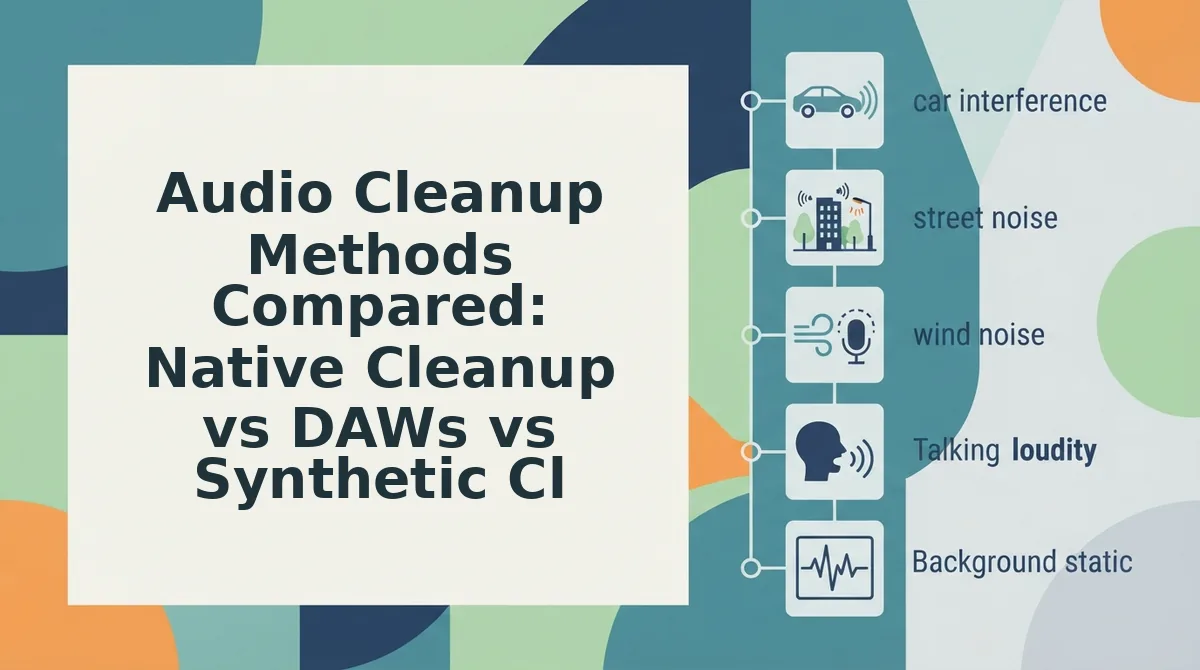
Audio Cleanup Methods Compared: Native Cleanup vs DAWs vs Synthetic Clones
The fastest way to clean hesitation sounds in sales voice notes without losing deal momentum is using dedicated browser-native speech enhancement, which strips disfluencies while preserving the rep's authentic vocal timbre. While manual audio workstations offer precise editing and synthetic clones generate seamless scripts, both introduce severe operational drag or buyer friction during outbound prospecting.
Synthetic voice clones trigger buyer deception filters and suppress reply rates far more aggressively than an occasional spoken pause. When a prospect detects an artificial voice avatar, personal connection vanishes. B2B sales cycles require verifiable human rapport, not uncanny robotic perfection.
A digital audio workstation is an application software used for recording, editing, and producing audio files. Professional audio tools excel at post-production, but treating a 45-second outreach note like a podcast episode drains billable selling hours.
| Cleanup Method | Output Format | Workflow Speed | Authenticity & Tone | Best For |
|---|---|---|---|---|
| Manual DAWs (e.g., Audacity, Descript) | Full studio audio & video | High friction; requires timeline editing | Preserved; exact manual waveform cuts | Best for podcast creators and media production teams |
| Synthetic Voice Clones (e.g., ElevenLabs) | Synthesized audio from text | Fast generation; high setup overhead | Robotic; lacks genuine human cadence and accent | Best for automated IVR systems and scaled video narration |
| Browser-Native Enhancer (VClar) | Polished audio & text transcripts | Instant; one-take processing | High; retains natural vocal identity, timber, and cadence | Best for sales reps, founders, and consultants sending async voice memos |
Every approach presents clear operational trade-offs across your outbound pipeline:
- Choose a manual DAW if you produce long-form audio where you need granular timeline manipulation and manual multitrack mixing. See our detailed breakdown in VClar vs Descript.
- Choose synthetic voice cloning if you strictly require automated programmatic text-to-speech without a human speaker. Read our analysis in VClar vs ElevenLabs.
- Choose native speech enhancement if you think faster than you type and need to send crisp, 45-to-90-second voice notes with zero re-recording loops.
Would you hand-edit a waveform just to follow up with an enterprise prospect? For daily deal execution, our recommendation is browser-native speech enhancement. It protects rep bandwidth, eliminates filler words like "um" and "you know," and delivers authoritative notes that maintain direct, personal trust.
Turn rough, spontaneous voice memos into clear, deal-ready sales messages in a single take with VClar. Test our browser-first enhancer to eliminate filler words, fix conversational syntax, and protect your authentic voice across every outreach channel. To help clarify common operational nuances, here are answers to the questions sales teams ask most frequently.
Frequently Asked Questions About Cleaning Sales Voice Notes
Sales reps should edit hesitations out of voice notes rather than sending completely raw recordings or synthetic voice clones.
Should sales reps edit voice notes or keep them completely raw?
Sales reps should clean hesitations while keeping their original voice intact. Completely raw notes waste prospect time with stuttered false starts, whereas synthetic voice generators destroy human rapport. Eliminating filler sounds like "um" and verbal stumbles delivers a concise, confident pitch while preserving your natural cadence and authenticity.
How do I clean voice notes on WhatsApp and LinkedIn?
Native mobile apps lack built-in tools to edit audio timelines before transmission. To bypass these limitations:
- Record voice memos outside the native app to remove pauses.
- Upload polished audio files directly into the conversation.
External enhancement ensures decisive delivery without risking accidental live sends on locked chat microphones.
What is the difference between noise reduction and filler removal?
Background noise reduction suppresses acoustic interference like traffic or air conditioning, whereas filler word removal cuts linguistic interruptions like "uh," "basically," and sentence restarts. Cosmetic filtering cleans the soundscape, but speech enhancement cleans conversational syntax, transforming rambling thoughts into direct, executive-ready audio without altering vocal timbre.
Why does removing hesitation sounds increase prospect replies?
Cutting verbal drag signals high executive function and deep respect for a buyer's calendar. Spontaneous speech often averages 150 words per minute but loses punch through circular phrasing. Polishing voice notes removes dead air, clarifies commercial intent instantly, and prevents busy decision-makers from abandoning audio messages midway.
Understanding these practical distinctions allows reps to stop second-guessing their delivery and establish a standardized outreach habit.
Action Plan for Executing One-Take Sales Voice Notes
Executing one-take sales voice notes requires shifting from tedious manual editing to an automated cleanup workflow that preserves your authentic vocal identity. Test the one-take execution rule across your next five pipeline follow-ups today: speak your thoughts at conversational speed, maintain natural inflection, and permanently abandon the exhausting habit of re-recording stumbles.
Outbound reps can roll out this sales voice note follow up software routine through a 3-step immediate deployment sequence:
- Capture raw thoughts: Record a focused 45-to-90-second voice note addressing an explicit prospect trigger, allowing spontaneous phrasing without stopping.
- Process the recording: Run the track through VClar to clean voice memos online, eliminating filler sounds and fragmented sentences while preserving your distinct cadence.
- Dispatch with confidence: Check the side-by-side comparison to confirm message accuracy, then deliver the enhanced audio alongside its structured transcript directly to your prospect.
This systematic habit resolves the core dilemma between sounding unprepared and sounding like a robotic synthetic clone. High-converting sales audio relies on genuine vocal authority, not synthetic perfection or endless re-takes.