
Your voice notes are a disaster and you know it. You hit record, trail off mid-thought, restart three times, and end up with a 90-second ramble that sounds nothing like the decisive founder you are. The re-recording loop is the real cost: 3-5 takes at 60 seconds each burns 5 minutes per note, when a one-pass cleanup takes 60 seconds flat.
You're not alone. Founders think faster than they type, and voice is the natural medium for that speed, but raw audio betrays you with every "um," false start, and background clatter. This playbook for cleaning founder voice notes fixes that gap without making you sound like a robot.
Here's what you'll learn: how to record in one take, why cleaning the audio matters more than fixing the transcript, and how to verify a polished message before it reaches your investor, co-founder, or client. You'll also see why most text-only tools miss the point entirely for voice notes for founders, and what to use instead.
One surprising finding ahead: the cleanup step most founders skip is the one that preserves their authentic vocal identity. Keep reading to see which one.
Step 1: Record Like You're Talking to One Person
Recording well is the cheapest cleanup you'll ever do. A focused one-take recording eliminates most filler words, false starts, and awkward pauses before any tool touches the audio.
Prerequisites: A quiet room, your phone's default voice recorder or any audio app, and a clear mental picture of your recipient. No special equipment required.
- Picture one specific person, not an audience. Imagine the investor, co-founder, or client you're actually sending this to. Speaking to one person naturally tightens your sentences and cuts performative filler. You should notice shorter pauses and fewer "you know" tics within the first 10 seconds.
- State your point in the first sentence. Open with the decision, question, or update, not the backstory. If the first sentence stands alone as a complete message, you've nailed it.
- Record in one continuous take. Do not stop and restart when you stumble. Let the stumble happen, correct yourself out loud, and keep going. Stopping and restarting creates more cleanup work than it saves because each restart adds a new false start to the timeline.
- Keep it under 90 seconds. If you're past 90 seconds, you're writing an essay, not a voice note. Split long updates into two separate recordings.
- End with a clear next step. Say exactly what you need from the recipient: "Can you approve the budget by Thursday?" or "Reply with your availability." You should hear a decisive close, not a trailing "so yeah, let me know."
Pro tip: Record in one continuous take. Stopping and restarting creates more cleanup work than it saves. A single messy take is easier to clean than five "perfect" fragments stitched together.
If you're recording on your phone, hold it 6-8 inches from your mouth and angle the mic slightly away from your breath. You should see a clean waveform with no clipping, flat peaks that hit the top of the meter. Once you have that one-take recording, you're ready for the cleanup step that actually preserves how you sound.
Step 2: Clean the Audio, Not Just the Transcript
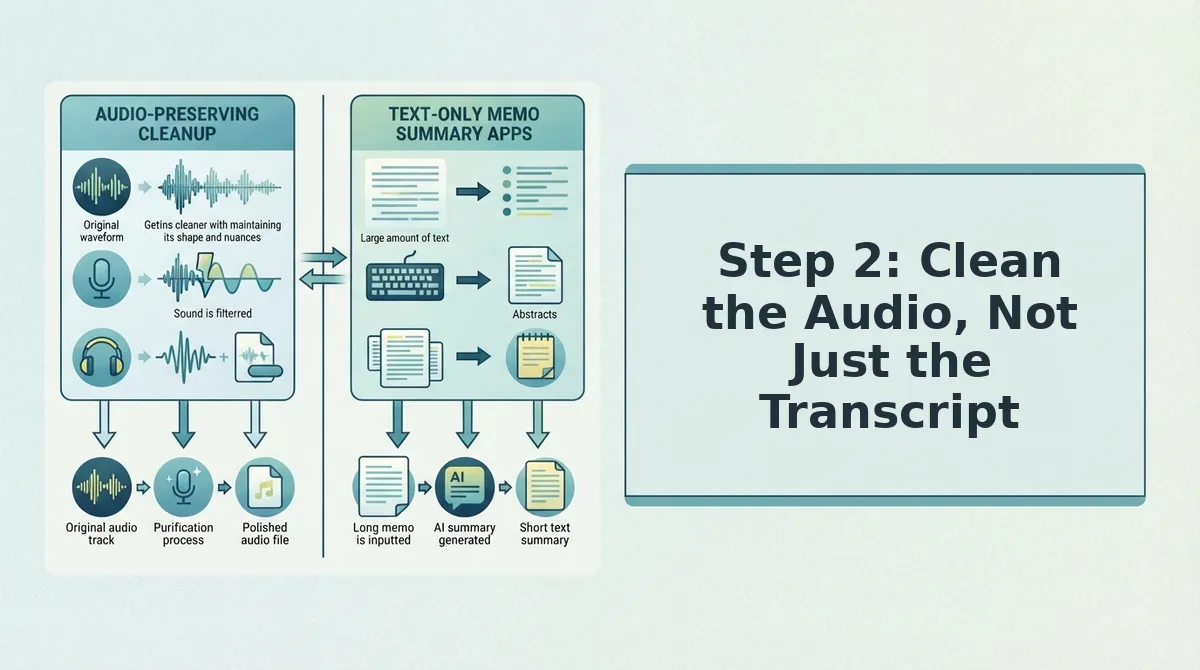
Audio cleaning is the process of removing verbal fillers, correcting spoken grammar, and stripping background noise from a voice recording while preserving the speaker's authentic voice, tone, and cadence. It produces a polished audio file, not just a corrected text version.
Most founders make the same mistake: they run their voice note through a transcription tool, edit the text, and call it done. That works if you're sending an email. It fails if you're sending a voice message, because the recipient still hears every "um," every false start, and every awkward pause in the original audio.
Think of it like this: transcription is reading the recipe. Audio cleaning is actually cooking the dish. A transcript shows you what was said, but the voice note your investor listens to is the meal itself. If the audio is raw, the message lands raw, no matter how polished the text version looks.
What cleaning actually means
Cleaning a founder voice note involves three operations. First, remove filler words from audio, the ums, ahs, "like," "basically," and repeated false starts that make you sound uncertain. Second, fix grammar in voice messages so your spoken sentences are grammatically sound without re-recording. Third, remove acoustic distractions like background noise, keyboard clatter, and room echo.
The critical constraint: none of these operations should alter your authentic voice, tone, or cadence. You should still sound like you, just the decisive, clear version of you.
Transcription vs. enhancement
Transcription tools like Otter and Gemini Transcribe produce text output only. They show you what you said but leave the audio untouched. Voice enhancement tools produce enhanced audio plus a matching transcript, so the spoken message and the written record stay in sync. For voice-first founders, text-only tools miss the point because they don't preserve the vocal identity that makes a voice note personal.
VClar handles the full cleanup in one pass: filler removal, grammar correction, and noise reduction applied directly to the audio timeline, with a transcript generated alongside. You upload the raw recording, and the output is a clean audio file that still sounds like you recorded it in one confident take.
Once the audio is clean, the next step is verifying the result before it lands in someone's inbox.
Step 3: Verify the Cleaned Message Before You Send
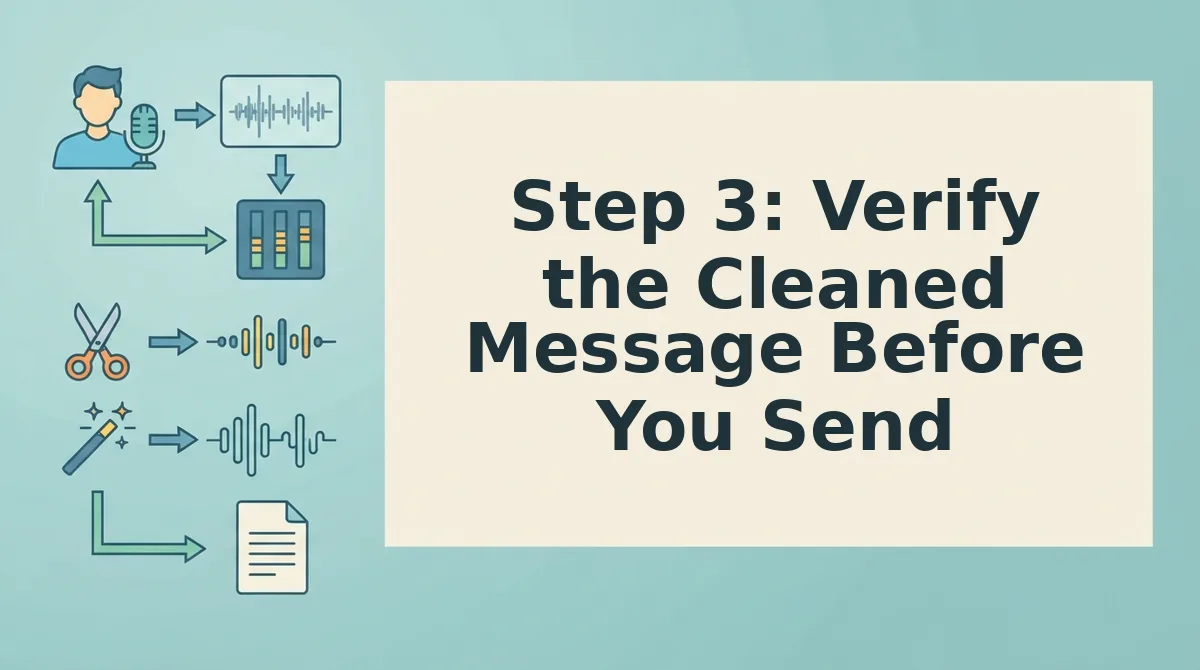
Verification takes under 60 seconds and prevents you from sending a message that sounds polished but says the wrong thing. You'll need the cleaned audio file and its transcript open side by side.
- Play the cleaned audio once at normal speed. Click play on the enhanced file and listen without pausing. You should hear your own voice with fillers removed and no awkward gaps where words were cut.
- Read the transcript against the audio. Open the transcript view and scan for words the engine may have misheard, names, numbers, and product terms are the usual suspects. You should see every critical term spelled correctly.
- Run the 10-second verification checklist. Ask three questions: Does the tone still sound like me? Is the transcript accurate on key facts? Is the length right for the audience? You should answer yes to all three before moving on.
- Spot-check one grammar fix. If the tool corrected a sentence, replay that 5-second segment to confirm the fix sounds natural in your voice. You should hear a seamless transition with no robotic artifacts.
- Confirm the file format and name. Check that the export is in the format your recipient can open and rename the file descriptively, such as "Q4-investor-update-vclar.mp3." You should see the correct extension before you attach or share.
If anything fails the checklist, run the file through VClar's grammar correction once more rather than re-recording. One clean pass beats three perfect takes.
Step 4: Match the Format to the Audience
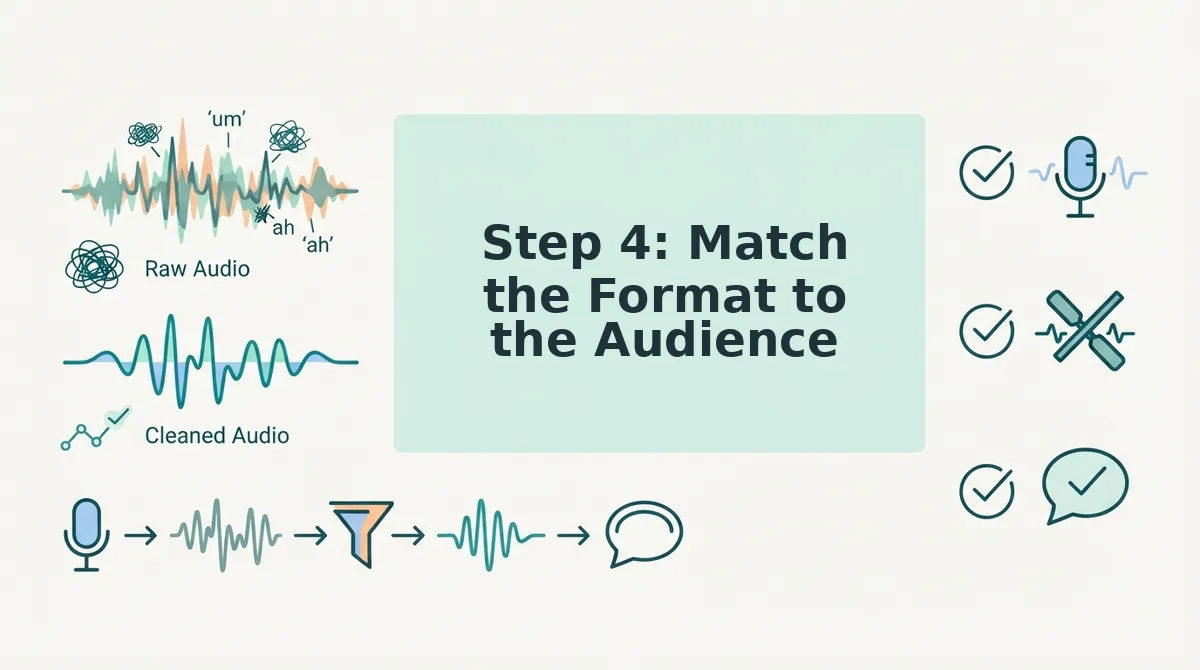
Different recipients need different levels of polish and supporting material. Use this decision matrix to pick the right format before you hit send.
- Internal team: enhanced voice note only. Your team already knows your cadence and context, so a cleaned audio file with fillers removed is enough. Send the voice note directly in Slack or your team chat, no transcript needed, and the faster delivery keeps momentum.
- Investor update: enhanced voice plus transcript. Investors skim, archive, and forward updates to partners who weren't on the call. Attach the cleaned audio and paste the transcript below it so they can scan key metrics in 20 seconds or listen during a commute.
- Customer follow-up: enhanced voice, shorter is better. Customers want a clear answer, not a founder's stream of consciousness. Trim the cleaned note to under 60 seconds and lead with the decision or next step, save context for a follow-up message if they ask.
- Cross-border partner: enhanced voice plus translated transcript. If your recipient works in a different language, run the cleaned audio through a voice note translator and send both the original audio and the translated text. This removes friction without making them decode your accent over a compressed call.
- Public or social share: transcript-first with audio embedded. Public audiences scroll before they listen. Post the transcript as the main content and embed the cleaned audio as a "listen instead" option, this captures both readers and listeners without forcing either.
When in doubt, default to the leanest format that still carries your intent. A 45-second enhanced voice note beats a 3-minute raw recording in every channel.
FAQ: Founder Voice Note Cleanup
A founder voice note cleanup playbook is a repeatable sequence: record with one listener in mind, clean the audio with an AI tool that removes fillers and background noise, verify the result against a 10-second checklist, and match the format to the recipient. Following these four steps turns rambling voice memos into clear, send-ready messages without re-recording.
What is a good playbook for cleaning founder voice notes before sharing?
A good playbook has four steps: record like you're talking to one person, clean the audio rather than just the transcript, verify the cleaned message with a 10-second checklist, and match the format to the audience. Each step removes a specific failure mode, rambling, artifacts, misheard terms, or wrong delivery format.
Can I clean a voice note without re-recording it?
Yes. AI voice enhancement tools detect and remove filler words, false starts, and background noise directly from the existing audio file. You upload the raw recording, the tool cleans the timeline, and you export a polished version in your own voice, no second take required.
What's the difference between transcription and voice enhancement?
Transcription converts speech to text, but the audio still contains every "um," pause, and false start. Voice enhancement edits the audio itself, removing fillers and distractions so the recording sounds decisive. For founder updates, enhancement matters more because most recipients listen rather than read.
How long should a founder voice note be?
Under 60 seconds for customer-facing messages, and under 2 minutes for internal team updates. Investor updates can run longer if paired with a transcript for skimming. If a note exceeds these limits, split it into two messages or move the detail to a written follow-up.
Why does my voice note sound different after AI cleaning?
It shouldn't, if the tool preserves your vocal identity. A good enhancement engine removes only fillers and noise while keeping your tone, pace, and accent intact. If the result sounds robotic or clipped, the tool is over-processing, switch to one that prioritizes natural delivery.
Do I need a transcript if I'm sending a voice note to my team?
No. Internal teams share context and know your speaking style, so a cleaned voice note alone is usually sufficient. Add a transcript only when the message contains numbers, dates, or action items that team members will need to reference later. For cross-language recipients, use a voice note translator to generate a translated transcript alongside the audio.
The One-Take Standard Is a Competitive Edge
Founders who clean voice notes before sharing don't just sound better, they move faster. Every re-recorded memo, every "sorry, let me rephrase that," is time you never get back. The playbook above removes that friction entirely.
Here's the synthesis that matters: recording naturally, cleaning automatically, and verifying quickly turns voice messaging from a liability into a leverage point. You keep the spontaneity that makes founder communication compelling, while stripping out everything that undercuts it.
Your next step is simple. Run your next voice note through VClar and send it in one take, no re-recording loop, no second-guessing. The filler words disappear, the grammar tightens, and your voice stays yours.
Clean audio isn't polish, it's respect for the person listening.