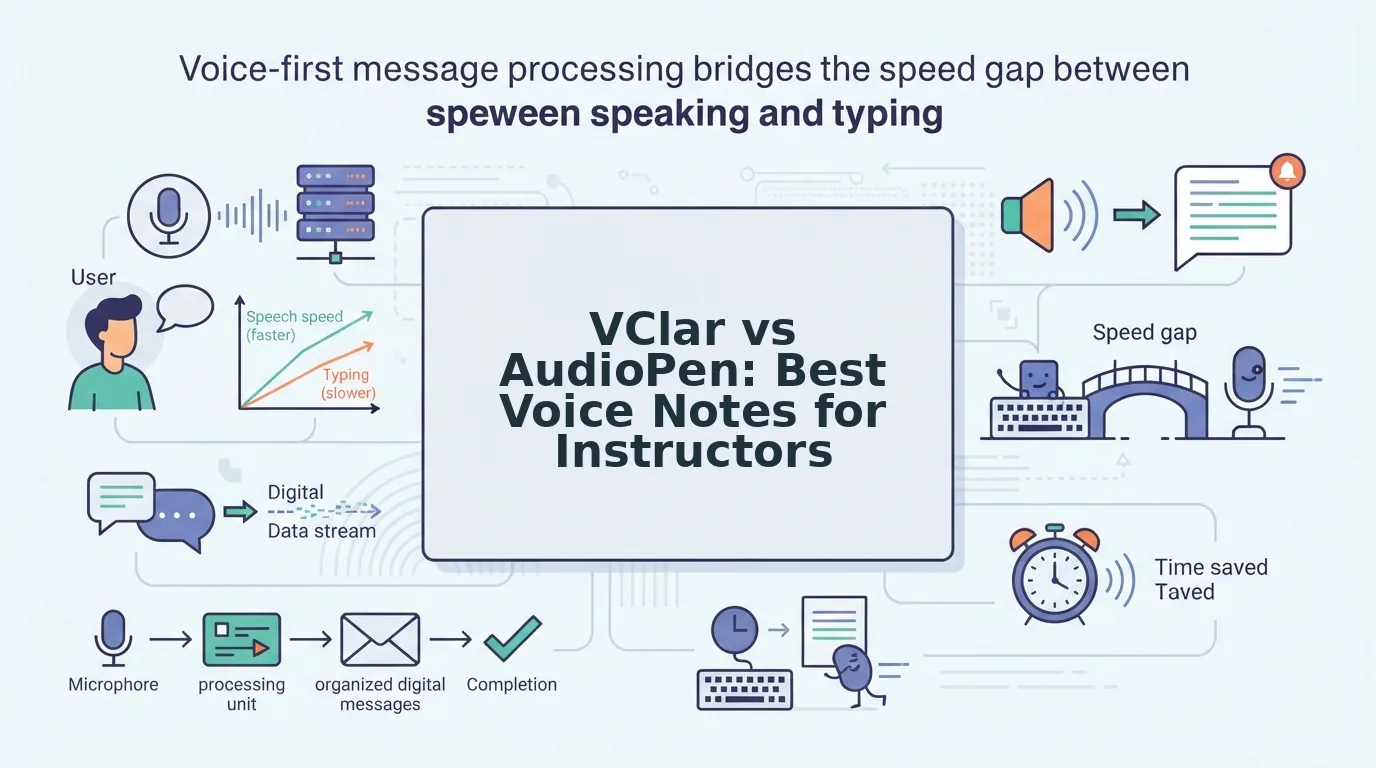

You've got 4 minutes between classes, a voice note to record, and the sinking feeling that your last message had more "ums" than actual content. If you're weighing VClar vs AudioPen for course instructor voice notes, the real question isn't which tool is faster, it's whether you want your students to hear you or read you.
You're right to be frustrated. Recording voice notes between classes means fighting filler words, re-recording loops, and wondering if your students will even listen past the first 20 seconds. Here's what you'll learn: exactly what AudioPen does with your voice, exactly what VClar does differently, and a head-to-head comparison that reveals which tool matches how you actually teach.
We'll walk through AudioPen's text-only workflow, VClar's audio-plus-transcript approach, and a side-by-side breakdown of speed, output format, and voice preservation. Along the way, you'll see why voice notes for course instructors demand more than a text summary. One finding might surprise you: the tool that feels faster at first may actually cost you more time in student follow-ups.
What AudioPen Does for Course Instructors
AudioPen is a voice-to-text tool that converts spoken, rambling thoughts into clean, structured written summaries. It listens to your voice note, strips out hesitations and tangents, and produces a polished text block you can paste anywhere.
Think of AudioPen like a court stenographer with an editor's instincts: it hears everything you say, but what you get back is a typed document, not a recording. The tool's core value is speed-to-text. You talk for 90 seconds, and within moments you have a readable summary ready for your LMS, email, or course forum.
The Workflow, Step by Step
Here's how a course instructor typically uses AudioPen:
- Record: You tap record and speak a rough voice note between classes, maybe a reminder about an assignment deadline or a clarification on a lecture point.
- Convert: AudioPen processes the audio and generates a text summary, removing filler words like "um" and "basically" from the written output.
- Share: You copy the text into a course announcement, discussion thread, or student email.
The catch: AudioPen's summarization doesn't just remove fillers, it also removes your phrasing. A rambling 60-second note about a grading rubric becomes a tidy paragraph, but the emphasis, warmth, and personal cadence that made it yours disappear. Students read a summary, not a message from their instructor.
Where AudioPen Falls Short for Teaching
Imagine an instructor records a voice note saying, "Hey everyone, so, um, I wanted to remind you that the, uh, the lab report is due Friday, and basically make sure you include your data tables." AudioPen converts that into: "Reminder: Lab report due Friday. Include data tables."
The text is clean and correct. But the student never hears the instructor's voice, never picks up on the encouraging tone, and never feels the personal connection that voice communication builds. For instructors who rely on vocal presence to motivate and clarify, that's a fundamental limitation. If you need to remove filler words from audio while keeping the spoken message intact, AudioPen's text-only output won't get you there.
What VClar Does for Course Instructors
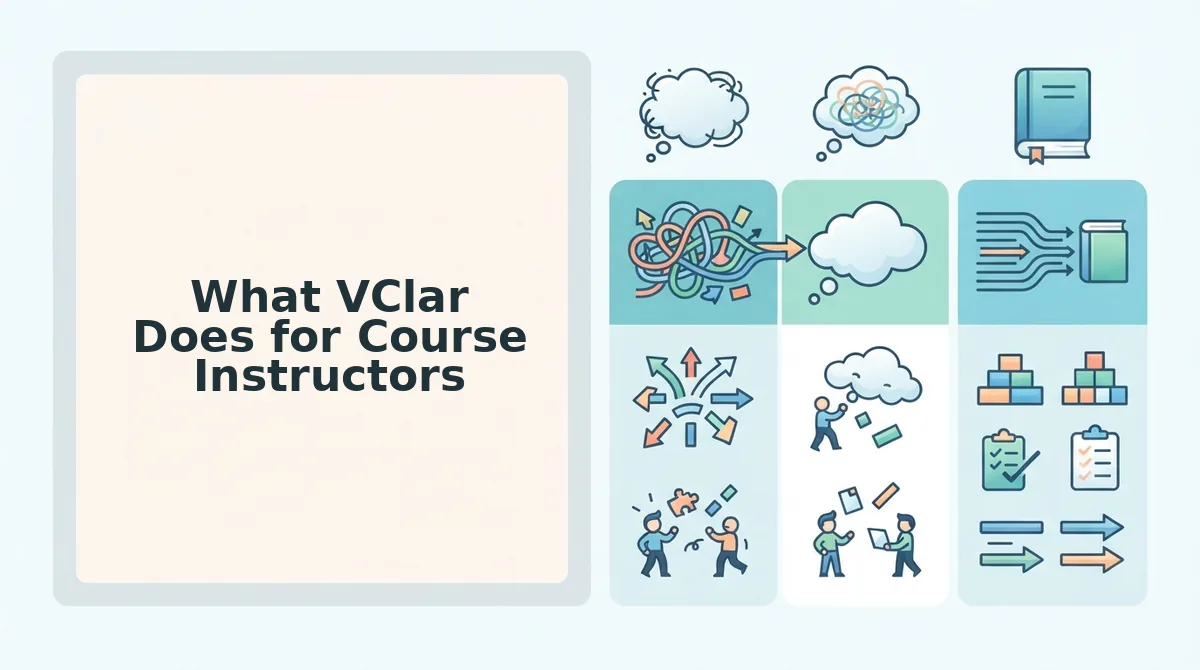
VClar is an AI voice message translator and speech enhancer that cleans up your spoken voice notes, removing fillers, correcting grammar, and translating languages, while preserving your authentic vocal delivery in both audio and transcript form.
Think of VClar like a sound engineer who edits your recording in real time: the "ums" vanish, the grammar tightens, but the voice your students hear is still unmistakably yours. Where AudioPen gives you a typed summary, VClar gives you a polished recording plus a matching transcript.
The Workflow, Step by Step
Here's how an instructor uses VClar between classes:
- Record or upload: You speak a spontaneous voice note, 45 to 90 seconds is typical, or upload raw audio you recorded earlier.
- Enhance: VClar detects and removes verbal fillers like "um," "ah," "like," and "basically" directly from the audio timeline. It also corrects spoken grammar so your message sounds decisive without sounding scripted.
- Deliver: You send the enhanced audio to students, along with a clean transcript for those who prefer reading.
The critical difference: VClar explicitly preserves your vocal timbre, accent, and cadence. Your students hear you, just a clearer, more confident version. For cross-border educators, VClar can also translate voice notes across languages while keeping the speaker's natural delivery, and fix grammar in voice messages without flattening your personality.
Why Audio Output Matters for Teaching
When an instructor records a voice note, the message carries more than words. Tone signals urgency or reassurance. Cadence signals emphasis. Accent signals identity. VClar's audio-first approach means none of that is lost. A student listening to an enhanced VClar note hears the instructor's familiar voice, minus the hesitations, like getting a one-take recording without the re-recording loop.
For instructors who think faster than they type and need to communicate clearly in one take, VClar turns rough spoken notes into authoritative audio and transcripts. The question isn't whether you should clean up your voice notes, it's whether your students should hear the result or just read it.
That distinction drives everything in the head-to-head comparison ahead.
Head-to-Head Comparison: Audio vs Text
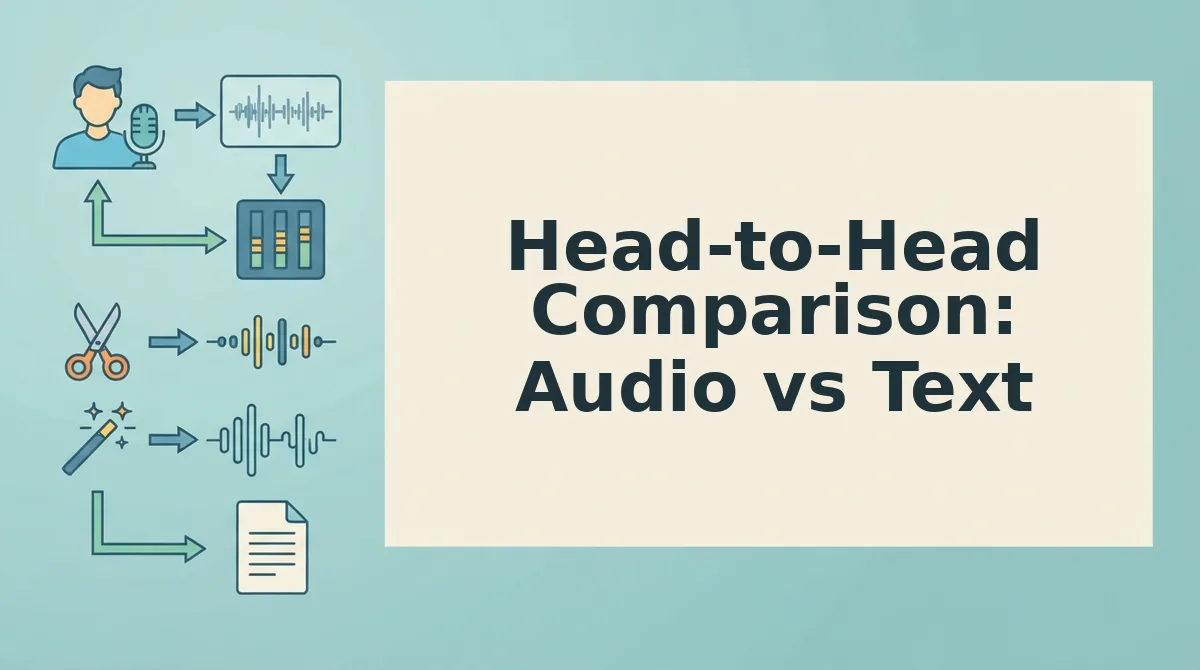
AudioPen and VClar solve different halves of the same problem: AudioPen converts your spoken notes into clean text summaries, while VClar upgrades the audio itself and delivers a polished transcript alongside it. The core distinction is voice preservation versus text summarization, one keeps your students hearing you, the other keeps them reading you.
AudioPen's strength is genuinely impressive for text workflows. It strips filler words by transcribing and restructuring your speech into readable prose, which is ideal for turning rambling lecture notes into study guides, email drafts, or written announcements. If your teaching output is primarily written, handouts, summaries, or text-based LMS posts. AudioPen does that job well and fast.
VClar's advantage is that it never abandons the audio. Filler words are removed from the timeline itself, grammar is corrected in the spoken output, and the enhanced audio remains in your own voice, accent, and cadence. Course instructors who record voice notes for students to listen to, not just read, get a deliverable AudioPen cannot produce.
| Feature | AudioPen | VClar |
|---|---|---|
| Output format | Text summary only | Enhanced audio + transcript |
| Voice preservation | Not applicable, voice is discarded | Preserves your voice, tone, and cadence |
| Filler word removal | Removed during text conversion | Removed directly from the audio timeline |
| Grammar correction | Applied to written output | Applied to both audio and transcript |
| Translation | Not offered | Translates speech across languages |
| Workflow speed | Fast, text-first | Fast, browser-first with no timeline editing |
| Best for | Instructors who need written summaries, study guides, or text announcements | Instructors who need students to hear polished audio plus a clean transcript |
If you record a 90-second explanation of a concept and want a tidy paragraph for your course page, AudioPen is the right tool. If you want that same 90 seconds to sound decisive, filler-free, and still unmistakably you when students hit play, VClar is built for that workflow.
Which Tool Fits Your Teaching Workflow?
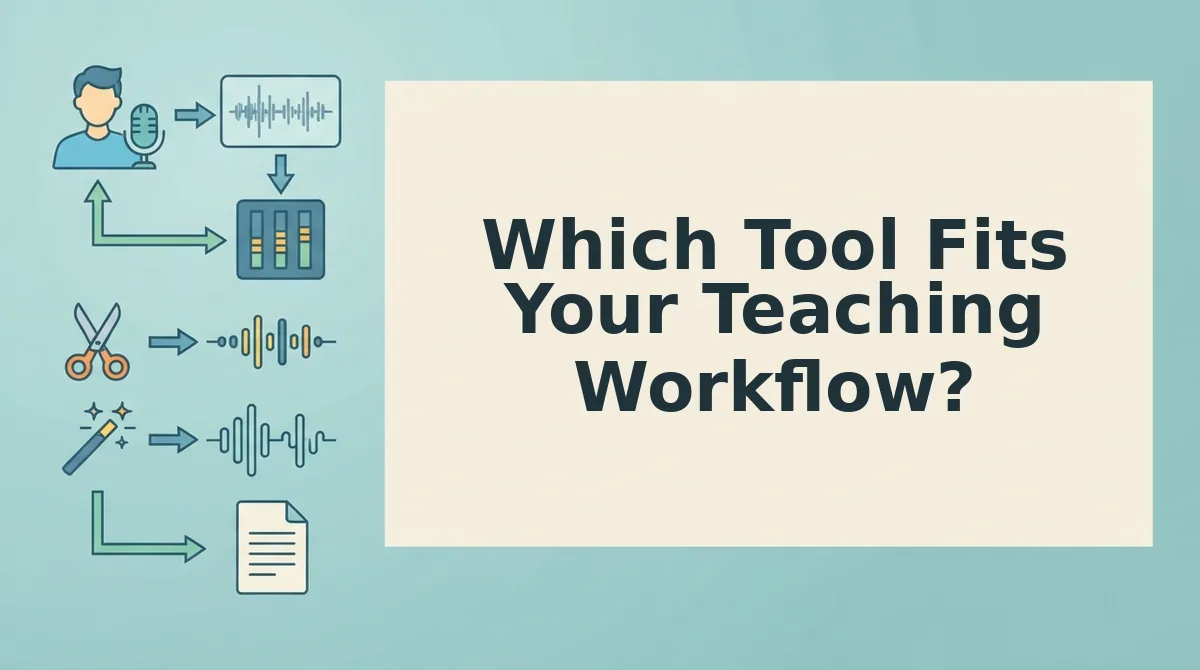
The decision comes down to one question: do you want students to hear you, or read you? Use the decision matrix below to match your workflow to the right tool.
- Choose AudioPen if you need text summaries only. When your end goal is a written study guide, a text announcement, or an email draft, AudioPen's speech-to-text restructuring is the fastest path. Record your thoughts, get clean prose, and paste it wherever your students read.
- Choose VClar if you need clean audio plus a transcript. When students will listen to your voice note, not just read it. VClar delivers enhanced audio with fillers removed and grammar corrected, plus a matching transcript. Your voice stays intact, and the message sounds decisive in one take.
- Choose VClar if filler words are hurting your spoken delivery. AudioPen removes fillers by converting speech to text, which means the audio is gone. VClar removes ums, ahs, and false starts directly from the audio timeline, so your spoken message sounds as polished as the transcript reads.
- Choose VClar if you teach international or non-native English-speaking students. VClar translates voice notes across languages while preserving your vocal identity. AudioPen does not offer translation, so cross-border course communication requires VClar's audio-first approach.
- Choose AudioPen if your workflow is entirely text-based. Instructors who live in written formats. LMS announcements, text handouts, or written feedback, will find AudioPen's summarization efficient and sufficient. No audio deliverable means no need for audio enhancement.
- Choose VClar if grammar slips undermine your spoken authority. VClar corrects spoken grammar in both the audio and the transcript, so students hear and read the corrected version. AudioPen only fixes grammar in the written output, leaving the original audio untouched.
If your course relies on voice notes students actually listen to, VClar's audio-first workflow is the practical choice. If your notes are destined for the page, AudioPen's text summarization gets you there.
Frequently Asked Questions About VClar and AudioPen
Here are direct answers to the questions course instructors ask most when comparing these two tools.
Does AudioPen output voice or text?
AudioPen outputs text only. It transcribes your spoken notes and restructures them into clean, readable prose, discarding the original audio entirely. If you need a written summary, AudioPen delivers; if you need audio your students can listen to, it does not.
Can VClar translate voice notes?
Yes. VClar translates speech across languages while preserving the speaker's authentic voice, tone, and cadence. Course instructors with international students can record once and deliver translated audio and transcripts without re-recording in another language.
Does VClar remove filler words from audio?
Yes. VClar detects and removes verbal fillers, ums, ahs, "like," "basically," and false starts, directly from the audio timeline. The result is a seamless, decisive-sounding voice message without the speaker re-recording anything.
Is AudioPen good for non-native English speakers?
AudioPen can clean up written grammar in the text output, which helps non-native speakers produce readable summaries. However, it does not translate or preserve spoken audio, so students who need to hear the instructor's voice in another language are better served by VClar.
With the audio-versus-text distinction clear, the final question is which tool earns a permanent place in your course workflow.
The Verdict for Course Instructor Voice Notes
If your students need to hear you, AudioPen cannot deliver. AudioPen converts your spoken notes into text and stops there. VClar keeps your voice intact, cleaned of fillers, grammar slips, and background noise, and hands back enhanced audio plus a transcript. That dual output is the difference between a note and a message.
For course instructors, the choice hinges on one question: do you want students reading your voice or hearing it? AudioPen serves writers who think out loud. VClar serves teachers whose vocal delivery carries authority, warmth, and nuance that text flattens.
Here is the practical path forward:
- Record your next lesson recap or assignment brief in one take, without scripting.
- Run it through VClar to strip hesitations and tighten phrasing while preserving your cadence.
- Post the enhanced audio to your LMS and paste the transcript below it for accessibility.
Try VClar for course instructor voice notes and hear the difference in your first cleaned recording. You will spend less time re-recording and more time teaching.
Audio tools transcribe what you said; VClar refines how you sound, and for instructors, sound is half the lesson.