
You record a 90-second voice update for your team, hit send, and then watch the chaos unfold: one teammate asks what you meant by "that thing," another misses the urgency entirely, and a third replies in a different language with a question you already answered. Now you're 20 minutes deep in follow-up messages, wondering why you didn't just type it out. A voice memo translation workflow fixes this, but only if it preserves your tone, not just your words.
You're not alone. Async teams default to text-only translation tools like Whisper Memos or NoteIQ, which strip out vocal tone, urgency, and intent. The result is a translation that's technically accurate but emotionally flat, and a flood of clarification messages that erase the time you saved by speaking instead of typing.
This guide walks you through a five-step workflow that turns one rough voice memo into a clear, translated message in a single take. You'll learn where most translation pipelines break, how to verify tone before sending, and why the final step most teams skip is the one that matters most. Stick around, the surprising failure point in Step 4 is where nearly every async team loses more time than the translation saves.
VClar's AI voice message translator handles the heavy lifting: it removes verbal fillers, corrects spoken grammar, and translates across languages while keeping your authentic voice intact.
What Breaks in Voice Memo Translation (And Why Most Teams Skip This Step)
Voice memo translation is the process of converting a spoken message into another language while preserving the speaker's meaning, tone, and intent, not just the literal words. Most teams skip the verification step because they assume a text transcript is enough. It rarely is.
Here's the failure chain, from simple to advanced:
Simple failure: filler words survive the transcript. A raw voice memo is full of "ums," "likes," and false starts. When a translation tool transcribes these verbatim, the output reads as hesitant and unpolished, even if the underlying message is confident. VClar's filler word removal cleans the audio timeline before translation, so the source text is already decisive.
Intermediate failure: tone gets flattened. Text-only tools like Whisper Memos and NoteIQ output words without vocal cues. A founder records a 90-second update in English, sends a text-only translation to a Spanish-speaking teammate, and spends 20 minutes clarifying tone and intent in follow-up messages. The translation was accurate. The communication was not. Think of tone like the difference between reading sheet music and hearing the performance, the notes are identical, but the experience is completely different.
Advanced failure: grammar artifacts compound across languages. Spoken grammar is looser than written grammar. When a translation engine processes ungrammatical source text, errors multiply in the target language. The fix is to fix grammar in voice messages before translation, not after. Cleaning the source audio first means the translated output inherits clarity instead of chaos.
Most teams skip the verification step because they don't have a named workflow for it. They treat translation as a fire-and-forget action. The teams that avoid re-record loops are the ones who treat verification as a mandatory step, not an optional one.
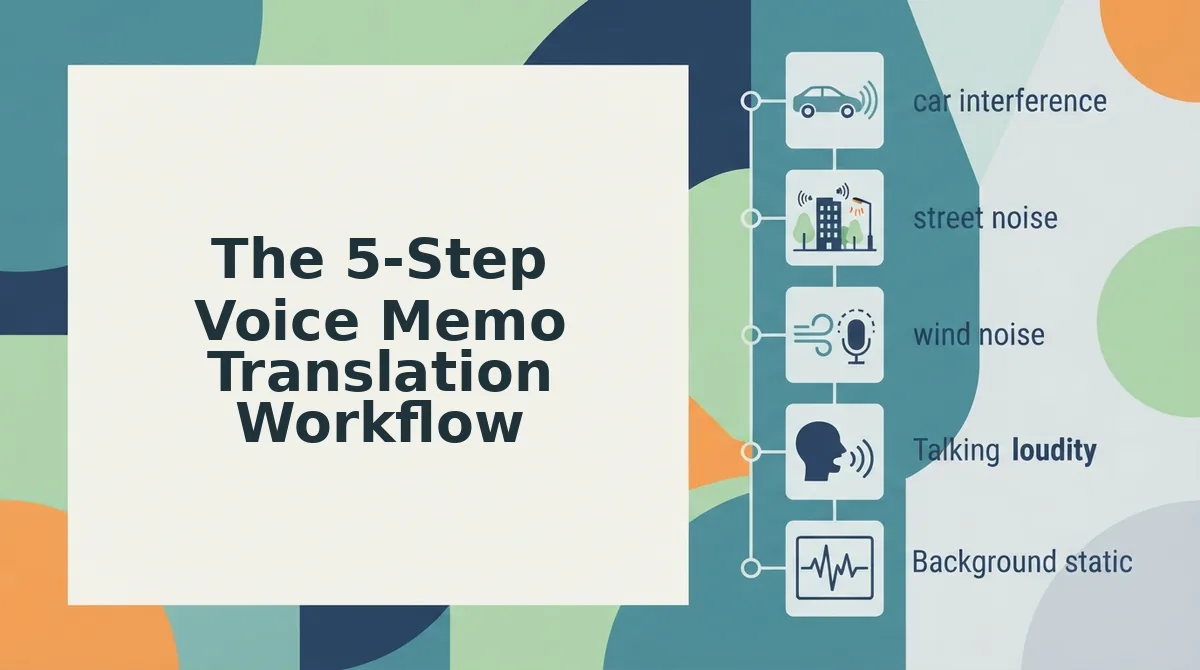
The 5-Step Voice Memo Translation Workflow
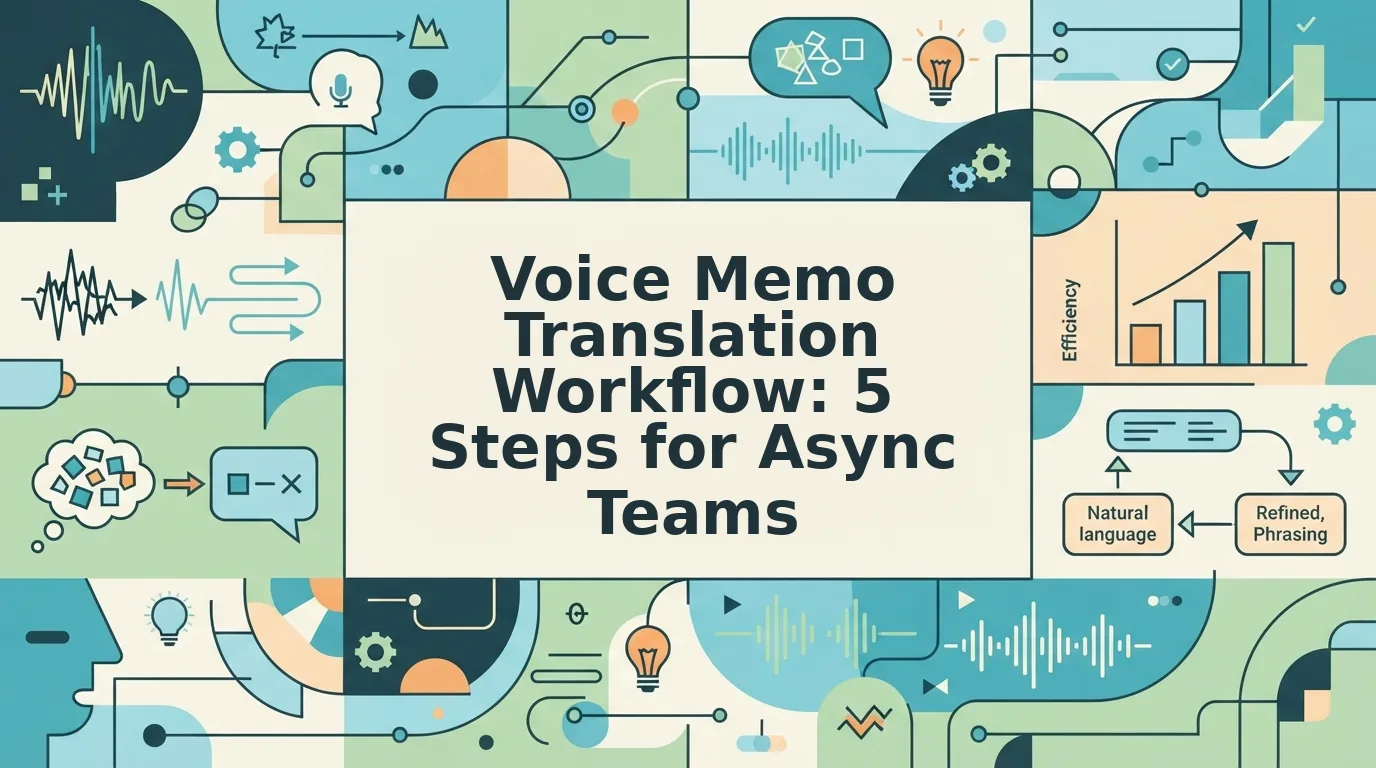
This workflow. Record to Clean to Translate to Verify to Send, turns one rough voice memo into a clear, translated message without re-recording. You'll need a voice memo app, an AI voice message translator, and about 3 minutes per message.
- Record your message in one take. Open your voice memo app and speak naturally. Don't stop to correct yourself, verbal hesitations and false starts are expected. Aim for under 90 seconds per message. Success looks like a single audio file with your complete thought, imperfections included.
- Clean the audio before translating. Upload your recording to VClar and let the engine remove filler words from audio and fix grammar in voice messages. This step takes about 30 seconds. You should see a cleaned transcript and hear a version of your voice that sounds decisive, same tone, same cadence, zero "ums."
- Translate to the target language. Select the destination language in the voice note translator and run the translation. VClar preserves your vocal identity across languages, so the Spanish or German version still sounds like you, not a synthetic voice clone. Expect this step to take under a minute.
- Verify tone and grammar before sending. This is the step most teams skip, and it's the one that causes more follow-up questions than the translation saves. Listen to the translated audio once. Ask yourself: Does this sound urgent if I meant it to be urgent? Does the grammar read as polished, not just passable? If anything feels off, adjust the source message and re-run steps 2-3. Shortcut Micha's multi-step AI workflow shows users already build voice memo pipelines, but none include this verification gate, which is exactly why their outputs still trigger clarification threads.
- Send the translated audio and transcript together. Deliver both the translated voice message and its text transcript in your team's async channel. The audio carries tone and urgency; the transcript gives teammates something to scan quickly. Success looks like zero follow-up questions about what you meant.
Once you've internalized this loop, the next decision is which translation approach fits your team's specific needs.
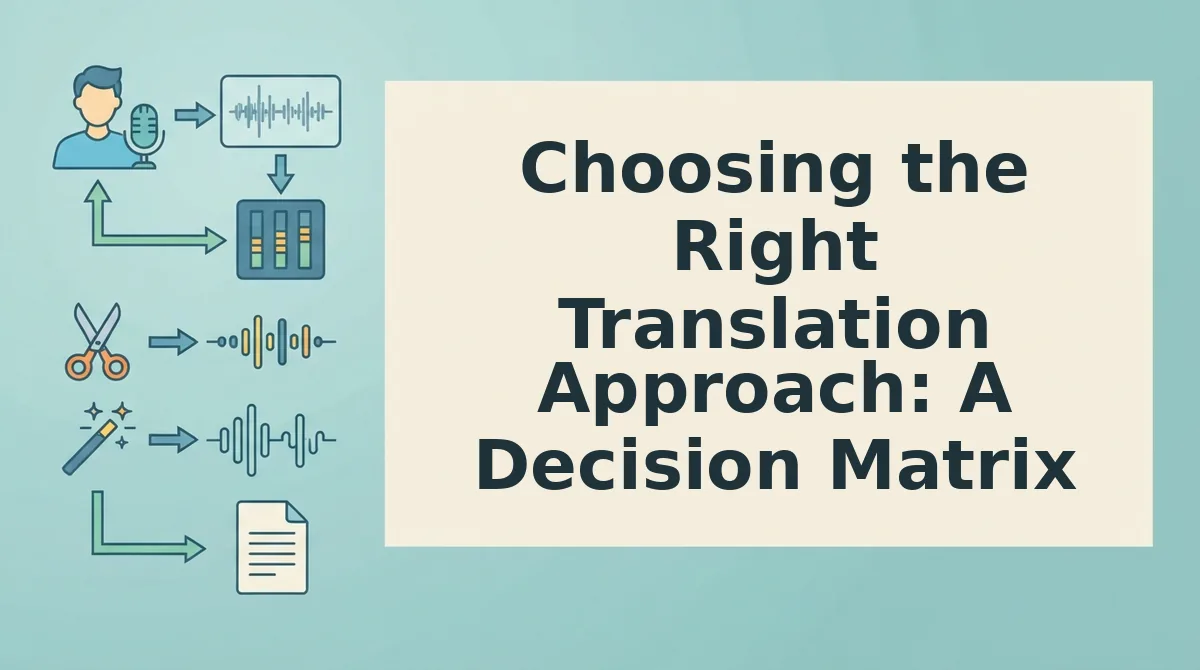
Choosing the Right Translation Approach: A Decision Matrix
Three viable paths exist for translating voice memos across async teams: manual re-recording, text-only transcription, and voice-preserving translation. Each solves a different problem, and the right choice depends on whether your team prioritizes speed, accuracy, or vocal nuance.
Text-only transcription is a half-solution for voice teams because it loses vocal tone and urgency. A translated transcript tells your remote teammate what you said, but not how you said it, and for sales handoffs, founder updates, or creative feedback, that missing layer causes misreads.
Whisper Memos and similar tools default to text-only translation, which works for documentation but fails for async teams that rely on voice nuance. If your team already communicates by voice memo, stripping the voice out of translation removes the medium's core advantage.
| Approach | What It Preserves | What It Loses | Best For |
|---|---|---|---|
| Manual re-record in target language | Full control over wording and tone | Time, spontaneity, one-take confidence | Bilingual team leads who need polished, scripted updates |
| Text-only transcription + translation | Literal meaning, searchable archive | Vocal tone, urgency, emphasis, cadence | Documentation-heavy teams where voice is a capture tool, not a delivery medium |
| Voice-preserving translation (e.g., AI voice message translator) | Meaning, vocal identity, tone, cadence, accent | None of the core voice attributes | Async teams that send voice memos as primary communication and need cross-language delivery without re-recording |
Manual re-recording gives you maximum control but reintroduces the exact friction async voice memos were meant to eliminate. Text-only tools are fast and cheap, but they flatten the emotional and contextual signal that makes voice messages effective in the first place.
Voice-preserving translation sits between the two: it keeps the speaker's authentic delivery while removing the language barrier. For teams already committed to voice-first async communication, it is the only option that does not force a trade-off between clarity and authenticity.
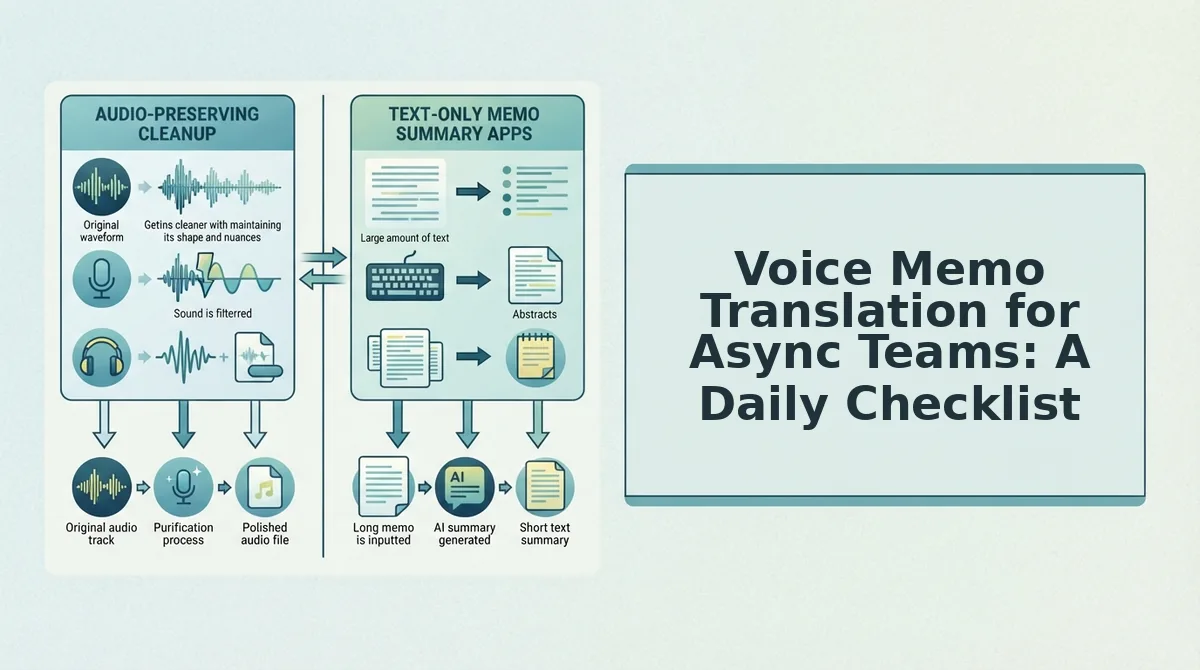
Voice Memo Translation for Async Teams: A Daily Checklist
This checklist operationalizes the 5-step workflow into a repeatable daily habit. Work through it in order, each item builds on the previous one and maps directly to the failure modes that break voice memo translation.
- Record in a quiet environment with the mic 6-12 inches from your mouth. Background noise and poor mic placement are the top causes of mistranslation in voice memos. A clean recording means the translation engine spends its effort on language, not acoustic cleanup.
- Speak in complete sentences, even if you stumble. False starts and mid-sentence corrections confuse both human listeners and translation models. If you trip over a word, pause briefly and restart the sentence rather than splicing fragments together.
- Run the memo through an AI voice message translator before sending. Translation should happen at the point of capture, not as an afterthought. Processing before sending ensures the recipient never has to request a cleaner version.
- Verify names, numbers, and dates in the translated output. Proper nouns and figures are the most common translation failure points across all tools. A 10-second scan of these elements prevents costly miscommunication downstream.
- Listen to the translated audio once before hitting send. Your ear catches tone mismatches that text review misses. If the translated version sounds flat or aggressive compared to your intent, re-record the original with adjusted emphasis.
- Attach the original audio alongside the translation when context matters. Bilingual recipients often want to hear the source for nuance. Sending both versions costs nothing and gives your teammate full context.
- Log recurring translation issues in a shared team doc. Track which phrases, names, or accents consistently mistranslate. Review the log weekly and adjust your recording habits or tool settings accordingly.
FAQ: Voice Memo Translation Workflow
Direct answers to the most common questions async teams ask about translating voice memos without losing meaning or vocal identity.
How do I translate WhatsApp voice notes automatically?
Forward the voice note to a voice-preserving translation tool like VClar's voice note translator, which processes the audio and returns a translated version in your target language. The output keeps the original speaker's voice, tone, and cadence rather than converting to robotic text-to-speech. Most tools accept forwarded audio files directly from WhatsApp without requiring a separate export step.
What is the difference between text transcription and voice translation?
Text transcription converts spoken audio into written words in the same language. Voice translation converts spoken audio into spoken audio in a different language while preserving the speaker's vocal identity. Transcription loses tone, urgency, and emphasis; voice translation retains those vocal cues. For async teams that rely on voice nuance, transcription alone is a half-solution because it strips the emotional and contextual layer that makes voice memos effective.
Why does my voice memo sound different after translation?
Most translation tools use text-to-speech synthesis, which replaces your voice with a synthetic one. Voice-preserving translators instead analyze your original vocal patterns, pitch, cadence, accent, and emphasis, and apply them to the translated speech. If your translated memo sounds robotic or flat, the tool is likely discarding your vocal identity rather than preserving it.
Can I translate a voice memo without re-recording it?
Yes. Upload the original audio to a voice-preserving translation tool, select the target language, and receive a translated version that maintains your original delivery. No re-recording is required, which preserves the spontaneity and one-take confidence that makes voice memos efficient for async communication.
Which languages does voice memo translation support?
Support varies by tool. VClar's voice note translator handles cross-language translation across multiple major languages while preserving the speaker's authentic voice, tone, and cadence. Check the specific language list for your tool before committing, especially if your team operates across less common language pairs.
The Translation Loop Closes When Verification Becomes a Habit
The five-step workflow only compounds if the last step never gets skipped. Teams that rush from translation to send without a verification pass lose more time in follow-up questions than they save in translation itself. That is the open loop resolved: the bottleneck was never the tool, it was the missing check.
Here is the synthesis that ties the whole workflow together: voice memo translation is not a transcription problem, it is a trust problem. When your translated message still sounds like you, recipients respond to the content instead of questioning the source.
One concrete next step: run your next voice memo through the AI voice message translator and compare the output against your raw recording before you hit send. That single comparison builds the verification reflex faster than any checklist.
Async teams that preserve voice identity while cleaning grammar and removing fillers stop re-recording and start shipping messages in one take. The result is not just faster communication, it is communication that survives translation without losing the speaker.
Translation should remove the friction, not the voice.