
You record a 90-second voice note in English, hit send, and the recipient on the other side of the world receives a garbled mess where "I'll circle back on the Q3 numbers" becomes "I will circle the back of the cute three numbers." The problem isn't the translation engine, it's what you fed it. If you don't clean voice notes before audio translation, every "um," false start, and run-on sentence becomes a landmine for the translator to trip over.
You're not alone in this. Most people assume translation tools can handle messy, natural speech, so they skip the cleanup step entirely. Existing tutorials, like the Whisper Memos YouTube walkthrough, show you how to auto-translate, but none of them teach you to prepare the audio first. Aungsel AI's video covers transcribe, translate, and summarize in one flow, yet it ignores the single step that determines whether the output is usable.
Here's what you'll learn: the exact failure chain that turns rough voice notes into mistranslations, a pattern-to-error table showing which speech habits break translation, and a practical pre-translation checklist you can apply in under two minutes. Stick around, the third section reveals a failure pattern that most people never connect to translation errors, and it's costing you credibility with every message you send. If you're ready to stop re-recording and start sending clean, accurate voice notes, VClar's AI voice message translator handles the cleanup and translation in one pass.
Why Voice Notes Fail Translation (The Garbage-In Chain)
The garbage-in chain is the sequence of speech defects that compounds as your voice note moves from recording to translation, where each unresolved flaw makes the next stage less accurate. Translation tools don't fix messy input, they amplify it.
Think of it like photocopying a wrinkled document. Every copy preserves the wrinkles and adds new artifacts. By the third generation, the text is barely legible. Your voice note works the same way: the translator receives an already-degraded signal and layers its own interpretation errors on top.
Here's the chain, step by step:
- Fillers create ambiguous subjects. When you say "um, so basically we need to, like, push the launch," the translator has to guess what "we" refers to and whether "push" means delay or accelerate. Fillers fragment the sentence structure, forcing the engine to make assumptions.
- Broken syntax breaks sentence boundaries. Spontaneous speech rarely follows written grammar rules. You start a sentence, pivot mid-thought, and trail off. Translation engines rely on sentence boundaries to segment meaning. When those boundaries are unclear, clauses get merged or split incorrectly.
- Ambiguous input produces confident errors. The translator doesn't flag uncertainty, it outputs its best guess as if it were certain. A fragment like "the meeting, uh, tomorrow, the one with the client" becomes a definitive statement that may point to the wrong meeting entirely.
- Mistranslation compounds across languages. If your note passes through multiple languages or is forwarded to a third party, each translation layer inherits the errors from the previous one. A small ambiguity in English becomes a factual error in Japanese.
Here's where it gets specific. The self-contained rule is this: fillers create ambiguous subjects, fragments break sentence boundaries, and false starts confuse the translator, clean first, translate second. When you remove fillers and repair broken syntax before translation, you give the engine clean, complete sentences with clear subjects and verbs. The result is a translation that reflects what you actually meant, not what the engine guessed you meant.
Most people treat cleaning and translation as separate, optional steps. They're not. Cleaning is the prerequisite that determines whether translation succeeds at all.
The Pattern-to-Error Table: What Breaks Translation
Specific speech patterns map to predictable translation failures, and knowing which patterns trigger which errors lets you fix the root cause instead of re-translating repeatedly. Here's where it gets specific.
Competitor tools like Whisper Memos and Aungsel AI handle transcription and translation competently, they're solid options if your audio is already clean. But none of them address the pre-translation cleanup step, which means users of those tools still face the same error patterns below.
| Speech Pattern | Example | Translation Failure | Fix |
|---|---|---|---|
| Filler words | "We should, um, basically, like, postpone the, uh, launch." | Translator treats "basically" as a qualifier and "like" as a comparison, producing a sentence about preference rather than action. | Remove fillers before translation so only the core verb and object remain. |
| False starts | "I think we should, no wait, actually we need to ship Friday." | Translator merges both clauses, creating a contradictory statement that says you both should and shouldn't ship. | Cut the abandoned clause entirely; keep only the final, complete thought. |
| Run-on sentences | "The client loved the demo and then we talked about pricing and they want a follow-up call next week." | Engine struggles to identify the main clause, often dropping the second or third action item. | Split into separate sentences before translating so each action survives. |
| Ambiguous pronouns | "He said he'd send it to them by Friday." | In languages with gendered or formal/informal pronouns, the translator must guess who "he," "it," and "them" refer to, and often guesses wrong. | Replace pronouns with names or specific nouns before translation. |
Best for founders and sales teams sending cross-border voice notes: a tool that combines filler removal with translation in one pass, like VClar. Best for creators repurposing clean, scripted audio: Whisper Memos or Aungsel AI, which handle transcription and translation well when the input is already polished. Best for freelancers on a budget: manual cleanup, re-record the note once with fillers removed, then run it through any free translation tool.
The self-contained takeaway: each speech pattern has a predictable translation failure mode, and fixing the pattern before translation eliminates the error class entirely. You can't fix a mistranslation by re-translating, you have to fix the source audio.
Now that you can see exactly which patterns break translation, the next step is a systematic pre-translation checklist that catches all of them in one pass.
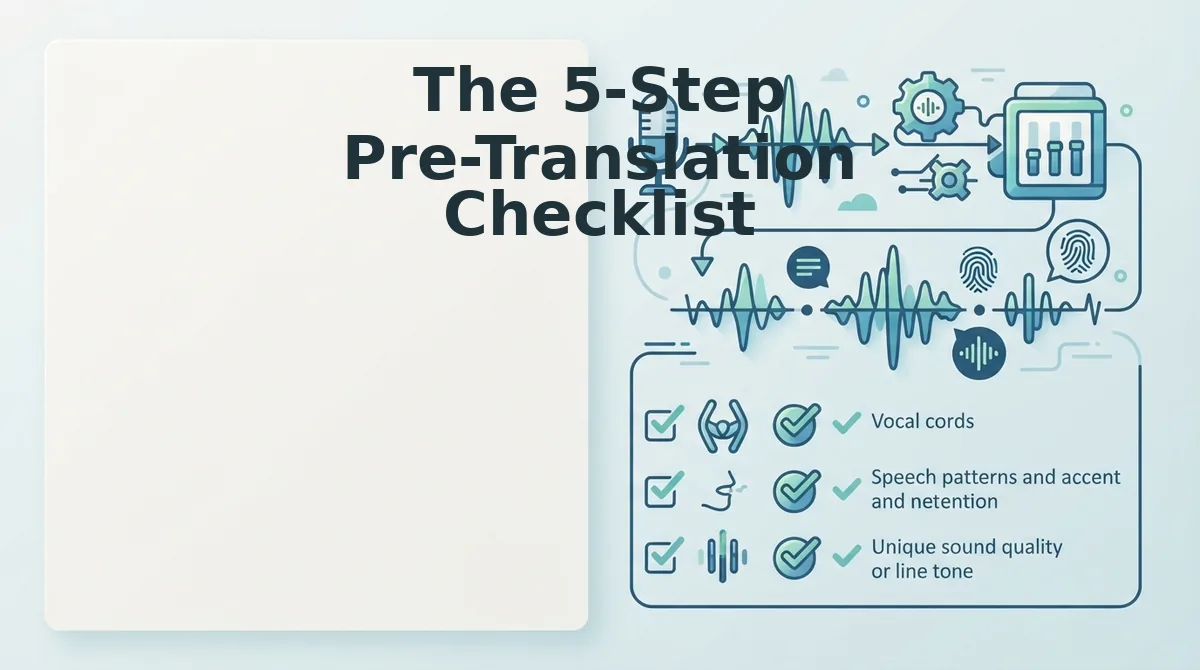
The 5-Step Pre-Translation Checklist
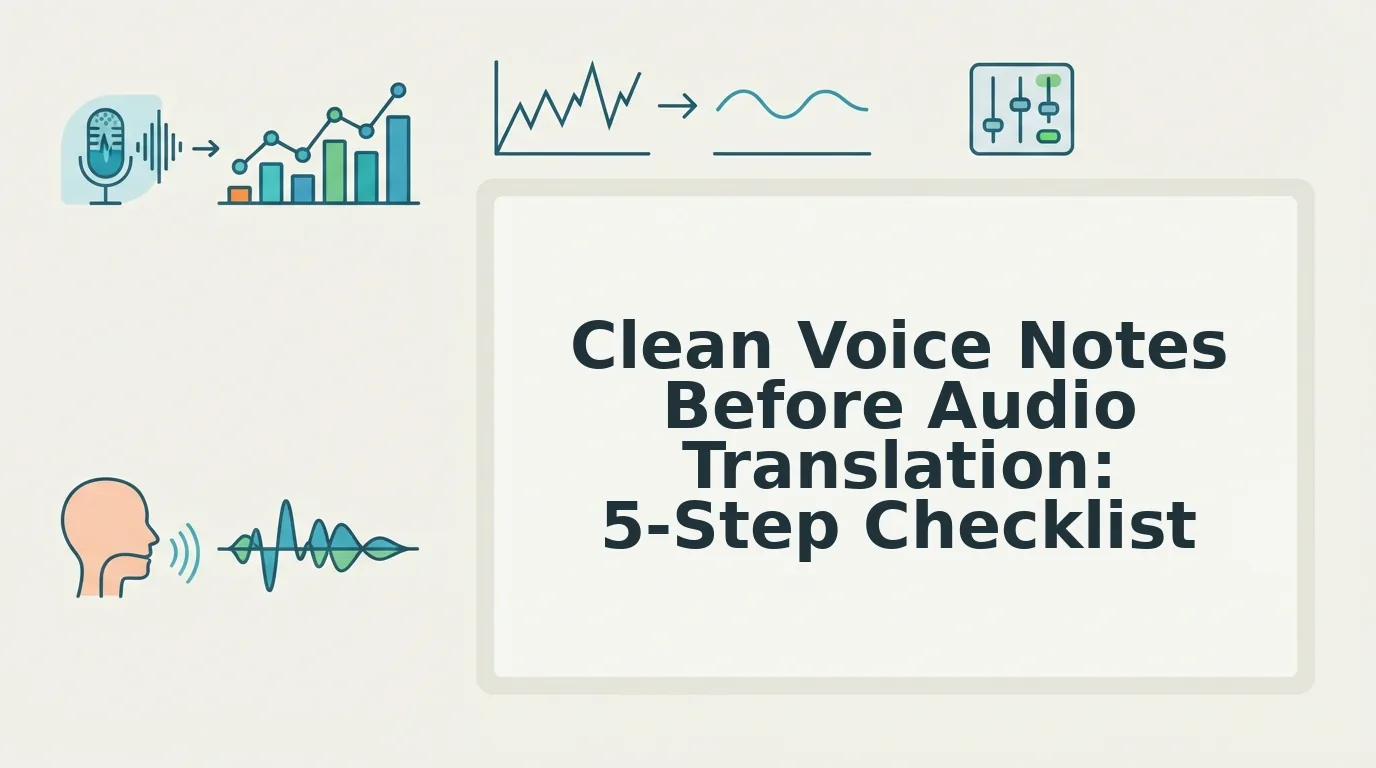
Cleaning a voice note before translation takes about 45 seconds and prevents the most common accuracy failures. You need the original audio file and a tool that can remove filler words and fix grammar in voice messages. VClar handles both in one pass.
- Remove filler words first. Open VClar, upload your voice note, and run the filler word remover. The engine strips ums, ahs, "like," "you know," and repeated false starts from the audio timeline. Expected outcome: a cleaner waveform with no audible hesitations, you should hear the difference immediately on playback.
- Fix sentence fragments. Click the grammar check option to fix grammar in voice messages. VClar flags incomplete clauses and merges or completes them so every sentence has a clear subject and verb. Expected outcome: each sentence reads as a complete thought in the transcript preview.
- Eliminate false starts. Select the false-start cleanup control and let the engine cut abandoned sentence openings ("I wanted to, actually, let me, "). Expected outcome: no repeated openings remain; the message starts once and flows forward.
- Simplify circular phrasing. Review the transcript for loops like "what I mean to say is that what I'm trying to explain is." Delete or rewrite these manually in the transcript editor. Expected outcome: each idea appears once, stated directly.
- Verify tone and intent survived. Play back the cleaned audio and compare it against your original intent. Confirm the message still sounds like you, same cadence, same accent, same emphasis. Expected outcome: you can say "yes, that's exactly what I meant" before sending it to translation.
Run this checklist once and the translated output will carry your meaning without the noise.
What Happens When You Skip Cleaning (Real Consequences)
Skipping cleanup before translation is not a minor shortcut, it changes what the other person hears. A founder once sent a rambling voice note to a cross-border client about a project deadline; the translation engine dropped a clause and reversed the deadline meaning, turning "not due Friday" into "due Friday." The client acted on the wrong date.
- Dropped clauses erase obligations. Translation engines often discard subordinate clauses when the source audio is fragmented. A dropped "unless payment clears first" removes your condition and creates a binding-sounding promise you never made.
- Wrong subject confuses responsibility. Filler-heavy audio makes it hard for the engine to identify who is doing what. "He said to send it. I mean, she said, basically we should send it" can translate as the wrong person owing the action.
- Literal idioms produce nonsense. Untranslated idioms like "let's circle back" or "touch base" become absurd in target languages. Cleaning forces you to say what you actually mean before the engine renders it literally.
- Lost tone flattens urgency. Hesitations and false starts dilute emphasis. A cleaned message preserves the stress on "immediately" or "not acceptable," while a messy one buries it under verbal noise.
FAQ: Cleaning Voice Notes Before Translation
Cleaning a voice note means removing filler words, fixing grammar, and eliminating false starts before sending the audio through a translator. This 45-second step prevents dropped clauses, wrong subjects, and literal idiom errors in the translated output.
Why should you clean voice notes before audio translation to avoid errors?
Translation engines parse grammar and sentence boundaries to assign meaning. Fillers, fragments, and false starts obscure those boundaries, so the engine guesses, and guesses wrong. Cleaning first gives the translator clean input, which produces accurate output.
How do you translate WhatsApp voice notes to English accurately?
Export the voice note, run it through a cleaning tool to remove fillers and fix grammar, then translate the cleaned audio. Use a voice note translator that preserves your original voice and cadence rather than replacing it with synthetic speech.
Can I clean voice memos online without re-recording?
Yes. Upload the original memo to VClar and the engine removes fillers, repairs fragments, and cuts false starts directly on the existing audio timeline. You do not need to record a second take.
Does removing filler words change my voice?
No. VClar removes only the filler sounds and words, not your vocal characteristics. Your tone, accent, cadence, and emphasis remain intact, the message just sounds more decisive.
What's the fastest way to clean a voice note?
Upload the audio, run the filler remover and grammar fix in one pass, then review the transcript for circular phrasing. The full process takes under a minute for most voice notes.
Clean first, translate second, that order is the whole game.
Clean First, Translate Second
Translation accuracy is not a software problem. It is an input problem. Every um, false start, and background clatter you leave in a voice note becomes a decision the translation engine must make, and often gets wrong.
The open loop from the start of this article resolves here: cleaning is not optional polish. It is the difference between a translated message that sounds like you and one that sounds like a machine guessing.
Two concrete next steps, in order:
- Run your next voice note through VClar's AI voice message translator cleaning pass first. The filler word remover and grammar cleaner strip hesitations and false starts before translation ever begins.
- Then explore the spoken English grammar cleaner workflow to tighten sentence structure in the source language, so the target language inherits clarity instead of confusion.
One pass through cleaning takes seconds. The payoff is a translated message that lands with the same intent, tone, and authority as your original thought, not a degraded echo of it.
Translation multiplies whatever you give it, clean input is the only input worth multiplying.