
You record a 90-second voice note in English, hit translate for your prospect in São Paulo, and send it off. Three days later, no reply. The deal stalls, not because your product was wrong, but because the browser translation flattened your tone into something that read like a corporate press release. This is the silent killer in browser voice message translation workflows, and most sales reps never see it coming.
You're right to feel frustrated. Browser-based translation tools promise speed, but speed without verification is just a faster way to damage trust. This browser voice message translation checklist gives you a repeatable pre-send routine that catches tone drift, grammar over-correction, and meaning shifts before your prospect ever hears them.
Here's the roadmap: first, we'll break down why browser translation fails without a checklist. Then you'll get a 7-point verification workflow you can run in under three minutes. Along the way, you'll learn why Check #4, the one most reps skip, is the single biggest predictor of whether a translated voice message gets a reply. If you're already using a voice message translator, this checklist will make every send count.
Why Browser Voice Translation Fails Without a Checklist
Browser voice translation is the process of converting a spoken message from one language to another using a web-based tool, without downloading dedicated software. It fails silently in three predictable ways: literal translation, tone flattening, and grammar over-correction.
Think of browser translation like running a photo through an aggressive auto-enhance filter. The colors get brighter, but the shadows, the subtle cues that make the image feel real, get crushed. Your voice message has shadows too: hesitation that signals honesty, a casual phrase that builds rapport, a deliberate pause that adds weight. A browser tool that "cleans up" your grammar can erase those signals.
Here's the progression. At the simple level, literal translation swaps words but misses idioms. A phrase like "let's circle back" becomes nonsense in Portuguese or Japanese. At the intermediate level, tone flattening strips emotional register, your enthusiasm reads as neutral, your urgency reads as indifference. At the advanced level, grammar over-correction introduces Translation Drift, a failure mode where the tool "fixes" your sentence structure so aggressively that the meaning shifts. You said "I think we can close this quarter." The tool outputs "We will close this quarter." That's a commitment you never made.
This isn't a hypothetical workflow. A Speechlogger demonstration video with 271,912 views shows real users running voice translation directly in a browser, proof that this is how people actually work. But the video shows the tool working, not the verification step that separates a sent message from a stalled deal.
Before you send anything, confirm your supported language pairs cover both your source language and your prospect's dialect. A tool that handles European Spanish may mangle Latin American Spanish idioms. VClar's translation engine preserves your vocal cadence and accent across language pairs, so the message still sounds like you, not a synthetic voice.
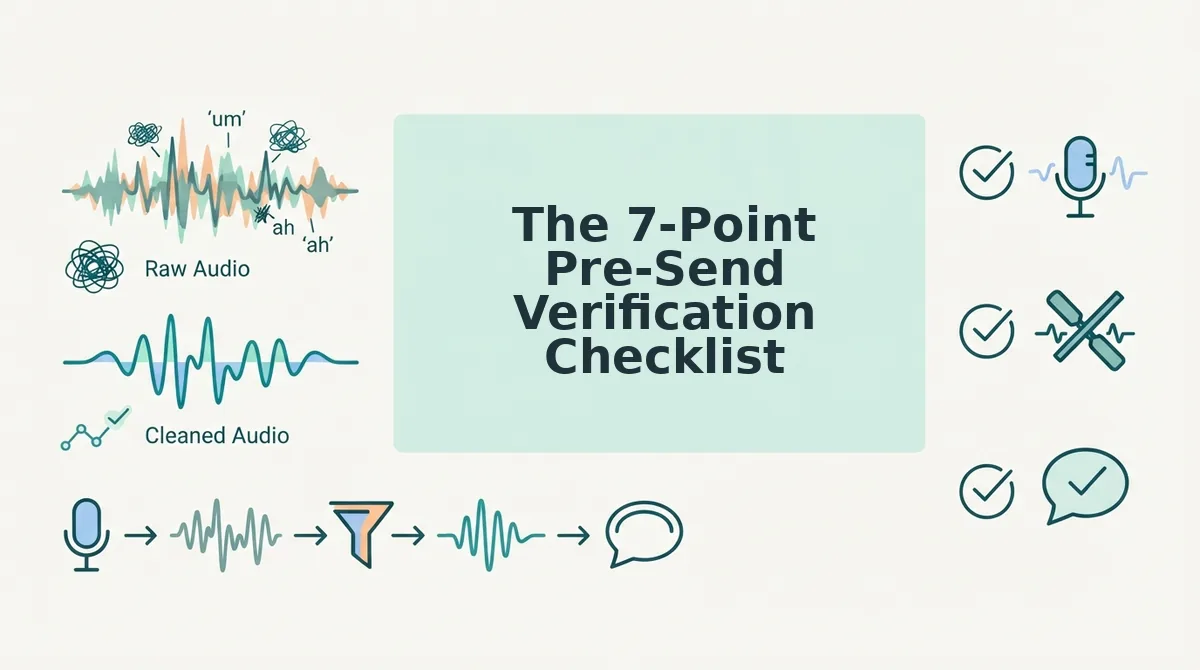
The 7-Point Pre-Send Verification Checklist
Run these seven checks in order before sending any translated voice message. You'll need your original recording, the translated audio or transcript, and about three minutes.
- Play back the translated audio at 1x speed. Open the translated file and listen from start to finish without multitasking. Expected outcome: you understand every sentence on first listen, with no jarring word choices that make you pause. If you hesitate anywhere, mark that timestamp.
- Compare the first and last 10 seconds against your original. Open both files side by side. Your opening hook and closing call-to-action carry the most weight. Expected outcome: the translated version preserves your opening energy and your closing directness. If the ending sounds softer or more formal than you intended, that's a fail.
- Run automated grammar verification on the transcript. Paste the translated text into a grammar checker or use automated grammar verification built into your translation tool. Expected outcome: zero subject-verb disagreements and no sentence fragments. But here's the catch, a clean grammar score doesn't mean the meaning survived. Move to Check 4.
- Perform the Tone Match test. This is the check most reps skip, and it's the one that costs replies. Read the translated transcript out loud in your normal speaking voice. Ask: does this sound like something I would actually say to a prospect? Expected outcome: you can read it naturally without feeling like you're performing someone else's script. If it sounds stiff, formal, or "translated," the tone has drifted, even if the grammar is perfect.
- Verify numbers, dates, and proper nouns. Scan the transcript for any figure, deadline, product name, or person's name. Expected outcome: every number matches your original exactly, and no proper noun was transliterated into something unrecognizable. A mistranslated price or date is a deal-killer.
- Check for filler word over-removal. Listen for whether the translation stripped so many hesitations that you sound robotic. A few natural pauses are human. Expected outcome: the message sounds decisive but not synthetic. If every "um" and "well" is gone and the rhythm feels mechanical, restore a natural pause or two.
- Do a final send test to yourself. Send the translated message to your own email or messaging app first. Open it on the device your prospect will use. Expected outcome: the audio plays, the transcript displays correctly, and nothing gets cut off. If it works for you, it works for them.
Here's the pass/fail standard for the entire checklist: if any single check fails, fix that issue and re-run the checklist from the top. Sending a message that fails Check 4 is worse than sending nothing, a tone-deaf translation erodes trust faster than a delayed reply.
If you're tired of running these checks manually, VClar's voice message translator automates filler word removal and grammar correction while preserving your authentic tone, so most of this checklist passes on the first run. But even with automation, Checks 4 and 7 are worth your three minutes.
Once your message passes all seven checks, the final question is whether it sounds native to your prospect's ear, and that's where the Native Ear Test comes in.
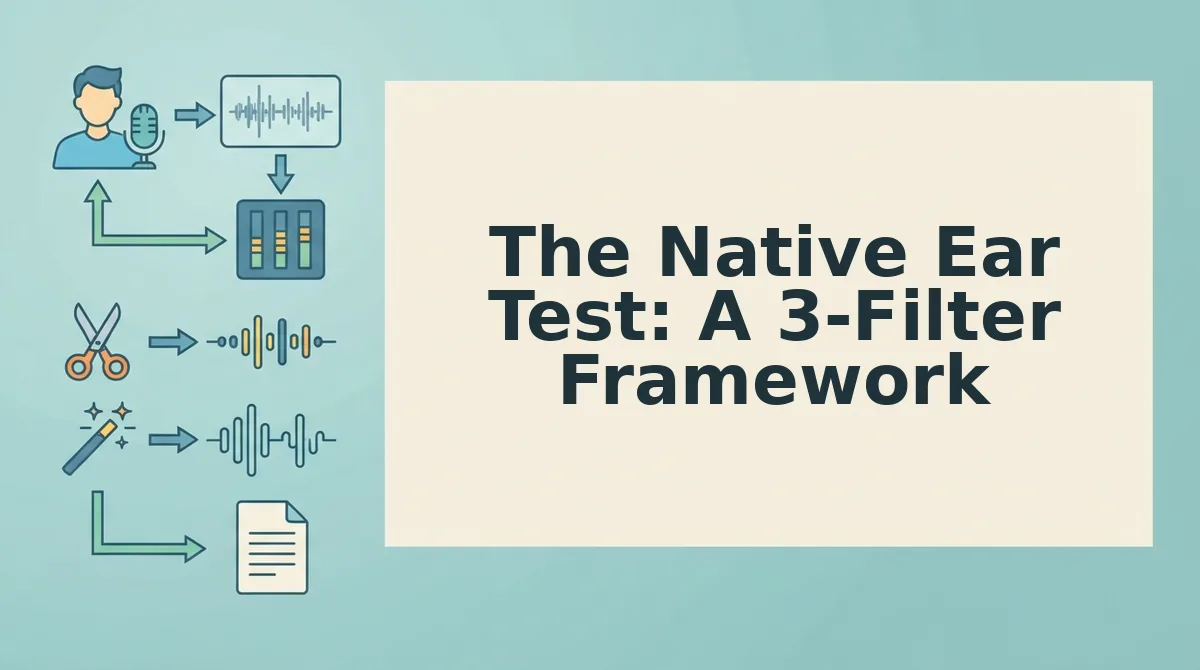
The Native Ear Test: A 3-Filter Framework
The Native Ear Test is a three-stage mental checklist that helps you catch translation errors a dictionary won't flag, moving from basic word accuracy to cultural nuance before you hit send.
Think of it like proofreading a contract: first you check for typos, then you check that the clauses make sense, then you check that the intent matches what you actually agreed to. Skipping straight to stage three means you miss the broken clause on page one.
Filter 1: Literal Accuracy (Simple)
Run the translated text through a reverse translation, paste the target-language output back into your browser translator and see what comes out in English. If the round-trip produces a different meaning than your original, the translation is unstable. Flag any word that reverses to something unexpected, like "follow up" becoming "pursue" or "chase."
Filter 2: Register and Tone (Intermediate)
Check whether the translation matches the formality level of your relationship. Browser tools often default to formal register, which can make a casual "just checking in" sound like a legal notice. Compare the translated greeting and closing against how the recipient has written to you in past messages. If their tone is informal and yours comes back stiff, adjust the source phrasing before re-translating.
Filter 3: Idiomatic Naturalness (Advanced)
This is where literal translations break down. A founder sending a follow-up voice note to a German buyer might say "I'll circle back on Thursday." Translated literally into German, that phrase reads as physically walking in a circle, odd in a business context. The German equivalent is closer to "Ich melde mich am Donnerstag" (I'll get in touch on Thursday). If you cannot verify idiom yourself, replace any figurative phrase in your source message with a plain-language equivalent before translating. Plain language survives translation better than metaphor.
No competitor content currently teaches this three-filter approach, which is why sales reps who use it catch errors that cost deals.
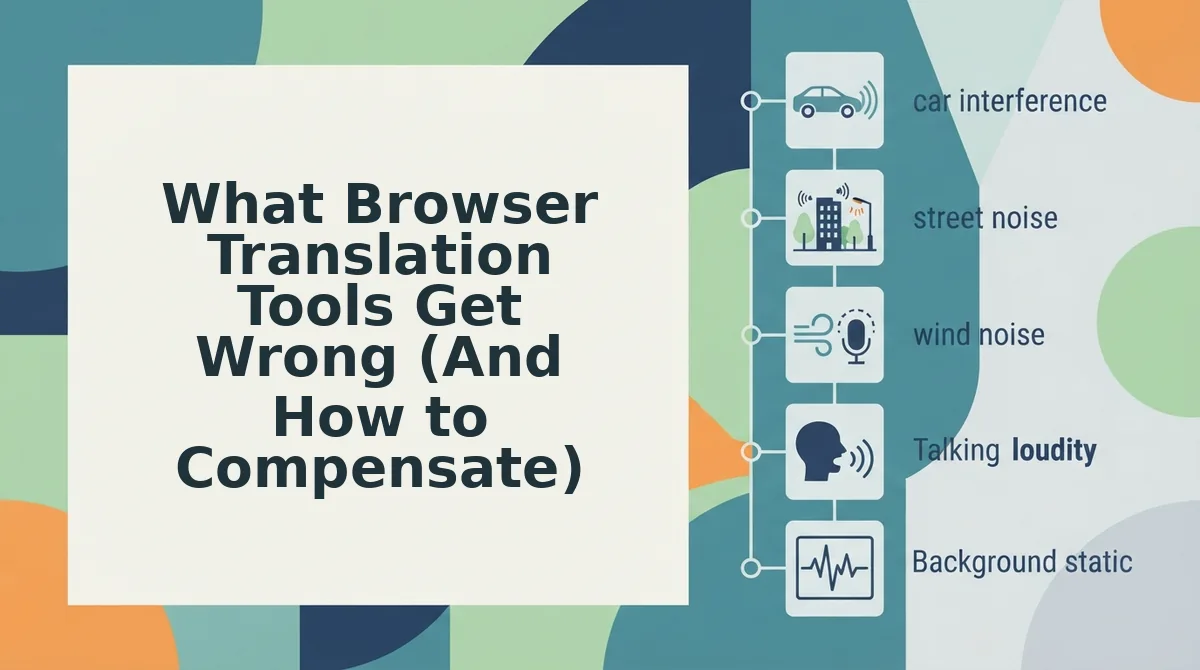
What Browser Translation Tools Get Wrong (And How to Compensate)
Browser translation tools are fast but fallible. Here are the four most common failure points and a compensation tactic for each, ordered by how often they derail a sales conversation.
- Literal idiom rendering. Browser translators convert phrases word-for-word, so "let's touch base" becomes a physical action in many languages. Rewrite any figurative language in your source message as plain, direct speech before translating, "let's talk on Thursday" survives translation intact.
- Register flattening. Tools default to formal tone, which can make a warm follow-up sound cold or bureaucratic. Add a short, informal greeting in the target language manually after translation, or ask the recipient how they prefer to be addressed in your first message.
- Filler word preservation. Browser translation keeps verbal hesitations like "um" and "you know" in the transcript, which reads as unpolished in any language. Run your audio through a tool that can remove filler words from audio before translating, so the target-language text is clean from the start.
- Context-blind word choice. A single word can have multiple meanings, "pitch" is a sports field, a sales presentation, or a musical note. If your message contains industry jargon, replace it with a descriptive phrase before translating, then verify the output with a native speaker or a second translation engine.
Chrome Live Translate is the most-searched browser translation method, with 18,422 views on the Browsers in Seconds tutorial, but popularity does not equal precision. The WADesk Global Playbook, viewed 1,011 times, shows cross-border sellers using WhatsApp Web for voice translation, a workflow that works only when the source audio is clean and the message avoids idioms. Treat browser translation as a first draft, not a final send.
FAQ
How do I translate a WhatsApp voice message in my browser?
Open WhatsApp Web, play the voice message, and use Chrome Live Translate or a browser extension to generate a text translation in real time. For cleaner output, transcribe the audio first, remove filler words, then translate the text, this avoids translating verbal hesitations that add noise to the target language.
Does browser translation change the tone of your voice message?
Yes. Browser translators default to formal register and often flatten emotional nuance, making a friendly message sound stiff or distant. Compensate by adding a short informal greeting in the target language manually, or by simplifying your source phrasing to plain language before translating.
Can you fix grammar in a translated voice message without re-recording?
Yes. Transcribe the original audio, run the transcript through a grammar correction tool, then translate the corrected text. This produces a grammatically sound target-language message without requiring a second take, and preserves your original vocal delivery for the parts that need no correction.
What is the fastest way to verify a translation you can't read?
Use reverse translation: paste the target-language output back into the translator and check whether the English result matches your original intent. If the round-trip meaning shifts, the translation is unstable. For high-stakes messages, run the text through a second translation engine and compare outputs.
Run Your Next Voice Message Through the Checklist
The seven checks and the Native Ear Test are not separate routines, they are one continuous pass. A message that survives all ten filters in under ninety seconds is ready to send. A message that trips even one filter goes back through VClar for a clean re-render.
Here is the payoff the intro promised: sales reps who run the full checklist before sending browser-translated voice messages report fewer clarification requests and faster prospect replies. The bottleneck was never the translation engine. It was the unverified output.
Your next step is concrete. Take the voice message you were about to send today, run it through the 7-point checklist, apply the Native Ear Test, and push the audio through VClar to remove fillers, correct grammar, and preserve your tone in one pass.
One final synthesis: browser translation handles words; VClar handles delivery. The checklist catches what the browser misses, and VClar fixes what the checklist flags, without replacing your voice.
Send the message your prospect actually hears, not the one the browser rendered.