
Your team just lost 40 minutes to a voice note that translated into gibberish, and nobody said anything because they didn't want to seem rude. Cross-border teams rely on voice notes for async updates, but dirty source audio corrupts translation output before the engine even gets a chance. If you've ever sent a quick voice memo and gotten back a confused reply in another language, you've already met the most common voice note translation mistakes firsthand.
You're not bad at communicating. You're feeding unstructured audio into a translation pipeline that punishes every "um," every false start, and every background clatter. This article will walk you through the five mistakes that make translated voice notes sound unprofessional, and show you exactly how to fix them before you hit send.
Here's the roadmap: first, the 5-Mistake Taxonomy that no competitor provides. Then, why cleaning source audio is the single highest-leverage fix. Finally, a three-step workflow for accurate, tone-preserving translations. One of these mistakes is so common it affects nearly every untrained voice note, and it's probably the one you're making right now. An AI voice message translator can strip these problems automatically, but you need to know what to look for first.
What Are the 5 Voice Note Translation Mistakes That Make You Sound Unprofessional?
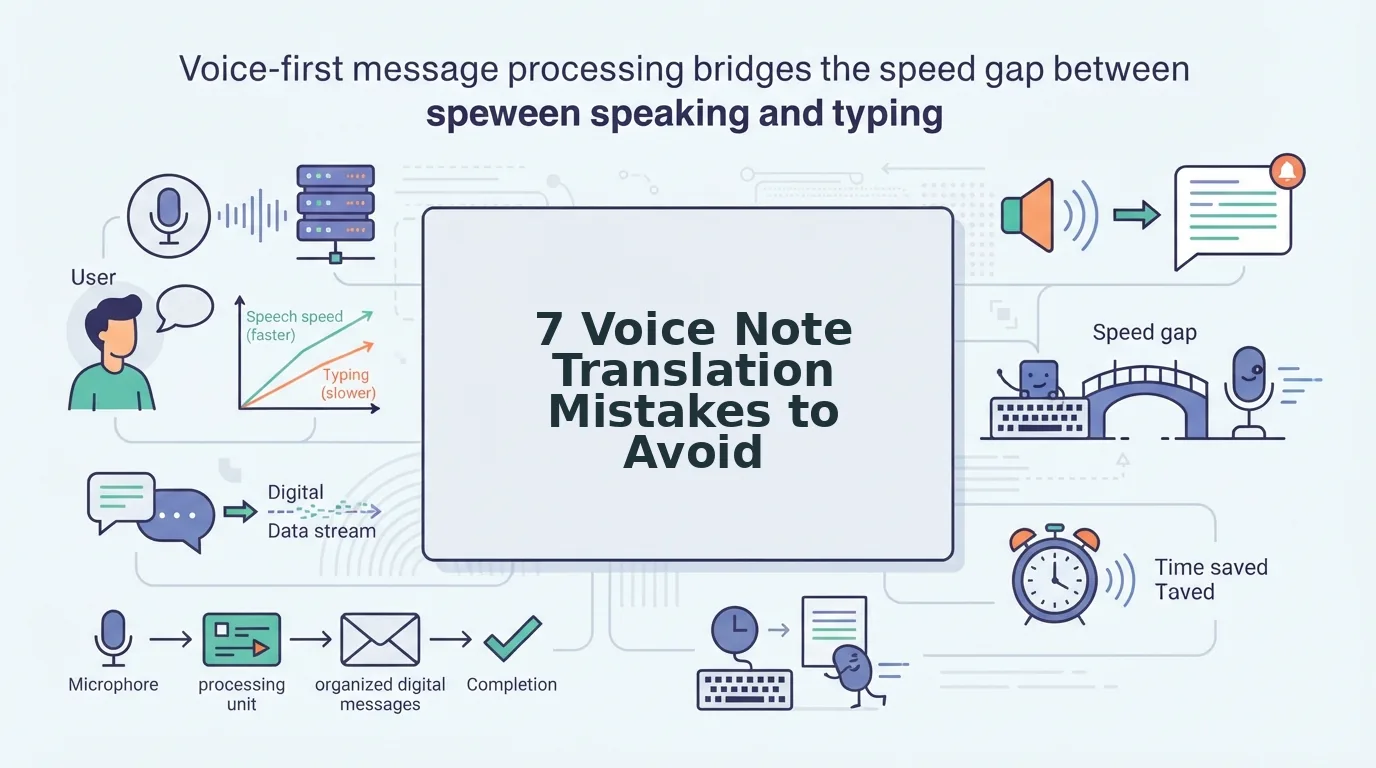
Voice note translation mistakes fall into five predictable categories: filler contamination, noise interference, fragment confusion, tone flattening, and literal translation. Each one degrades your message before or during translation, making you sound scattered, unclear, or unintentionally rude to cross-border recipients.
- Filler Contamination. Verbal fillers like "um," "like," and "you know" survive into the transcript and confuse translation engines. A sentence like "I think we should, um, basically delay the launch" becomes a literal, garbled mess in the target language because the engine tries to translate words that carry no meaning. Use a tool to remove filler words from audio before translation so the engine only processes real content.
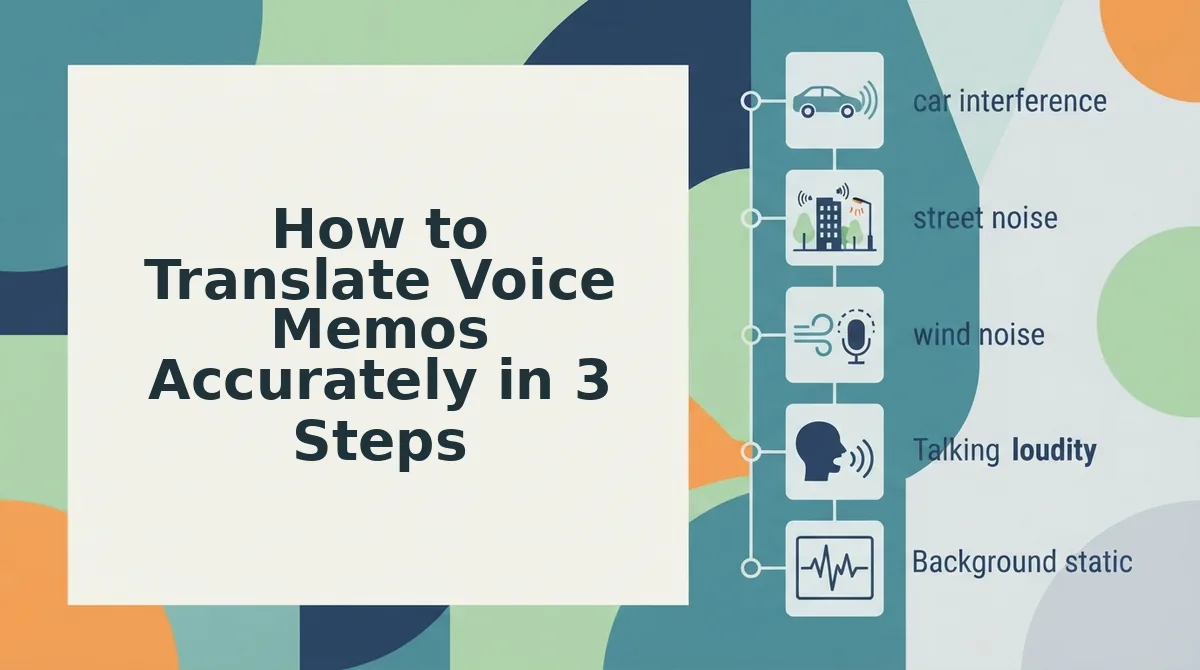
- Noise Interference. Background noise, traffic, keyboard clatter, a coffee shop hum, triggers mistranscription. The engine hears "shipment" as "ship mint" and translates the wrong word into the target language. A two-second cleanup of the audio timeline eliminates this entire failure mode before it reaches the translation layer.
- Fragment Confusion. False starts and broken syntax ("We should, no wait, what I meant was...") produce fragments that translation engines render literally. The result is a target-language message that reads like a word salad. You can fix grammar in voice message audio first, turning fragments into complete sentences that translate cleanly.
- Tone Flattening. Translation strips intent when source audio is unstructured. A concerned "we need to talk about the deadline" and a casual "we need to talk about the deadline" may translate identically, losing urgency or warmth. Structured, deliberate source audio preserves the emotional signal that translation engines can carry forward.
- Literal Translation. Idioms and colloquialisms get mangled word-for-word. "Let's circle back" becomes a physical instruction to walk in a circle. "We're in the weeds" becomes a gardening reference. If your source audio is clean and grammatical, the engine has a better chance of recognizing and correctly localizing idiomatic speech.
The 5-Mistake Taxonomy is a diagnostic framework for identifying where voice note translation breaks down. Filler contamination and noise interference corrupt the input signal. Fragment confusion and tone flattening degrade the message structure. Literal translation compounds all of the above at the output stage. Most teams experience at least three of these simultaneously, which is why translated voice notes so often sound unprofessional even when the original message was perfectly clear to a native speaker.
Why Cleaning Source Audio Fixes Translation
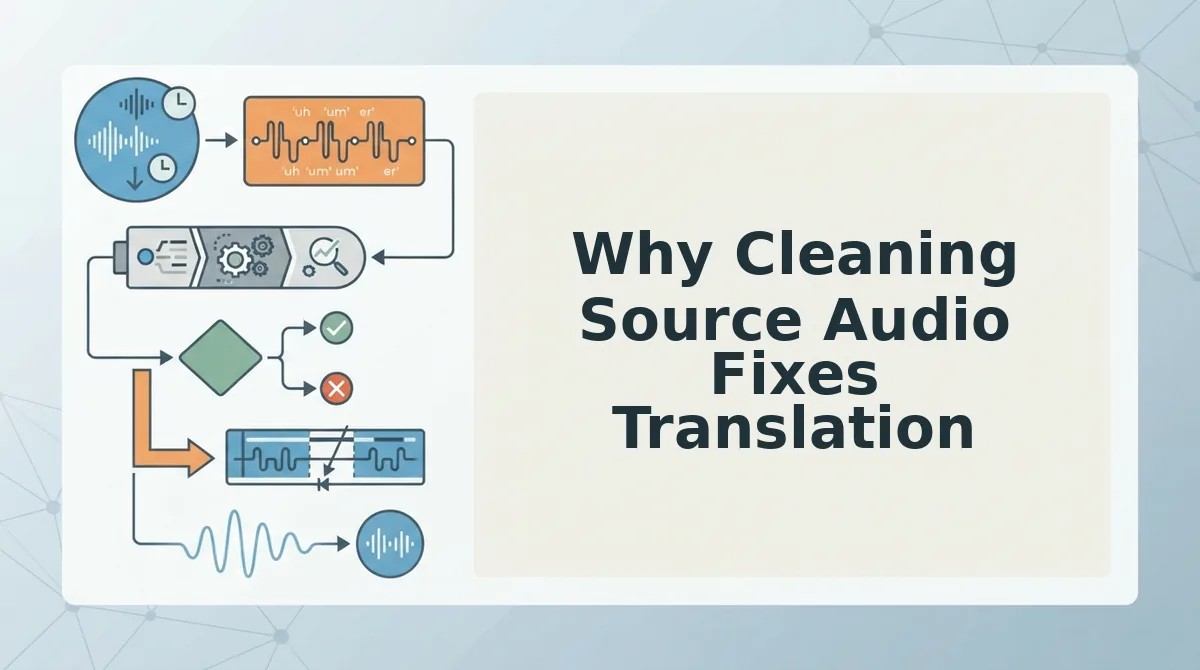
Source audio cleaning is the process of removing fillers, false starts, and background noise from a voice recording before it enters a translation engine. When the input is clean, the translation output is accurate and tone-preserving; when the input is dirty, every downstream stage inherits the errors.
Think of it like cooking. If you put unwashed, unpeeled vegetables into a soup, no amount of seasoning will fix the grit. Translation engines are the seasoning, they can enhance what's there, but they can't remove what shouldn't have been in the pot. The 3-stage model makes this explicit: Source Audio to Translation Engine to Target Message. Errors enter at stage one and get amplified at stage two, so the target message at stage three is only as good as the source audio you started with.
This is the "Garbage In, Garbage Out" Translation Framework. A founder sending a voice note to a cross-border team gets a tone-deaf translation because the source audio was unstructured, filled with hesitations, fragments, and ambient noise. The translation engine faithfully translated every flaw. Cleaning the source audio first means the engine only receives complete, grammatical, noise-free sentences, which it can translate accurately while preserving the speaker's intent and tone.
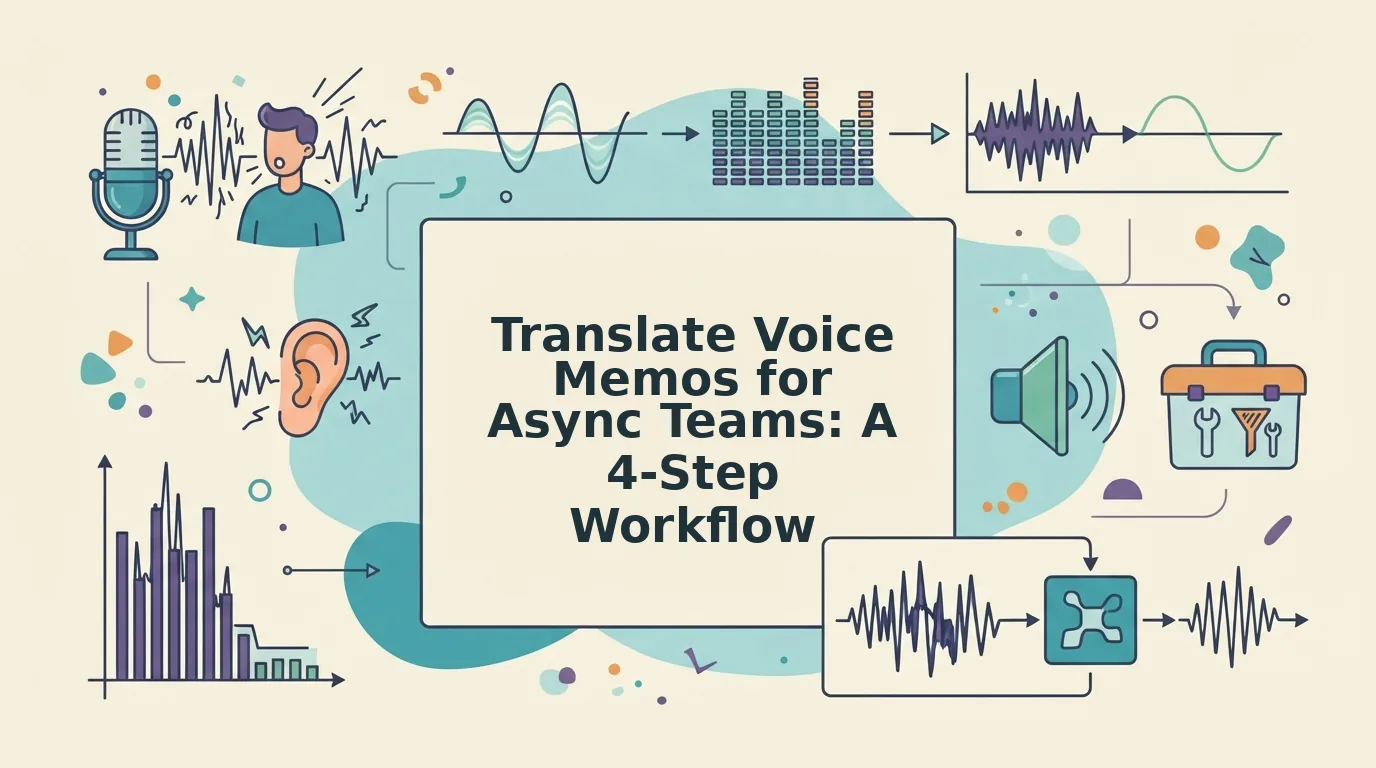
Here's the workflow that makes this concrete. Record your voice note as you normally would. Then run it through a voice note translator that cleans the audio before translating, removing fillers, repairing fragments, and stripping noise in one pass. The cleaned audio then feeds the translation engine, producing a target message that sounds like you, just in another language.
Next, let's look at the exact three-step process for translating voice memos accurately.
How to Translate Voice Memos Accurately in 3 Steps
Accurate voice memo translation starts with clean source audio, not a better translation engine. Follow these three steps in order, each one takes under two minutes and removes the root causes of garbled, tone-deaf output.
Prerequisites: A recorded voice memo (any format), a quiet recording environment for future takes, and access to an audio-first voice note translator that preserves your vocal identity.
- Clean the source audio before translating. Upload your raw voice memo to an audio cleanup tool and run filler word removal plus noise reduction. Select the Filler Removal option, then click Process Audio. You should see a cleaned timeline with ums, ahs, false starts, and background hiss stripped out. This takes about 30-60 seconds and prevents filler contamination from corrupting the translation engine's output.
- Translate the cleaned audio with a tone-preserving tool. Open your voice note translator, upload the cleaned file, and select your target language from the dropdown. Click Translate. The tool should return both translated audio and a transcript that keeps your original cadence, emphasis, and intent, not a flat, literal word-for-word rendering. Expect this step to take under one minute for a typical 60-second voice note.
- Review the translated text for idioms and colloquialisms. Read the transcript out loud in the target language. Check for phrases that translated literally but sound unnatural, idioms, slang, and cultural references are the usual culprits. If a phrase reads awkwardly, re-record that one sentence in your source language with clearer wording, then re-run steps 1 and 2. You should see the revised phrase render naturally in the target language.
This audio-first workflow replaces the manual copy-paste loop most people use: record, transcribe, paste into a text translator, fix the garbled output, and re-record. Cleaning first eliminates the rework entirely.
Voice Note Translation Mistakes FAQ
How do you translate a voice note without retyping it?
Clean the source audio first, then use an audio-first translation tool that accepts voice files directly. Upload the cleaned recording, select your target language, and the tool returns translated audio plus a transcript, no manual transcription or copy-paste step required.
Why do translated voice notes lose tone and intent?
Background noise and false starts confuse translation engines, producing literal, tone-deaf output. When the engine hears "um, so basically, like, we should ship it," it tries to translate every fragment, flattening emphasis and misreading intent. Cleaning the audio before translation preserves the speaker's actual message.
What happens when filler words survive translation?
Filler words corrupt machine translation output, producing garbled text. Translation engines treat "um," "like," and false starts as meaningful content, so they attempt to translate them, often inserting nonsense words or breaking sentence structure in the target language. Removing fillers first eliminates this failure mode entirely.
Can I translate WhatsApp voice notes directly?
Yes, but export the voice note first, clean it, then run it through an audio-first translator. WhatsApp's built-in tools do not translate WhatsApp voice notes natively, and pasting a raw auto-transcript into a text translator reproduces every filler word and noise artifact in the output.
Why does my translated voice note sound robotic or flat?
Literal translation flattens tone because the engine maps words one-to-one without preserving emphasis, pacing, or emotional intent. A tone-preserving voice note translator retains the speaker's cadence and stress patterns, so the translated audio sounds like the same person speaking a different language, not a synthetic readout.
How long does accurate voice note translation take?
Under three minutes for a typical 60-second voice note. Cleaning takes 30-60 seconds, translation takes under a minute, and a quick idiom review takes another minute. The manual alternative, transcribe, paste, fix, re-record, routinely takes ten minutes or more per message.
Stop Fixing Translation Output. Fix the Input Instead
The five mistakes that make voice note translations sound unprofessional, Filler Contamination, Noise Interference, Fragment Confusion, Tone Flattening, and Literal Translation, share a single root cause: dirty source audio. Cleaning the recording before translation is the highest-leverage fix, and the three-step workflow above removes every failure point in under three minutes.
You do not need a better translation engine. You need an AI voice message translator that cleans first, translates second, and preserves your voice throughout. Upload your next voice memo, strip the fillers and noise, and send a translated message that sounds like you, decisive, clear, and in one take.