
You record a 30-second voice note in English, hit translate, and send it to a client in Madrid. What comes back is a garbled mess of half-sentences, awkward pauses rendered as literal words, and a tone that sounds nothing like you. That frustration is exactly why you need to clean a voice note before translating it.
You're right to expect translation tools to handle conversational speech. They promise accuracy, speed, and seamless cross-border communication. But here's the problem: translation engines are trained on clean, written text, not the messy, spontaneous way people actually talk. Filler words, false starts, and broken syntax get amplified, not fixed, when pushed through a translation pipeline.
In this guide, you'll learn why cleaning comes first, what actually happens when you skip it, and a step-by-step workflow to prepare any voice note for translation. VClar's AI voice message translator handles this cleanup automatically, removing fillers and false starts before translation ever touches your words. Stick around for the before-and-after examples in Section 3; one of them reveals a translation failure pattern most people never see coming.
Should You Clean a Voice Note Before Translating It?
Yes. Cleaning a voice note before translating is the single highest-leverage step you can take to get an accurate, natural-sounding result in the target language.
Cleaning a voice note means removing verbal disfluencies, filler words like "um," "ah," "like," and "you know", along with false starts, repeated words, and background noise, before the audio or transcript is sent through a translation engine. Translation engines are trained on clean, written text, not conversational speech. When you feed them raw, unedited voice notes, every hesitation and broken phrase becomes a translation problem.
Think of it like photocopying a wrinkled document. The copier doesn't flatten the wrinkles, it reproduces them, often making them darker and more distorted. Translation works the same way: it amplifies disfluencies rather than neutralizing them.
The Garbage In, Garbage Out Translation Framework is a simple three-step mental model for understanding this:
- Source clarity determines translation accuracy. A clean source sentence produces a clean target sentence.
- Disfluencies are amplified, not neutralized. Translation engines don't know how to "fix" conversational mess, they render it literally or guess at meaning.
- Clean audio plus clean transcript equals clean target language. When both the audio timeline and the transcript are free of fillers and false starts, the translation engine has only clear, decisive speech to work with.
VClar's AI voice message translator applies this framework automatically. It detects and removes fillers, false starts, and acoustic distractions from the audio timeline before translation, so your message arrives in the target language as clean and decisive as you intended it.
What Happens When You Translate a Messy Voice Note
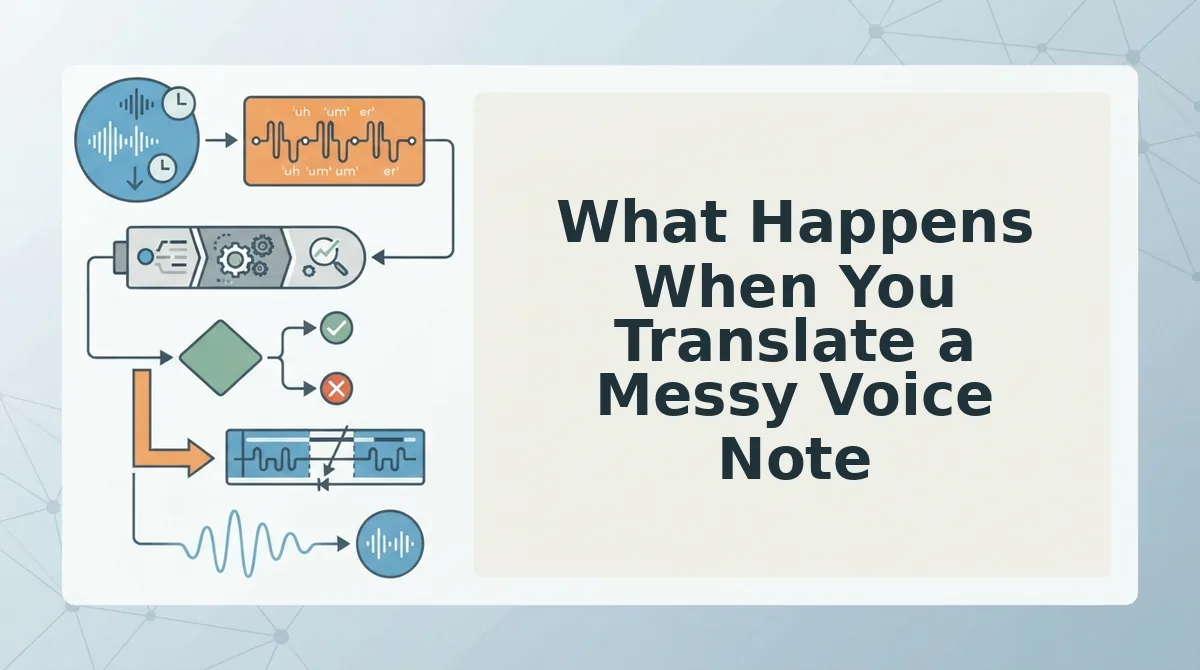
A messy voice note is any recording that contains filler words, false starts, repeated phrases, or background noise, and when it hits a translation engine, the result is a target-language message that sounds confused, unprofessional, or even nonsensical.
Translation engines are trained on clean, written text. They don't "hear" your voice note the way a human listener does. Instead, they process a transcript of what was said, including every "um," every abandoned sentence, and every repeated word. Those disfluencies then get rendered literally or force the engine to guess at your intended meaning.
Think of it like handing a handwritten note with crossed-out words and scribbles to someone who doesn't know you. They can't tell which parts you meant to keep, so they copy everything, including the mistakes.
Here's a concrete before-and-after comparison of the same voice note translated into three languages:
| Original (Uncleaned) | Cleaned Version |
|---|---|
| "So, um, I was thinking, basically, what I wanted to say is, like, we should, you know, maybe move the deadline?" | "I think we should move the deadline." |
Spanish (uncleaned): "Entonces, um, estaba pensando, básicamente, lo que quería decir es, como, deberíamos, ya sabes, ¿quizás mover la fecha límite?". The fillers survive as literal words, making the sentence sound broken and hesitant.
German (uncleaned): "Also, ähm, ich habe nachgedacht, im Grunde, was ich sagen wollte, ist, so, wir sollten, weißt du, vielleicht die Frist verschieben?". The false start "what I wanted to say is" gets translated as a complete clause, doubling the sentence length.
Japanese (uncleaned): "それで、ええと、考えていたのですが, 基本的に、私が言いたかったのは、その、私たちは、ほら、締め切りを動かすべきかもしれません?". The hesitation markers become formal grammatical structures that don't exist in natural spoken Japanese, making the message sound robotic.
In some language pairs, a five-second hesitation filled with "um" and a false start can become a ten-word mistranslation, because the engine treats every sound as intentional speech. Background noise compounds the problem: a car horn or keyboard clatter can be transcribed as a word, then translated as if you said it.
Cleaning the voice note first eliminates every one of these failure points. Here's how to do it step by step.
How to Clean a Voice Note Before Translating Step by Step
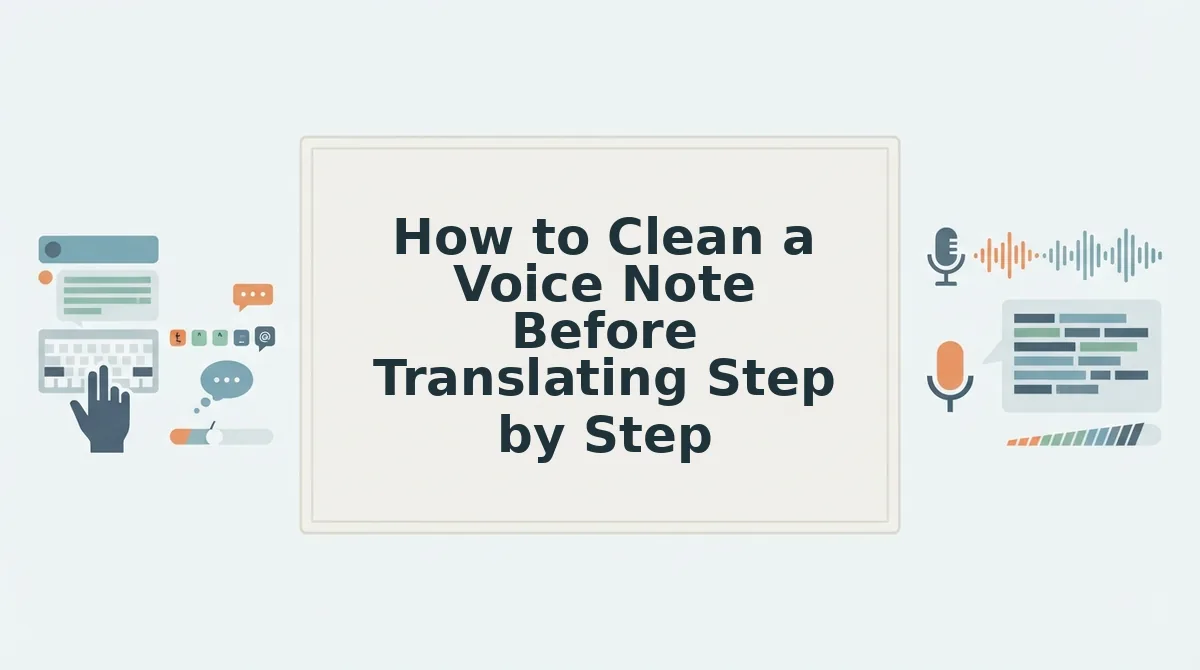
Cleaning a voice note before translation means removing filler words, fixing broken syntax, and stripping background noise so the translation engine receives a clean, sentence-like input. The fastest path is a one-take cleanup workflow: record naturally, run the audio through VClar once, review the polished transcript, then translate.
Prerequisites: a recorded voice note (or the ability to record directly in VClar), a quiet recording environment, and a VClar account. Total time: under 2 minutes for a 60-second note.
- Record your voice note in one take. Open your voice memo app or VClar's recorder, press Record, and speak naturally. Do not stop to fix mistakes, the cleanup pass handles them. Expected outcome: a raw audio file with ums, false starts, and informal phrasing intact.
- Upload the audio to VClar's filler word remover. Click Upload, select your file, and let the engine process it. VClar detects and removes ums, ahs, "like," "basically," and repeated false starts directly on the audio timeline. You should see a cleaned waveform with the filler segments removed. Use the filler words remover to remove filler words from your voice note in one pass.
- Review the polished transcript. Open the transcript panel and read the cleaned text. VClar also corrects spoken grammar, run-on sentences, subject-verb slips, and dropped words, so the transcript reads like written prose. If a sentence still sounds off, use the grammar fixer to fix broken syntax in voice messages before translating.
- Select your target language and translate. Click Translate, choose the destination language from the dropdown, and confirm. VClar translates the cleaned audio and transcript while preserving your original voice, tone, and cadence. You should see the translated transcript appear alongside the original. For a full list of supported languages, see translate voice notes across languages.
This workflow replaces the re-recording loop most tutorials recommend. Instead of recording the same message five times to get a clean take, you record once and let VClar handle steps 2 and 3 automatically, clean audio and a polished transcript in a single pass.
Why Translation Tools Can't Fix a Messy Source
A messy source is any voice note containing filler words, false starts, informal grammar, or background noise that obscures the speaker's intended sentence structure. Translation tools process what they receive; they do not reconstruct what you meant to say.
Machine translation models are trained on clean text corpora, books, news articles, subtitles, and formal documents, not on conversational speech with its hesitations and restarts. When you feed a raw voice note into a translator, the model treats every "um" and repeated phrase as meaningful input. The result is a translation that faithfully reproduces your disfluencies in another language.
Think of it like photocopying a wrinkled page: the copier reproduces every crease and smudge, not the flat original underneath. Translation tools cannot distinguish between an intentional pause and a filler word, because both look identical in the transcript. Cleaning the source first is the only way to give the translation engine the flat, readable input it was trained to handle.
Frequently Asked Questions About Cleaning Voice Notes Before Translation
Should I clean my voice note before translating it?
Yes. Cleaning removes filler words, false starts, and grammar errors that translation engines treat as meaningful content. A cleaned voice note produces a translation that matches your intended meaning, not your verbal hesitations. VClar handles the cleanup automatically in one pass.
Can I translate a WhatsApp voice note without cleaning it first?
You can, but the translation will include every "um," repeated word, and broken phrase from the original. Export the WhatsApp voice note, run it through VClar's cleanup, then translate the polished version for a result that reads like a deliberate message.
Do filler words affect translation accuracy?
Yes. Machine translation models are trained on clean written text, so filler words like "um" and "basically" confuse the model and produce awkward or incorrect output. Removing them first gives the translator a clean sentence structure to work with.
How do I remove filler words from a voice note without re-recording?
Upload the voice note to VClar's filler words remover. The engine detects and removes ums, ahs, "like," and false starts directly on the audio timeline, so you keep your original take and skip the re-recording loop entirely.
Clean first, translate second, that order is what separates a polished cross-language message from a translated mess.
Clean First, Translate Second
The Garbage In, Garbage Out rule doesn't soften just because a translation layer sits between you and your listener. A messy source compounds at every stage: filler words become filler words in the target language, grammar errors become grammar errors, and acoustic noise becomes confusion. The fix takes 60 seconds and doesn't require re-recording.
Here's the workflow that closes the loop from the start of this article:
- Record once, naturally. Don't script or overthink. Spontaneity is the point.
- Clean the audio. Remove fillers, false starts, and background noise in one pass.
- Clean the transcript. Fix grammar and tighten phrasing before translation touches it.
- Translate from the clean version. Clean audio plus clean transcript equals clean target language.
Translation tools don't fix a messy source, they faithfully reproduce it in another language. The leverage is entirely upstream, in the 60 seconds before you hit translate.
Run your next voice note through VClar's AI voice message translator and hear the difference a clean source makes.
You don't need a better translator. You need a cleaner message.