
You can speak a thought in under ten seconds, but typing that same idea takes a minute, and the voice note you just recorded still sounds like a rough draft. That gap between spoken speed and polished delivery is exactly where cross-language communication breaks down. VClar founder Roktim puts it plainly: "Speaking is often much faster than typing, but voice messages need cleaning before translation."
You already know the frustration. You record a voice note for a client in Berlin, a supplier in Osaka, or a teammate in Mexico City, then you re-record it three times because the "ums," false starts, and tangled grammar make you sound unprepared. Now imagine sending that same raw audio through a translator. Every filler word and broken sentence gets faithfully mangled into the target language.
This guide walks you through the complete workflow: what cleaning a voice recording actually means, why grammar repair must happen before translation, and the four-step process for producing clean, translated voice messages in one take. Along the way, you'll see why the order of operations matters more than the tools themselves, and one counterintuitive reason your accent is not the problem. The AI voice message translator at VClar handles this entire pipeline without replacing your authentic vocal identity.
What Does Cleaning a Voice Recording Actually Mean?
Cleaning a voice recording means removing verbal disfluencies, repairing spoken grammar, and reducing acoustic noise so the audio sounds deliberate and professional, without changing the speaker's voice, tone, or cadence. It is not transcription, and it is not translation.
Think of cleaning like editing a photograph before printing it. Transcription is writing down what the photo shows. Translation is describing that photo in another language. Cleaning is removing the red-eye, cropping the blur, and adjusting the lighting so the image itself is worth sharing. You can transcribe and translate a messy photo, but the result will always carry the original flaws.
At the simplest level, cleaning targets disfluencies, the filler words ("um," "ah," "like," "you know"), false starts ("I was going to, what I meant was, "), and repetitions ("the the meeting") that creep into spontaneous speech. At the intermediate level, it repairs spoken grammar: run-on sentences, subject-verb mismatches, and tense shifts that sound natural aloud but read poorly in text. At the advanced level, cleaning reduces acoustic distractions, background noise, mouth clicks, uneven volume, so the audio timeline sounds consistent from start to finish.
Here is the distinction that matters for cross-language work: cleaning preserves what you said and how you sound, while transcription converts speech to text and translation converts meaning across languages. A tool like VClar's filler word remover handles the cleaning step automatically, detecting and removing disfluencies from the audio timeline so the voice message sounds decisive and direct, before any transcription or translation ever touches it.
Why You Must Clean Spoken Grammar Before You Translate
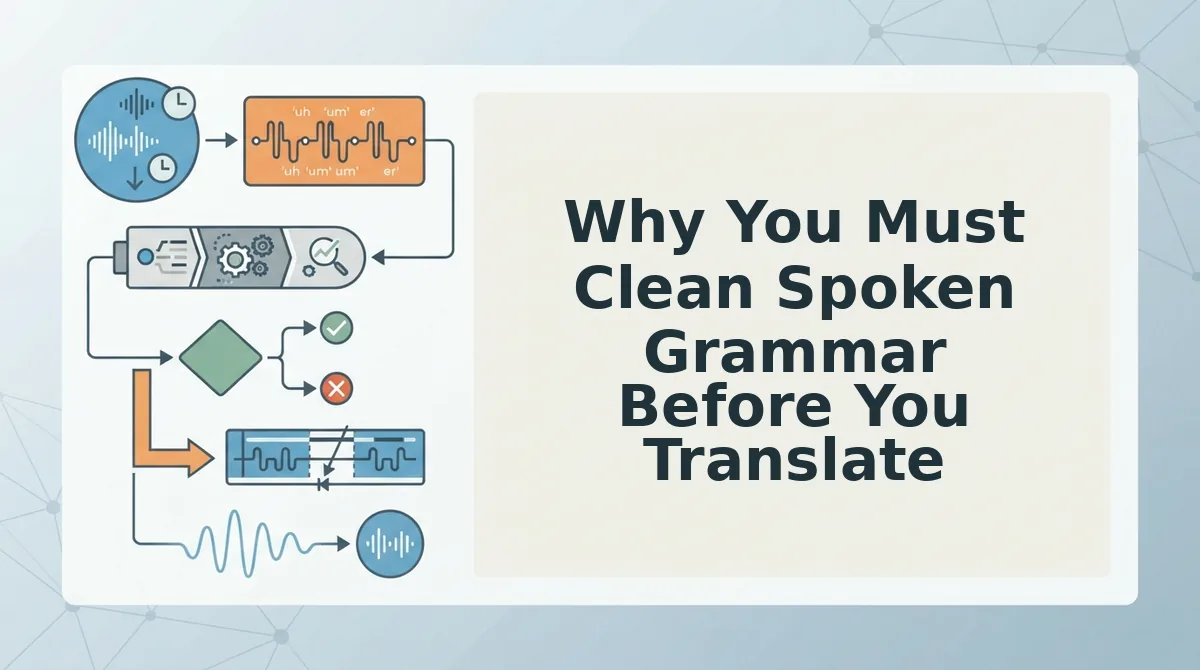
Spoken grammar is the informal, often fragmented sentence structure people use in spontaneous speech, and it must be repaired before translation because machine translation engines treat every word as intentional input. Broken syntax in produces broken syntax out, amplified across languages.
Think of translation like photocopying a handwritten note. If the original has smudges, crossed-out words, and half-finished sentences, the copy will reproduce every imperfection, and a copy of a copy in another language will be worse. Cleaning the note first means the translation only has to handle clear, complete thoughts.
The causal chain is straightforward: Disfluency to Distortion to Mistranslation. Here is a worked example. You record: "I was, like, basically thinking we should, you know, push the launch." A translator receives that raw sentence and must parse "like," "basically," and "you know" as meaningful words. The target-language output becomes a garbled approximation, perhaps rendering "basically thinking" as a literal phrase that doesn't exist in the destination language, or treating "push the launch" as a physical action rather than a scheduling decision.
Now clean the same sentence first: "I think we should push the launch." The translator receives a complete subject-verb-object structure with unambiguous intent. The output is accurate because the input was accurate. This is the Translation Amplifies Errors principle: every disfluency in the source audio becomes a distortion in the translated output, and the distortion compounds with each additional language layer.
VClar's workflow addresses this directly by fixing grammar in voice messages before translation begins, ensuring the engine receives clean, complete sentences rather than raw speech fragments. The result is a translated voice message that preserves your tone and cadence while conveying exactly what you meant to say. Here's how the full four-step process works.
How to Clean and Translate Voice Recordings in 4 Steps
Cleaning and translating a voice recording is a four-step workflow: remove filler words, repair broken syntax, transcribe the cleaned audio, then translate while preserving your vocal identity. You need a raw voice recording (MP3, M4A, or WAV) and a tool that handles all four stages. VClar does this in one pass.
- Upload your raw recording and remove fillers and false starts. Open VClar, click Upload Audio, and select your file. The engine detects and strips ums, ahs, "like," "basically," and repeated sentence starts automatically. You should see a cleaned waveform preview with the filler segments marked as removed. Doing this manually when cleaning voice notes takes 10 - 15 minutes per minute of audio; VClar finishes in under 30 seconds.
- Repair broken syntax and sentence fragments. Click Enhance Speech to correct run-ons, subject-verb mismatches, and half-finished clauses. The tool restructures the spoken grammar without changing your word choices or cadence. You should hear the same voice, now speaking in complete, decisive sentences.
- Transcribe the cleaned audio before translating. Click Transcribe to generate a text version of the polished recording. This step matters because translation engines work from text, feeding them a transcript of cleaned speech produces far better output than translating a raw, filler-laden transcript. You should see an accurate transcript appear in the text panel.
- Translate while preserving vocal identity. Select your target language from the Language dropdown and click Translate. VClar's voice note translator converts the meaning into the new language while keeping your tone, pace, and accent intact. This is translation, not voice cloning, your authentic delivery stays, only the language changes. You should hear the translated message in your own voice, ready to send.
Translating WhatsApp Voice Notes Without Losing the Message
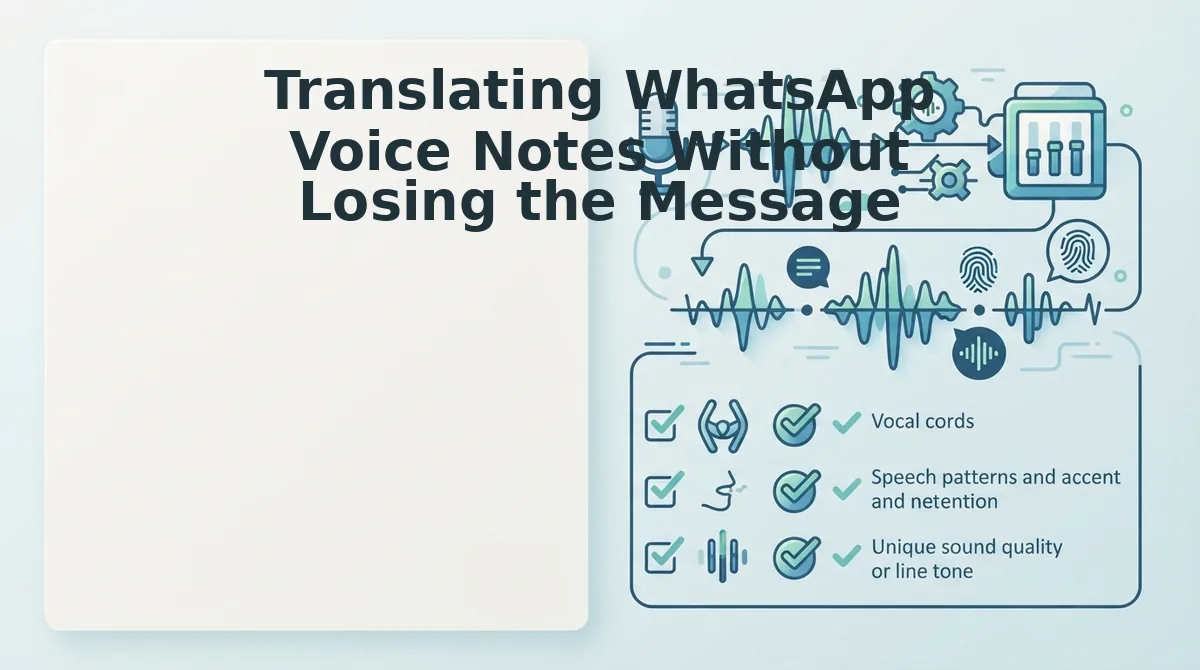
To translate a WhatsApp voice note without losing the message, export the audio, clean it, transcribe it, translate it, then send the result. You need the WhatsApp app on your phone and a translation tool that accepts audio files. VClar handles the full pipeline.
- Export the voice note from WhatsApp. Open the chat, press and hold the voice note, tap Forward, then select Share and choose Save to Files (iOS) or Save to device (Android). You should see the audio file appear in your file manager as an. opus or. m4a file.
- Upload the file to VClar and clean it. Open VClar, tap Upload Audio, and select the saved voice note. The tool removes fillers and background noise in under 30 seconds. You should see a cleaned waveform preview.
- Transcribe, then translate. Tap Transcribe to get the text in the original language, then select your target language and tap Translate. You should see the translated transcript and hear the translated audio in the speaker's original voice.
- Send the translated result. Tap Share and choose WhatsApp, then select the recipient. You should see the translated audio or text land in the chat, ready to send.
If the translation sounds garbled, the problem is almost always the source audio, not the translation engine. Re-record or re-export the voice note at a higher quality, then run it through VClar's WhatsApp voice note translation again.
Frequently Asked Questions About Cleaning and Translating Voice Recordings
Can you translate a voice recording without losing the speaker's tone?
Yes. Translation preserves meaning; voice cloning preserves tone. VClar translates the spoken content into another language while keeping the speaker's original voice, cadence, and accent intact, without synthetic voice cloning.
What is the difference between transcribing and translating a voice recording?
Transcribing converts speech to text in the same language. Translating converts meaning across languages. You should always transcribe first, because translation engines work from text, and a clean transcript produces a far more accurate translation.
How do you clean a voice recording before sending it to a translator?
Remove filler words, false starts, and background noise first. Then repair broken sentence fragments so the spoken grammar is complete. A clean source recording produces a clean translation, garbled input always produces garbled output.
Why does my translated voice message sound different from how I speak?
Most translation tools use text-to-speech synthesis, which replaces your voice with a robotic or generic one. VClar preserves your authentic vocal identity, tone, pace, and accent, while only changing the language of the words.
Clean first, translate second, and keep your voice.
Clean First, Translate Second, Keep Your Voice
The order is not a preference. It is the entire mechanism. Remove fillers, fix syntax, transcribe, translate, then preserve voice, skip any step and the output degrades in predictable ways.
Most people translate first and wonder why the result sounds like a stranger reading a rough draft. The fix is not a better translation engine. It is a cleaner input.
Think of it as signal preparation. A voice note translator can only carry what the source audio already contains. Clean audio carries intent. Raw audio carries hesitation.
Your next step is concrete: record one voice note today, run it through the AI voice message translator cleaning pass, and compare the translated output to your usual workflow. The difference is audible in the first take.
You will hear fewer filler echoes in the target language, tighter sentence structure, and, most importantly, your own cadence surviving the crossing.
Clean audio is not edited audio. It is your voice with the friction removed, so translation has nothing left to misinterpret.