
You've just finished a 90-second voice note explaining a design revision to a client in Berlin. Halfway through, you realize you said "um" eleven times, stumbled over a sentence, and accidentally switched to your native language for a phrase. You delete it and start over. Again. If you've ever wondered how to translate audio notes for global clients without re-recording the same message five times, you're not alone, freelancers on YouTube and Reddit ask "How do I translate a voice note without losing my tone?" constantly.
You're right to be frustrated. Most translation tools treat your voice like a transcription problem, not a communication problem. They prioritize word accuracy and strip away the cadence, warmth, and personality that made your client hire you in the first place.
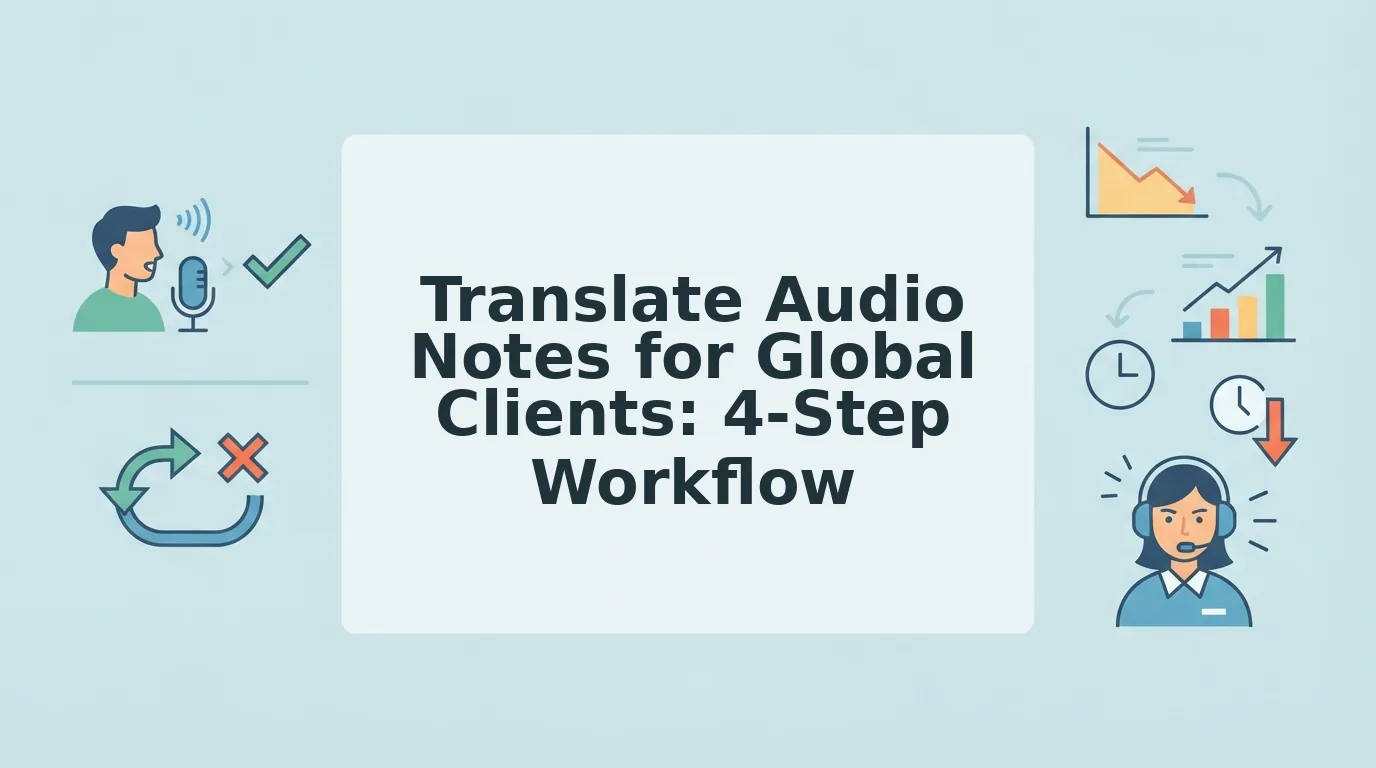
This guide walks you through a four-step framework for sending polished, translated voice notes for freelancers in one take. You'll learn how to record naturally, clean the audio, translate it, and deliver it, all without losing your vocal identity. Along the way, you'll discover why tone preservation, not translation accuracy, is the real differentiator that keeps global clients trusting your voice.
The 4-Step Workflow: Speak Once, Deliver Everywhere
You can turn one rough voice note into a polished, translated message for any client in under three minutes. The "Speak Once, Deliver Everywhere" framework. Record to Clean to Translate to Deliver, removes the re-recording loop entirely.
Before you start, you'll need a smartphone or computer microphone, a quiet-enough space, and a voice message translator that preserves your natural tone. No script required.
- Record in your native language first. Open your voice recorder app and speak naturally, as if you're talking to the client in person. Don't try to speak their language imperfectly, hesitations multiply when you're translating in your head. Expect to spend 30 - 60 seconds on a typical update. Success looks like a single continuous take with no restarts.
- Clean the audio automatically. Upload your recording to VClar and let the engine remove filler words like "um," "ah," "like," and false starts. You should see a cleaned timeline with the hesitations gone and your sentences flowing naturally. This step also lets you fix grammar in voice message audio without re-recording anything.
- Translate to the client's language. Select the target language in the translator. The output keeps your cadence, accent, and intent intact, it doesn't swap your voice for a synthetic clone. You should hear your own voice speaking the client's language, with the same energy you recorded.
- Deliver the polished file. Export the translated audio and transcript, then send both to your client. You should have a message that sounds decisive, direct, and unmistakably you, ready for WhatsApp, Slack, or email in under three minutes total.
Pro tip: recording in your native language first, then translating, is consistently faster than trying to speak the client's language imperfectly. Your brain spends less energy on vocabulary and more on the actual message.
If you're wondering how to translate a voice note without losing your tone, the answer is to separate the cleaning step from the translation step. Cleaning removes verbal noise; translation changes the language. Doing both at once, as most tools do, is what flattens your delivery.
Why Tone Preservation Beats Translation Accuracy
Tone preservation is the ability of an audio translator to retain the speaker's natural cadence, accent, emotional inflection, and vocal personality while converting speech from one language to another.
Think of it like subtitles versus dubbing in film. Subtitles are accurate but emotionally flat, you read the words while the actor's voice carries the feeling. Dubbing replaces the voice entirely, which is why dubbed films often feel uncanny. Tone-preserving translation is the third option: the actor's own voice speaking the new language, with every pause, emphasis, and personality intact.
Most translation tools optimize for word-level accuracy. They treat your voice note as a text problem, transcribe, translate, re-synthesize. The result is grammatically correct but emotionally sterile. One YouTube creator noted that voice cloning translators feel impersonal, like hearing a stranger read your thoughts. For freelancers, the real failure point isn't translation errors; it's losing vocal identity. A client who hired you for your energy, your directness, or your reassuring tone notices immediately when that disappears.
Here's the progression: basic translators transcribe and translate text, losing all vocal nuance. Intermediate tools clone a generic voice, which sounds consistent but not like you. Advanced tools like VClar preserve your actual voice, accent, cadence, and intent, while translating the language. That's the difference between a message your client reads and one they trust. If you're weighing options, see how VClar vs ElevenLabs approaches this differently.
Understanding why tone matters is the first step. Next, you'll need to know which type of audio translator actually delivers it.
Choosing the Right Tool: 3 Types of Audio Translators
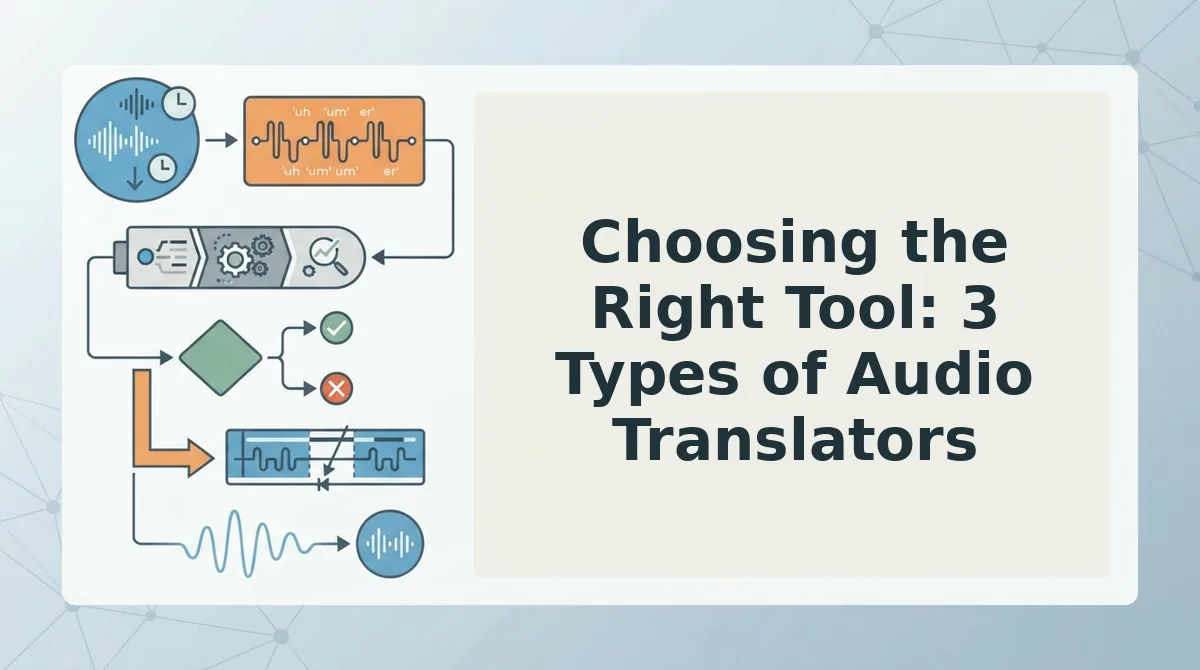
Audio translation tools fall into three distinct buckets: transcription-first tools, voice-preserving enhancers, and real-time meeting translators. Each serves a different client scenario, and choosing the wrong one costs you either speed or authenticity.
| Tool Type | What It Does | Strengths | Limitations | Best For |
|---|---|---|---|---|
| Transcription-first tools | Convert speech to text, then translate the text. You read or re-record the result. | Fast, accurate text output; strong for documentation and subtitles. | Lose vocal nuance, tone, and cadence. The translated text often reads stiff and formal. | Freelancers who need written records or subtitles, not spoken delivery. |
| Voice-preserving enhancers | Clean filler words, fix grammar, and translate while keeping your original voice, accent, and pacing intact. | One-take confidence; the client hears you, not a synthetic voice. Async-friendly. | Requires a clean source recording; background noise can affect output quality. | Founders and freelancers sending async voice notes to global clients who value a personal connection. |
| Real-time meeting translators | Translate live speech during calls or video meetings, often with captions or synthetic voice output. | Immediate; no post-production step. Useful for live negotiations and standups. | Built for synchronous conversations, not recorded voice notes. Latency and errors compound under pressure. | Sales teams and operators running live cross-border calls where instant comprehension matters more than polish. |
Transcription-first tools are fast but lose vocal nuance. Voice-preserving enhancers keep your tone, fix grammar, and translate in one pass. Real-time meeting translators are for live calls, not async notes. For a deeper breakdown, see our VClar vs Descript and VClar vs DeepL Voice comparisons.
If your workflow is async voice notes to global clients, a voice-preserving enhancer removes the re-recording loop entirely: speak once, deliver a polished translated message in your own voice.
Handling Accents, Non-Native Phrasing, and Client Expectations
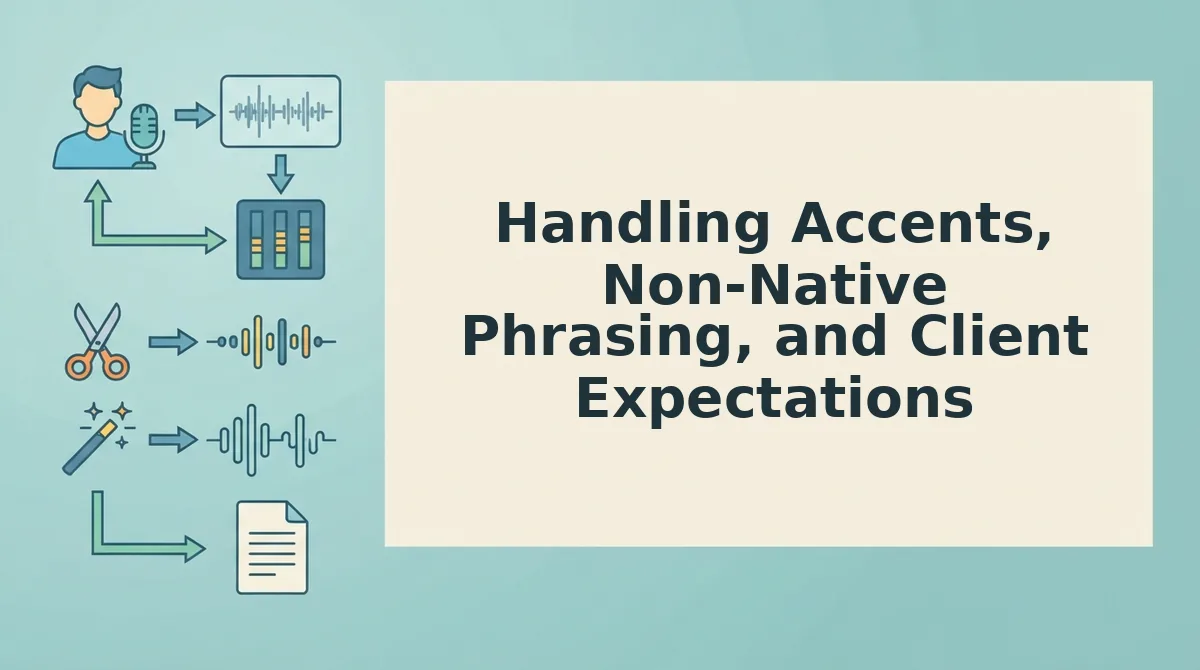
Accents and non-native phrasing are the two variables most translation tools flatten into generic output. These three practices keep your voice intact while meeting client expectations.
- Choose tools that preserve speaker identity rather than flattening it. Many translators normalize speech into a neutral, accent-free voice, which erases the personal signal clients actually trust. A tool that keeps your cadence and accent intact makes the message feel like you, not a machine.
- Record at a steady pace, even if your phrasing is imperfect. Non-native speakers often slow down or over-enunciate, which creates unnatural pauses that confuse translation engines. Speak at your normal conversational speed and let the tool handle grammar and filler removal.
- Set client expectations about what "translated" means. A translated voice note should sound like you speaking their language, not a polished corporate script. Tell clients upfront that the message is AI-assisted but voice-authentic, which builds trust and prevents surprise. For more on this workflow, see our guide to voice notes for non-native speakers.
FAQ: Translating Audio Notes for Global Clients
How do I translate a WhatsApp voice note?
Forward the voice note to a translation tool that accepts audio uploads, or use an iOS Shortcut that routes WhatsApp audio to a transcription and translation service. The translated result can be delivered as text or re-recorded audio in your own voice.
Can I translate voice notes locally without uploading to the cloud?
Yes. Open-source tools like Whisper run locally on your machine and can transcribe and translate audio without sending data to external servers. This is the preferred route for privacy-conscious freelancers handling confidential client material.
Why does my translated voice note sound robotic?
Most translation tools convert speech to text, translate the text, then synthesize a new voice, which strips out your tone, accent, and pacing. Choose a voice-preserving translator that edits your original audio instead of regenerating it.
What is the fastest way to send a polished voice note in another language?
Record once in your native language, then run the audio through a voice note translator that removes fillers, fixes grammar, and translates while keeping your voice. You deliver a clean, professional message without re-recording.
One Take Is No Longer a Tradeoff
The workflow is simple: record once, clean the audio, translate with a voice-preserving tool, and deliver both audio and transcript. Four steps. No re-recording loops. No "let me send a follow-up to clarify."
What makes this approach durable is that tone preservation and translation accuracy are no longer competing priorities. You don't have to choose between sounding like yourself and being understood in another language. The technology now handles both in a single pass.
Here's the pattern interrupt: most people think global communication requires more effort. The opposite is true. The fastest path is fewer takes, not more polish.
Your next step: take the voice note you've been putting off, run it through VClar to strip fillers and correct grammar, then translate it in your own voice. Deliver the audio and transcript together. That's the entire workflow.
You'll know it's working when a client replies to the content of your message instead of asking you to repeat it.
The clearest global communicators aren't the ones who speak perfectly, they're the ones who speak once and let the tool handle the rest.