
A founder records a 60-second voice note for a cross-border team, hits send, and watches the translation come back as word salad. The instinct is to blame the translator. The real problem is that the input was never ready for translation in the first place.
You're right to be frustrated, but you're fixing the wrong layer. Translation engines are trained on grammatical text, so ungrammatical input produces unpredictable output. The fix isn't a better translator; it's cleaner input. If you fix spoken grammar before translation, the same engine that mangled your message will suddenly deliver clean, accurate results.
In this guide, you'll learn why translation models choke on spoken grammar, the five specific errors that cause the worst mistranslations, and a step-by-step pipeline for cleaning voice audio before it ever reaches a translation engine. VClar's grammar correction and filler word removal tools handle this automatically, but first, you need to understand what's actually breaking. One of these errors produces a failure mode that surprises almost everyone who hears it.
Why Translation Engines Fail on Spoken Grammar
Translation engines are pattern-matching systems trained on grammatical text in, grammatical text out. When you feed them ungrammatical speech, they don't reject the input, they guess, and the guesses compound.
Think of a translation engine like a chef following a recipe. Give the chef a complete, well-written recipe and you get the intended dish. Hand over a recipe with missing ingredients, crossed-out lines, and half-finished sentences, and the chef has to improvise. Sometimes the improvisation works. Often it produces something unrecognizable.
The mechanism is straightforward. Neural machine translation models learn statistical relationships between grammatical sentences in different languages. Fragments, fillers, and false starts break those patterns, forcing the engine to infer missing context or treat noise as content. A dropped subject in English, "Went to the meeting, will send notes", leaves the engine with no grammatical anchor for who performed the action, so it either invents a subject or produces a passive construction that changes the meaning.
Why does spoken grammar need correction before audio translation? Spoken grammar needs correction before audio translation because translation models are trained on grammatical, complete sentences and rely on predictable linguistic patterns to map meaning across languages. When input contains sentence fragments, filler words, false starts, dropped subjects, or self-corrections, the engine encounters patterns it was never trained to resolve. It responds by guessing: inferring missing context, treating fillers as meaningful content, or translating both versions of a self-correction and producing internal contradictions. These guesses compound across a message, so a 60-second voice note with five grammatical errors can produce a translation that diverges significantly from the speaker's intent. Correcting grammar first restores the predictable input patterns the engine expects, which is why the same translator that mangles raw speech delivers accurate results on cleaned audio.
The takeaway: the translator is not broken. Your input is. Clean the grammar, and the translation quality follows.
The 5 Spoken Grammar Errors That Break Translation
Five spoken grammar errors cause the majority of translation failures. Each one maps to a specific failure mode in the translation engine, and fixing them before translation eliminates most mistranslation risk.
- Sentence fragments. When you trail off mid-thought, "So the Q3 numbers, if we just…", the engine has no complete grammatical structure to work with. It guesses what the missing context was, and the guess becomes the translation. The listener receives a completed sentence you never actually said.
- Filler words and false starts. "Um, basically, what I mean is, no wait, the thing is…" gets treated as content, not noise. The engine translates "basically" and "the thing is" as meaningful phrases, cluttering the output with words that carry no intent. Remove filler words from audio before translation to keep the engine focused on actual meaning.
- Dropped subjects. "Went to the meeting, will send notes" leaves the engine with no grammatical anchor for who performed the action. It cannot infer the subject from context the way a human listener would, so it either invents one or produces a passive construction that obscures responsibility.
- Wrong prepositions. "I'll get back to you on Friday" versus "by Friday" versus "before Friday", each carries a different commitment. Spoken English often swaps these casually, but the engine translates the preposition literally, turning a soft commitment into a hard deadline or vice versa.
- Circular phrasing and self-corrections. "We should launch next week, actually, the week after, well, soon" gives the engine three conflicting timeframes. It translates all of them, producing a message that contradicts itself. The listener receives confusion, not clarity.
Each of these errors is fixable before translation, and the fix follows a repeatable pipeline.
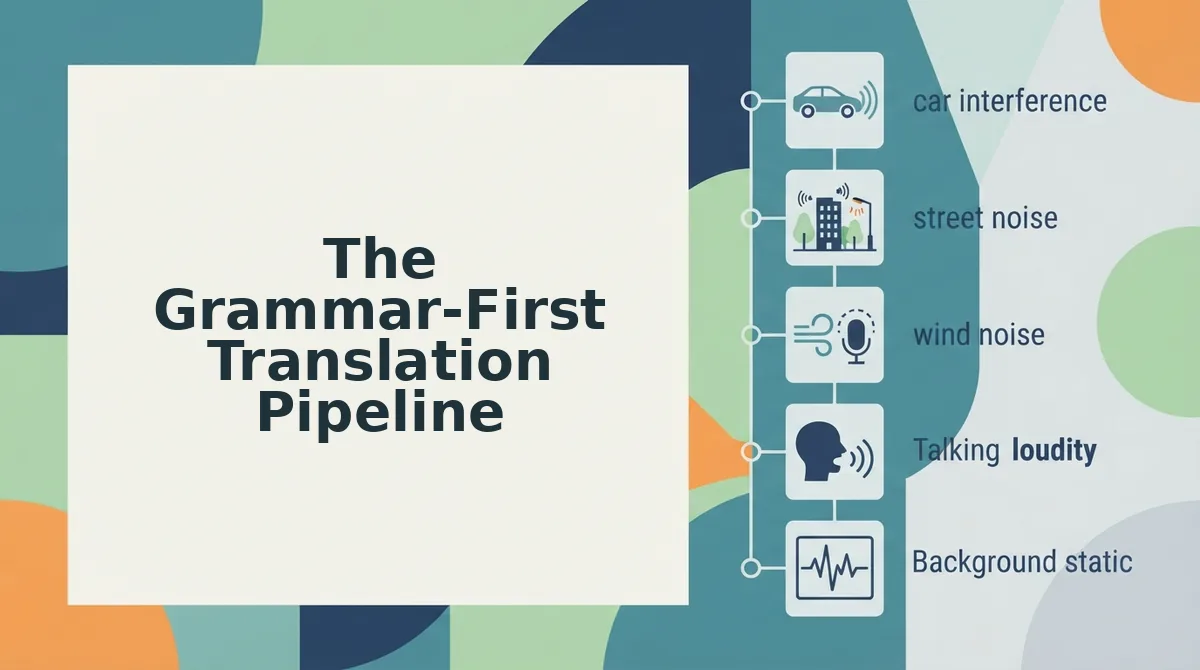
The Grammar-First Translation Pipeline
Fixing spoken grammar before translation prevents meaning loss at the source. This four-step framework. Capture to Clean to Translate to Verify, takes under 3 minutes per message and requires only a phone with a voice recorder and a VClar account.
- Capture the raw voice note without self-editing. Open your voice recorder app, hit record, and speak naturally for up to 60 seconds. Do not stop, delete, or restart when you stumble, fragments and fillers are expected. You should see a saved audio file with your full, unedited message.
- Clean the spoken grammar. Upload the audio to VClar's fix grammar in voice messages tool. The engine converts fragments into complete sentences, removes fillers like "um" and "basically," and corrects subject-verb mismatches. You should see a transcript with complete sentences and a cleaned audio preview that still sounds like you.
- Translate the cleaned audio. Select your target language in the voice note translator interface. Because the input is now grammatically coherent, the translation engine receives complete clauses instead of broken fragments. You should see a translated transcript and audio in the target language within seconds.
- Verify intent preservation. Play back the translated audio and compare it against your original meaning. Check that names, numbers, and action items survived intact. You should see a side-by-side transcript view where you can confirm each sentence maps to your intended message.
VClar handles steps 2 through 4 in one workflow, so you never export files between tools or re-record a single take.
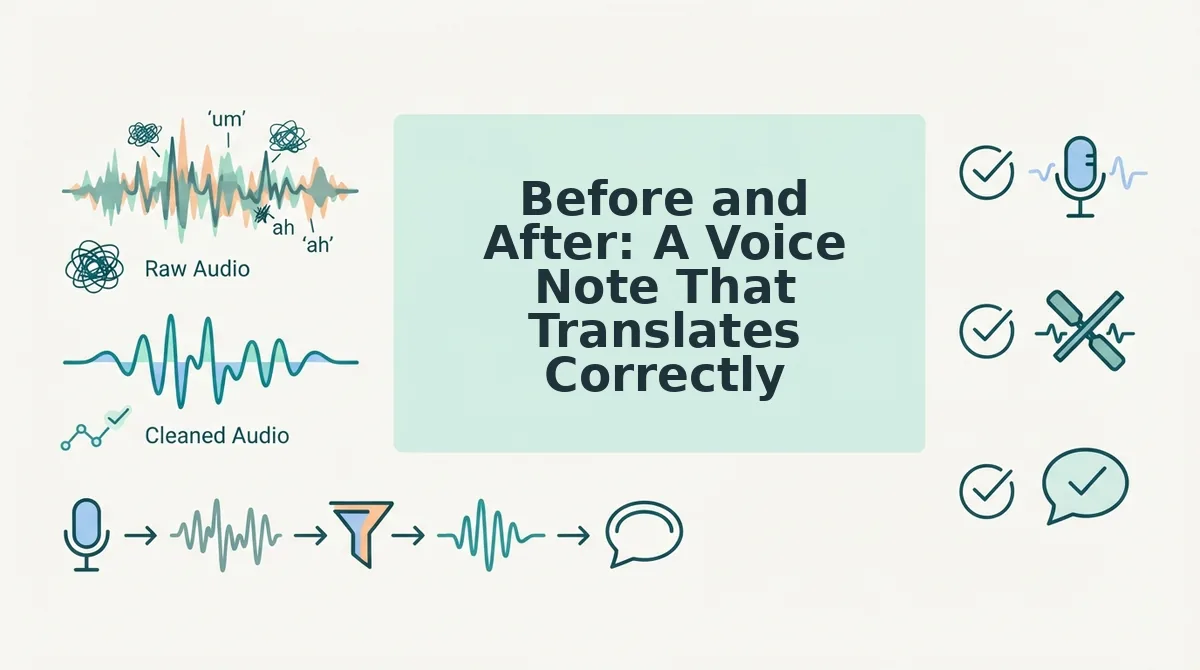
Before and After: A Voice Note That Translates Correctly
Raw spoken audio with fragments and fillers produces mistranslated output in every major translation engine. Cleaning grammar first changes the outcome entirely, and preserves the speaker's voice, tone, and cadence.
| Stage | Audio Input | Translation Output | Best For |
|---|---|---|---|
| Raw voice note | "So um, basically we need the, the Q3 numbers by, you know, Friday, if that works." | Fragmented, literal translation with filler words rendered as content; meaning unclear in target language. | Casual, same-language messages where precision doesn't matter |
| Cleaned with VClar | "We need the Q3 numbers by Friday if that works." | Accurate, complete sentence in target language with correct subject, verb, and deadline. | Founders sending voice notes for founders to cross-border teams |
Competitor translation tools handle clean input well, their weakness is unprocessed speech, not translation quality. VClar's advantage is the preprocessing step that turns rough audio into translation-ready input before any engine touches it. If your cross-border team relies on voice updates, the grammar-first pipeline removes the ambiguity that causes missed deadlines and misread tone.
FAQ: Fixing Spoken Grammar Before Translation
Why does spoken grammar need correction before audio translation?
Translation engines parse sentence structure to determine meaning. Fragments, false starts, and fillers create ambiguous clauses that engines translate literally or skip entirely. Correcting grammar first gives the engine complete sentences with clear subjects and verbs, producing accurate output.
Does fixing grammar change what I actually said?
No. Grammar correction removes fillers and repairs sentence structure without altering your vocabulary, intent, or meaning. VClar preserves your voice, tone, and cadence, the cleaned audio still sounds like you speaking, just more direct.
Can I fix spoken grammar without re-recording?
Yes. Upload your existing voice note to VClar and the engine cleans it automatically. You do not need to record a second take or memorize a script. The original audio file remains untouched in your recorder.
What's the difference between grammar correction and translation?
Grammar correction fixes sentence structure, removes fillers, and repairs fragments in the original language. Translation converts the cleaned message into a different language. VClar performs both steps in sequence so translation receives grammatically sound input.
How do I translate WhatsApp voice notes to English accurately?
Export the voice note from WhatsApp, upload it to VClar for grammar cleaning, then select English as the target language. Cleaning first prevents the fragment-level errors that typically appear when raw WhatsApp audio goes directly into a translation engine.
Grammar-first is the translation shortcut you've been skipping
You don't need better translation software. You need cleaner input. Every hesitation, false start, and dropped subject you leave in a voice note becomes a decision the translation engine has to guess at, and guessing is where meaning dies.
The pipeline is simple: clean first, translate second. Fix the grammar in your spoken message before it ever touches a translation layer, and you remove the ambiguity that causes mistranslation in the first place.
Here's the reframe worth holding onto:
- Medium step: On your next voice note, pause before sending and ask: Would this sentence survive translation into another language? If not, re-record it cleaner.
- Strong step: Run that same note through VClar and hear the difference, filler removal, grammar correction, and cross-language translation handled in one pass, without losing your voice.
You'll hear a translated message that actually sounds like what you meant to say, not a rough approximation of what you mumbled.
Translation doesn't fail because languages are hard. It fails because spoken grammar is messy, and you can fix that before it ever becomes someone else's problem.