
You record a voice note, hit send, and then play it back, and the sentence that sounded perfectly fine in your head lands like a pile of loose bricks. You knew exactly what you meant, but the clause order was clunky, the modifier drifted, and the whole thing needs a second take you don't have time for. That's the reality of speaking at roughly 150 words per minute: your brain drafts in real time, so awkward spoken sentence structure isn't a personal flaw, it's a byproduct of thinking faster than you can edit.
Here's the good news: you don't need to re-record the entire message. This guide walks you through why spoken sentences break in ways written ones never do, a 4-step listen-back method to repair awkward audio in under 30 seconds, and the five most common spoken patterns that derail voice notes, plus how to fix each one. Along the way, you'll see how a tool like VClar can correct awkward spoken sentence structure without flattening your natural delivery. Stick around for the pattern table in Section 5: one of those five patterns is responsible for nearly every clunky voice note you've ever sent.
Why Spoken Sentences Break (And Written Ones Don't)
Awkward spoken sentence structure is the gap between what your brain drafts in real time and what a listener expects to hear, and it happens because speech is produced at thinking speed, not editing speed. Written sentences get revised before anyone sees them; spoken sentences are broadcast live.
Oxford Online English, whose sentence-structure lessons have drawn over 6.3 million views, confirms that subject-verb-object is the core of English sentence structure. When you speak, you don't always follow that order, you start a clause, realize you need context, and bolt on a trailing modifier. English Speaking Success (360K views) makes the same distinction: spoken grammar differs from written grammar precisely because of real-time speech constraints.
Think of it like cooking without a recipe. A written sentence is a dish you can taste, adjust, and plate before serving. A spoken sentence is cooking in front of a live audience, you reach for an ingredient mid-sentence, change direction, and hope the final plate still makes sense.
Here's how the same idea breaks differently across five common spoken patterns:
| Spoken Pattern | What You Say | Written Equivalent |
|---|---|---|
| Inverted clause | "The report, I sent it yesterday." | "I sent the report yesterday." |
| Trailing modifier | "We need to fix the pricing page, the one with the broken toggle." | "We need to fix the pricing page with the broken toggle." |
| False start | "So the client, what I mean is the client wants a call." | "The client wants a call." |
| Stacked asides | "The launch, which by the way got delayed, is now set for Friday." | "The launch is now set for Friday." |
| Dangling reference | "After reviewing the numbers, it was clear we missed the target." | "After reviewing the numbers, we saw we missed the target." |
The fix isn't to script everything you say. It's to recognize where real-time speech drifts from subject-verb-object order and repair only the broken clause, not the entire message. That's the core of the method in the next section.
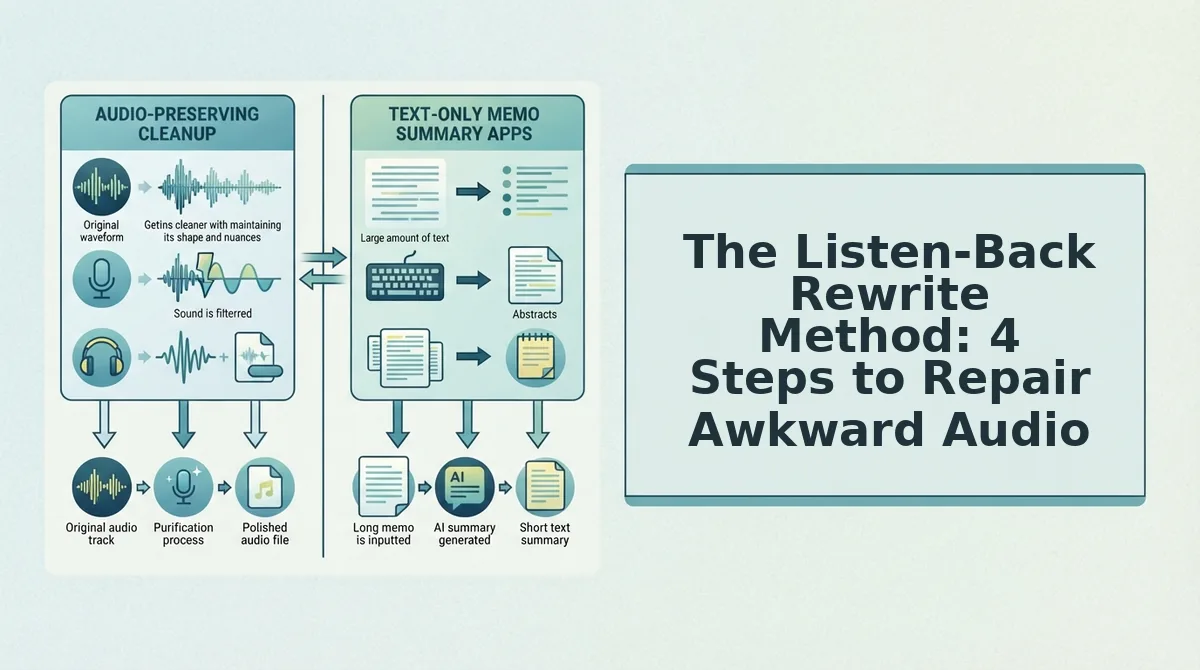
The Listen-Back Rewrite Method: 4 Steps to Repair Awkward Audio
The Listen-Back Rewrite Method is a 4-step workflow that isolates the awkward clause in a voice note, rebuilds it around a subject-verb-object core, and lets you re-record only the corrected segment, no full retake required. You'll need your original voice note, a way to play it back, and about 30 seconds per repair.
- Isolate the awkward clause. Play back your voice note and stop at the first sentence that sounds clunky. Don't judge the whole message, mark only the specific clause where the sentence derailed. You should be able to point to one phrase, like "the report, I sent it yesterday," and say: that's the problem.
- Find the subject-verb-object core. Strip the clause down to who did what. In "the report, I sent it yesterday," the core is I sent the report. Writing with Andrew's modifier guidance and Oxford Online English's structure principles both point to the same move: identify the actor, the action, and the object before touching anything else.
- Move modifiers to the end. Take any extra detail, time, place, reason, and attach it after the core. "I sent the report yesterday" works; "yesterday, the report, I sent it" doesn't. This single move fixes most trailing-modifier and inverted-clause problems in one pass.
- Re-record only the corrected clause. Hit record, speak the repaired sentence once, and splice it into the original note. You're not re-recording the whole message, just the 3 to 5 seconds that broke. If you'd rather skip the splice entirely, VClar can fix grammar in a voice message automatically while keeping your tone and cadence intact.
Worked example: A founder leaves a client voice note mid-thought: "So the timeline, what I'm saying is we can probably hit the 20th, assuming the design sign-off comes through." Step 1 isolates "the timeline, what I'm saying is." Step 2 finds the core: we can hit the 20th. Step 3 moves the condition to the end: "We can hit the 20th, assuming the design sign-off comes through." Step 4 re-records that one clause. Result: a clearer message in under 30 seconds, no full retake.
Once you can run this method on a single sentence, the next step is recognizing the five awkward spoken patterns that show up most often, so you can catch them before you even hit record.
5 Awkward Spoken Patterns and How to Repair Them
Most awkward voice notes fall into one of five recurring patterns. Each has a specific repair that restores clarity without flattening your natural delivery.
- Inverted clauses, restore subject-verb-object order. When you speak faster than you plan, the object often jumps ahead of the verb: "The report, I sent it yesterday." The repair is mechanical: identify the subject, verb, and object, then reorder them. "I sent the report yesterday" reads as decisive and takes the same breath to say.
- Trailing modifiers, attach the modifier to the noun it describes. A modifier that lands at the end of a sentence can attach to the wrong word: "I talked to the client about the delay, which was frustrating" leaves the listener unsure whether the delay or the conversation was frustrating. Move the modifier next to its noun: "I talked to the client about the frustrating delay."
- False starts, cut everything before the actual sentence begins. Spoken notes often open with verbal scaffolding: "So, the thing is, what I wanted to say was..." None of that carries meaning. Delete the false start and begin at the first real clause: "What I wanted to say is..." The message gets shorter and stronger.
- Circular phrasing, remove redundant connectors. Phrases like "The reason why is because..." repeat the same logical function twice. Trim to the single connector: "The reason is..." This pattern is easy to spot on playback because the sentence loops before it advances.
- Subject-verb distance, close the gap between subject and verb. When a long clause separates the subject from its verb, the sentence drifts: "The update on the project that we discussed last week, it is ready." Pull the subject and verb together: "The project update we discussed last week is ready." The listener no longer has to hold context across a gap.
The One-Take Repair: Fixing Audio Without Re-Recording
A one-take repair is a workflow that fixes only the awkward clause in a voice note, leaving the rest of the recording untouched. You do not need to re-record the whole message to fix one broken sentence.
Think of it like editing a document: you would not retype a page to fix one typo. You delete the bad word and type the correction. Audio repair works the same way at the clause level. Isolate the segment that came out wrong, re-record only that clause, and splice it back into the original timeline. Your cadence, tone, and pacing stay intact because you never re-performed the parts that already worked.
The workflow scales from simple to advanced. At the simple level, you listen back, mark the timestamp of the awkward clause, and re-record that single sentence. At the intermediate level, you also remove filler words from audio in the same pass, so the repaired clause does not reintroduce ums and false starts. At the advanced level, you run the full note through a tool like VClar, which detects awkward clause structure, corrects spoken grammar, and cleans the timeline in one pass.
Consider a sales rep sending a follow-up voice note at the end of a long day. The note is 90 seconds, but only one sentence came out backwards. Re-recording the whole note risks losing energy and authenticity. Repairing just the broken clause takes 15 seconds and preserves the original delivery. That is the one-take repair in practice.
Frequently Asked Questions About Fixing Awkward Spoken Sentences
Direct answers to the questions that come up most after people hear their own voice notes played back.
How do I fix a sentence that came out backwards when I was speaking?
Use the Listen-Back Rewrite Method: isolate the clause that came out inverted, restore subject-verb-object order, and re-record only that clause. For example, "The report, I sent it yesterday" becomes "I sent the report yesterday." You do not need to re-record the entire note.
Can I fix awkward sentences without re-recording the whole voice note?
Yes. Clause-level repair lets you re-record only the corrected segment and splice it back into the original audio. This preserves your original cadence, tone, and pacing while fixing the one sentence that broke. Tools like VClar automate this by detecting and repairing awkward clauses in a single pass.
What's the difference between spoken grammar and written grammar?
Spoken grammar is drafted in real time, so it includes false starts, fillers, inverted clauses, and trailing modifiers. Written grammar is planned and edited before anyone reads it. Voice notes sit between the two, which is why they benefit from a light repair pass rather than a full rewrite.
Why do my sentences sound fine in my head but awkward when I play them back?
When you speak, your brain fills in missing context and smooths over gaps automatically. When you listen back, you hear only the words as recorded, which exposes gaps in structure, dangling modifiers, and incomplete clauses that your internal monologue had silently corrected.
Can a voice note translator help with awkward sentence structure?
Yes. A voice note translator that includes speech enhancement can correct grammar and clause order while preserving your voice. This is useful when you are sending notes across languages, where awkward structure compounds translation errors.
Ready to stop re-recording? Fix your next voice note in one take.
Fix Your Next Voice Note in One Take
Awkward spoken sentences don't require a second take. They require a second pass, and that pass can happen in seconds, not minutes.
The Listen-Back Rewrite Method gives you a manual path: identify the break, isolate the clause, rewrite it aloud, and re-record only if you must. But the one-take repair angle changes the math entirely. Instead of catching awkward structure after the fact, you can record once and let the cleanup happen automatically.
That's the synthesis worth holding onto: the fix isn't in re-recording, it's in reprocessing.
- Try it now: Record your next voice note, then run it through VClar to fix grammar and remove fillers in one pass, no re-recording, no lost momentum.
- Or go manual: Apply the 4-step Listen-Back Rewrite Method to your next three voice notes and track how many awkward sentences you catch before sending.
Every awkward sentence you've ever re-recorded was fixable in the edit. The only question is whether you do that edit by hand or let the tool do it for you.
Awkward speech is a first-draft problem, and first drafts were never meant to be final.