
You hit send on a voice memo, replay it thirty seconds later, and hear yourself trail off mid-sentence: "So if we move the deadline to... yeah, anyway." That sinking feeling is the cost of one-take messaging, and it's more common than you think. Voice memos create more incomplete thoughts than live conversation because there is no listener feedback loop to catch you drifting.
You're not a sloppy speaker. You're recording without the conversational cues that normally keep your sentences anchored. This article will show you how to fix incomplete spoken thoughts in voice memos, both before you record and after the damage is done. You'll learn why your brain abandons sentences under recording pressure, how to structure a memo so you never trail off, and what to do with an audio file that's already full of dangling clauses. One finding ahead may surprise you: the problem isn't your vocabulary or your confidence, it's a working-memory bottleneck that tools like VClar's speech enhancer are built to bypass.
What Are Incomplete Spoken Thoughts?
An incomplete spoken thought is any utterance that starts as a sentence but fails to reach a grammatical or logical endpoint, the speaker abandons the clause before delivering the intended meaning. In recorded audio, these show up as mid-sentence abandonment, dangling clauses, and false starts.
Think of a spoken sentence like a bridge you're building as you walk across it. In live conversation, the listener's nods and confused looks tell you where to place the next plank. In a voice memo, you're building blind, and sometimes you just stop mid-span.
Here are three patterns you'll recognize from your own voice memos:
- Mid-sentence abandonment: "So I was going to... yeah, the meeting is at 3." The first clause dies before it connects to anything.
- False start with restart: "If we just adjust the timeline... actually, let me start over." The speaker discards a half-built sentence and begins again.
- Dangling clause with filler bridge: "The client said they want... um, it's about the budget." The filler word masks the moment the original thought collapsed.
Linguists classify these as disfluencies, interruptions in the flow of speech that signal the speaker's planning process broke down mid-utterance. In live dialogue, disfluencies are normal and often invisible. In a one-take voice memo, they become permanent artifacts of the recording, because there is no second pass to repair them.
Most speaking advice treats incomplete thoughts as a grammar-class problem: slow down, think before you speak, use complete sentences. That framing ignores the specific mechanics of recorded audio, where you cannot see your listener and cannot revise what's already been captured. The fix isn't better grammar, it's better recording structure and, when needed, post-recording cleanup.
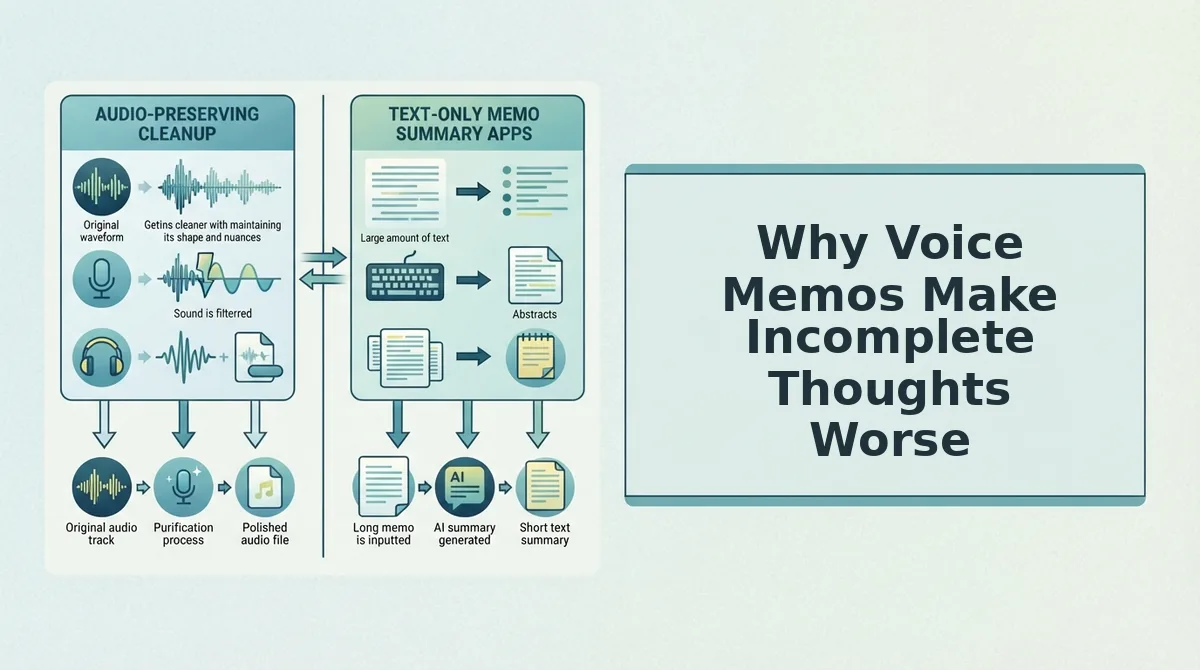
Why Voice Memos Make Incomplete Thoughts Worse
The One-Take Trap is the recording-specific pressure that amplifies incomplete spoken thoughts: no listener feedback loop, self-monitoring overload, and the knowledge that every false start is permanent. Voice memos strip away the conversational safety nets that normally keep your sentences intact.
In live conversation, a confused look from the listener prompts you to clarify. A raised eyebrow tells you the sentence didn't land, so you rephrase on the spot. In a voice memo, you get no such cue. You speak into a void, and the absence of feedback means an abandoned clause goes unnoticed until you replay the message, at which point it's already sent or saved.
Self-monitoring overload is the second mechanism. When you record, you're simultaneously planning the next sentence, speaking the current one, and evaluating how you sound. This triple task consumes working memory, the mental scratchpad that holds your sentence structure together while you speak. When working memory runs out, the sentence collapses mid-clause. That's why you trail off exactly when you're trying hardest to sound polished.
Think of working memory like a phone battery. Live conversation runs it at moderate drain because the listener shares the cognitive load. Voice memo recording runs it at maximum drain because you're doing all three jobs alone. The battery dies, and your sentence dies with it.
The third pressure is one-take permanence. You know you can re-record, but every restart costs time and erodes confidence. That pressure makes you overthink, which consumes even more working memory, which produces more incomplete thoughts. The trap feeds itself.
Understanding these three mechanisms is the first step to escaping them. The next section covers how to prevent incomplete thoughts before you hit record.
How to Prevent Incomplete Thoughts Before You Record
You can prevent most incomplete thoughts in voice memos by structuring your message before you hit record and using recovery techniques when your mind goes blank mid-sentence.
Prerequisites: Your phone's voice memo app, a quiet recording space, and 30 seconds of planning time.
- Write a 3-point outline on paper or in a notes app. Jot down context, key message, and call to action in three short lines. This takes under 30 seconds and gives your brain a track to follow, so you won't trail off searching for what to say next.
- State your main point in the first 5 seconds. Open with the decision, request, or answer before adding background. You should hear a complete, standalone sentence within the first five seconds of playback.
- Pause for 2 seconds when you lose your train of thought. Stop speaking, breathe, and continue from the last complete phrase you said. You should avoid the "let me start over" spiral and keep the original take usable.
- Record in one continuous take without stopping the app. If you stumble, keep the recording running and repeat the sentence cleanly. You should end with one audio file that contains a clean version of every point, which you can then run through a tool that can remove filler words from audio automatically.
VClar's cleanup engine handles the rough edges, so your pre-recording job is only to keep the core structure intact.
How AI Fixes Incomplete Thoughts in Already-Recorded Voice Memos
AI voice cleanup tools detect and repair incomplete thoughts in existing audio by identifying abandoned clauses, dangling subordinators, and false starts, then reconstructing a clean transcript and audio timeline without re-recording.
Prerequisites: A recorded voice memo file (MP3, M4A, or WAV) and an AI voice cleanup tool such as VClar.
- Upload your voice memo to VClar's editor. Open the app, click Upload Audio, and select your file. You should see a waveform preview appear within a few seconds.
- Run the incomplete-thought detection pass. Click Clean Audio. The AI scans for false starts like "So I was going to... yeah," dangling clauses like "If we just adjust the timeline... actually," and abandoned sentence fragments. You should see flagged segments highlighted on the timeline.
- Review the repaired transcript. Open the Transcript panel to compare before and after. Before: "So I was going to... yeah, the meeting is at 3." After: "The meeting is at 3." Before: "If we just adjust the timeline... actually, let me start over. The deadline is Friday." After: "The deadline is Friday."
- Export the cleaned audio or transcript. Click Export and choose your format. You should get a polished voice memo that sounds like you, minus the dead ends, and a transcript that can also fix grammar in voice messages automatically.
This post-recording repair workflow means you never have to re-record a voice memo because of a mid-sentence stumble again.
FAQ
How do you fix incomplete spoken thoughts in voice memos?
Upload the memo to an AI voice cleanup tool like VClar, which detects false starts, abandoned clauses, and dangling subordinators, then removes them from both the audio and transcript. You get a clean, complete-sounding message without re-recording anything.
Why do I lose my train of thought mid-sentence?
Losing your train of thought usually happens when your speaking speed outpaces your planning speed, or when you're multitasking while recording. Voice memos amplify this because there's no listener feedback to pull you back on track.
Can you edit a voice memo without re-recording?
Yes. AI audio editors can remove filler words, false starts, and incomplete thoughts directly from the existing file. The tool reconstructs the audio timeline seamlessly, so the edited memo sounds like a single confident take.
What's the difference between a filler word and an incomplete thought?
A filler word is a verbal hesitation like "um" or "like" that adds no meaning. An incomplete thought is a sentence fragment you abandon mid-way, such as "So I was going to..." before switching to a new idea. Both can be removed by AI cleanup, but incomplete thoughts require structural repair, not just deletion.
For voice memos in multiple languages, a voice note translator can handle cleanup and translation in one pass.
Two Paths, One Take
Prevention techniques work, but only if you practice them consistently, and even then, spontaneous speech will occasionally fragment under pressure. That's the reality. Structure helps before you hit record; AI repair handles what slips through anyway.
Here's the synthesis that matters:
- Prevention trains your speaking habits over time, but won't catch every incomplete thought in the moment.
- AI repair works best on clear audio, record in a quiet space, then let the tool clean up what your brain rushed past.
- Your voice stays yours. The fix happens in the timeline, not in a synthetic re-recording.
Take one voice memo you already recorded, the one with the half-finished sentence you've been avoiding sending, and run it through VClar. You'll hear the difference in under a minute: the incomplete thought resolved, the filler gone, your cadence intact.
The voice memo isn't the problem. The retake loop is. Fix the audio, not the speaker.