
You recorded a 90-second voice memo for a client, played it back, and heard a stranger rambling through fragments, false starts, and three different attempts at the same sentence. Your brain thinks at roughly 150 words per minute but speaks at about 125, so the gap fills with "um," "basically," and half-finished thoughts that sound fine in your head and terrible on playback.
If you have ever deleted a voice memo out of embarrassment and re-recorded it four times, you already know the problem: you need to clean messy sentence structure without losing your natural delivery. This guide walks you through why spoken sentences fall apart, the three patterns that cause most of the damage, and a one-take cleanup method you can apply to any voice memo.
Along the way, you will see how tools like VClar remove filler words and repair spoken grammar automatically, so you stop burning time on re-recording loops. One pattern in particular is the reason most voice memos sound worse than they actually are, and it is not the one you think.
Why Do My Sentences Sound Messy When I Play Them Back?
Messy sentence structure in voice memos is the gap between how your brain plans speech and how your mouth actually delivers it. Your internal monologue moves faster than your speaking pace, so thoughts arrive out of order, trail off, or double back on themselves.
Start with the simplest cause: sentence fragments. A sentence fragment is an incomplete thought missing a subject, a verb, or both, like "So yeah, the Q3 numbers." It feels complete in your head because you already know the context, but a listener only hears a dangling phrase. Fragments are natural in casual conversation, where facial expressions and gestures fill the gaps. In a voice memo, those cues are gone, and the fragment sounds like an error.
Next, run-on sentences. A run-on is two or more complete thoughts jammed together without a clean break: "We launched the feature and then the team got feedback and then we iterated and then we shipped again." Spoken grammar tolerates this chaining because breath and rhythm signal where one idea ends. Written grammar does not, and neither does a listener trying to follow your point.
At the advanced level, circular phrasing compounds both problems. Circular phrasing is when you restate the same idea multiple times with different words before committing to it: "What I mean is, like, the core issue is, essentially, we need to move faster." Think of it like a car circling a parking lot looking for a spot, the driver knows the destination, but the passenger just feels the loops. Spoken grammar rules differ from written grammar: fragments and run-ons are natural in speech, but in a voice memo they read as disorganization because the listener cannot see your face or hear your tone the way they would in person.
Here is the self-contained answer: messy voice memos happen because your brain plans at roughly 150 words per minute while your mouth delivers at about 125, creating a 25-word-per-minute backlog that surfaces as fragments, run-ons, and circular restatements. The fix is not to slow down, it is to clean the structure after the fact, preserving your natural cadence while removing the verbal debris.
The 3 Messy Sentence Patterns in Spoken English
Most messy voice memos contain one of three structural patterns: fragments, run-ons, or circular phrasing. Each has a distinct cause and a targeted fix you can apply immediately.
- Sentence fragments, incomplete thoughts that trail off. A fragment is a phrase missing a subject or verb, like "So yeah, the Q3 numbers... basically we saw..." It happens because your brain already knows the full thought and assumes the listener does too. The fix is to complete the thought: "The Q3 numbers show a 12% increase in retention." Fragments are the most common pattern in voice memos because spoken grammar tolerates them, but playback does not.
- Run-on sentences, multiple ideas chained without a break. A run-on strings two or more complete thoughts together with "and then" or "so": "We launched the feature and then the team got feedback and then we iterated and then we shipped again." It happens because speaking pace encourages momentum over punctuation. The fix is to split the chain into two sentences: "We launched the feature. The team's feedback drove two more iterations before the final ship." Run-ons make listeners lose the thread because there is no pause to process each idea.
- Circular phrasing, restating the same point before committing to it. Circular phrasing wraps a simple idea in layers of qualification: "What I mean is, like, the core issue is, essentially, we need to move faster." It happens because you are thinking while speaking, testing formulations out loud. The fix is to cut to the point: "We need to move faster." Circular phrasing is the most damaging pattern because it buries the actual message under verbal scaffolding.
Each pattern is fixable in seconds once you can name it, and the next section shows you how to catch all three in a single pass.
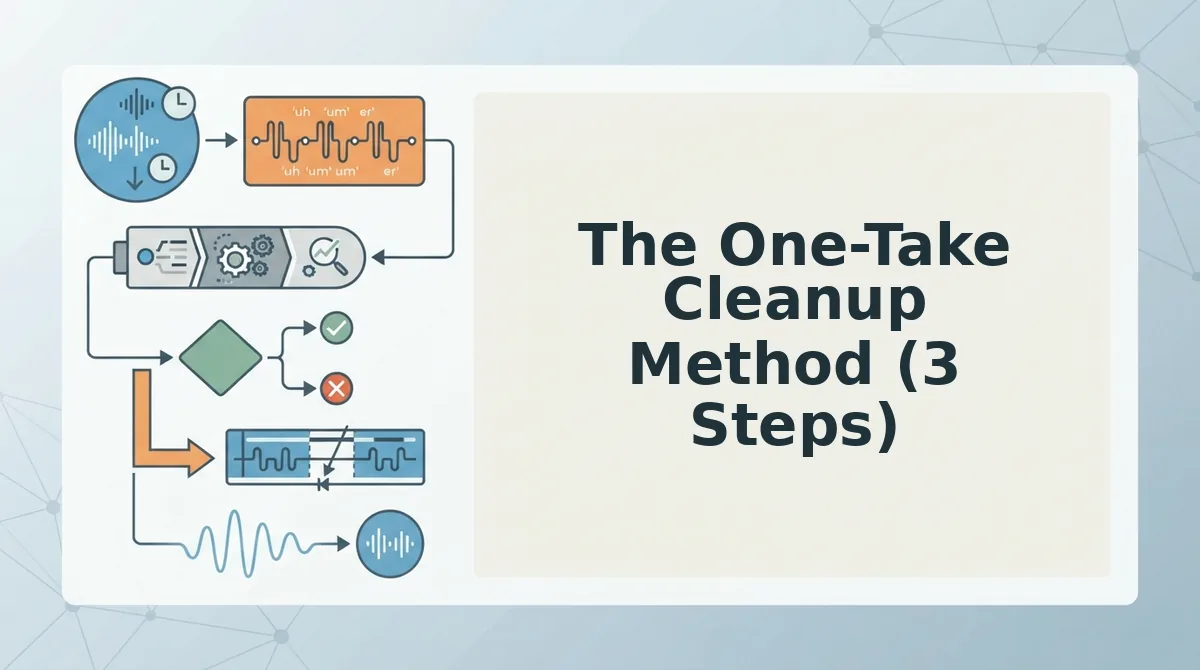
The One-Take Cleanup Method (3 Steps)
You can clean messy sentence structure in a single voice memo pass without re-recording by following a three-step sequence: capture the raw audio, map the problem patterns, and run automated cleanup. You need a voice recorder app on your phone or laptop and access to VClar's filler word remover for the final pass. Total time: under 5 minutes.
- Record the message in one uninterrupted take. Open your voice memo app, hit record, and speak the full message without stopping to self-correct. Expect to hear ums, false starts, and tangled clauses, that is normal spoken output, not a failure. Success looks like a single audio file with your complete thought captured, even if the transcript reads rough.
- Identify the three messy patterns in your transcript. Play back the memo and mark every instance of filler words, run-on sentences, and sentence fragments. A founder recording a team update might say: "So basically we, um, we shipped the feature and like the onboarding flow is, you know, it's live now but we still need to fix the, the billing page." The patterns: fillers (basically, um, like, you know), a false start ("we, um, we"), and a fragment ("the, the billing page"). Success looks like a short list of problem spots you can name.
- Upload the audio to VClar and run cleanup. Open the filler word removal tool, upload the raw memo, and let the engine strip fillers, smooth false starts, and tighten grammar in one pass. The cleaned version of the founder's memo reads: "We shipped the feature and the onboarding flow is live, but we still need to fix the billing page." Success looks like a polished transcript and audio that still sounds like you, same voice, same cadence, no re-recording required.
Step 3 is where VClar earns its keep: it removes filler words from audio and repairs spoken grammar automatically, so you send the first take instead of recording a fifth.
Manual Editing vs. Voice Cleanup Tool: Which Is Faster?
Manual editing gives you full control over every word but costs time and kills spontaneity; an automated voice cleanup tool trades granular control for speed and one-take confidence. The right choice depends on whether you value precision or momentum.
| Factor | Manual Editing | Voice Cleanup Tool (VClar) |
|---|---|---|
| Time per 2-minute memo | 10 - 20 minutes (re-record or timeline edit) | Under 2 minutes (upload and process) |
| Spontaneity preserved | No, re-recording flattens tone | Yes, original voice, cadence, and intent intact |
| Grammar and filler cleanup | Manual, error-prone, requires audio editing skill | Automated filler removal and grammar repair in one pass |
| Learning curve | Steep for timeline editors like Audacity or Descript | Minimal, upload, process, send |
| Best for | Podcast editors and producers who need frame-level control | Founders, sales reps, and creators who need to send a clear message now |
Manual editing is the stronger choice when you are producing a polished podcast episode or client deliverable where every pause and breath matters. Audio editors legitimately need that control, and no automated tool replaces a skilled human ear for creative pacing decisions.
For everyday voice memos, team updates, prospect follow-ups, async standups, manual editing is overkill. Re-recording a 90-second update three times to remove "um" and untangle a clause wastes 15 minutes and drains the energy from your delivery. VClar removes fillers and fixes grammar in voice messages in one automated pass, so you record once and send with confidence. If your goal is clear communication without the editing tax, the cleanup tool is the faster workflow.
FAQ: Cleaning Messy Sentence Structure in Voice Memos
Cleaning messy sentence structure in voice memos means removing filler words, repairing run-ons and fragments, and smoothing false starts, without re-recording or losing your natural speaking voice. Here are the questions people ask most.
How do I clean messy sentence structure in voice memos?
Upload the raw audio to a voice cleanup tool like VClar, which removes fillers, repairs grammar, and smooths false starts in one automated pass. You keep your original voice and cadence, and the output is ready to send in under two minutes.
Why do my sentences sound messy when I play them back?
Spoken language is produced in real time, so your brain inserts fillers and restarts while it searches for the next word. Written sentences get edited before anyone sees them; spoken sentences expose the raw drafting process, which is why playback sounds messier than your typed messages.
Can I fix sentence fragments without re-recording?
Yes. VClar detects incomplete clauses and false starts in the audio timeline and repairs them automatically, so the output reads as complete sentences. You do not need to record a second take or splice audio manually.
What's the difference between cleaning written and spoken sentences?
Written editing changes words on a page; spoken cleanup must preserve timing, tone, and vocal identity while removing disfluencies. A text editor cannot fix audio, but a voice cleanup tool edits the spoken timeline directly, including across languages via a voice note translator.
If you are ready to stop re-recording, the next step is simple: record once, clean once, send with confidence.
Record Once. Clean Once. Send with Confidence.
Fragments, run-ons, and circular phrasing share one root cause: you're editing your thoughts while speaking them. The fix isn't more takes. It's a cleanup pass that respects what you actually said.
The three patterns you've learned to spot, fragments that trail off, run-ons that stack clauses, and circular phrasing that loops back on itself, all collapse under the same three-step method: identify the pattern, fix the structure, polish the delivery. VClar handles steps two and three in one pass, removing fillers and tightening grammar without flattening your tone or swapping in a synthetic voice.
Here's the shift worth internalizing: messy speech is a drafting problem, not a speaking problem. You don't need to become a more careful talker. You need a cleanup step that works at the speed of your thinking.
Your next action: record your next voice memo the way you naturally speak, then run it through VClar's spoken english grammar cleaner and hear the difference in one pass. No re-recording. No scripted delivery. No robotic output.
The goal was never perfect speech, it's one take, cleaned once, sent with confidence.