
You knew exactly what you wanted to say. Then you hit record, and the voice note came out as a tangle of half-finished thoughts, "ums," and sentences that trail off into nowhere. If you've ever re-recorded the same 30-second message five times, you already know the frustration of trying to clean messy sentence structure in audio by sheer willpower.
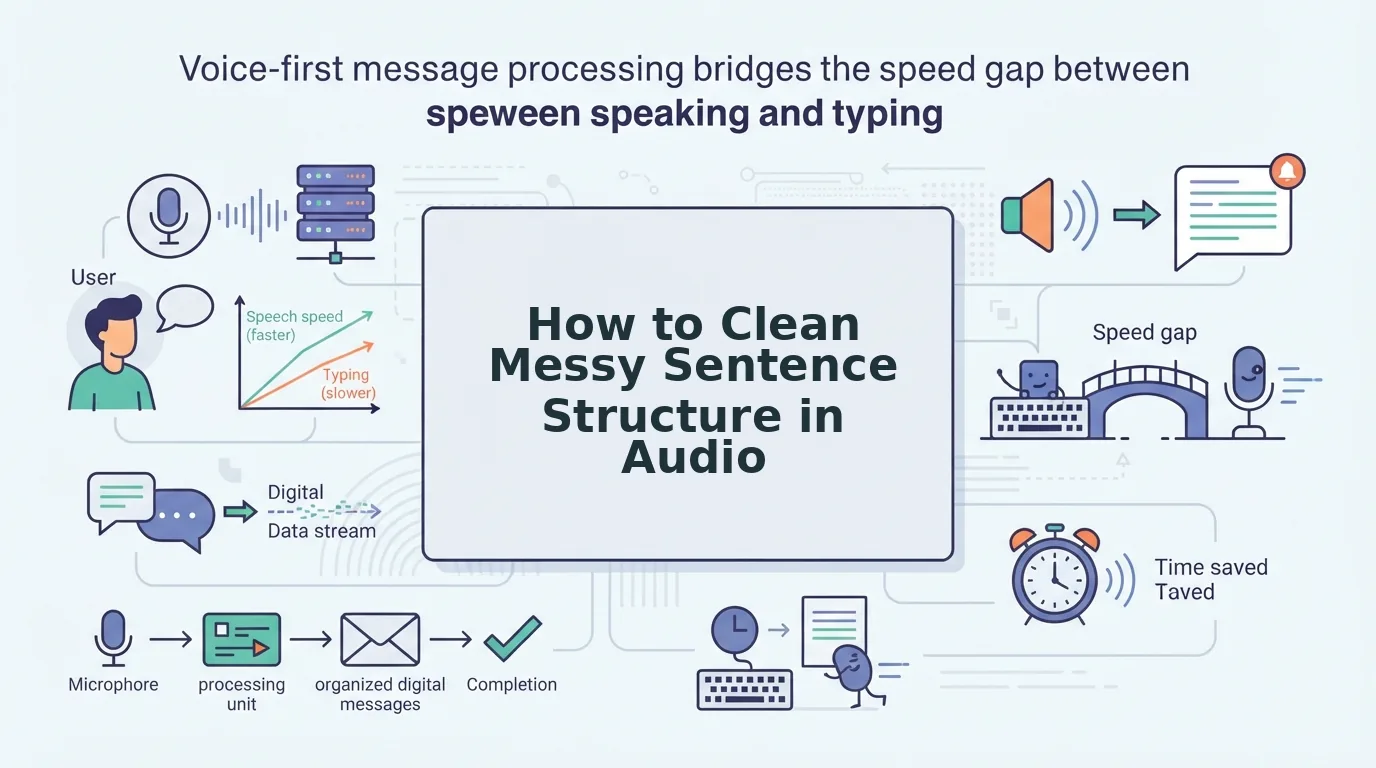
That frustration isn't a skill gap. Your brain thinks at roughly 150 words per minute, but your mouth only speaks at about 125. That gap forces your brain to compress, drop, or reorder sentence parts mid-stream, and the result is fragments, false starts, and run-ons that make you sound less sharp than you are.
This guide gives you a repeatable, no-re-record method for turning tangled voice notes into clear, decisive messages. You'll learn why the mess happens in the first place, a 3-pass cleanup framework you can apply to any recording, and why your text-based grammar checker keeps failing your audio. Along the way, you'll see how tools like VClar's spoken English grammar cleaner handle the cleanup without flattening your natural voice.
One finding in particular will change how you record voice notes permanently, and it has nothing to do with rehearsing more.
Why Your Voice Notes Sound Messy Even When You Know What to Say
Messy voice notes are not a speaking failure, they are a byproduct of the speed gap between how fast you think and how fast you can physically speak. Your brain generates language at roughly 150 words per minute, but your mouth delivers it at about 125. That 25-word-per-minute deficit forces your brain to make real-time cuts, and those cuts show up as fragments, false starts, and abandoned clauses.
Think of it like a highway where five lanes of traffic suddenly merge into three. Cars don't disappear, they pile up, cut each other off, and stall. Your thoughts do the same thing when they hit the bottleneck of your speaking speed.
Spontaneous speech is a live compression algorithm. When you speak without a script, your brain prioritizes getting the core idea out fast, which means it drops connectors, repeats words, and inserts fillers like "um" or "you know" as placeholders while it catches up. Written grammar tools are built for text that has already been through a revision pass, they have no model for the raw, unedited output of a brain speaking in real time.
Here's the specific problem in plain terms: a fragment like "The client call, we should move it, the time zone thing" is perfectly understandable to a listener who shares your context. But it reads as broken English when transcribed, and it sounds unpolished when replayed. Your text checker flags it as an error, but it can't tell you how to fix the spoken version without rewriting your voice entirely.
That's why audio-first cleanup matters. A tool like VClar's spoken English grammar cleaner is built to recognize the patterns of spontaneous speech, false starts, self-corrections, filler words, and repair them while preserving your cadence and tone. The mess isn't a flaw in your thinking. It's a timing problem between two systems that were never designed to run at the same speed.
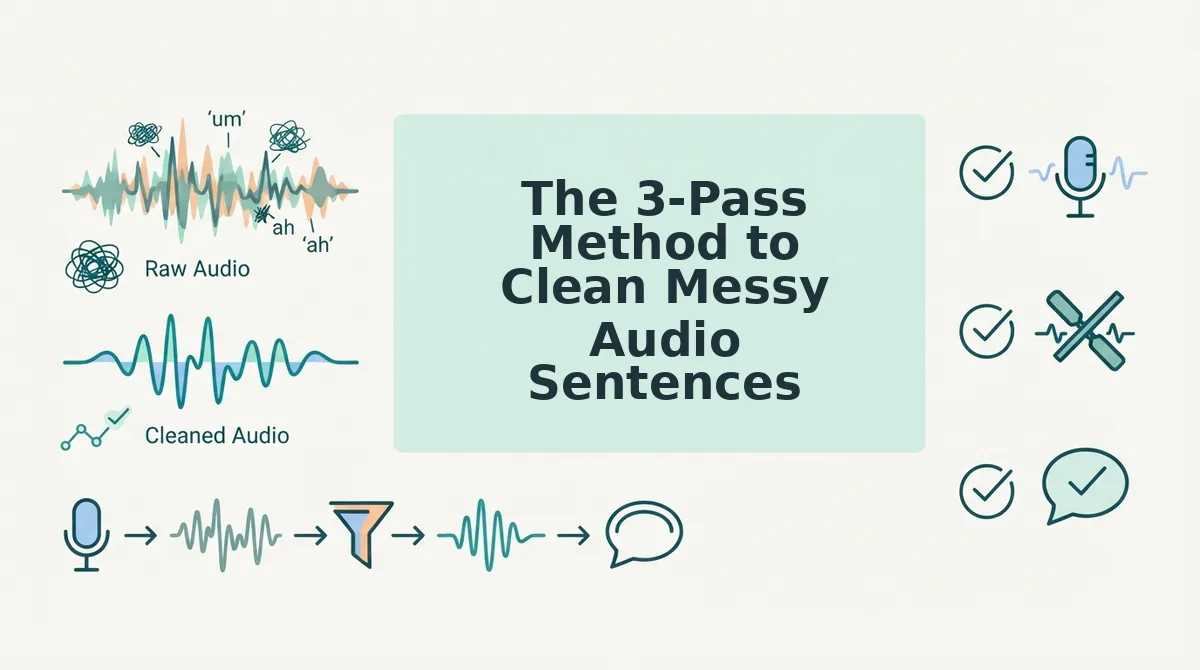
The 3-Pass Method to Clean Messy Audio Sentences
The 3-Pass Method is a repeatable framework for turning raw voice notes into clear, polished audio: remove fillers and false starts first, repair sentence structure second, and polish delivery third, all without re-recording. You'll need your raw audio file and either a manual editing tool or an AI voice cleaner like VClar.
- Pass 1: Strip fillers and false starts (2-3 minutes). Open your recording in VClar or your editor of choice. Play it back once and mark every "um," "ah," "like," "basically," and repeated word at the start of a sentence. Use VClar's remove filler words from audio capability to strip these automatically, or cut them manually. You should hear a noticeably tighter message with no verbal debris between ideas.
- Pass 2: Repair fragments and run-ons (3-5 minutes). Listen for sentences that start strong but collapse, "The proposal, we should send it, maybe Thursday." Rewrite these in your head as complete thoughts: "We should send the proposal on Thursday." If you're using VClar's fix grammar in voice messages feature, it handles this repair automatically by restoring dropped subjects, verbs, and connectors while keeping your word choices intact. Success looks like every sentence having a clear subject and verb, with no orphaned clauses.
- Pass 3: Polish delivery without losing your voice (1-2 minutes). Play the cleaned version once more. Check that the pacing sounds natural, the emphasis lands where you intended, and your accent and tone are untouched. If a sentence now sounds too formal or stiff, loosen it back toward your natural phrasing. The goal is decisive, not robotic. You should recognize your own voice, just the version that doesn't stumble.
The contrarian move here: don't rehearse before you record. Rehearsal pushes you into written-grammar mode, which makes you slower and more self-conscious. Record raw, let the mess happen, then clean it up in three passes. Authenticity first, cleanup second.
If you're wondering why your text-based grammar checker keeps flagging spoken phrases that sound perfectly fine out loud, the answer lies in the difference between spoken grammar and written grammar, and that's exactly what we'll unpack next.
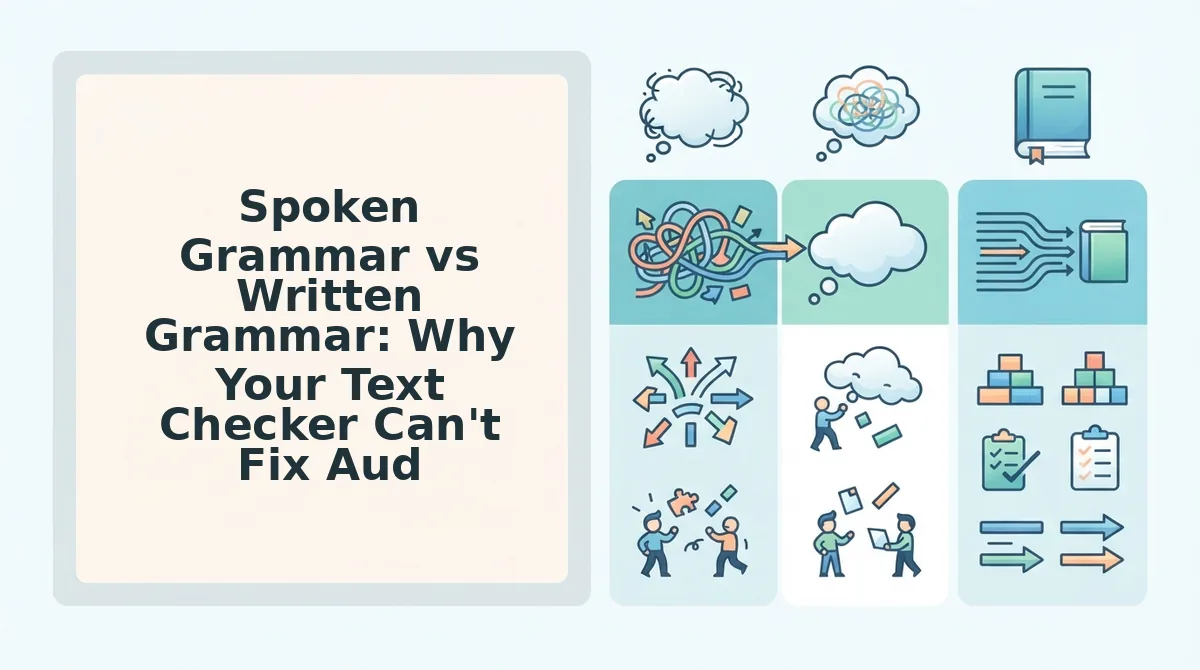
Spoken Grammar vs Written Grammar: Why Your Text Checker Can't Fix Audio
Text grammar checkers are built for complete, typed sentences, but spoken audio contains fillers, false starts, run-ons, and prosody that written tools never see. The right tool depends on whether you are cleaning text or cleaning speech.
| Feature | Written Grammar Checkers (Grammarly, ProWritingAid) | Audio-First Speech Enhancers (VClar) |
|---|---|---|
| Handles complete written sentences | Yes, core strength | Yes, after transcription |
| Detects fillers (um, ah, like, you know) | No, not present in typed text | Yes, removes from audio timeline |
| Repairs false starts and fragments | Limited, flags fragments but cannot reconstruct spoken intent | Yes, rebuilds broken clauses into coherent sentences |
| Preserves prosody, tone, and cadence | Not applicable, text only | Yes, audio output keeps the speaker's natural voice |
| Fixes run-on spoken sentences | Partially, suggests punctuation but cannot re-time audio | Yes, restructures syntax and re-times the audio seamlessly |
| Output format | Edited text | Cleaned audio plus corrected transcript |
Best for writers and editors: Written grammar checkers excel at polishing essays, emails, and articles where the sentence already exists in full form. They are the right choice when your starting point is a typed draft.
Best for founders, sales teams, and creators who send voice notes: An audio-first tool like VClar is the only option that can fix grammar in voice messages without forcing you to retype or re-record. Written checkers cannot hear a false start or remove an "um" from an audio waveform.
Written grammar tools handle complete sentences; spoken grammar requires handling fillers, false starts, run-ons, and prosody. VClar's audio-specific pipeline corrects grammar while preserving the speaker's natural voice, tone, and cadence, a task no text checker was designed to perform.
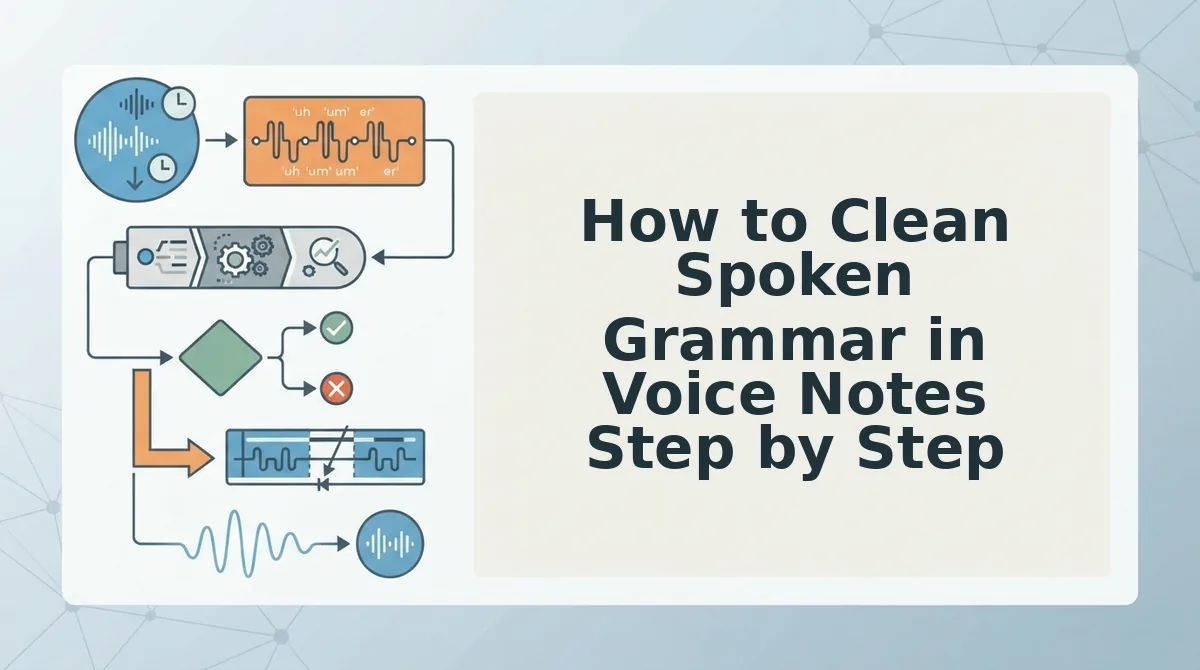
How to Clean Spoken Grammar in Voice Notes Step by Step
To clean spoken grammar in voice notes, run your raw audio through an AI speech enhancer that detects grammatical errors, removes fillers, and repairs fragments while preserving your natural voice. The process takes under five minutes from raw recording to polished message.
Prerequisites: A smartphone or computer with a microphone, a raw voice note recording, and access to VClar's speech enhancement tool.
- Record the voice note raw without rehearsing. Open your voice memo app and speak naturally as if leaving a message for a colleague. Do not restart when you stumble, false starts and fillers are exactly what the cleanup step will handle. You should end with one continuous audio file, even if it sounds rough.
- Upload the audio to VClar. Open VClar and click Upload Audio, then select your voice note file. The tool accepts common formats including M4A, MP3, and WAV. You should see a processing indicator while the engine analyzes your speech.
- Run the grammar and filler cleanup pass. Click Enhance Speech. VClar removes fillers like "um" and "like," repairs sentence fragments, and corrects spoken grammar errors. You should see a cleaned transcript appear alongside the original.
- Review the cleaned transcript and audio side-by-side. Open the side-by-side view and compare the original transcript with the corrected version. Listen to the cleaned audio to confirm your tone, accent, and cadence remain intact. You should hear the same voice, just more decisive and grammatically sound.
- Export or send the polished message. Click Export to download the cleaned audio, copy the corrected transcript, or send the message directly to your messaging app. You should have a ready-to-send voice note with no re-recording required.
To clean spoken grammar in voice notes, run your raw audio through an AI speech enhancer that detects grammatical errors, removes fillers, and repairs fragments while preserving your natural voice. The tool produces a corrected transcript and cleaned audio in one pass, so you can review both outputs side-by-side before sending. This workflow eliminates the re-recording loop entirely, record once, clean once, send with confidence. For a deeper walkthrough of the grammar correction step, see how to fix grammar in voice messages with VClar's audio-specific pipeline.
FAQ: Cleaning Messy Sentence Structure in Audio
How do I clean messy sentence structure in an audio message?
Use the 3-pass method: remove filler words, repair syntax and fragments, then polish delivery with an AI speech enhancer. VClar performs all three passes in one upload, producing cleaned audio and a corrected transcript without re-recording.
Can I fix sentence fragments in voice memos without re-recording?
Yes. AI speech enhancers detect incomplete clauses and false starts, then reconstruct them into grammatically complete sentences while preserving your original voice, tone, and cadence. No second take is required.
What's the difference between cleaning spoken and written grammar?
Spoken grammar includes fillers, false starts, run-ons, and prosody that written grammar tools ignore. Text checkers only process complete typed sentences; audio-first tools must also handle timing, intonation, and acoustic artifacts.
Why does my voice note sound unprofessional even when my grammar is correct?
Fillers like "um" and "basically," false starts, and uneven pacing undermine authority even when syntax is technically correct. Removing these speech artifacts makes the same words sound more decisive and polished.
How do I translate a voice note and keep the grammar clean?
Use a voice note translator that corrects grammar in both the original and translated audio. VClar's translation pipeline cleans fillers and repairs syntax before translating, so the output is grammatically sound in every language. Learn more about how to translate voice notes without losing clarity.
The 3-Pass Method Turns Messy Audio Into a Repeatable Habit
Messy audio is a cognitive mismatch, not a skill gap. Your brain thinks in fragments, but your listeners expect structure. The 3-pass method closes that gap without forcing you to re-record a single take.
Here's the payoff: after one full cycle, identify, clean, verify, you stop dreading voice notes. You start trusting your first take.
Three concrete next steps:
- Run your next voice note through the filler word removal tool before sending it. Expect a 30-second message to drop to roughly 20 seconds of decisive audio.
- Apply the spoken grammar pass from Section 5, then use the grammar fixer for voice messages to catch what your ear misses.
- Keep a running list of your three most frequent sentence patterns that break down. Fix those first every time.
The open loop from the start, why you sound less competent in audio than in writing, resolves here: written grammar tools were never built for spoken cadence. The 3-pass method was.
Clean audio isn't about speaking perfectly. It's about editing with a system that respects how you actually talk.